
10 Best Lead Routing Software for 2026: Accelerate Your Web-to-Product Pipeline

Lead routing software is not a backend ops tool. It is a revenue system.
In sales-led growth, when a buyer requests a demo or pricing, you get one high-intent moment. Speed, relevance, and ownership in that moment determine whether the pipeline is created or lost.
I’ve spent five years implementing lead routing systems for B2B SaaS companies. I’ve watched deals die because leads sat in queues too long, and I’ve helped companies fix their distribution systems.
The tools I recommend below are systems I deploy for clients. Routing alone won’t convert the pipeline. You need two systems working together: routing to get leads to the right rep, and product experience to convert those users after they arrive.
This guide covers the best lead routing software for 2026 and how to connect routing to product experience, so leads actually activate, not just book meetings.
How efficient is your current Lead Routing Software setup?
See if you have a “Value Gap” in your pipeline.
When a lead is routed to sales, does the rep know the user’s *in-app* behavior?
What happens to valid leads who aren’t ready to buy immediately?
Result: Your Lead Routing Software is only doing half the job.
Routing gets the lead to the door, but it doesn’t make them stay. To fix the “Value Gap” between booking a meeting and closing the deal, you need to activate users inside the product.
Don’t just route leads. Activate them with Userpilot.
Try Userpilot Now
See Why 1,000+ Teams Choose Userpilot

What is lead routing software?
At its core, lead routing is traffic control for your revenue. It’s the automated process of assigning incoming leads to the specific sales representatives, account executives, or nurturing sequences best equipped to handle them.
Rather than manually reviewing an inbox or a CSV file, lead routing software uses predefined rules (such as territory, company size, industry, or customer intent) to distribute contacts instantly to the right team members. Modern platforms also include automated workflows that handle distribution based on real-time signals.
Why lead routing matters for SLG marketing teams?
The ‘old way’ of handling lead distribution involves a sales manager manually assessing leads or a basic round-robin script that blindly assigns contacts regardless of fit.
I’ve seen this outdated, manual lead management process kill momentum at dozens of companies. By the time a sales rep gets the notification, the prospect has already booked a meeting with a competitor using automated scheduling.
I’ve seen three critical reasons why marketing teams need proper lead routing:
- Speed-to-Lead: The 5-minute rule has become the modern benchmark for inbound response. Sales automation through automated routing eliminates the manual triage delay, ensuring inbound leads are worked while they’re still thinking about your product. Speed directly impacts conversion rates. The right distribution engine ensures routing leads happen in seconds, not hours.
- Contextual Relevance: Good routing passes context, not just a name. It ensures the rep knows exactly what the user was doing before they raised their hand (product interest, lead source, behavior). This relies heavily on robust customer data integration and data enrichment to prevent data silos and ensure qualified leads reach the right team.
- Fairness: On the internal side, it prevents sales team friction. Routing algorithms ensure every rep gets a fair shot at hitting quota based on clear logic, removing internal politics regarding lead distribution. Proper load balancing across your sales process keeps the entire team productive.

Maximize the Best Lead Routing Software with Userpilot to Drive Activation

What to look for in lead routing software in 2026
The market is flooded with lead routing tools claiming to optimize your sales pipeline. After evaluating dozens of routing software platforms for clients, I focus on four capabilities that actually drive business growth.
Lead to account matching
Without proper lead-to-account matching, your lead routing tool can’t assign leads to the appropriate team members who already own the account. The software must match leads to existing accounts in your customer relationship management system. Without this, you risk two reps calling the same company, which looks unprofessional and wastes resources.
Complex logic capabilities
Basic routing with simple ‘If/Then’ assignment rules isn’t enough for scaling sales teams. You need sophisticated routing capabilities: weighted round robin distribution (giving senior sales reps more leads), territory-based routing, geographic location rules, and load balancing across sales representatives based on availability.
Integration depth
Your lead routing software needs seamless integration with existing systems. If you use Salesforce or HubSpot for customer relationship management, look for native integration capabilities. It should connect with scheduling tools to enable instant meeting scheduling when inbound leads convert.
Analytics
You can’t improve what you can’t measure. You need visibility into your sales pipeline to spot bottlenecks: which sales reps ignore incoming leads, which territories are overwhelmed, and where lead distribution fails. Look for tools that track conversion rates, response times, and true routing needs.
10 Best lead routing software tools
Here are my curated recommendations for the best lead routing software in 2026. I’ve deployed these routing tools for clients and organized them by primary use case and key features.
| Software | Best use case | Primary mechanism | Pricing model |
|---|---|---|---|
| LeanData | Enterprise Salesforce Ops | Visual Graph / Backend | Quote-based |
| Chili Piper | Inbound Speed | Instant Scheduling | Per user/month |
| Qualified | Conversational Sales | Live Chat / Voice | Quote-based |
| HubSpot | All-in-one Users | Workflow Rotation | Tiered Platform Fee |
| Salesforce | Basic CRM Users | Assignment Rules | Included in CRM |
| RevenueHero | Growth Teams | Instant Scheduling | Platform fee + per user/month |
| Calendly | Simple Scheduling | Booking Links | Per user/month |
| Freshsales | SMB All-in-One | CRM Assignment | Per user/month |
| Workato | Custom Ops Workflows | API Automation | Workspace/Recipe-based |
| Segment | Behavioral Routing | Data Pipeline | MTU (Monthly Tracked Users) |
1. LeanData
- Best For: Enterprise teams with complex territory management and heavy Salesforce reliance.
- Primary Mechanism: Visual drag-and-drop routing graph with “fuzzy” matching logic.
- Pros/Cons: Extremely customizable and keeps data clean within Salesforce. However, it requires custom pricing (expect $30K+/year) and can be overkill for small businesses with basic routing needs.”
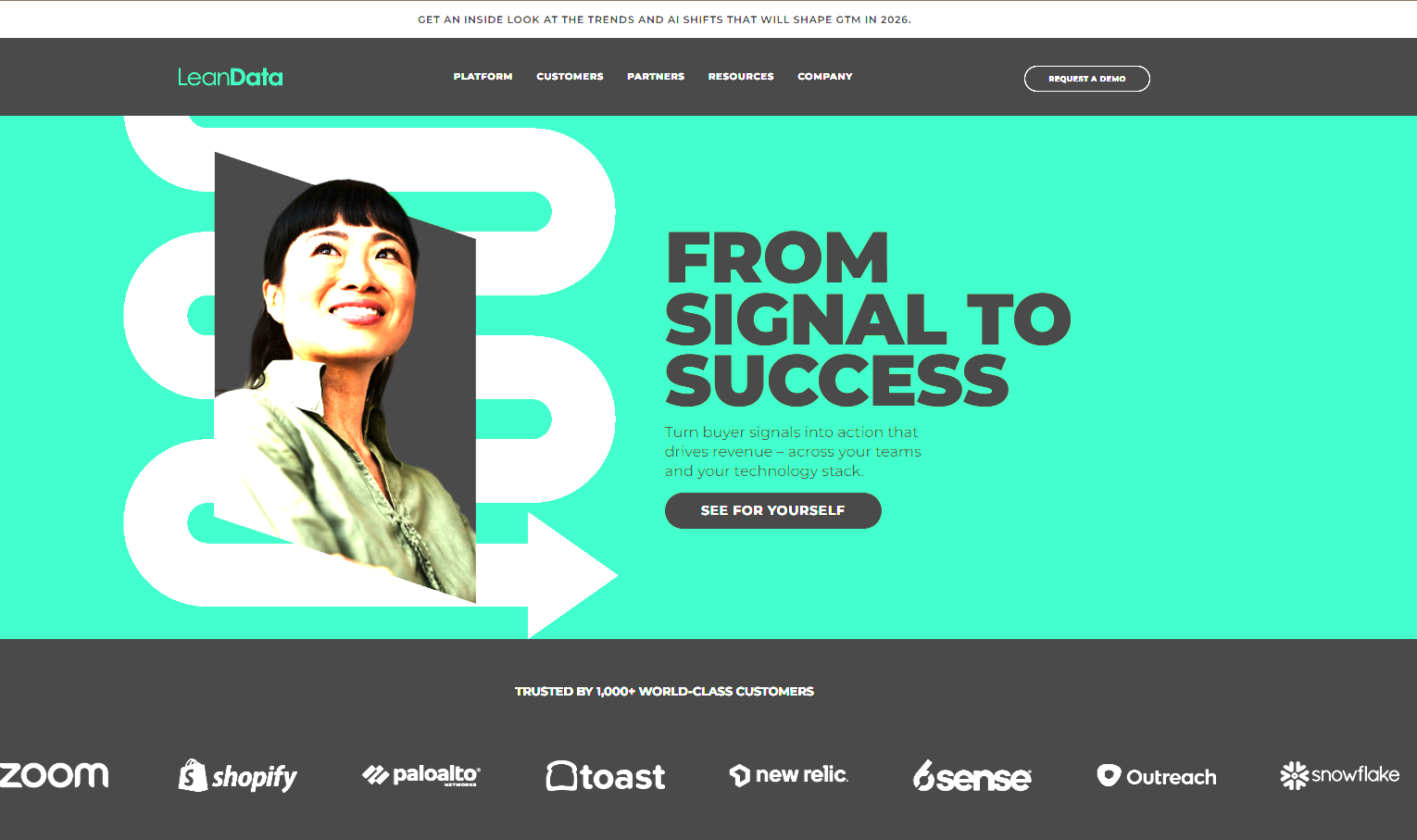
LeanData is widely considered the enterprise standard for Salesforce-centric organizations. If your teams live and die by Salesforce and need sophisticated routing capabilities, this is likely your best bet. Its visual flow builder lets operations teams design complex routing workflows and complex routing logic without writing code. You can handle territory assignment, account-based routing, and lead to account matching all in one platform.
2. Chili Piper
- Best For: Teams prioritizing speed-to-lead and inbound meeting conversions.
- Primary Mechanism: Concierge form scheduling and real-time routing.
- Pros/Cons: Drastically increases inbound meeting rates and offers an excellent user experience; primarily focused on meetings rather than backend record management.
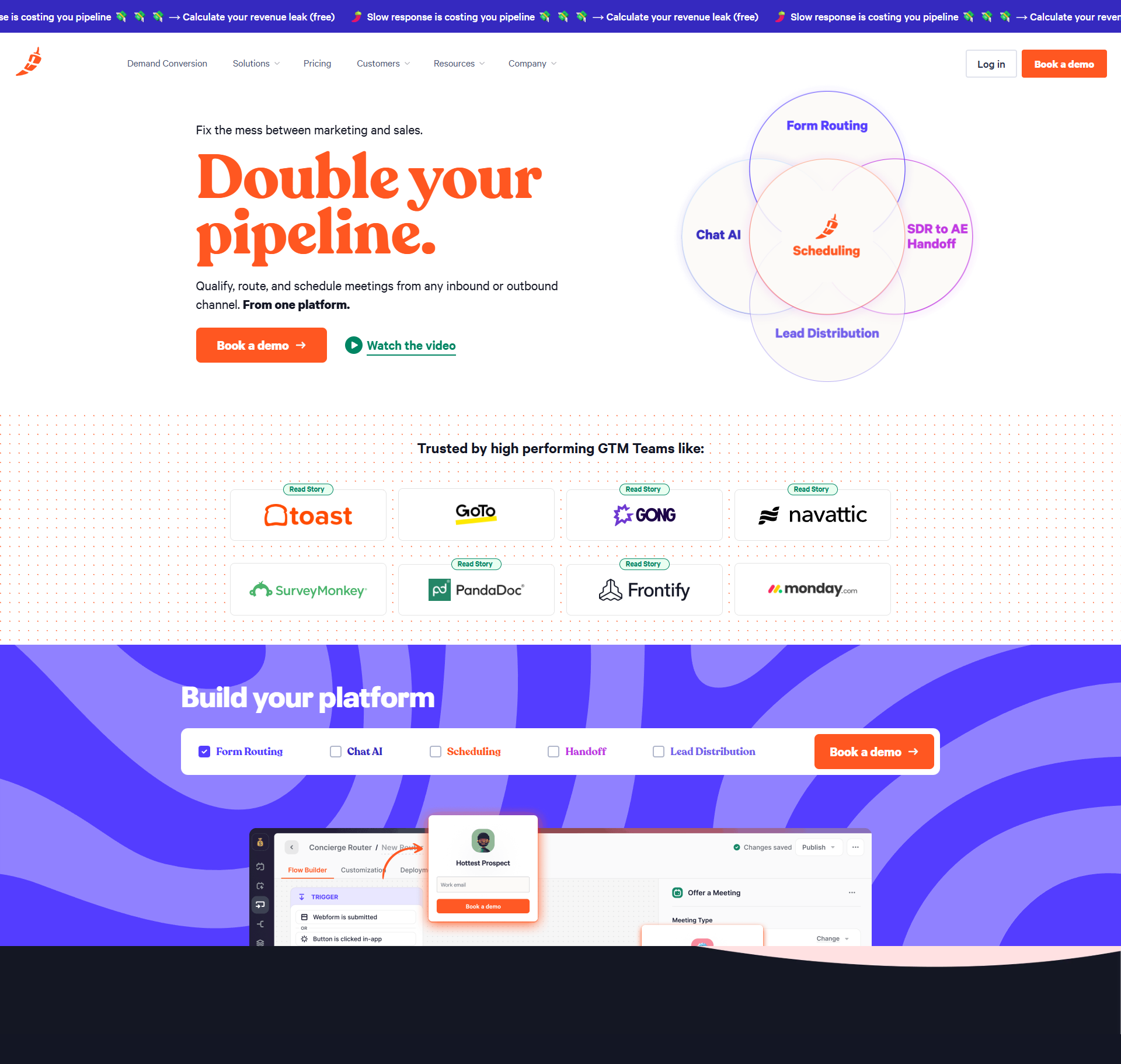
Chili Piper revolutionized the ‘thank you page’ by enabling instant meeting scheduling at the moment of highest intent. Instead of capturing inbound leads through a form and making them wait, Chili Piper enables instant meeting scheduling. It performs lead qualification in real time and routes the meeting to the correct rep’s calendar immediately.
3. Qualified
- Best For: High-ticket B2B sales teams who want to engage visitors while they are live on the site.
- Primary Mechanism: Real-time visitor identification and live chat/voice routing.
- Pros/Cons: Incredible for immediate engagement and humanizing the buying experience; requires sales reps to be available and active to maximize value.
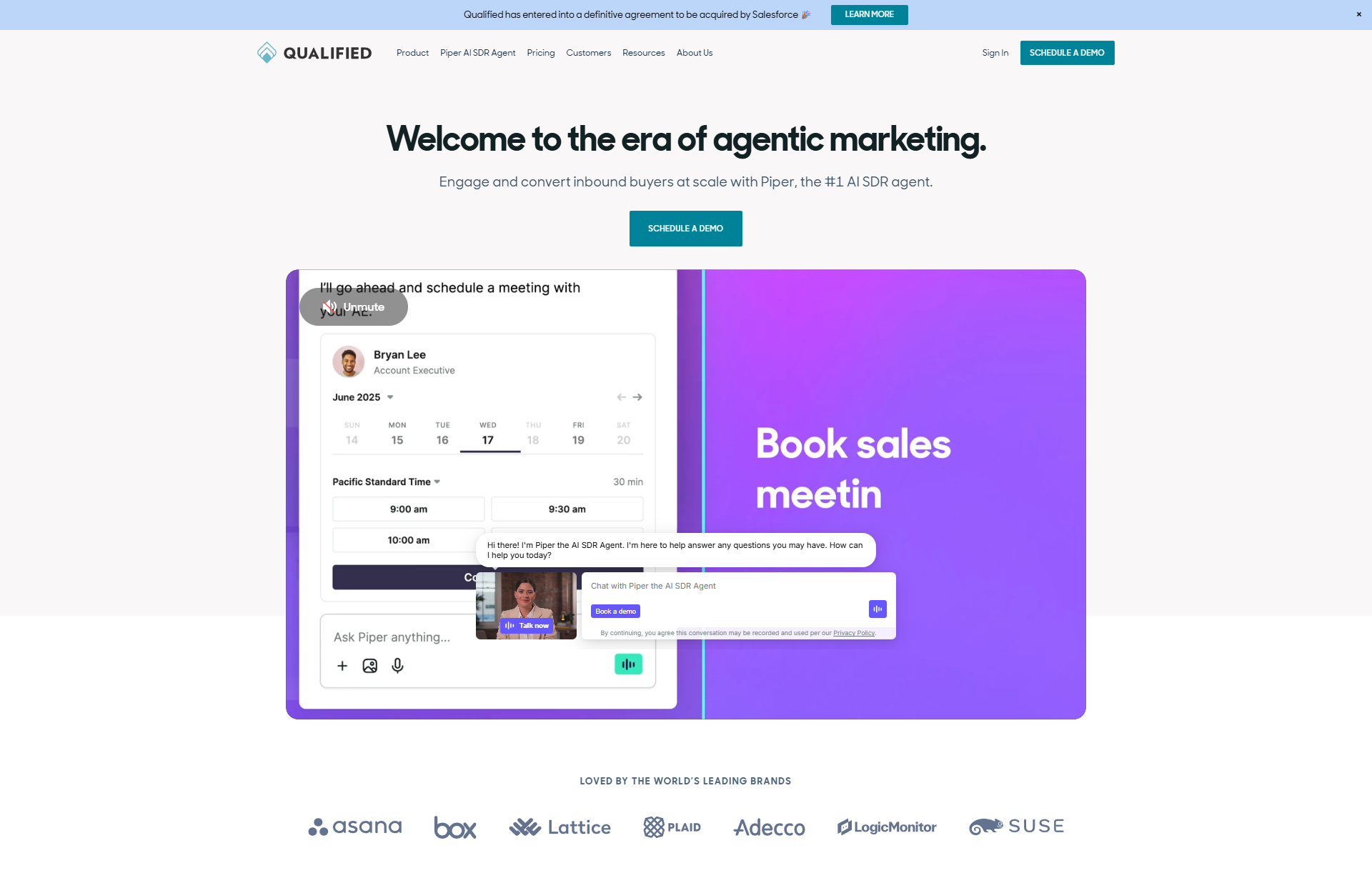
Qualified takes a conversational approach to routing. It identifies VIP prospects the moment they land on your website and alerts your sales team, allowing them to “pounce” and start a conversation immediately. It routes these live chat or voice conversations to the right rep based on Salesforce data.
4. HubSpot Sales Hub
- Best For: Teams already using HubSpot Sales Hub who want an all-in-one solution.
- Primary Mechanism: Workflow-based rotation logic and native CRM integration.
- Pros/Cons: No extra cost if you have Sales Hub Pro/Enterprise and seamless data flow; less granular control over complex territories compared to LeanData.
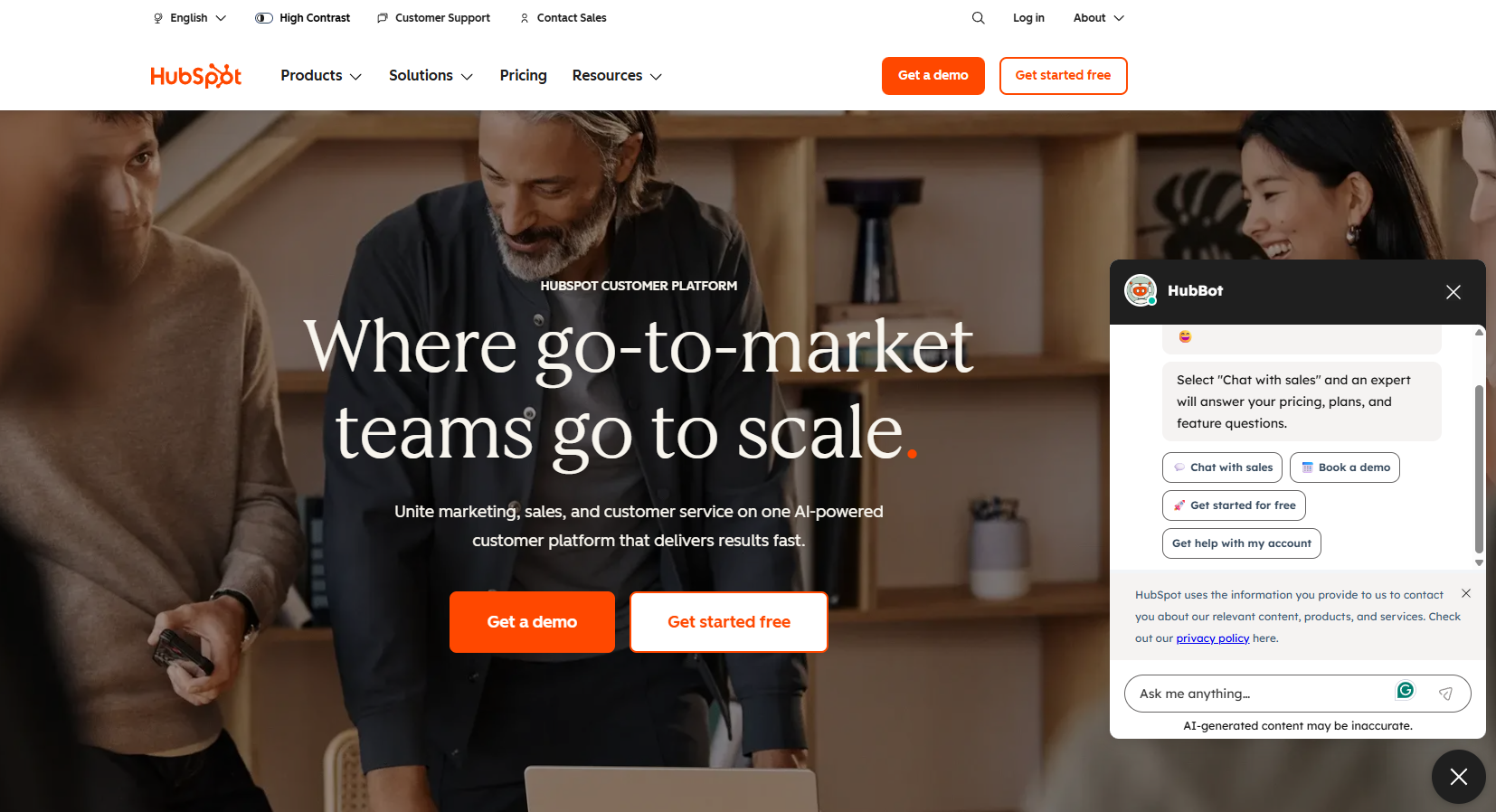
If you are already in the HubSpot ecosystem, their native lead rotation features are often sufficient for mid-sized teams. Using Workflows, you can create routing rules to rotate leads among team members, implement lead scoring, and set up advanced segmentation based on any CRM property, update routing rules without technical help, and track results in HubSpot analytics.
5. Salesforce (Native)
- Best For: Early-stage teams or those with very simple routing logic.
- Primary Mechanism: Standard assignment rules based on record criteria.
- Pros/Cons: Free (included with CRM) and reliable; however, it is very rigid and difficult to manage round-robins or complex account matching without custom code.
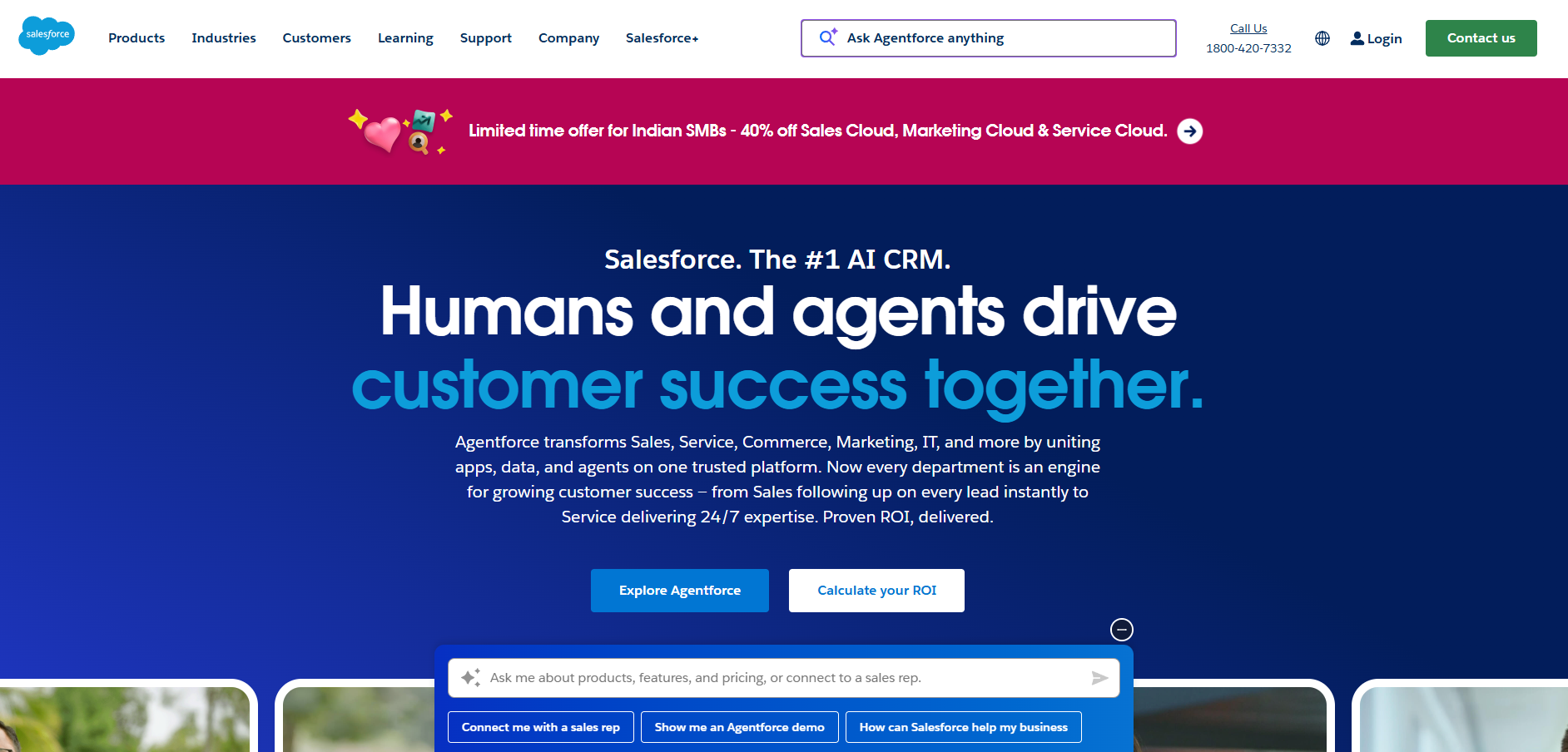
Salesforce has its own native assignment rules. For many early-stage companies, this is the default starting point. It allows you to create basic routing rules and assign leads based on criteria like state or source to queues or users. For more advanced setups, you can leverage Salesforce integrations to enhance data accuracy.
6. RevenueHero
- Best For: Growth-stage companies needing instant scheduling without the enterprise price tag.
- Primary Mechanism: Inbound meeting routing and form-fill qualification.
- Pros/Cons: Great UI, affordable paid plans, and fast setup; newer to the market than some competitors with fewer niche integrations.
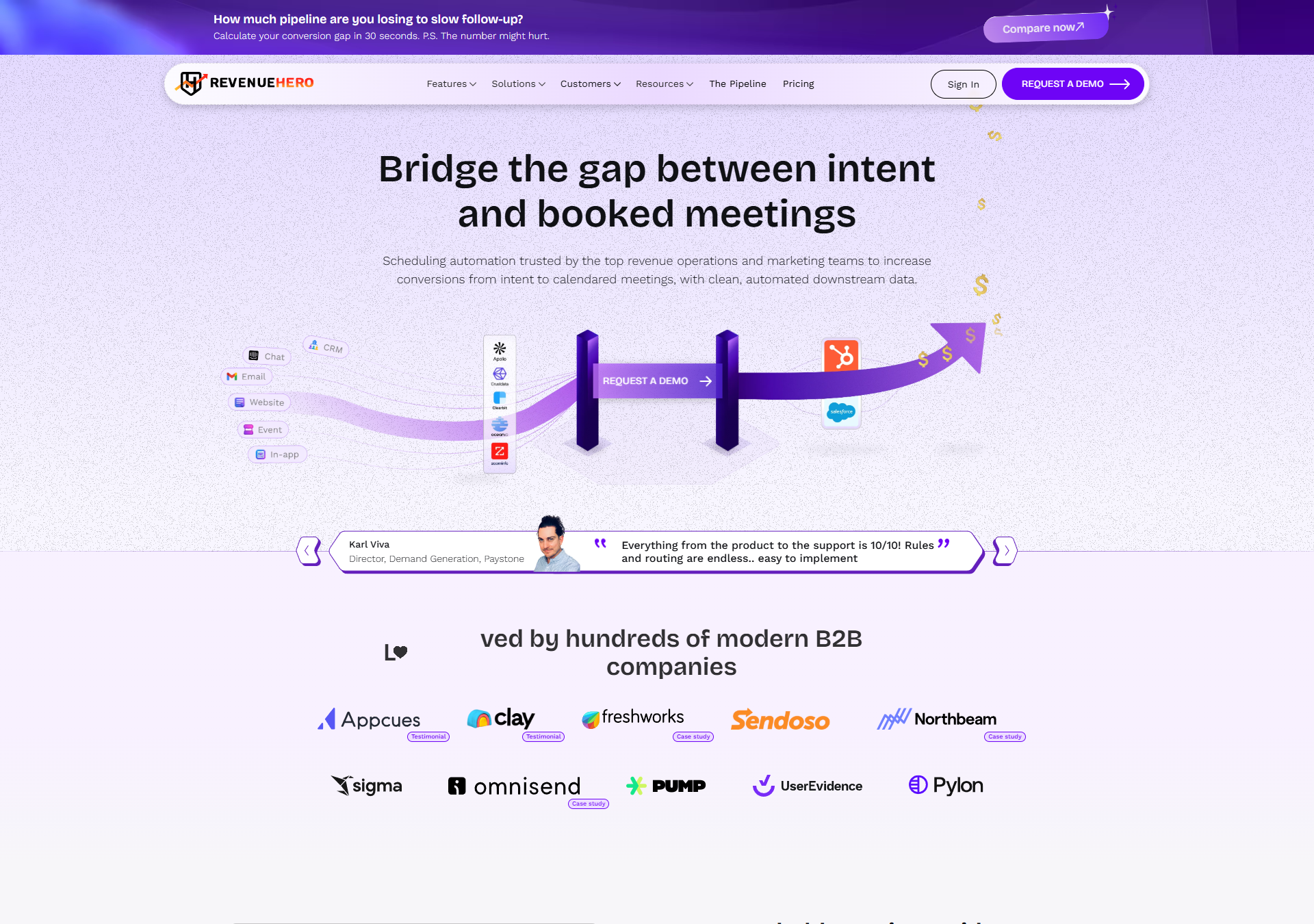
RevenueHero is a direct challenger to Chili Piper, focusing on the “book a meeting” use case. It is generally more affordable and offers a very clean user interface for both the admin and the end-user, making it a favorite for growth-stage startups.
7. Calendly
- Best For: Teams who already use Calendly widely and want to add logic to their booking links.
- Primary Mechanism: Routing forms connected to round-robin event types.
- Pros/Cons: Familiar interface for users and reliable infrastructure; limited “backend” routing capabilities compared to dedicated platforms.
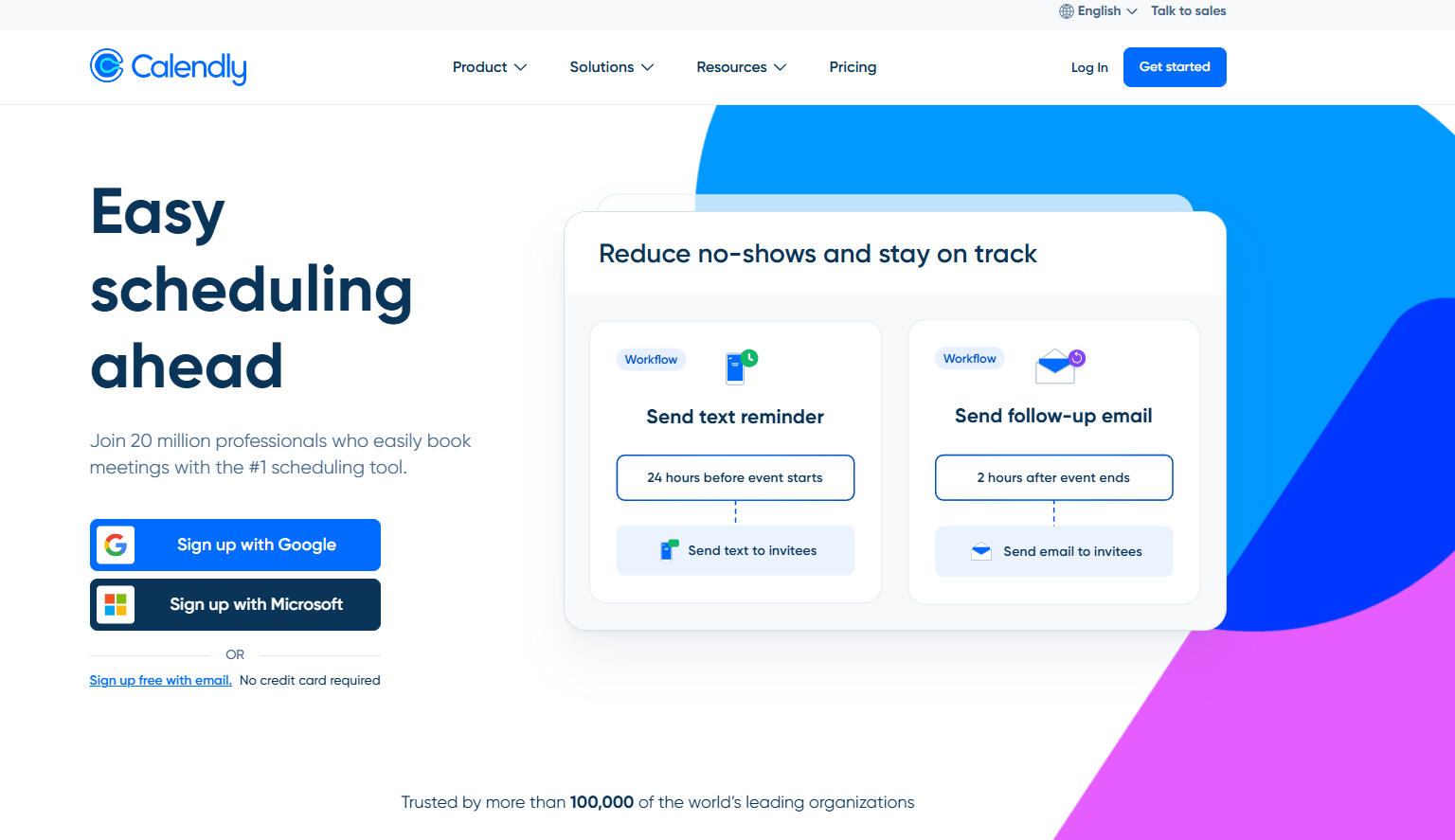
Calendly dominates the scheduling space. The routing forms feature allows you to screen people via a form, apply basic routing rules, and then present the calendar of the right team members. It’s a lightweight solution that works well for teams that don’t need deep CRM orchestration.
8. Freshsales
- Best For: SMBs looking for a cost-effective CRM with built-in routing.
- Primary Mechanism: Auto-assignment rules based on geography, product, or source.
- Pros/Cons: Affordable paid plans, user-friendly, and includes AI lead scoring; routing logic is less flexible for complex enterprise hierarchies.
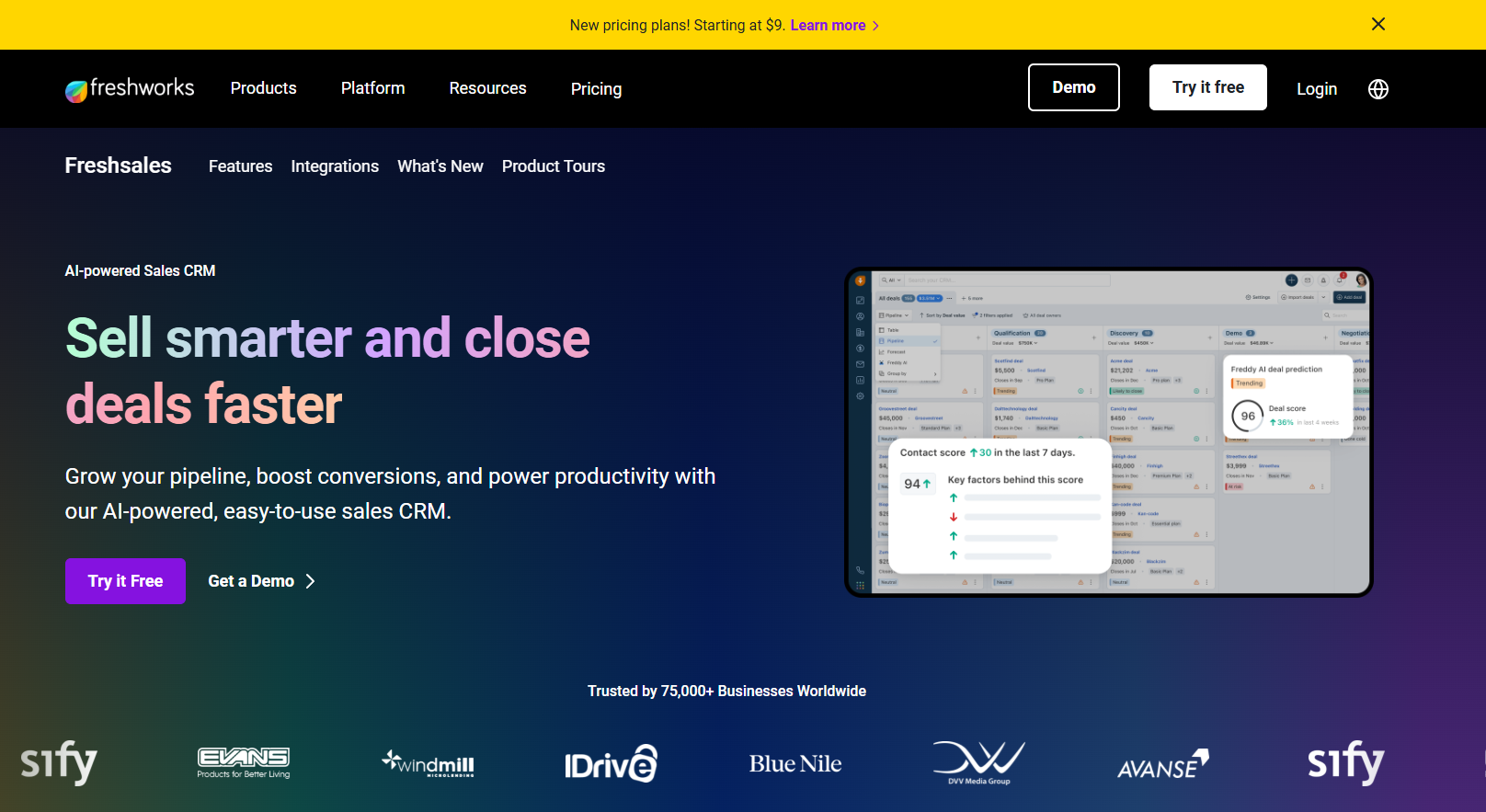
Part of the Freshworks suite, Freshsales includes built-in auto-assignment rules. It is particularly strong for teams that combine sales and support functions, as it shares DNA with Freshdesk and uses AI for lead scoring and maintaining crm data hygiene.
9. Workato
- Best For: Operations teams who need to connect routing logic across multiple disparate systems.
- Primary Mechanism: Low-code/no-code workflow builder interacting with APIs.
- Pros/Cons: Limitless flexibility; requires technical setup and is often expensive for simple routing needs.
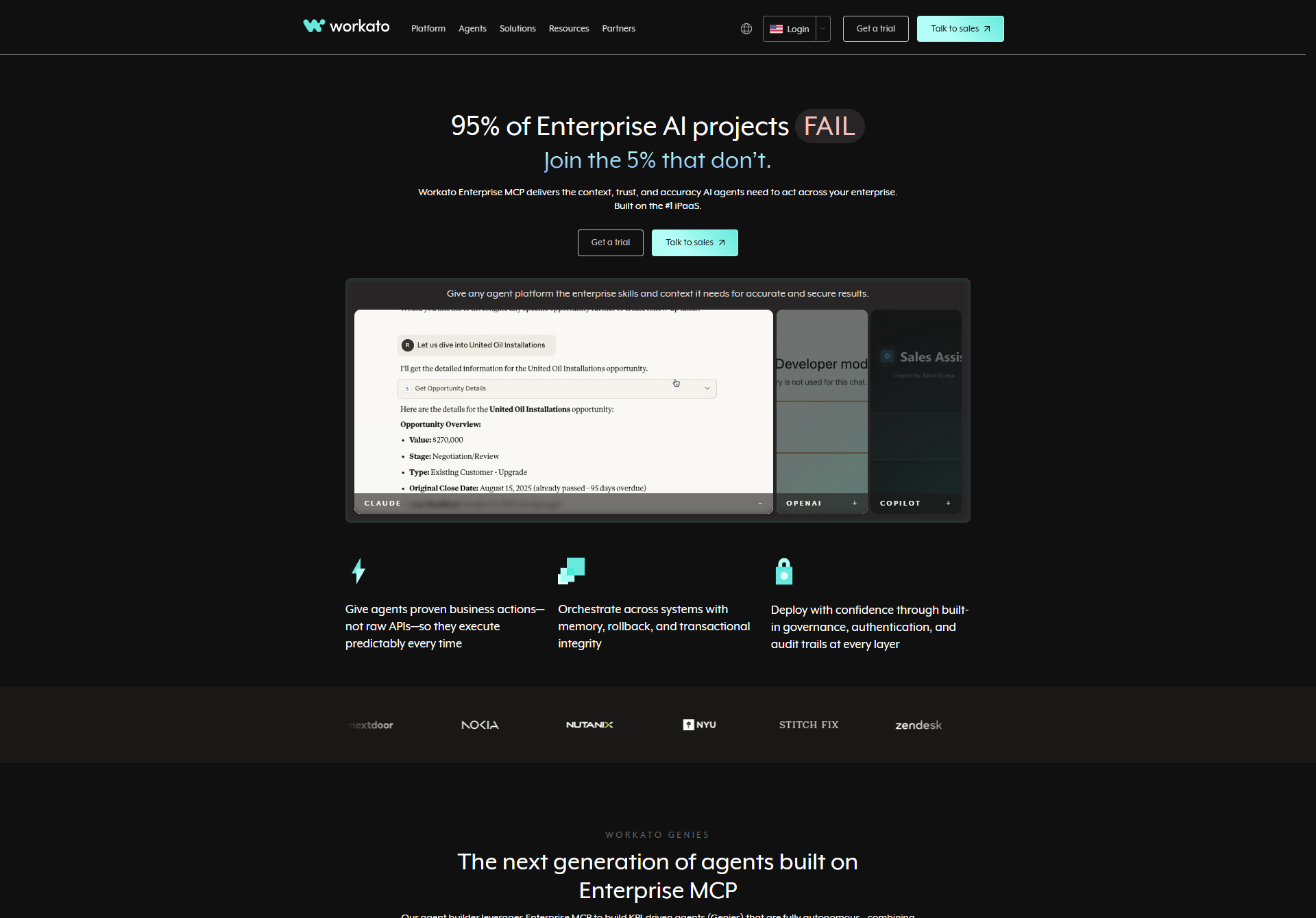
Workato operates as an enterprise automation platform rather than a dedicated lead router. However, for teams with highly bespoke needs (e.g., “Route to Rep A, but ping Slack Channel B, and update ERP System C”), Workato allows you to build custom routing workflows across your entire tech stack.
10. Segment
- Best For: Data-driven teams and marketing efforts that want to route potential customers based on behavioral data rather than just static form fields.
- Primary Mechanism: Data pipeline and computed traits (audiences).
- Pros/Cons: Incredible data accuracy based on actual behavior; not a standalone router, requires a CRM or downstream tool to handle the actual assignment.
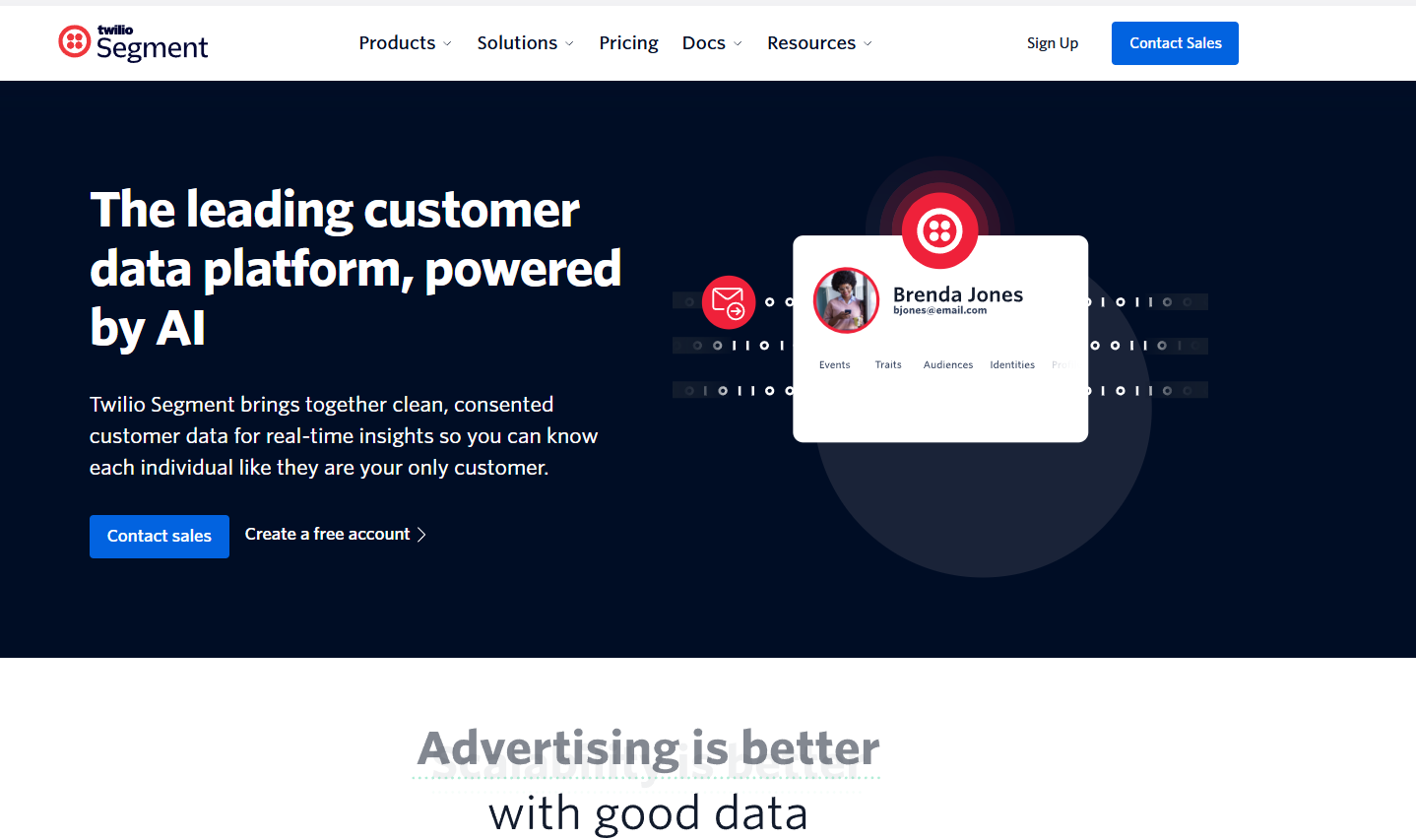
Segment (by Twilio) is a Customer Data Platform (CDP). It does not assign leads itself. It powers routing by sending behavioral traits and intent data into systems like Salesforce, HubSpot, or automation tools, where the actual assignment happens. You can use Segment integration to unify this data.
How marketing teams can improve the web-to-product pipeline with better routing
Your lead routing software is only as good as the routing rules you build into it. To truly accelerate your sales pipeline, you need to move beyond basic routing by geography and think about the entire sales process strategically.
Route by intent, not just geography
Most teams route leads based on static data: Company Size or Location. But a qualified lead from a Fortune 500 company showing product interest (three pricing page visits today) is different from one who just downloaded a generic ebook. You should prioritize based on intent.
I create ‘Shark Tank’ queues for high-intent qualified leads where the first available sales rep can claim them using real-time routing, ensuring speed-to-lead for your hottest prospects. This prevents misrouted leads and gets potential customers into a sales conversation immediately.
Lifecycle awareness
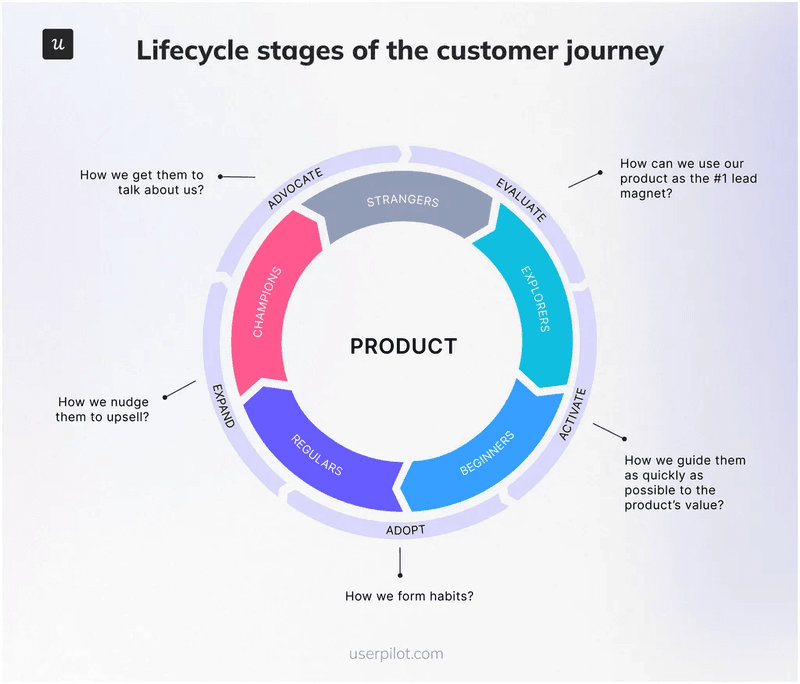
Lead distribution fails when context is lost. When you route leads to a sales rep, that rep needs to know where the user is in their journey for proper lead management.
A common mistake is routing leads from existing customers to ‘New Business’ BDRs based on outdated routing rules, which creates a terrible experience and wastes qualified leads.
By mapping your routing logic to customer lifecycle marketing stages, you ensure the rep approaches the sales conversation correctly: whether it’s for a new sale, an upsell, or support.
The “value gap”
Booking meetings doesn’t convert the pipeline. Getting users to value realization does. Between the form fill and the actual demo, there is a “dead zone” where interest can wane. Use this time.
If you route a lead to a meeting, use the confirmation page to drive them into a self-serve interactive tour or a product trial onboarding flow.
Post-routing: Keep momentum with Userpilot
Lead routing gets the prospect to the door. What happens once they step inside your product is where most teams lose momentum. This is the handoff from Sales to Product, and it should not end when a meeting is booked. It ends when the user reaches a real value.
That is where Userpilot fits.
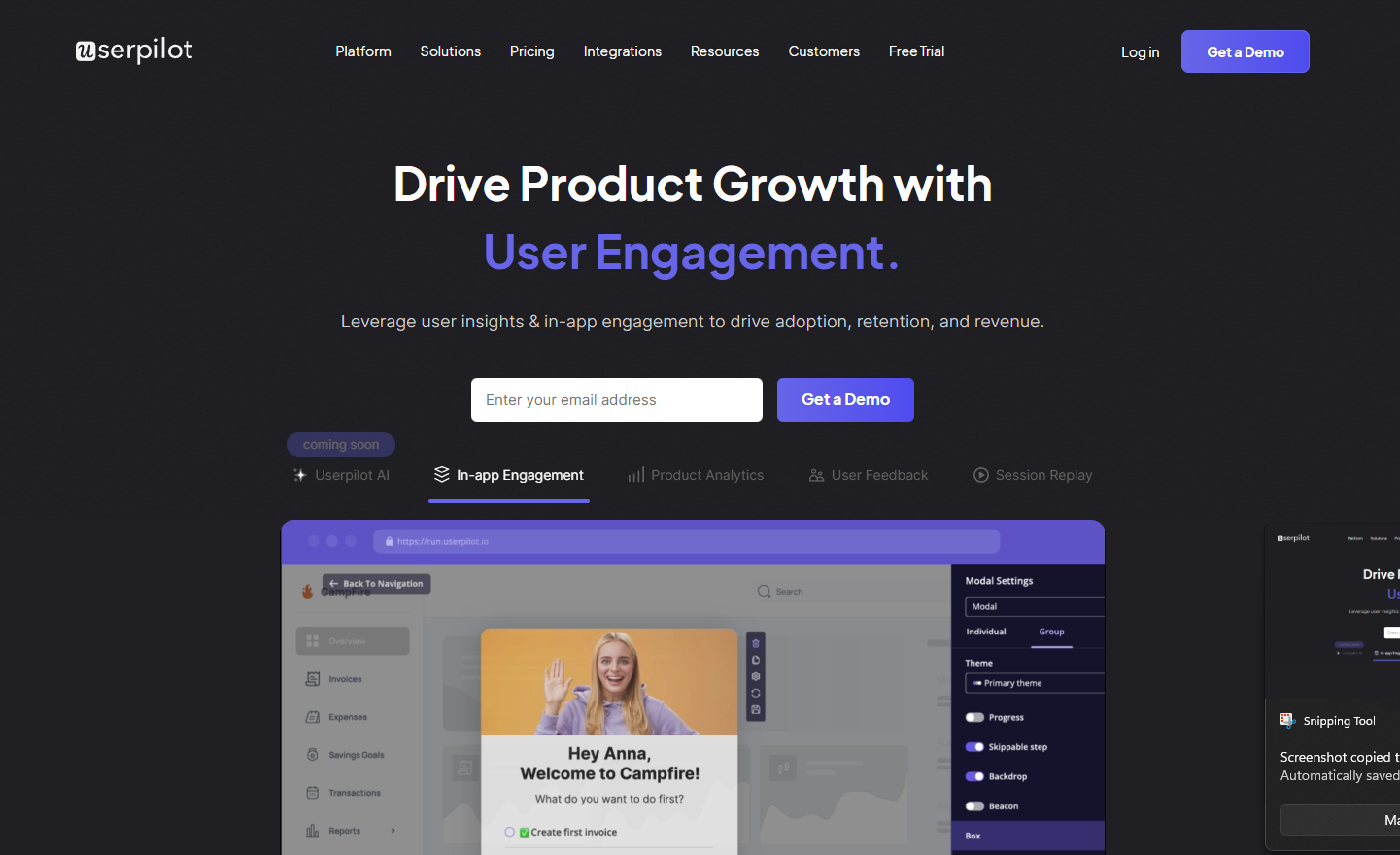
Userpilot uses the same attributes that powered your routing logic (industry, plan type, account tier) to shape what users see inside the product.
- Personalized onboarding: If a lead was routed as “Enterprise,” Userpilot delivers an onboarding flow built for enterprise needs, not a generic first-run experience.
- Activation monitoring: When a high-value user signs up but skips key actions, Userpilot surfaces that risk early. Your account team sees the signal before the user goes quiet.
- Context-driven expansion: Userpilot triggers in-app experiences based on real usage. When a customer shows readiness for an advanced feature or upgrade, that intent can be sent back to sales for targeted upsell.
The complete pipeline: Lead routing decides who gets the lead. Userpilot decides what the user experiences next. While routing moves prospects forward, Userpilot ensures they actually convert. Both systems use the same data but optimize for different outcomes: routing optimizes for speed-to-rep, Userpilot optimizes for speed-to-value.
Connecting routing to revenue
Lead routing software gets prospects to your team. Pipeline converts when users reach a value inside your product, not when meetings are booked. The companies winning in 2026 are the ones connecting these two systems: lead routing that gets the right person to the right sales rep, and product experience (via Userpilot) that gets that user to activation.
Start by auditing your current routing logic. Are you routing by intent or just geography? Are qualified leads hitting the right reps? Are misrouted leads falling through the cracks? Fix the routing first. Then focus on what happens after the handoff. That’s where Userpilot closes the loop. Book a demo with our team today!
Combine the Best Lead Routing Software with Userpilot for Faster Speed to Value
FAQ
What is the difference between lead routing and lead assignment?
Lead assignment is the specific action of putting a name on a record. Lead routing is the broader logic, strategy, and workflow that determines how, when, and why that assignment happens.
How much does lead routing software cost?
Pricing varies wildly. Basic features are often included in CRMs. Specialized scheduling tools start around $15-$25/user/month, while enterprise orchestration platforms are typically quote-based and can cost tens of thousands annually.
Do I need both lead routing software and a product adoption platform?
Yes, if you want to convert the pipeline, not just create it. Lead routing software handles the sales handoff (web to rep). Userpilot handles the product handoff (rep to activation). I’ve seen companies with perfect routing logic still lose 40% of closed deals to poor onboarding. Both systems need to work together. Routing gets users to your team, Userpilot gets them to value.
About the author