Mixpanel login options are flexible for individual users, small teams, and enterprises.
So let’s go over how Mixpanel’s login methods work so you can avoid wasting minutes on unnecessary delays and focus on product analytics.
What is Mixpanel?
Mixpanel is a product analytics platform that helps companies measure and optimize user engagement. Offering features like event tracking, real-time dashboards, and retention analysis.
It’s best for data experts who need to understand complex user journeys and make decisions based on user behavior insights.

Skip the Complicated Mixpanel Login Setup and Start Optimizing Immediately with Userpilot

How users log in to Mixpanel
Let’s explore Mixpanel’s different login options and how they work:
1. Magic links
When you first sign up for Mixpanel, you don’t create a password. Instead, Mixpanel uses what they call a “magic link.”
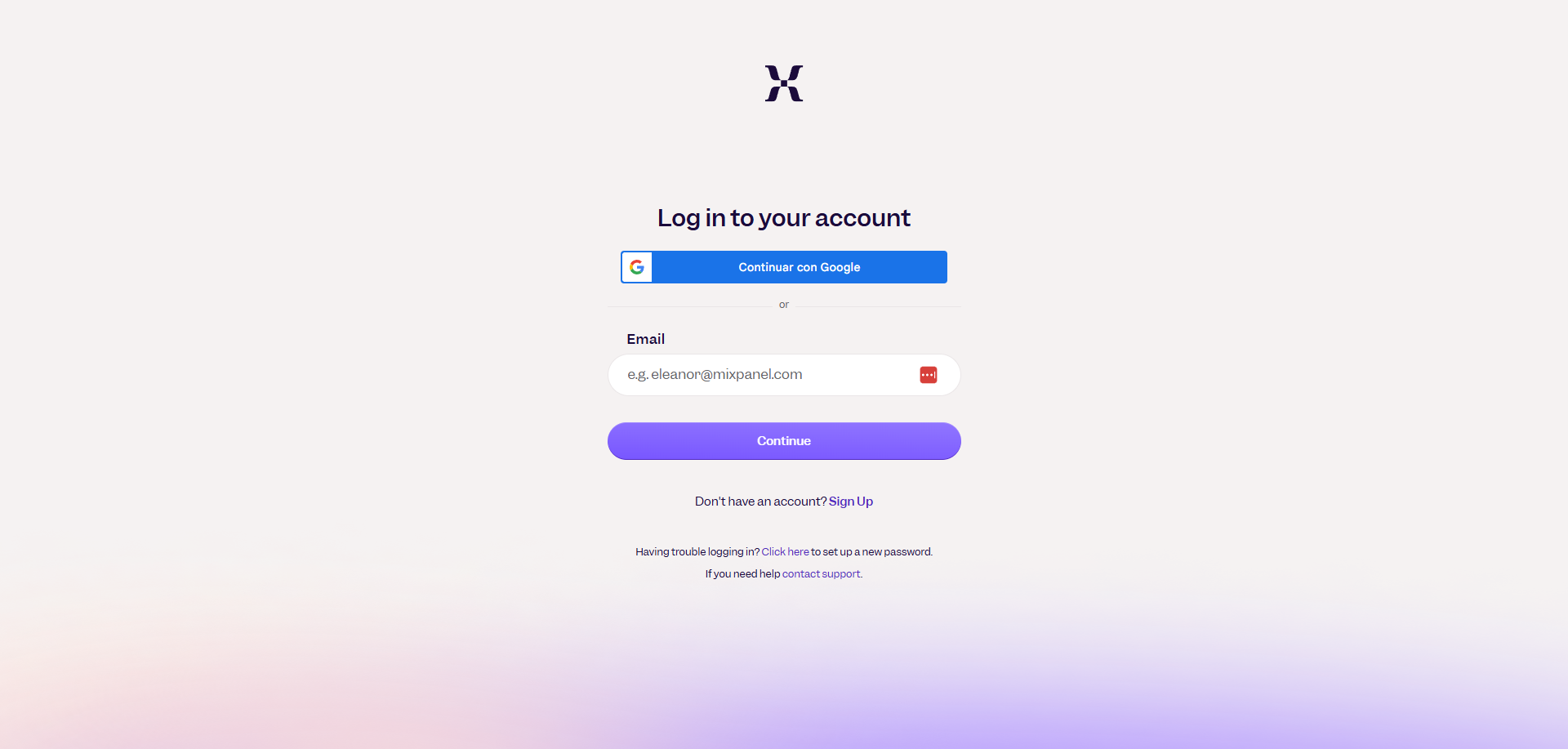
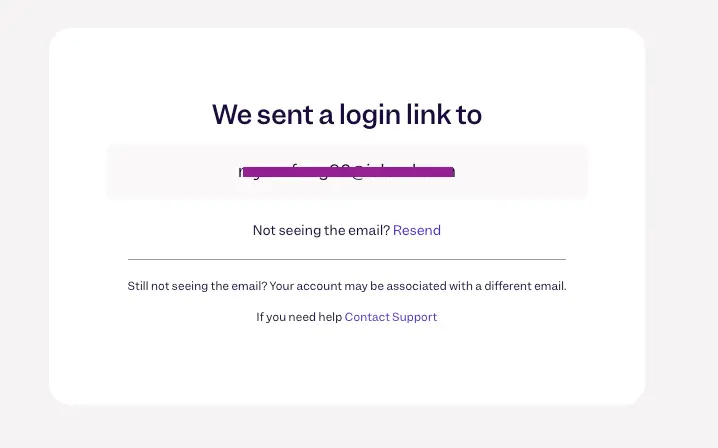
A magic link authenticates you by sending a link to your email inbox. Here’s how it works:
- You navigate to the Mixpanel login page.
- You enter your email information.
- Mixpanel sends an email to that address.
- You click the link in the email, and you are logged in.
Note: In a corporate environment, magic links often fail due to security software integrations. Enterprise email scanners “click” every link in incoming emails to check for malware, invalidating the magic link in the process.
2. Email and password
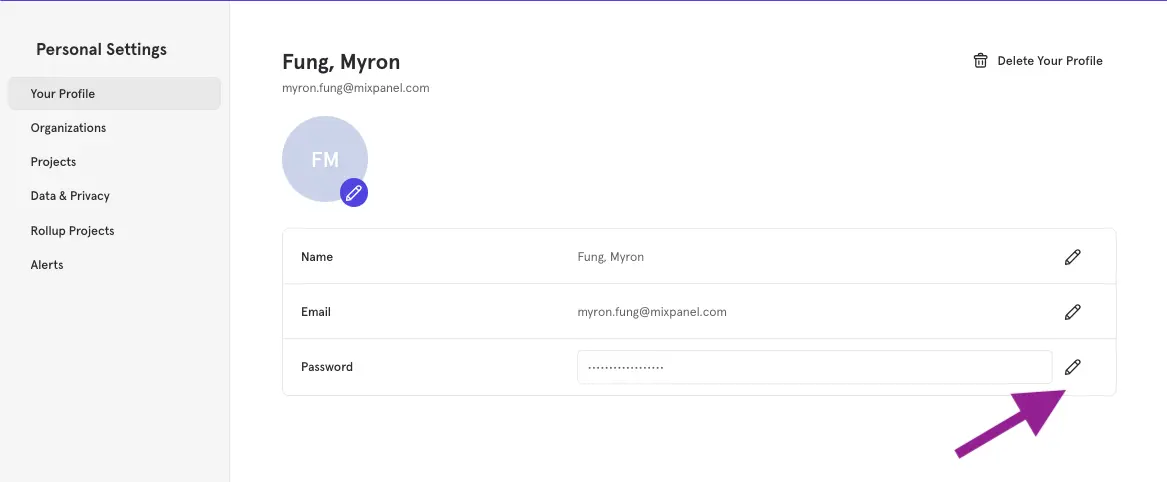
If you don’t find magic links safe enough, there’s the option to switch to a hard-coded password.
But keep in mind, Mixpanel treats this as a one-way street. Once you set a password, the magic link option is permanently replaced.
Here’s all you need to do:
- Log in using the Magic Link one last time.
- Navigate to the settings in the top right corner.
- Select Personal Settings > Profile and click the Security tab.
- Select the option to create a password.
3. Using two-factor authentication
If you are not using SSO, you can enable Two-Factor Authentication to further increase your account’s safety. Mixpanel recommends TOTPs (Time-based One-Time Passwords) apps like Google Authenticator or Authy, but it also supports SMS if needed. To enable it:
- Go to Personal Settings > Profile.
- Click Set Up under Two-Factor Authentication.
- Scan the QR code with your authenticator app to complete the process.
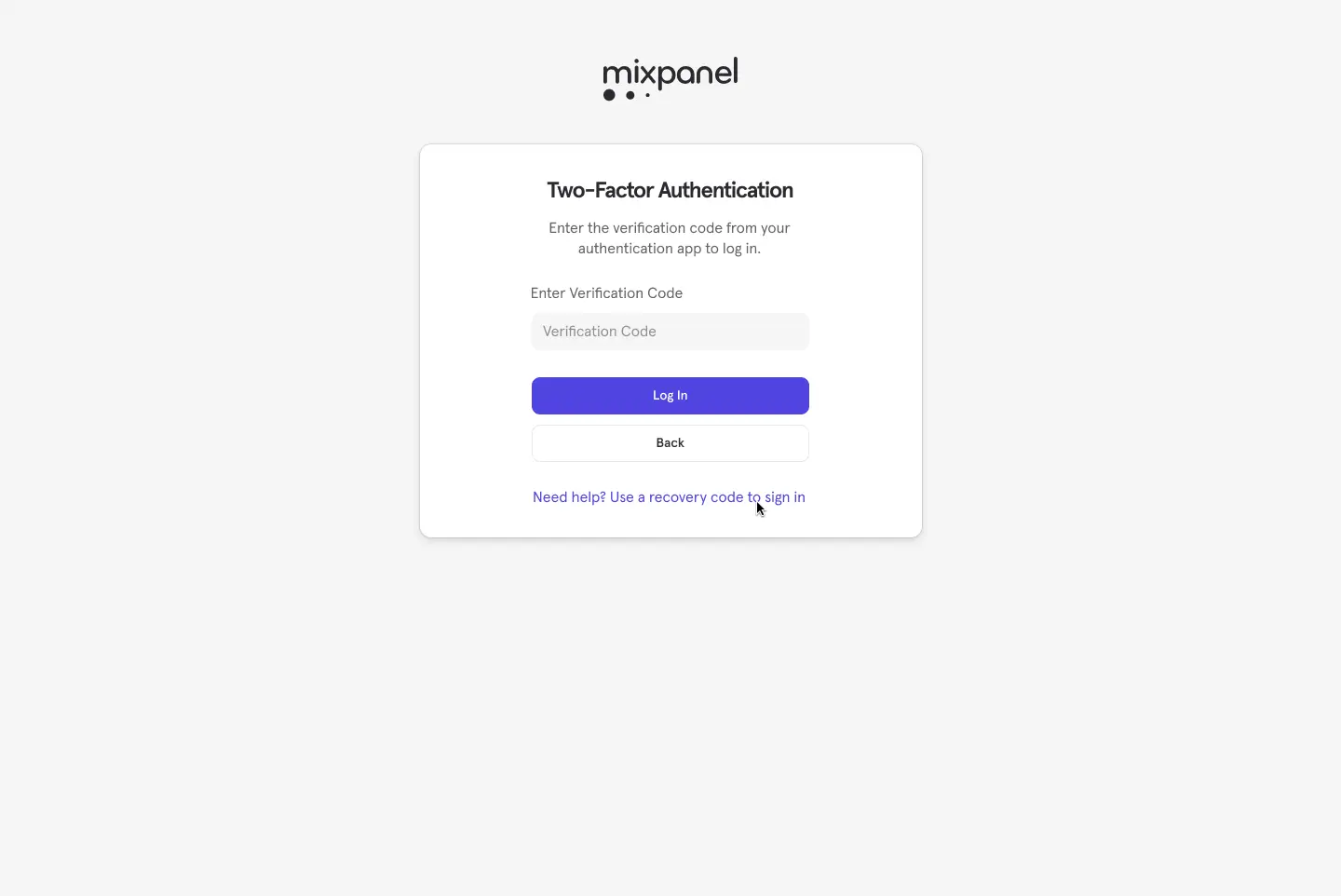
Note: When you set up 2FA, Mixpanel gives you a set of recovery codes. Save these in a trusted note or password manager. If you lose your phone and don’t have these codes, you are effectively locked out until you go through a manual recovery process.
4. Setting up single sign-on (SSO)
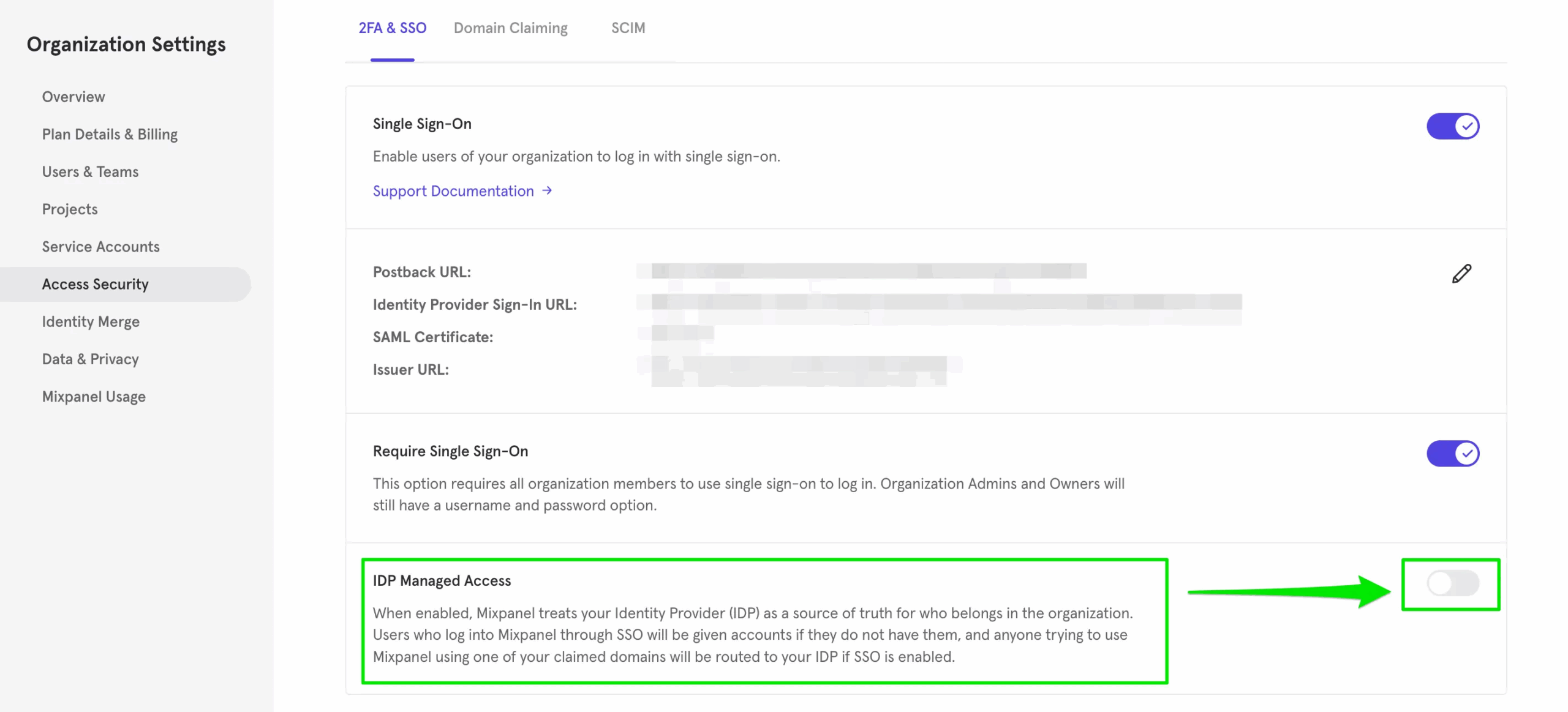
For larger organizations, SSO allows you to login using one set of credentials to access Mixpanel. Mixpanel supports any IDP that complies with the SAML 2.0 standard, including Okta, Google (G-Suite), Azure, and OneLogin.
Setting this up involves a few tasks:
- Claiming your domain: Head to the “Access Security” settings to add your domain. Mixpanel will then generate a verification token that you must paste into your DNS’s TXT records.
- Configuring the identity provider (IdP): This process varies depending on your IdP. Usually, you need to install the Mixpanel app in your IdP, copy and paste a Postback URL from Mixpanel into the IdP, and manage users’ access from there. It supports just-in-time (JIT) provisioning by default.
- Enforcing SSO: Once the connection is tested and working, you can toggle “Require Single Sign-On”. This forces all users with your claimed domain to log in via SSO instead of passwords or magic links.
- Configuring SCIM: If you’re on an enterprise plan, setting up SCIM usually requires generating an API token in Mixpanel and pasting it into the “Provisioning” tab of your IdP settings (doesn’t apply for Google Workspace).
Userpilot is a better option for non-siloed teams
As I mentioned, Mixpanel supports login methods for different types of accounts. Magic links for individuals/new users, password + 2FA for admins, and SSO/SCIM for enterprise clients.
While Mixpanel offers granular security, remember that its permission structure is strictly tied to “Projects.” This often creates data silos where product data is hidden from marketing teams simply because they lack login access to a specific project. In contrast, platforms like Userpilot focus on a team-based approach where access controls prevent unauthorized changes but encourage data democratization across the organization.
So if you want a complete solution to analyze product data, segment users, and design in-app experiences, book a Userpilot demo to start answering product questions without requiring engineering help!
Break Free from Restrictive Mixpanel Login Silos and Democratize Data with Userpilot
FAQ
What if the magic link never arrives?
If you have checked spam and it is empty, your corporate firewall might be blocking emails from Mixpanel. You may need to ask your admin to whitelist Mixpanel’s domain.
What to do if I get a "you must log in via SSO" error?
If you try to enter a password and get this error, your admin has enabled “Require SSO.” In this case, you must contact your admin to provide you with your SSO credentials. If you already have SSO credentials, simply use your corporate portal (like the Okta dashboard) to access Mixpanel.
About the author