In this guide, I will go over the PostHog login process by examining essential layers of infrastructure, including cloud residency, automated identity management (SCIM), and machine authentication, to ensure your analytics stack remains secure, compliant, and functional.
What is PostHog?
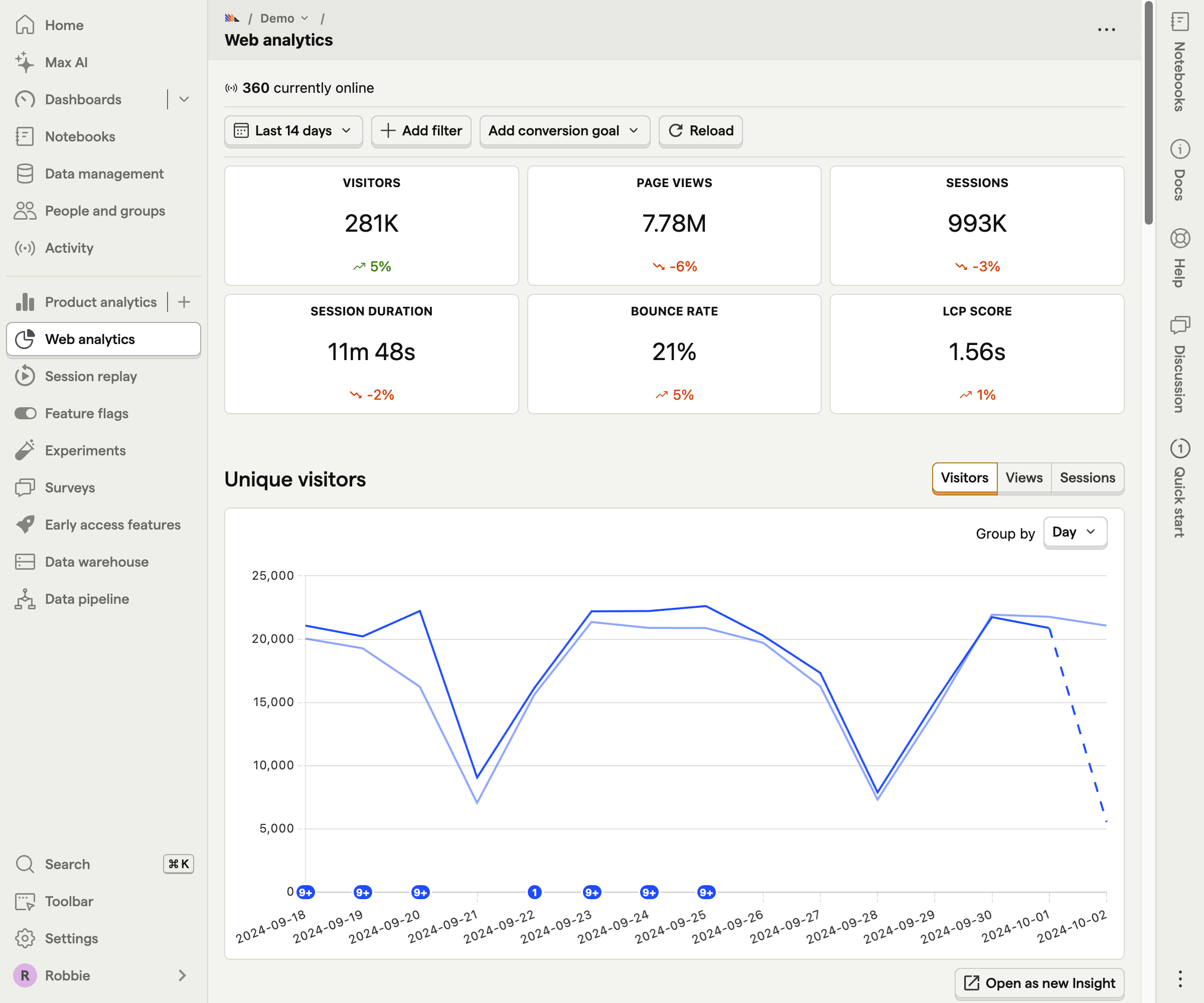
PostHog Cloud is an open-source product analytics platform that helps teams understand how users interact with their product. In simple terms, it allows you to see what people do in your app, analyze data in-depth, and build successful products. It’s especially popular with product managers, engineers, and startups who want powerful insights without a lot of setup.
With PostHog, you can track user actions (like clicks, sign-ups, or feature usage), analyze trends, and see how changes affect user behavior. It also includes tools like session recordings, feature flags, A/B testing, and funnels, so you can test ideas and improve your product with confidence.
PostHog login process explained
PostHog operates as a distributed system with hard boundaries. Before typing credentials, you must identify where your account lives.
1. Select the correct cloud instance
PostHog maintains a strict separation between US and EU instances for data residency. These are separate databases, not toggleable menu options.
- US Cloud: us.posthog.com
- EU Cloud: eu.posthog.com
For enterprise teams running self-hosted instances (often for HIPAA), your login portal is unique, usually residing at a subdomain like analytics.yourcompany.com.
Do not use the public “Forgot Password” link on PostHog’s main website. It has no connection to your private instance. You must contact your internal product ops or DevOps team to reset credentials directly via your internal identity provider.
2. Enforce two-factor authentication
If SSO is not an option for you yet, you can enforce 2FA with an authenticator app (like Google Authenticator or Authy).
To set it up, just navigate to Account > Manage > Personal Settings and enable 2FA immediately. It will show a QR code that you’ll need to scan with your authenticator app to complete the connection.
After that, all users must enter a verification code in order to log in to PostHog.
3. Enable just-in-time provisioning
For fast-moving teams where full SCIM is overkill, enable JIT. If a user logs in via Google Auth or SAML and their email matches your verified domain, the system creates an account immediately. This removes the friction of manually inviting every new
4. Implement enterprise SSO
If you require SOC 2 or ISO 27001 compliance, you must bridge your Identity Provider (Okta, Google Workspace, Azure AD) with PostHog via SAML 2.0.
Here’s how to do it:
- Verify domain: Add the required TXT record (e.g., posthog-challenge.yourcompany.com) to your DNS settings.
- Map attributes: Explicitly map user attributes from your IdP to PostHog. You need name_id (unique identifier), email, and first_name.
- Enforce SSO: Once verified, enable “SSO Enforcement” in settings. This disables username/password logins, closing the backdoor for potential attackers.
Troubleshooting common access issues
Even with robust architecture, access issues occur. Use this guide to resolve them immediately.
1. The Redirect Loop
- Symptom: Page refreshes repeatedly after entering valid credentials.
- Fix: Clear cookies for posthog.com or whitelist the domain in your privacy extension. This is a cookie conflict.
2. 401 Unauthorized on Ingestion
- Symptom: Dashboard login works, but data is missing. Console shows 401.
- Fix: Check your region. You are likely sending data to us.i.posthog.com using a Project Key generated on the EU server. Align your api_host.
3. Social suth duplicates
- Symptom: “Login with Google” creates a duplicate account instead of logging into the existing one.
- Fix: Verify email exactness. [email protected] and [email protected] are treated as different users. Enable JIT to handle alias mismatches automatically.
Consider switching to Userpilot
For data-driven teams with strong engineering resources, PostHog’s flexibility and open-source nature can easily justify its cost, especially when granular control and full data ownership are priorities.
However, for product teams that want to move faster, launch experiments without developer dependency, and act on insights in real time, Userpilot is the more practical choice. It blends analytics, in-app engagement, and feedback into a single no-code platform, allowing you to create personalized user experiences and drive adoption without technical overhead. Plus, it’s transparent MAU-based pricing ensures clarity and predictability as you scale.
Ready to see how Userpilot helps you turn insights into growth? Book a demo today.
Userpilot strives to provide accurate information to help businesses determine the best solution for their particular needs. Due to the dynamic nature of the industry, the features offered by Userpilot and others often change over time. The statements made in this article are accurate to the best of Userpilot’s knowledge as of its publication/most recent update on January 22, 2026.

See why top teams are switching from PostHog to Userpilot for a better, all-in-one solution.

About the author