Honest UXCam Reviews 2026: Top Use Cases, Pros, and Cons


UXCam is a premium mobile app analytics tool that’s been making waves in LinkedIn conversations lately. But is it the right fit for you? As a product manager constantly evaluating analytics tools, I examined dozens of UXCam reviews on G2 to provide an unbiased assessment of what it offers.
In this article, I dove deep into its key features, strengths, and weaknesses, so you can decide if it’s worth your investment.
What is UXCam?
UXCam is a mobile analytics platform that helps product teams understand how users experience their app. Unlike traditional analytics tools that focus mostly on charts and events, UXCam combines metrics with visual context, making the data more actionable.
What I like most about UXCam is that it’s purpose-built for iOS, Android, and Flutter apps, allowing you to track mobile-specific interactions like swipes, pinches, double-taps, and device rotations that generic analytics tools often miss.
Understanding UXCam: Core offerings and functionality
UXCam combines quantitative analytics with qualitative analytics, giving product, design, and engineering teams a “single source of truth” for app performance.
UXCam for product analytics
UXCam provides teams with clear visibility into how users interact with their application, helping quantify product usage. With these insights, teams can validate feature impact, track adoption trends over time, and plan data-driven product improvements.
|
Feature |
What it does |
|---|---|
| Autocapture | Automatically record user interactions (taps, swipes, navigation, gestures), and page/screen views without manual tagging from day one. |
| Dashboards | Create customizable views aggregating metrics like retention, activation, and adoption, allowing you to monitor key business KPIs at a glance. |
| Funnels analysis | Build step-by-step flows (e.g., signup → onboarding → purchase) to spot drop-off points and jump to the specific session to understand why. |
| Retention analytics | Track returning users over time, monitor how often users come back, and how long they stay engaged, measuring long-term app success and the effectiveness of engagement strategies. |
UXCam for user experience analytics
UXCam’s user experience analytics features help teams understand the why behind the numbers and uncover the root causes of user behavior. By combining behavioral data with visual context, UXCam makes it easier to diagnose usability issues and improve the overall experience with targeted actions.
| Feature | What it does |
|---|---|
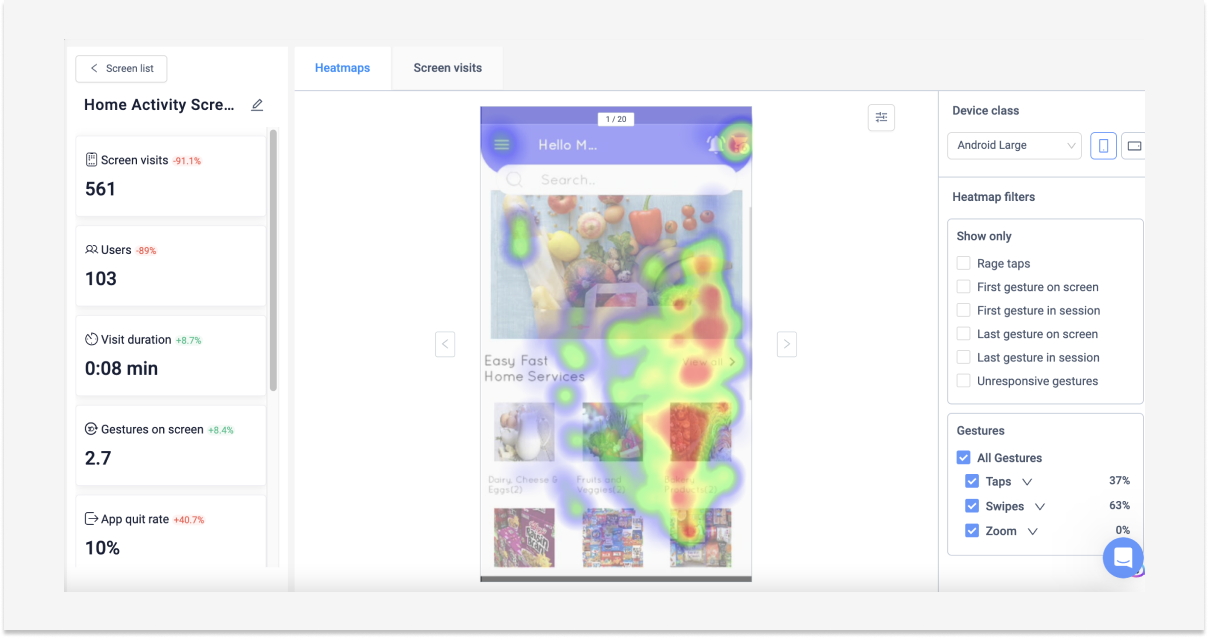
| Heatmaps | Visualize where users tap, swipe, and scroll on each screen to identify confusing layouts, ignored CTAs, and “dead zones” that don’t behave as users expect. |
| Session replays | Watch how users navigate the app to understand why they drop off or get stuck. |
| Frustration signals | Automatically detect behavioral patterns that indicate frustration, such as rage taps, repeated taps, or interaction with non-clickable elements. |
| Issue analytics | Track technical problems (crashes, UI freezes) in the context of user sessions, showing what the user did before the issue, along with session replay and logs. |
UXCam for performance monitoring
UXCam tracks the backend performance of mobile apps, providing insights into technical health metrics such as load times, crashes, and screen freezes, revealing issues that affect user experience.
| Feature | What it does |
|---|---|
| Crash analytics | Monitor crashes in real time and access detailed logs to pinpoint root causes. Replay sessions that ended in a crash to understand the exact user journey leading up to it. |
| UI freezes | Track when and for how long your app freezes. Filter freezes by the average duration, first/last occurrence, and device to identify users impacted by issues. |
| Stacktrace analysis | Identify precisely where issues occur in the app’s codebase, enabling engineering teams to move faster from detection to resolution |
| Issue alerts | Receive Slack notifications regarding the most urgent issues in real-time before they result in churn. |
How much does UXCam cost?
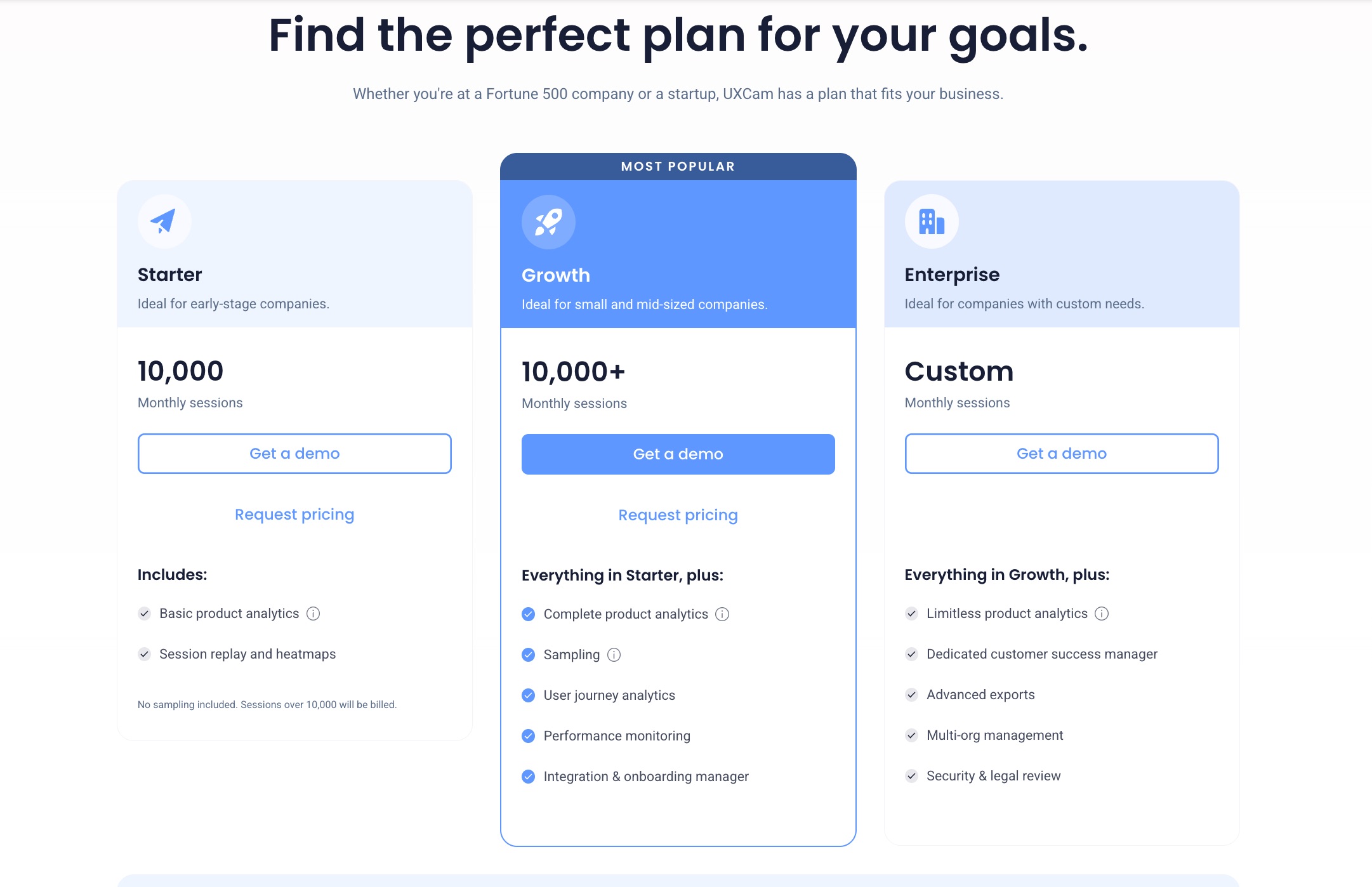
UXCam uses a mix of tiered plans and session-based usage to calculate pricing, with fixed features per plan and costs rising as session volume increases. Unfortunately, its pricing isn’t public, but I did some research and found out that per Vendr, the median annual contract value for UXCam is about $20,991.
Here’s a quick breakdown of its pricing plans:
- Starter: Up to 10,000 sessions. Includes basic product analytics features like funnels and retention tables, session replay, and heatmaps. Covers 2 apps, 5 user seats, and 12 months of data retention.
- Growth: Includes all product analytics features with higher usage limits, adds performance monitoring, and personalized onboarding guidance. Covers 5 apps, 10 user seats, and 24 months of data retention.
- Enterprise: Adds advanced exports, multi-org management, extra security features, up to 60 months of data retention, and a dedicated customer success manager. You can negotiate a custom number of apps and seats.
Honest UXCam reviews from real users
On G2, UXCam holds a 4.6 out of 5-star rating (based on 211 reviews). While digging through recent reviews, I noticed a few positive and negative themes emerging:
Positive UXCam customer reviews: What people like
Here are the key strengths of UXCam most commonly mentioned across user reviews:
World-class mobile app analytics
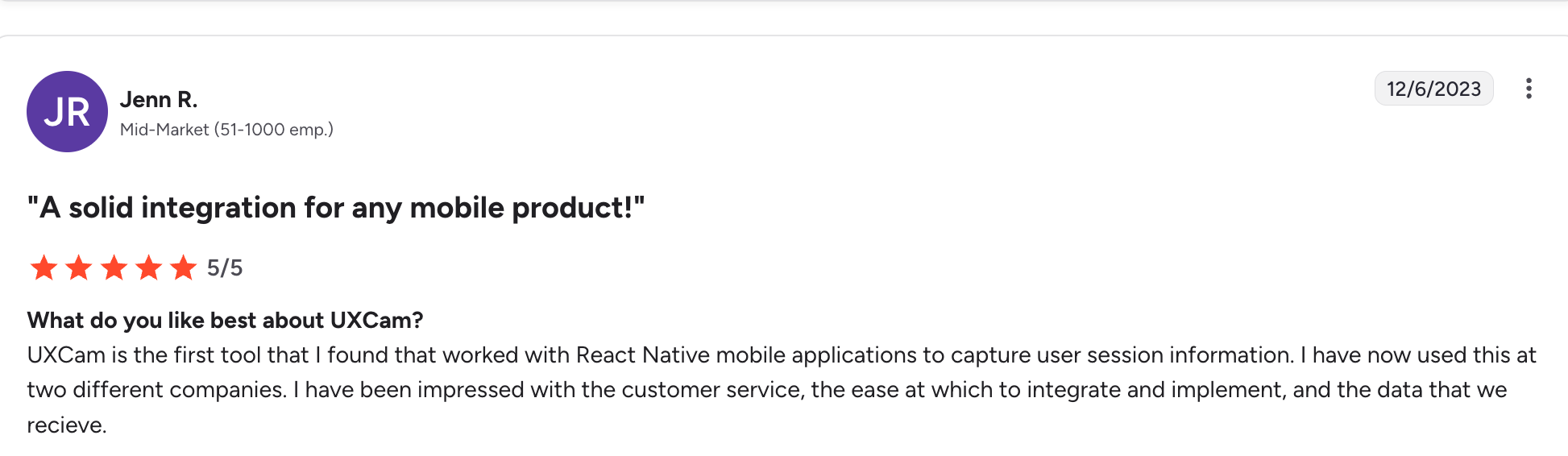
Users often praise the accuracy and depth of UXCam’s app analytics features for understanding user behavior, often pointing out that it’s the first mobile-specific tool they have found. One users says:
“UXCam is the first tool that I found that worked with React Native mobile applications to capture user session information. I have now used this at two different companies. I have been impressed with the customer service, the ease at which to integrate and implement, and the data that we receive. “ – Jenn R.
Another user also shares a similar sentiment that UXCam is exceptional when it comes to mobile:
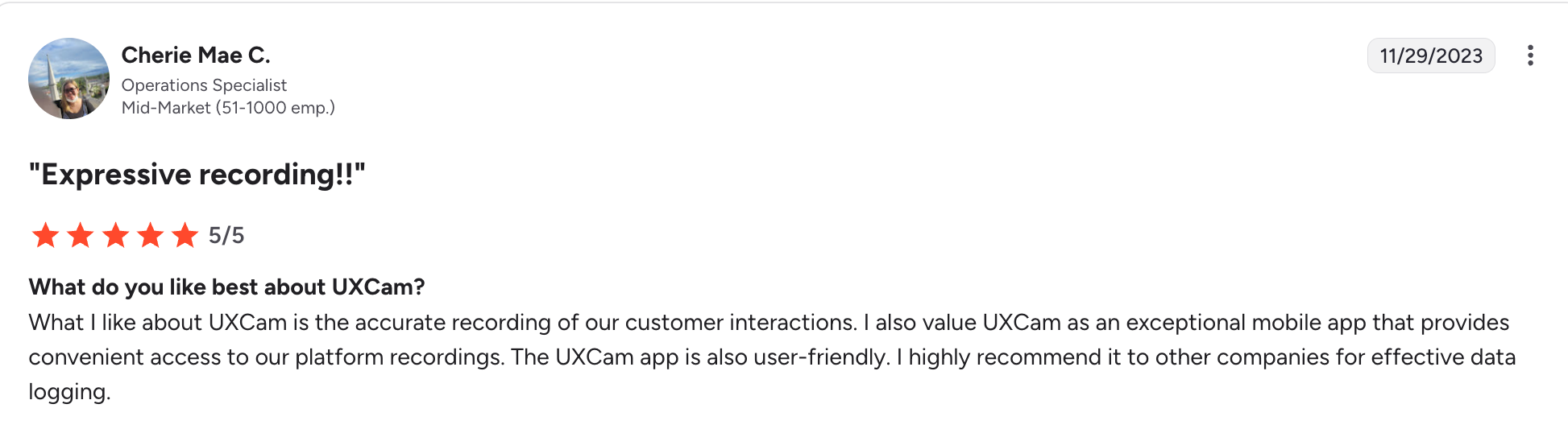
“What I like about UXCam is the accurate recording of our customer interactions. I also value UXCam as an exceptional mobile app that provides convenient access to our platform recordings. The UXCam app is also user-friendly. I highly recommend it to other companies for effective data logging.” – Cherie Mae C.
360-Degree view of app performance
UXCam is also often praised for its good variety of features, different angles, and comprehensive insights it provides to cross-functional teams. Here’s what one user says in that regard:
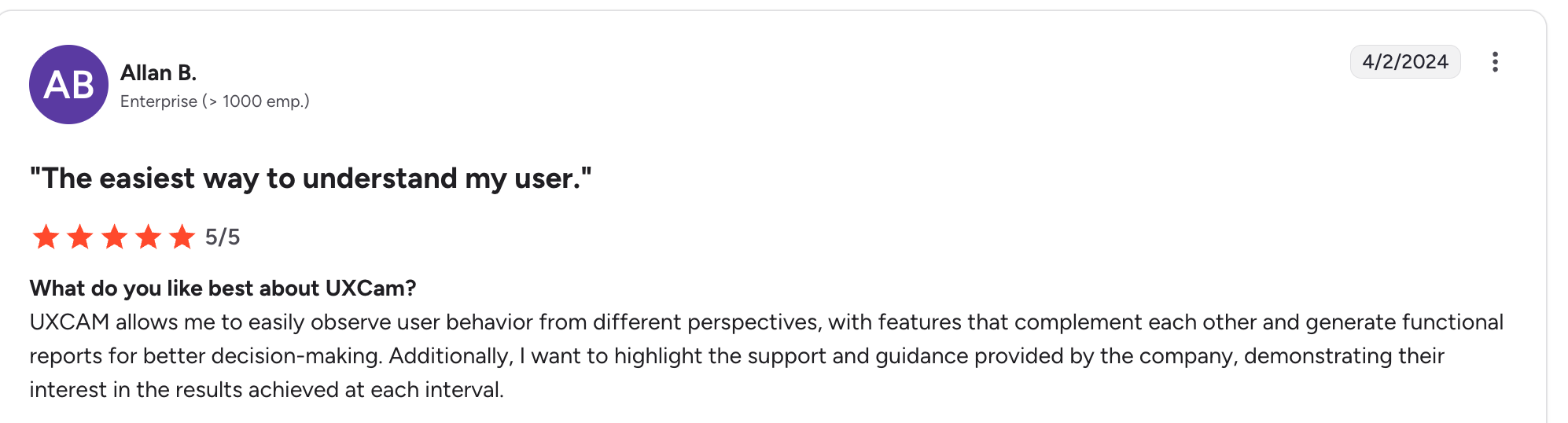
“UXCAM allows me to easily observe user behavior from different perspectives, with features that complement each other and generate functional reports for better decision-making. Additionally, I want to highlight the support and guidance provided by the company, demonstrating their interest in the results achieved at each interval.” – Allan B.
Another user affirms the notion that UXCam is versatile:
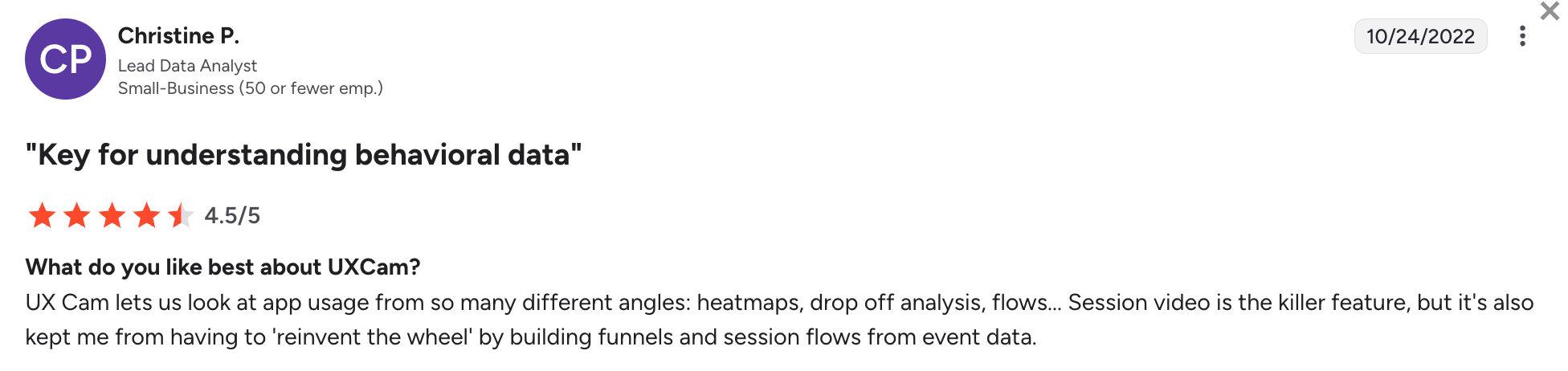
“UX Cam lets us look at app usage from so many different angles: heatmaps, drop off analysis, flows… Session video is the killer feature, but it’s also kept me from having to ‘reinvent the wheel’ by building funnels and session flows from event data.” – Christine P.
Quick implementation and ease of use
UXCam is often praised for its lightweight SDK, quick setup up and user centric design. Most teams start getting value from it right away. Here’s how one user put it:
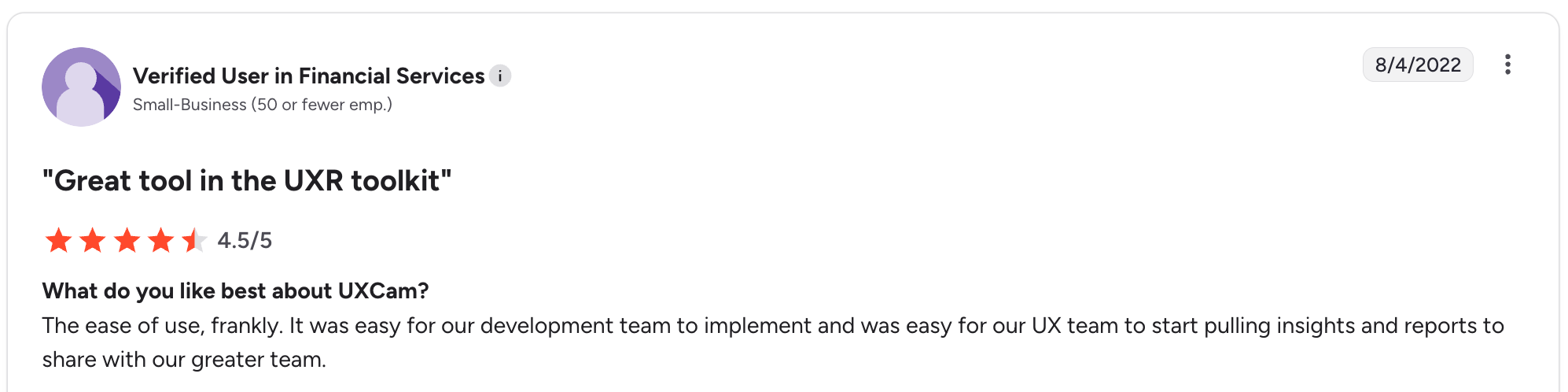
“The ease of use, frankly. It was easy for our development team to implement and was easy for our UX team to start pulling insights and reports to share with our greater team.”
Another user also vouches for UXCam’s ease of use:
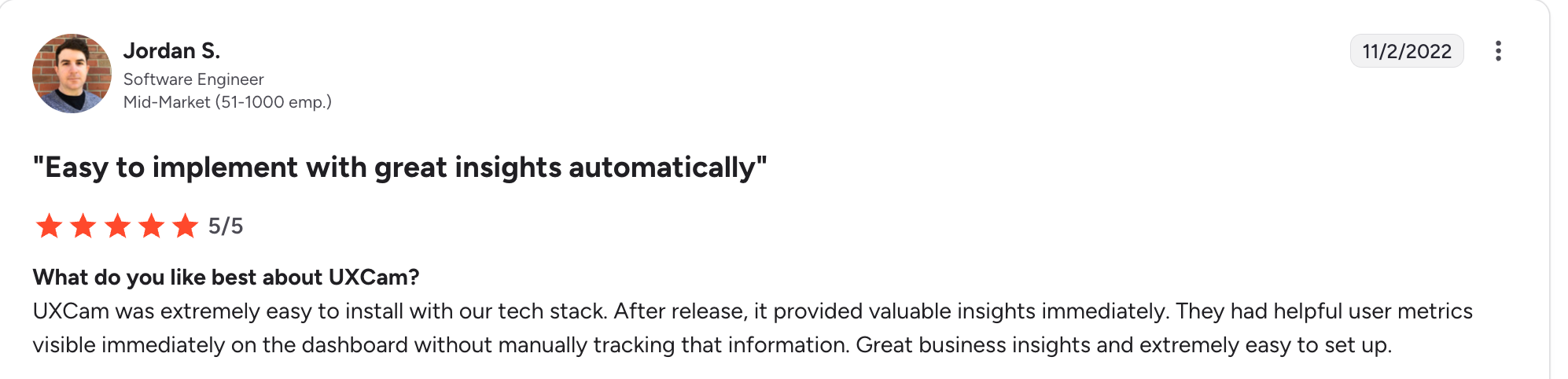
“UXCam was extremely easy to install with our tech stack. After release, it provided valuable insights immediately. They had helpful user metrics visible immediately on the dashboard without manually tracking that information. Great business insights and extremely easy to set up.” – Jordan S.
Negative UXCam reviews: What people dislike
Here are the most critical UXCam limitations based on user feedback:
Limited web analytics
Some users point out that web analytics features feel like an afterthought and lack the same depth other tools provide, especially event tracking, segmentation, and funnel filtering. Here’s what one user notes:
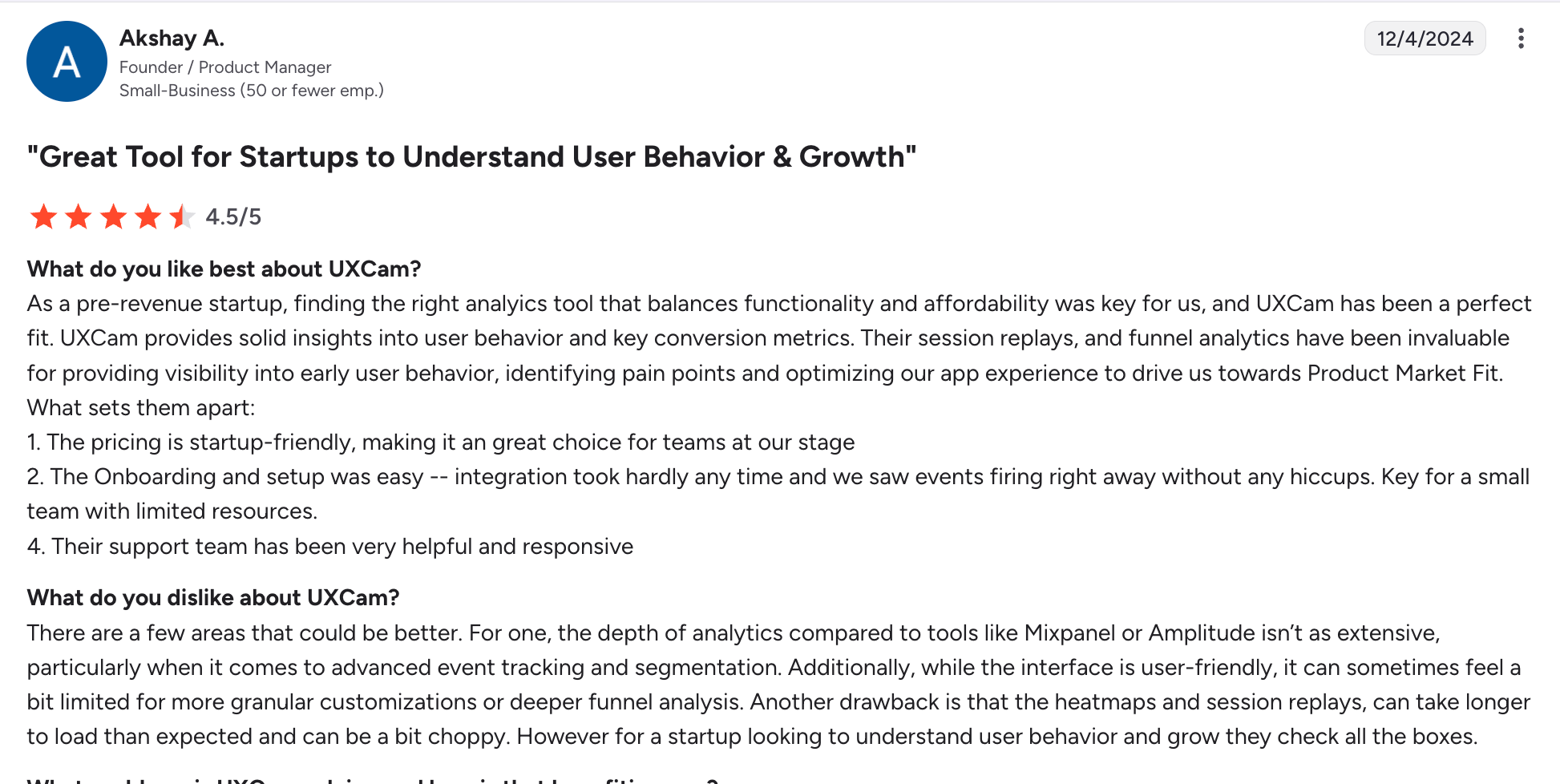
“There are a few areas that could be better. For one, the depth of analytics compared to tools like Mixpanel or Amplitude isn’t as extensive, particularly when it comes to advanced event tracking and segmentation. Additionally, it can sometimes feel a bit limited for more granular customizations or deeper funnel analysis. Another drawback is that the heatmaps and session replays, can take longer to load than expected and can be a bit choppy. “ – Akshay A.
Expensive and unpredictable pricing
As I expected, quite a few complaints about the non-transparent and above-average pricing. Here’s what one user says:
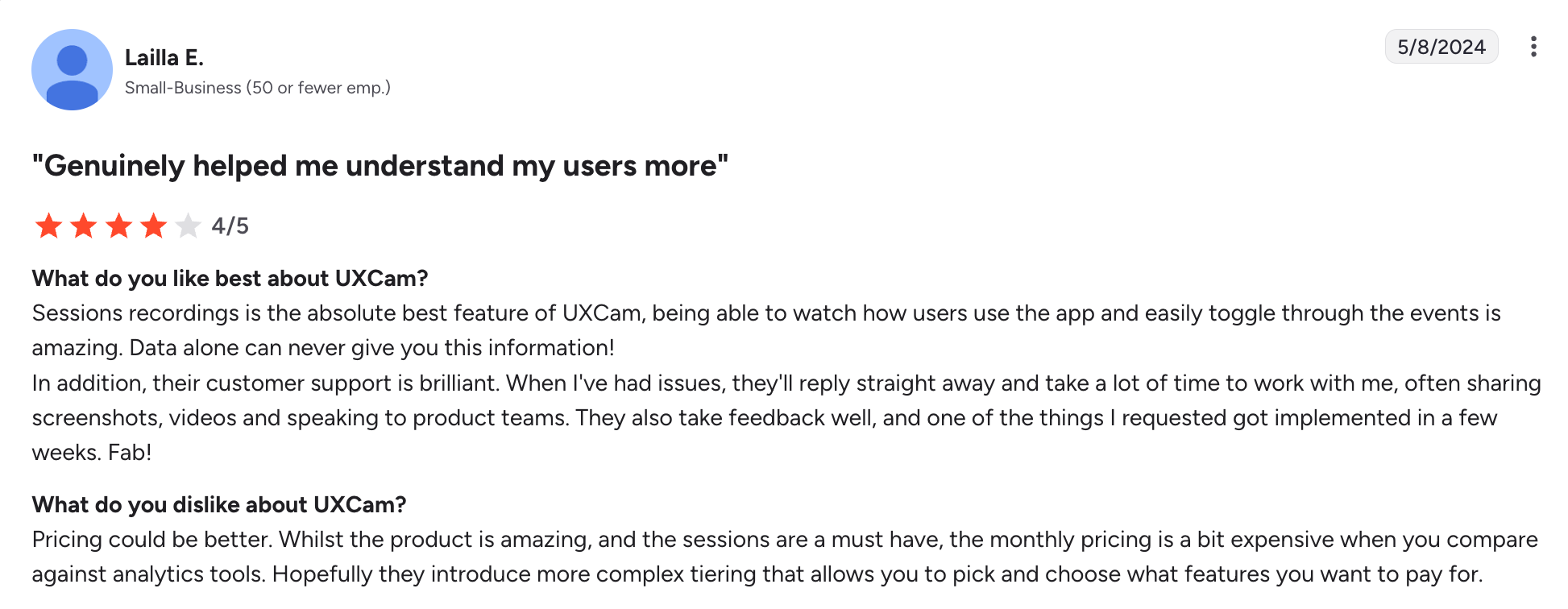
“Pricing could be better. Whilst the product is amazing, and the sessions are a must have, the monthly pricing is a bit expensive when you compare against analytics tools. Hopefully they introduce more complex tiering that allows you to pick and choose what features you want to pay for.” – Lailla E.
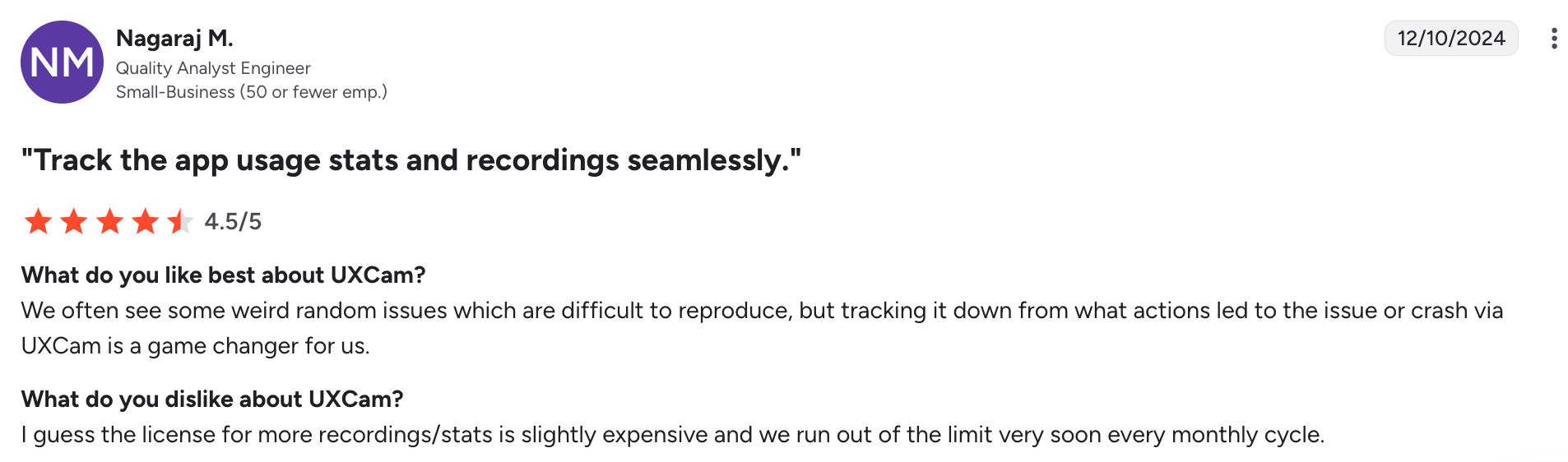
“I guess the license for more recordings/stats is slightly expensive and we run out of the limit very soon every monthly cycle.” – Nagaraj M.
Occasional recording issues and missing data
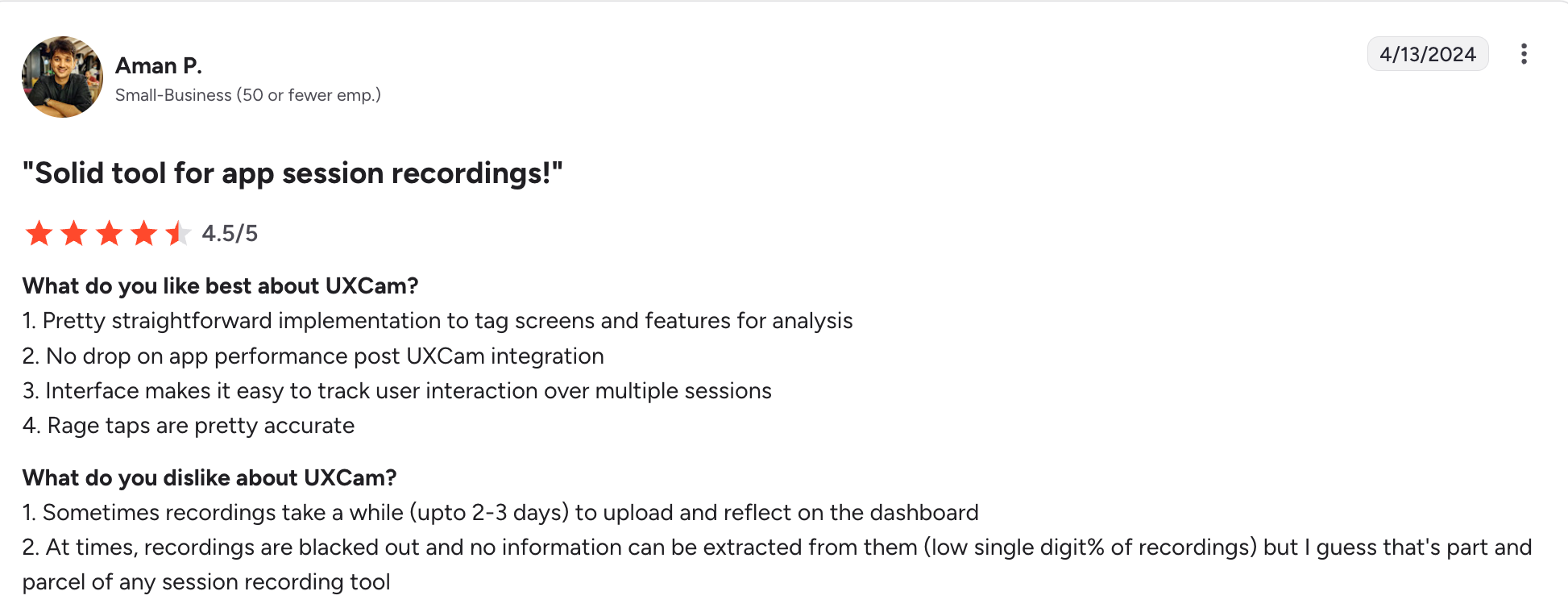
While it doesn’t happen often, I noticed some users had concerns around the session recording feature, claiming it takes a while for it to load, and some recordings are missing. G2 reviewer says:
“Sometimes recordings take a while (upto 2-3 days) to upload and reflect on the dashboard. At times, recordings are blacked out, and no information can be extracted from them (low single digit% of recordings) but I guess that’s part and parcel of any session recording too” – Aman P.
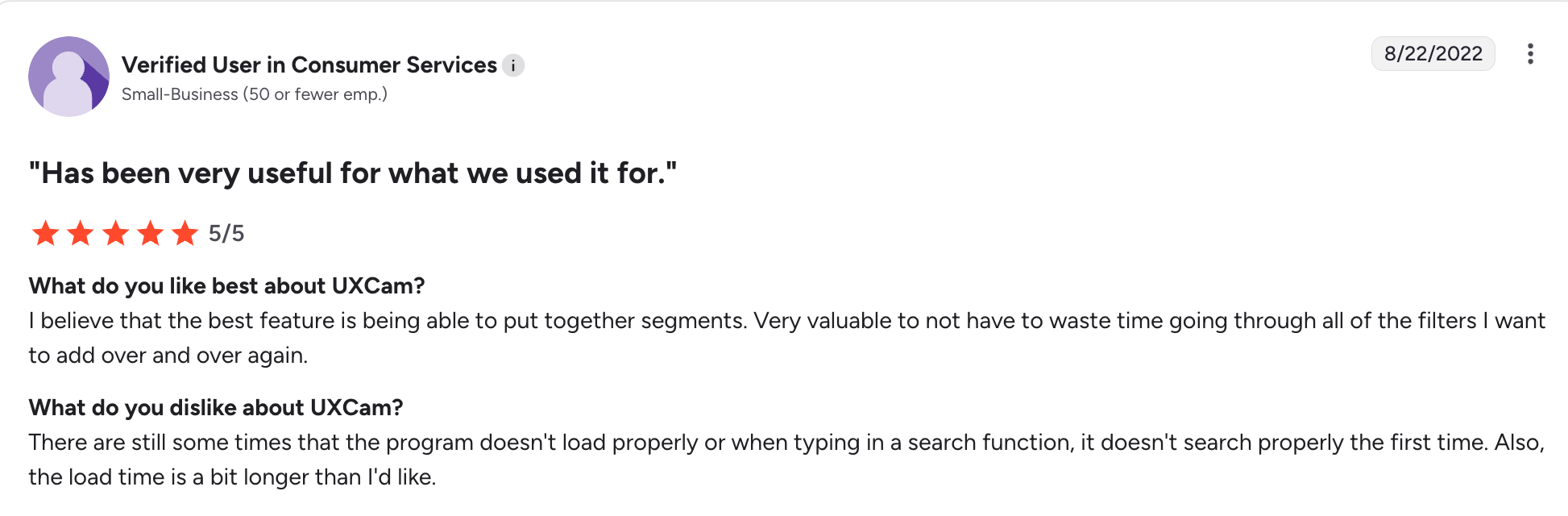
Here’s a similar user review:
“There are still some times that the program doesn’t load properly or when typing in a search function, it doesn’t search properly the first time. Also, the load time is a bit longer than I’d like.”
Is UXCam the best tool for product-led teams?
UXCam is a strong choice for industries like e-commerce, healthcare, and telecommunications, where user behavior tends to be predictable. But for PLG, particularly in the fast-paced SaaS space, UXCam falls short.
The most significant con is that UXCam is a passive observer. It reveals the problem, but offers no tools to intervene. For example, imagine watching a session and seeing that users struggle to adopt a newly launched feature. As a PLG product manager, the logical next step would be to trigger an interactive guide that walks them through the process.
But since UXCam lacks built-in engagement tools for acting on collected insights, you’d either have to purchase a separate tool or rely on your dev team to code this, both of which add complexity and slow down your response time. And in PLG, speed is everything. When users run into friction, every second you wait to fix it increases the chance they’ll churn.
Another issue with UXCam is its event-based pricing model. PLG teams are constantly running launches and growth experiments to optimize the product. These activities often result in spikes in user events, which can quickly push you over the event limit, leading to unpredictable costs.
For product-led teams, the ideal is MAU-based, because it scales predictably with user growth, so costs rise only when the product is actually succeeding and growing its revenue.
Userpilot: The more flexible alternative for growing SaaS teams
Userpilot is an all-in-one product growth platform that combines session replays, product analytics, feedback surveys, and engagement tools, enabling you to collect data and act on it from a single interface.

Here’s why Userpilot works better for agile teams:
Transparent and predictable pricing
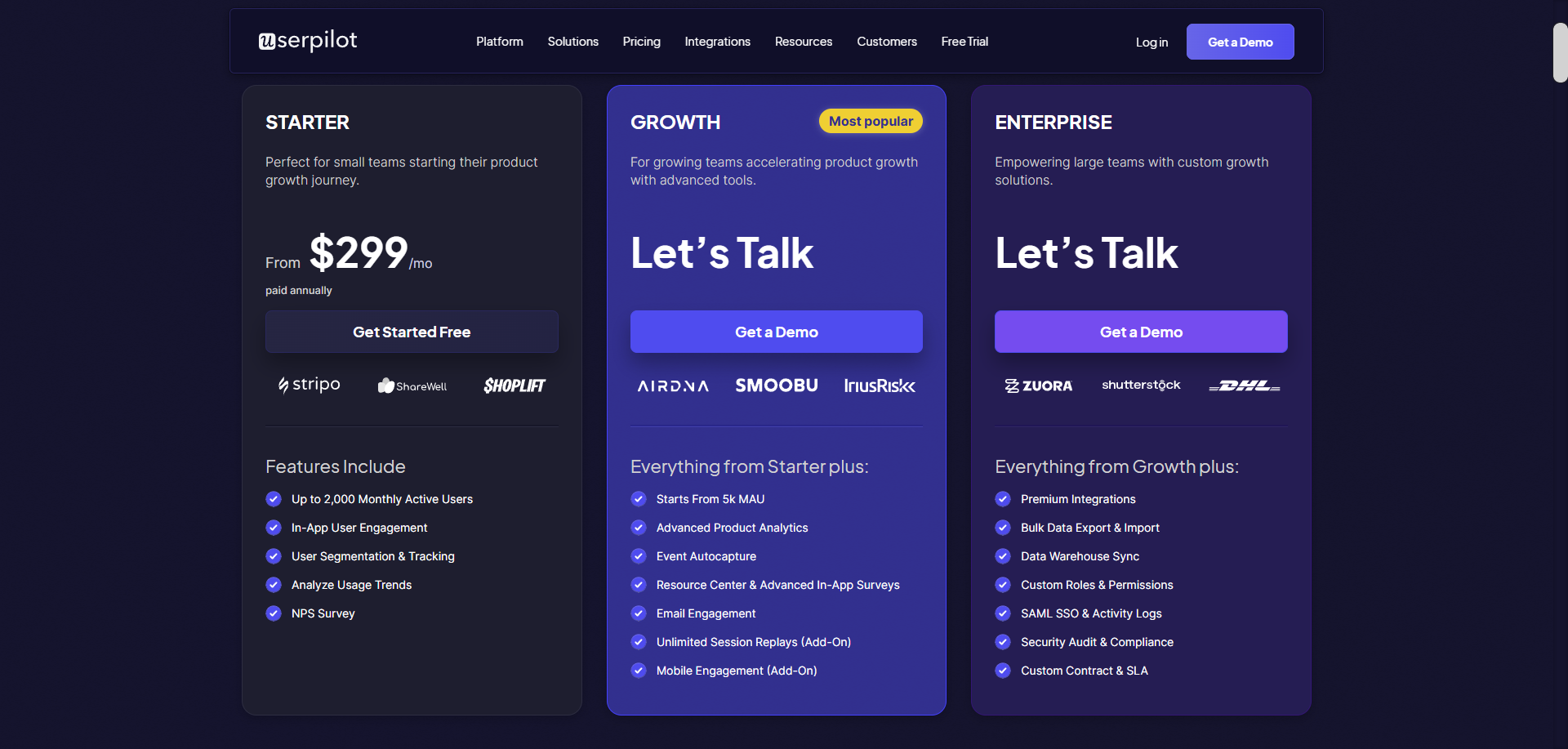
The pricing is public, easy to understand, and inclusive of all the features most teams need to start improving adoption. Here’s the breakdown of our pricing plans:
- Starter: $299/month (billed annually) for up to 2,000 monthly active users. You have access to in-app engagement, user segmentation, usage trends, and NPS surveys.
- Growth: Custom pricing for growing teams. Gain additional features such as product analytics, event autocapture, in-app surveys, resource centers, and mobile support.
- Enterprise: Custom pricing for large teams. Includes premium integrations, bulk data export/import, SAML SSO, and enterprise-grade security.
All plans include a 14-day free trial, with no credit card required. They have flat, MAU-based pricing (no per-seat fees), which scales with your growth.
In-app surveys for collecting direct feedback
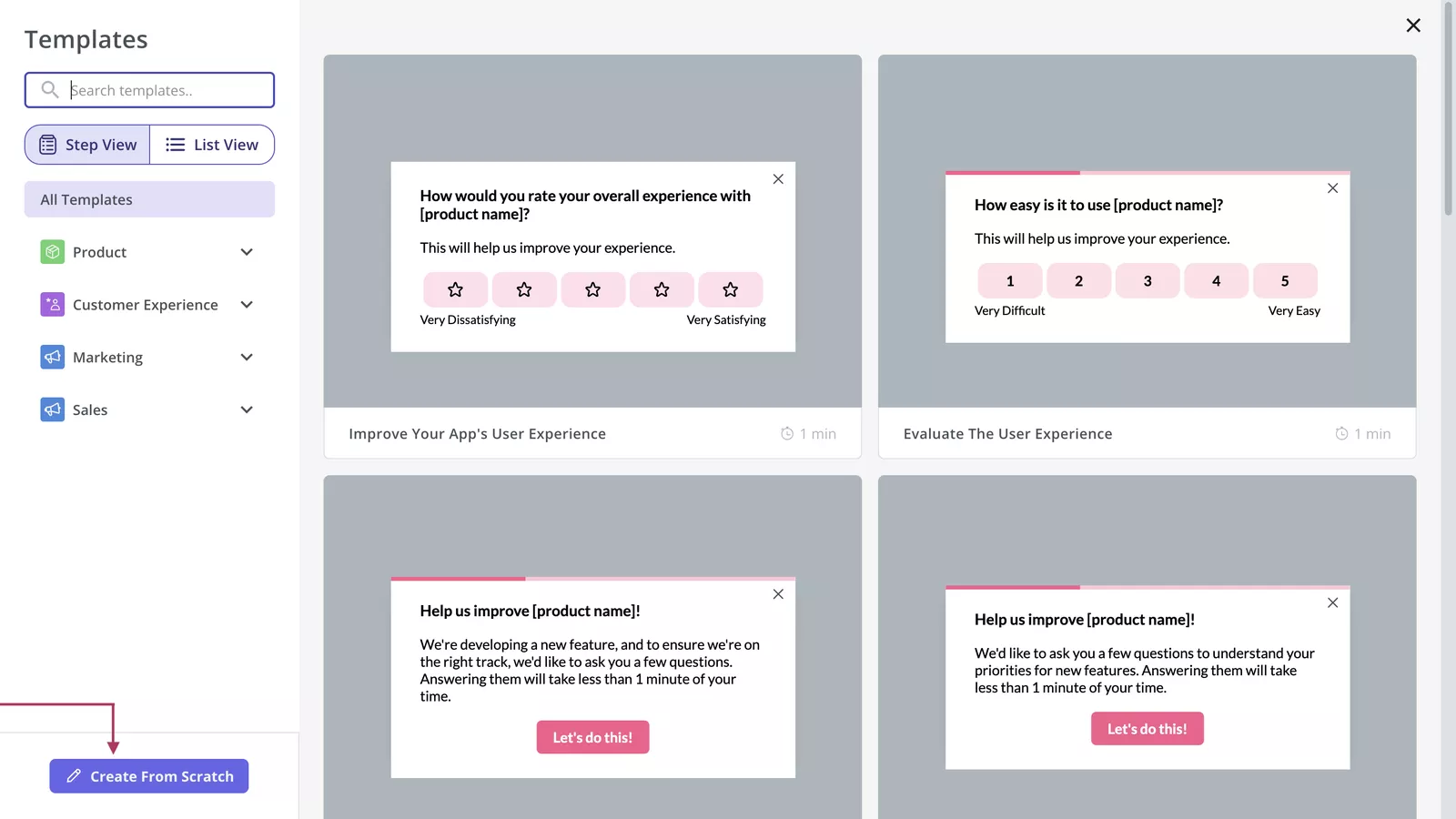
Session replays and heatmaps show what users are doing, but they don’t always explain why. When user intent or expectations aren’t clear, the fastest way to get answers is to ask directly.
You can trigger different types of in-app surveys based on user behavior or segments to collect user feedback. For example, if you see via a session replay that a user abandons onboarding halfway, you can send them a survey asking, “What blocked you from finishing the tutorial?” to gain actionable insights.
Comprehensive omnichannel user engagement tools to act instantly
To act on data and remove friction, Userpilot offers a versatile collection of tools, such as:
- Interactive walkthroughs and checklists: With a no-code editor, you can build engaging interactive onboarding flows with tooltips, modals, and slideouts to guide users through different workflows.
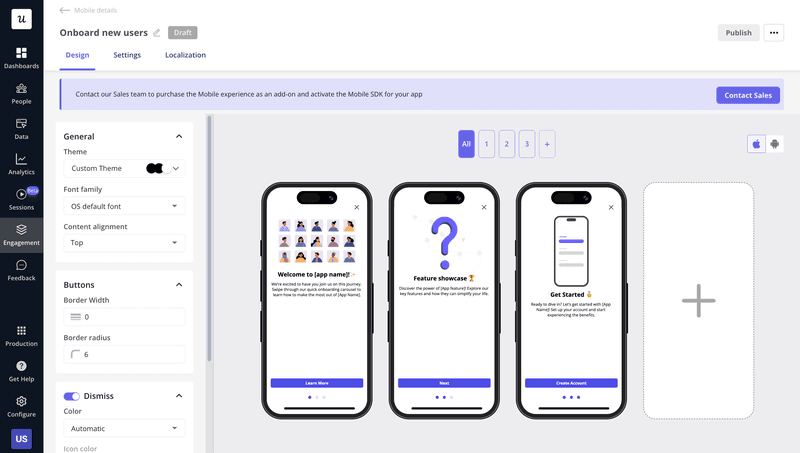
- Mobile engagement: You can deploy mobile carousels, slideouts, and push notifications to onboard users, announce product updates, and drive feature adoption, reaching users both inside the app and beyond it with timely, behavior-based messages.
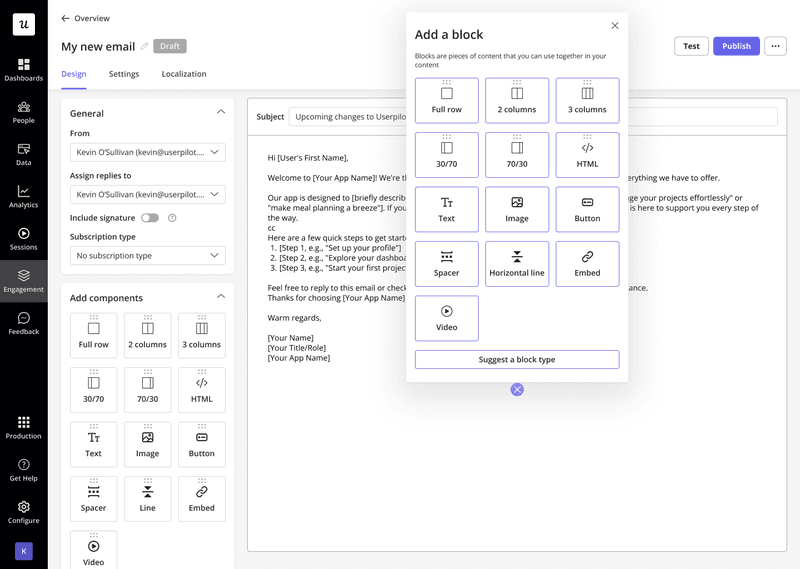
- Email campaigns: With integrated email marketing capabilities, you can re-engage dormant accounts using context from product usage. You can create highly customized campaigns with audience segmentation and dynamic content, while benefiting from strong deliverability, scheduling controls, and performance tracking to ensure messages reliably reach inboxes.
Final verdict: Should you buy or pass on UXCam?
If your primary product is a native iOS or Android application, UXCam is arguably the superior choice for analyzing crash logs, gesture-based friction, and device-specific performance issues.
However, if you have a B2B SaaS tool and your goal is to improve adoption metrics, you need a comprehensive solution that not only lets you diagnose friction in user journeys but also immediately deploys no-code guidance to fix it.
Userpilot strives to provide accurate information to help businesses determine the best solution for their particular needs. Due to the dynamic nature of the industry, the features offered by Userpilot and others often change over time. The statements made in this article are accurate to the best of Userpilot’s knowledge as of its publication/most recent update on December 27, 2025.
About the author