WalkMe Pricing in 2026: Hidden Fees + Better Alternative



Unlike other digital adoption platforms, WalkMe has never published a rate card. This means every deal starts with a sales call instead of a pricing page you can skim. Furthermore, SAP’s $1.5 billion 2024 acquisition of WalkMe has further complicated the pricing model now that they aren’t an independent company anymore. Starting January 2027, WalkMe’s AI features will move to a consumption-based SAP AI Units model, with no published rates for how much that will cost.
This guide will give you a brief refresher on what WalkMe does, how much you’ll actually pay, and how quotes are built!

What WalkMe still does in 2026
WalkMe is built for large organizations running complex, internal tech stacks. It sits on top of the apps your employees or customers already use to help them navigate and adopt those tools:
- In-app guidance: Step-by-step guides that appear directly inside an app, cutting down how much users need external documentation.
- Workflow automation: Fills fields, handles form submissions, and advances screens to automate repetitive tasks where the logic is predictable.
- Built-in analytics: Tracks how users move through specific workflows or screens and turns that into contextual guidance about where friction points lives.
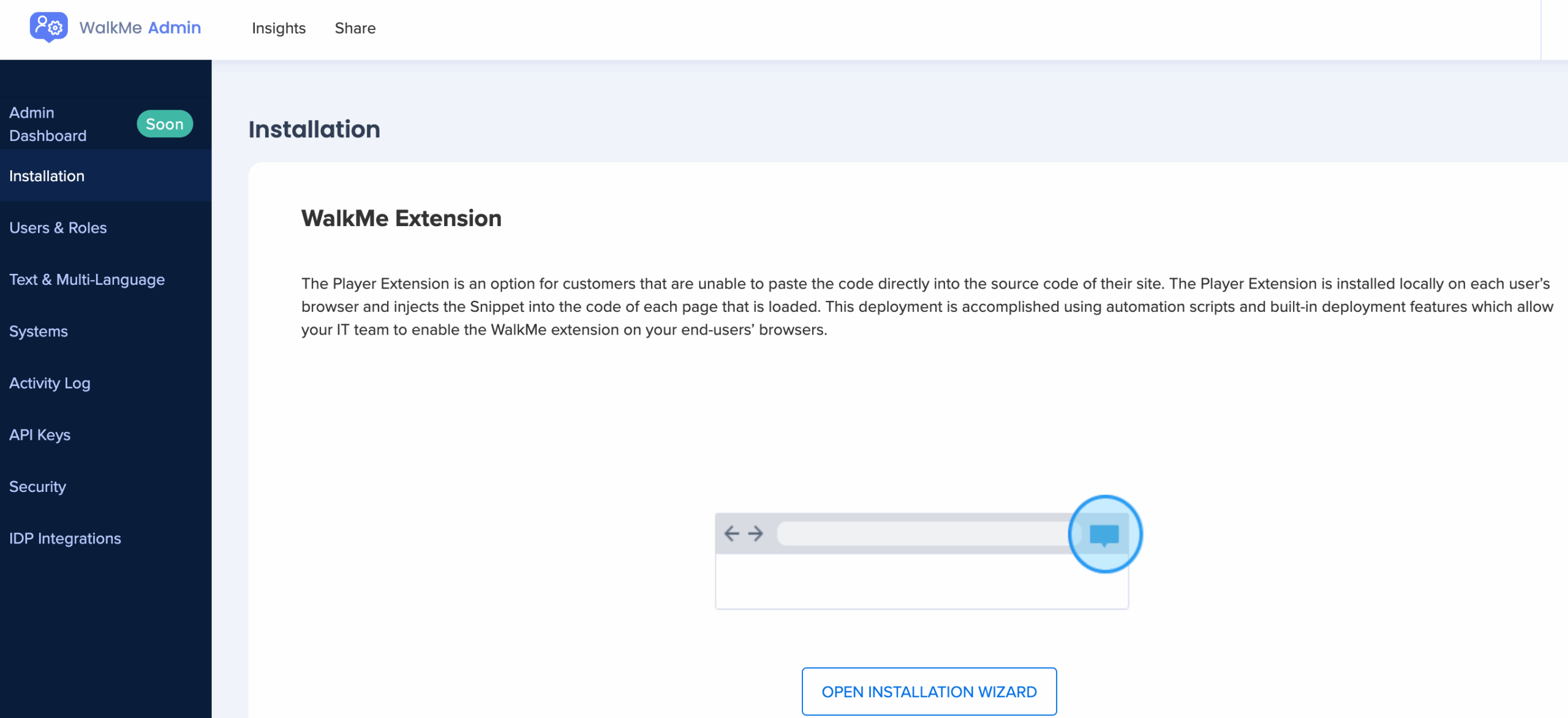
- Self-service support: Its resource center (opened through the WalkMe Menu) lets end users pull up walkthroughs without submitting a support ticket.
- Solutions Gallery and WalkMe API: Ready-made templates for common workflows, plus API access for teams sending WalkMe data to their other tools.
WalkMe pricing: What you’ll actually pay in 2026
While WalkMe still operates on custom pricing, third-party data helps fill the gap. Vendr tracks anonymized WalkMe contracts and puts the median annual cost at $39,000 per year based on 45 deals, with the full range running between $14,400 and $197,118 annually.
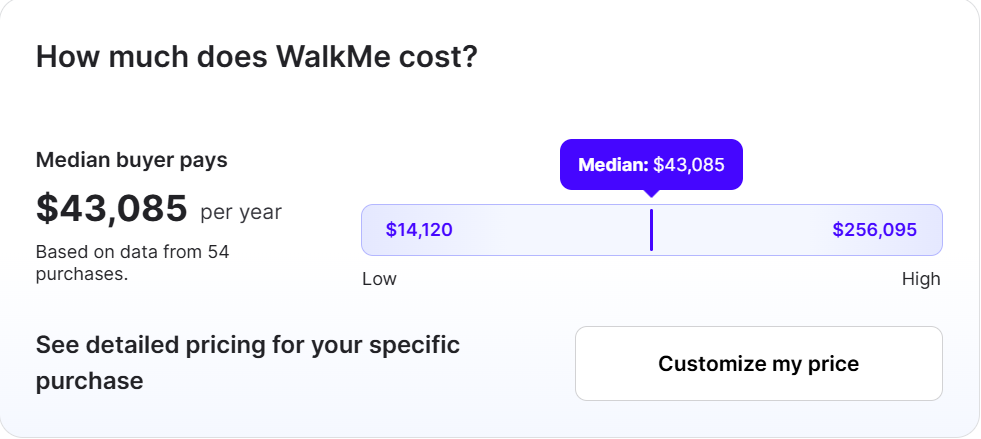
That median undersells what most mid-sized and larger organizations actually end up paying. Deployment data from another pricing analyst showed small rollouts with 100 to 500 users landing between $40,000 and $150,000 annually, while deployments of 500 to 1,500 users cost up to $400,000 and large enterprise rollouts cleared the $800,000 mark. As mentioned earlier, WalkMe’s AI-powered features will also be moving to the consumption-based SAP AI Units model with no published rates as of yet.
This introduces an unknown variable that could create a surprising number of hidden fees for customers with particularly heavy AI usage.
How WalkMe builds your subscription quote
While calling WalkMe’s sales team is the only way to get an exact number, four factors tend to influence its quotes:
- Scale of users and applications: The number of employees, monthly active users, and systems needed will all raise the base cost of your annual subscription.
- Employee/customer configuration: The employee-focused plan (which is built for internal training and process standardization) costs more than the customer-facing plan.
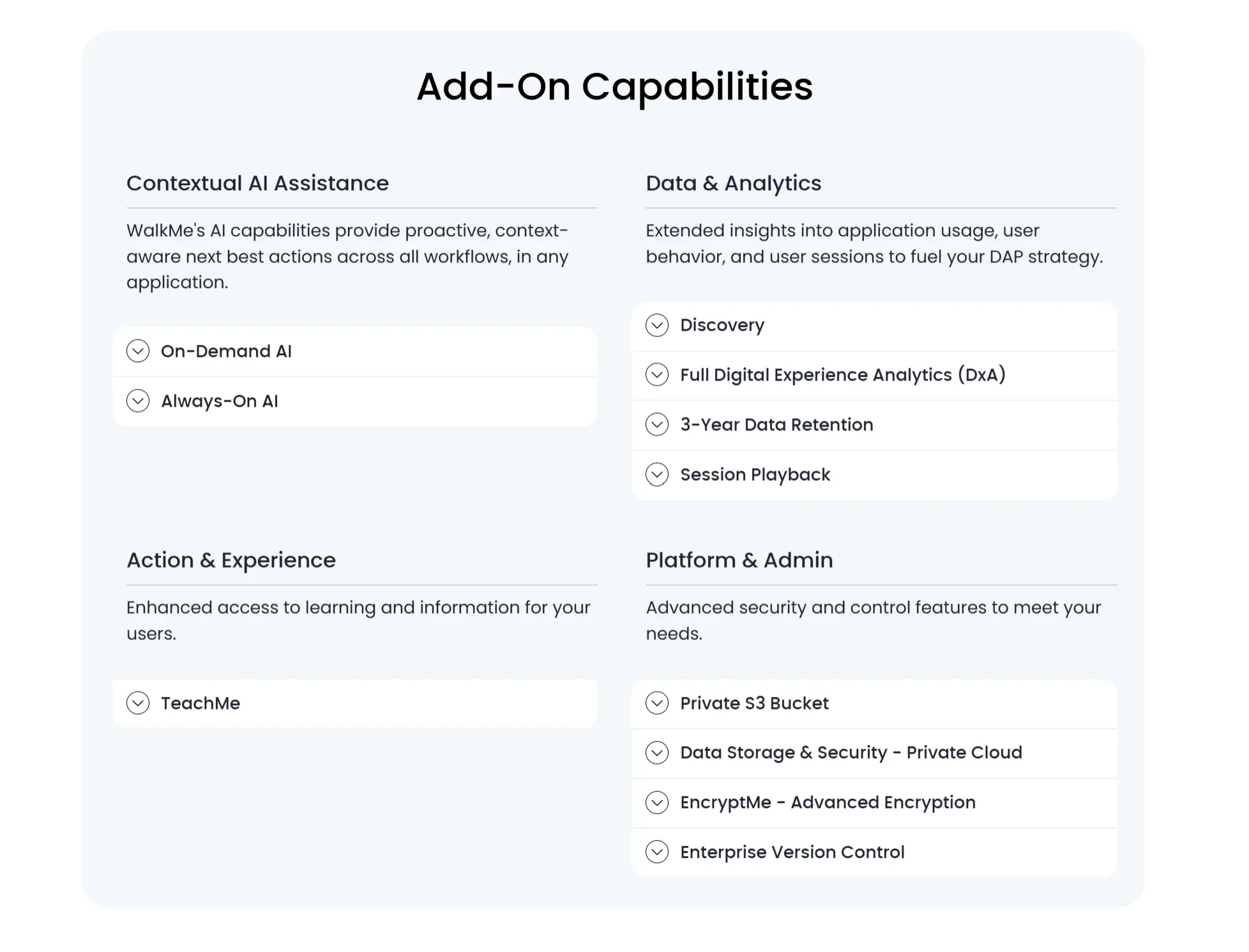
- Add-on modules and AI automation: WalkMe’s Insights advanced analytics package typically adds $10,000 to $50,000 per year, while its AI-powered automation ActionBot adds another $15,000 to $40,000 annually.
- Contracts, implementations, and services: Most organizations sign multi-year contracts and rely on WalkMe’s professional services or certified partners, with implementation alone costing up to $150,000 depending on how many applications you need to cover.
Pricing analysts also found that WalkMe contracts commonly increase in price by 5% to 10% annually, meaning a $150,000/yr contract could cost $200,000 by year four.
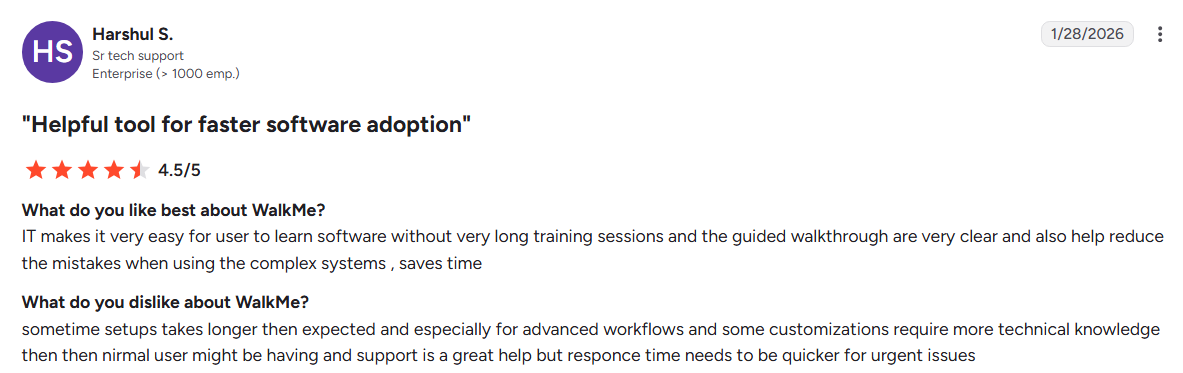
In addition to the financial cost, it’s also worth considering the time investment needed for implementation and setup.
Why the enterprise price tag makes sense for the right buyer
The six-figure contracts and heavy implementation make sense for enterprise organizations with strict process requirements, because these teams are paying for consistency at scale.
Here are a few scenarios where WalkMe could make sense if you can afford it:
- Employee training: Guiding new hires through onboarding tasks and workflow automation inside complex internal systems.
- Strict governance: Administrative controls that help enterprises manage access and enforce policy across thousands of users.
- Process visibility: A clearer view of where employees struggle, syndicated across multiple application environments at once.
- Priority support: The kind of response time that matters when broken workflows affect several departments simultaneously.
Where WalkMe breaks down for product-led teams
The product-led growth model runs on speed, but WalkMe simply wasn’t built for that pace.
You can see WalkMe fall short in three ways (budget, speed, and transparency) in the context of product-led teams at mid-market SaaS companies:
- Drains growth budget: WalkMe’s cost competes directly with recruitment budgets and marketing spend, with multi-year contracts locking up capital you need to drive growth.
- Slows down iteration: PLG teams test an idea and adjust within days, but WalkMe’s steep learning curve and dependence on technical expertise don’t support rapid iteration.
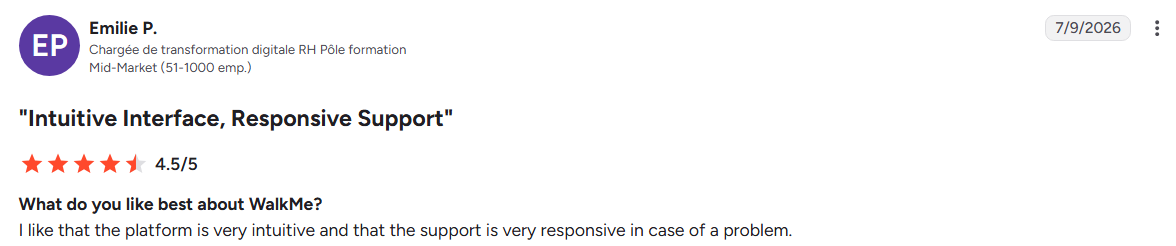
- Lack of transparency: WalkMe’s pricing isn’t transparent, with the sales process requiring sales calls and executive meetings rather than self-serve free trial periods.
As such, teams looking for fast and affordable solutions should consider exploring other alternatives before signing an extended contract with WalkMe.
WalkMe vs Userpilot
WalkMe and Userpilot are catered towards different use cases. WalkMe trains employees on internal systems like Salesforce or Workday, while Userpilot onboards users inside SaaS products you own. That’s because both tools were built for different customers, have varying levels of setup requirements, and much longer or shorter implementation timelines relative to each other. As such, here’s a side-by-side comparison to help you spot the differences and choose the right platform for your needs:
| WalkMe | Userpilot | |
|---|---|---|
| Built for | Employee training and third-party tool adoption | User onboarding and feature adoption within your own product |
| Setup | Steep learning curve, developer help often required | No-code builder, product team ships without engineering |
| Time to value | Months to years | Days to weeks |
| Product analytics | No user or cohort retention data | Trends, funnels, retention, and path analysis |
| Session replay | Not available | Native functionality |
| Surveys | Basic templates | 15+ templates with branching logic |
| Starting price | Custom quote, median $39,000/year | Transparent pricing, starts at $299/month |
It’s clear that WalkMe wins on breadth for multi-system internal deployments while Userpilot wins on speed and affordability for teams onboarding users to their own SaaS product. In fact, the same pricing analysts that supplied the deployment breakdowns earlier put Userpilot’s pricing at roughly 40% to 50% lower than WalkMe’s for mid-market implementations of comparable size and scope.
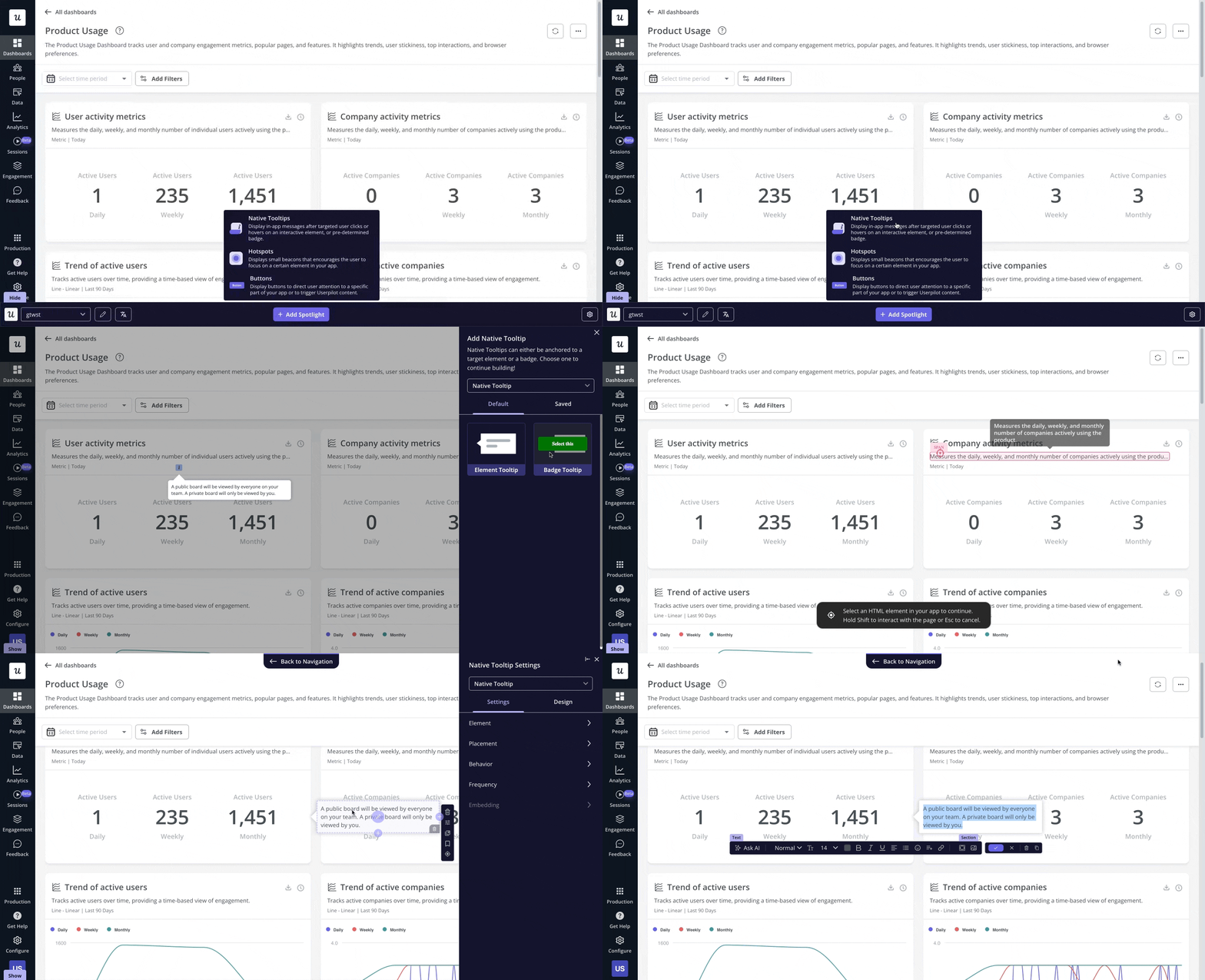
The visual no-code builder is another key difference since it allows product managers to create onboarding flows and in-app guidance without waiting for engineering support.
Userpilot pricing: What you’d pay instead
Userpilot’s transparent pricing is publicly available on our pricing page.
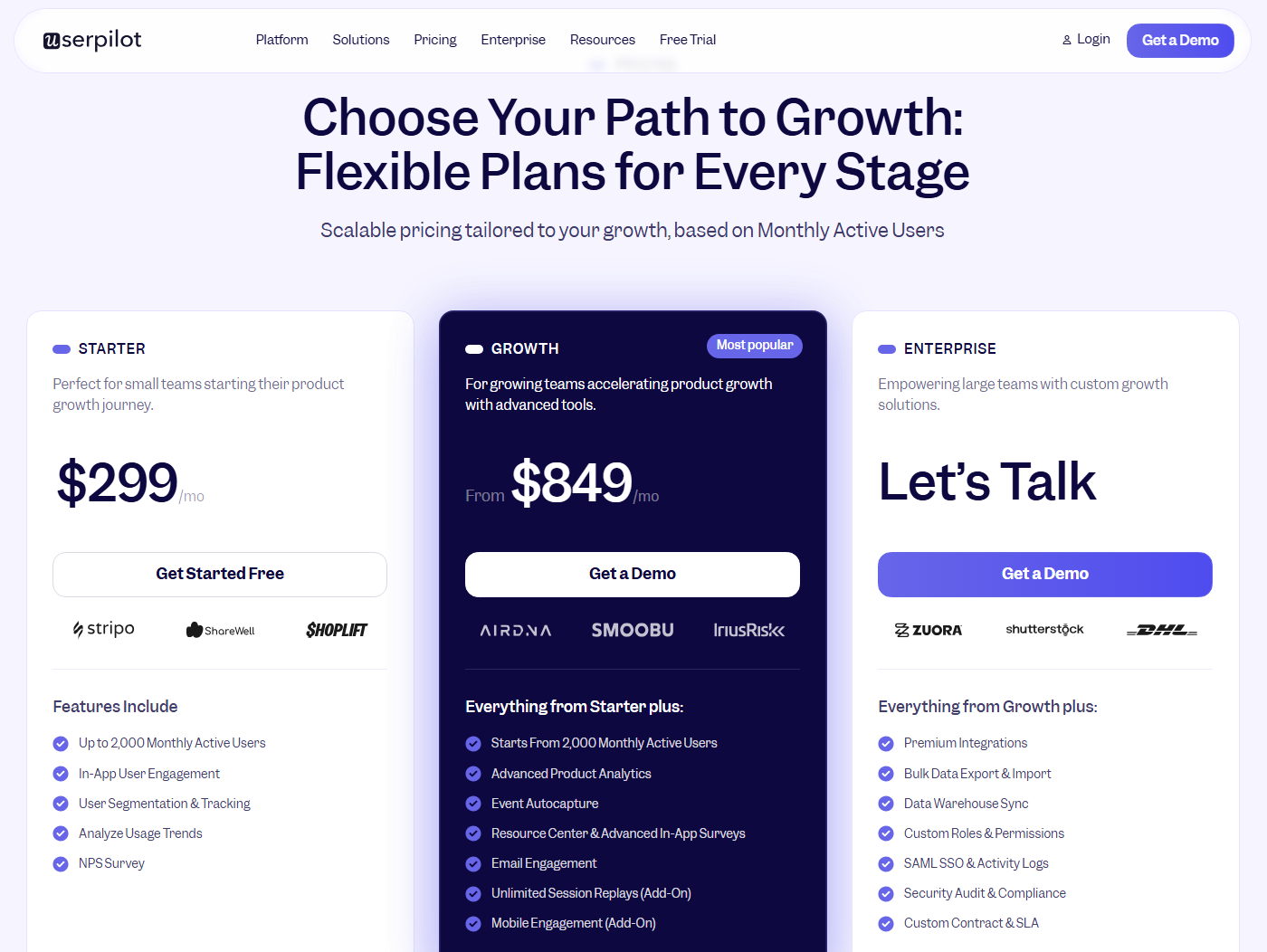
Our plans cover most SaaS teams, without requiring a sales call to find out how much it’ll cost:
- Starter: Starts at $299/month for up to 2,000 monthly active users. It includes in-app engagement, user segmentation, usage-trend tracking, and NPS surveys.
- Growth: Starts at $849/month. Adds advanced product analytics, event auto-capture, resource centers, and email engagement. Session replays and mobile are available as add-ons.
- Enterprise: Uses custom pricing. Offers premium integrations, data warehouses, custom roles, and SAML SSO for larger teams with stricter compliance needs across their organization.
When you run the math, it’s easy to see that Userpilot’s Growth plan lands well under $12,000/year, compared to WalkMe’s median of $39,000/year and mid-market deals up to $400,000/year.
Should you buy WalkMe or switch to Userpilot?
| Buy WalkMe if | Switch to Userpilot if |
|---|---|
| You’re running a digital transformation and need to guide employees through internal systems. | You’re a SaaS company onboarding users to your product to drive adoption. |
| Your workflows span third-party tools like Salesforce, SAP, Workday, or Oracle. | You own your product and want the freedom to adjust onboarding on the fly. |
| You need strict governance and workflow standardization across thousands of employees. | You want predictable software costs without heavy implementation investments. |
| You manage a large internal team and need guidance that reduces training costs and support tickets. | You need a shorter time to value and a tool your product team can run day to day. |
In other words, large enterprises trying to train thousands of employees to use several internal systems will benefit from the breadth of WalkMe (even if they’ll pay a pretty penny in the process). On the other hand, mid-market SaaS companies who need a lightweight onboarding platform that can help them iterate quickly and affordably would get better bang for their buck with Userpilot. If you’re the latter, book a demo so we can show you just how far you can get at a fraction of the cost and implementation time!
About the author