How to Build a Two-Way In-App Communication Strategy


As a product marketing manager at Userpilot, I’ve learned that in-app communication does not end when a message is delivered.
Users respond through their behavior, survey answers, support searches, and AI prompts. In this article, I’ll explain how I use those signals to build a feedback loop, route them to the right team, and follow up with users once something changes.
More specifically:
- The kinds of communication that happen inside a product.
- How to build a system that actually closes the loop when users respond.
- Where in-app communication is heading as AI changes what a product interface even means.

What kinds of communication to build inside your products?
You need two types of communication inside your product: messages that guide users and signals that help you understand how they respond.
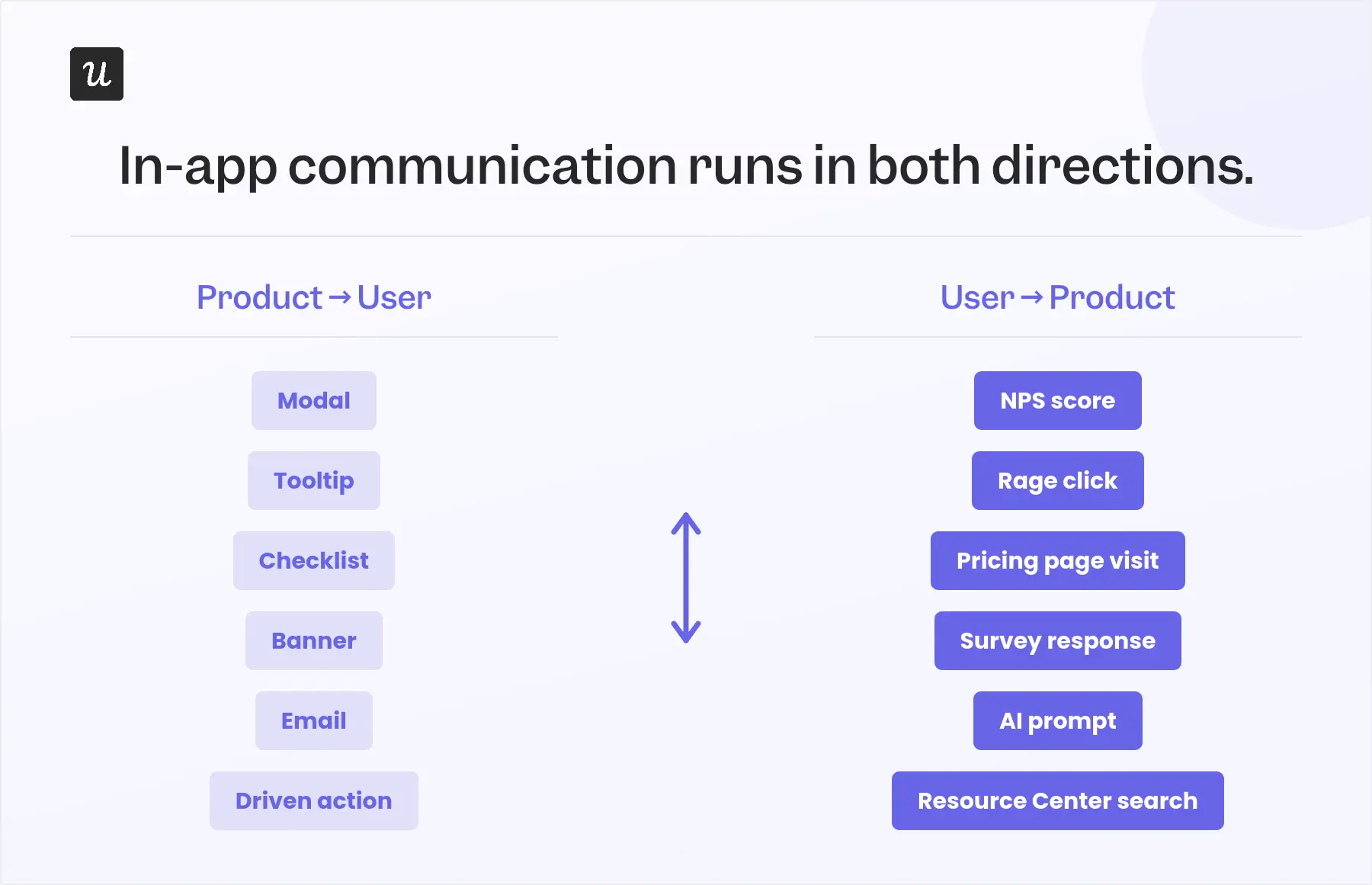
The format still matters, whether you use a tooltip, modal, survey, or chatbot. But I find it more useful to organize in-app communication by direction: what the product communicates to users and what users communicate back.
Direction 1: Choose in-app communication formats based on user context
For outbound in-app communication, choose the format based on what you need to communicate:
- Modals for major announcements.
- Tooltips for contextual guidance.
- Announcement banners for time-sensitive updates.
- User onboarding checklists for activation milestones.
- Slideouts for support during a task.
But the format alone does not determine whether the message works. In my experience, timing and targeting matter more.
I tested this after a colleague argued that users found tooltips annoying and ignored them. Half of our users saw a contextual tooltip introducing a new feature, while the other half saw nothing. The group that received the tooltip had 200% higher feature adoption, measured through goal completion in Userpilot.
The takeaway was to show the message when it is relevant to what the user is already doing. A feature announcement is more useful when the user is on the relevant page, has completed a related action, or has reached the right stage in their journey.
Userpilot Flows let you trigger modals, tooltips, banners, checklists, and slideouts based on user attributes, company plan, page URL, or real-time behavior. You can launch a flow when someone visits a page for the first time, completes a specific action, or reaches a checklist milestone.
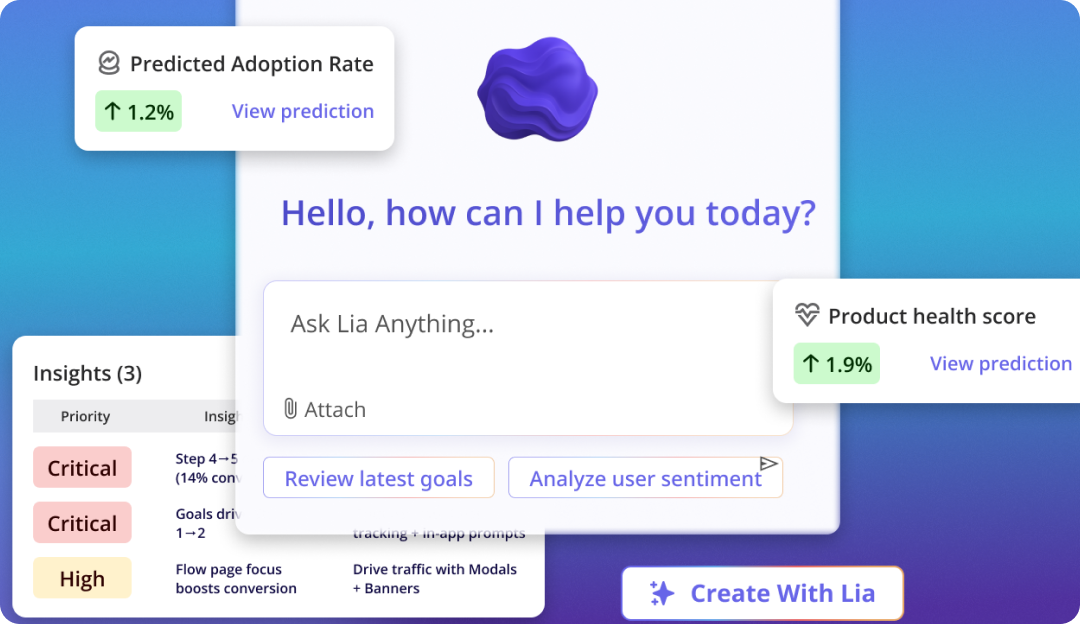
You can also ask Lia, Userpilot’s AI agent, to identify the right audience and configure the flow for you.
Direction 2: Read user intent through behavior and feedback
Users communicate intent through both explicit feedback and product behavior.
Start by giving them clear ways to respond inside the product. This can include:
- Triggered surveys that appear after a specific action or experience.
- Passive feedback widgets that users can open whenever they need them.
- Product NPS surveys with open-text follow-up questions.
- Chat widgets, resource center searches, and AI assistant prompts.
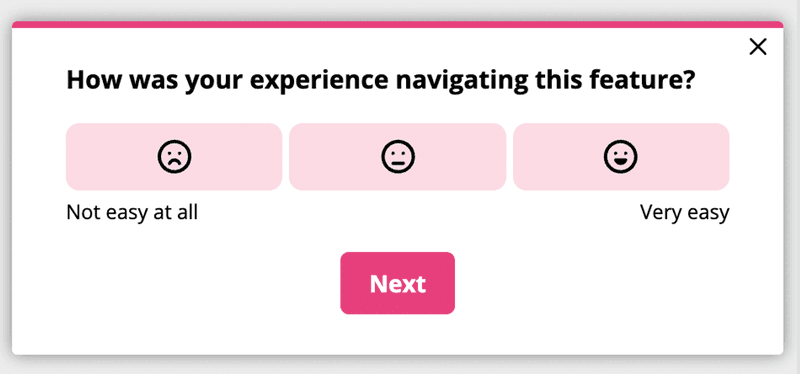
These channels capture what users choose to tell you directly. But I also look at behavioral data to understand what they may not put into words.
- Repeated rage clicks can signal friction or a misleading interface.
- Several visits to the SaaS pricing page without upgrading can signal purchase intent or an unresolved objection.
- Frequent logins without completing a core workflow can point to an activation problem.
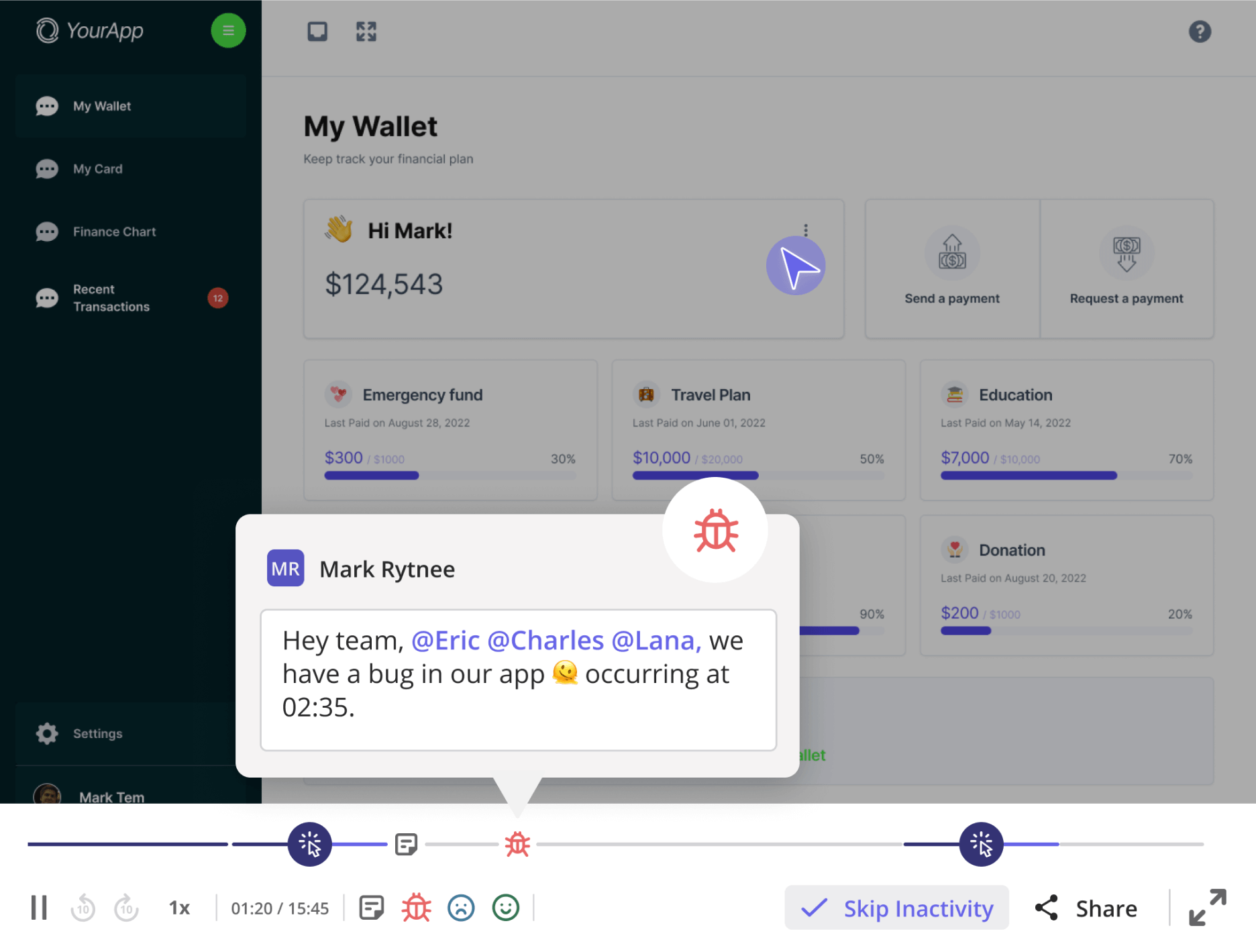
Userpilot Session Replay helps you investigate those signals by showing what users actually did. You can filter recordings by segment and watch how specific cohorts navigate the product, making it easier to connect quantitative patterns with the experience behind them.
Combining direct feedback with user behavioral data gives you a clearer picture of what users want, where they are struggling, and how you should respond.
How do the best products turn in-app communication into a feedback loop?
In-app communication becomes a feedback loop when users can respond easily and their input leads to a clear action.
In my experience, I focus on two things to do that: asking for feedback at the right moment and making sure someone acts on it and follows up with the user.
1. Make it easy for users to respond
The single biggest mistake I see in feedback programs is asking at the wrong moment.
An NPS survey that fires after 14 days of account age, regardless of what the user has done in those two weeks, will consistently underperform. A survey that fires after a user completes their first meaningful workflow will perform much better.
The difference? Timing.
Timing determines whether the response teaches you anything. And it is more important than survey design, question count, or incentive.
The most effective feedback prompts I see are triggered as a response to something the user just did.
For example, firing a feedback prompt after a user first completes an action makes them more likely to respond positively. If your goal is to understand user frustration, firing a prompt after a rage-click signal enables users to explain their struggles.
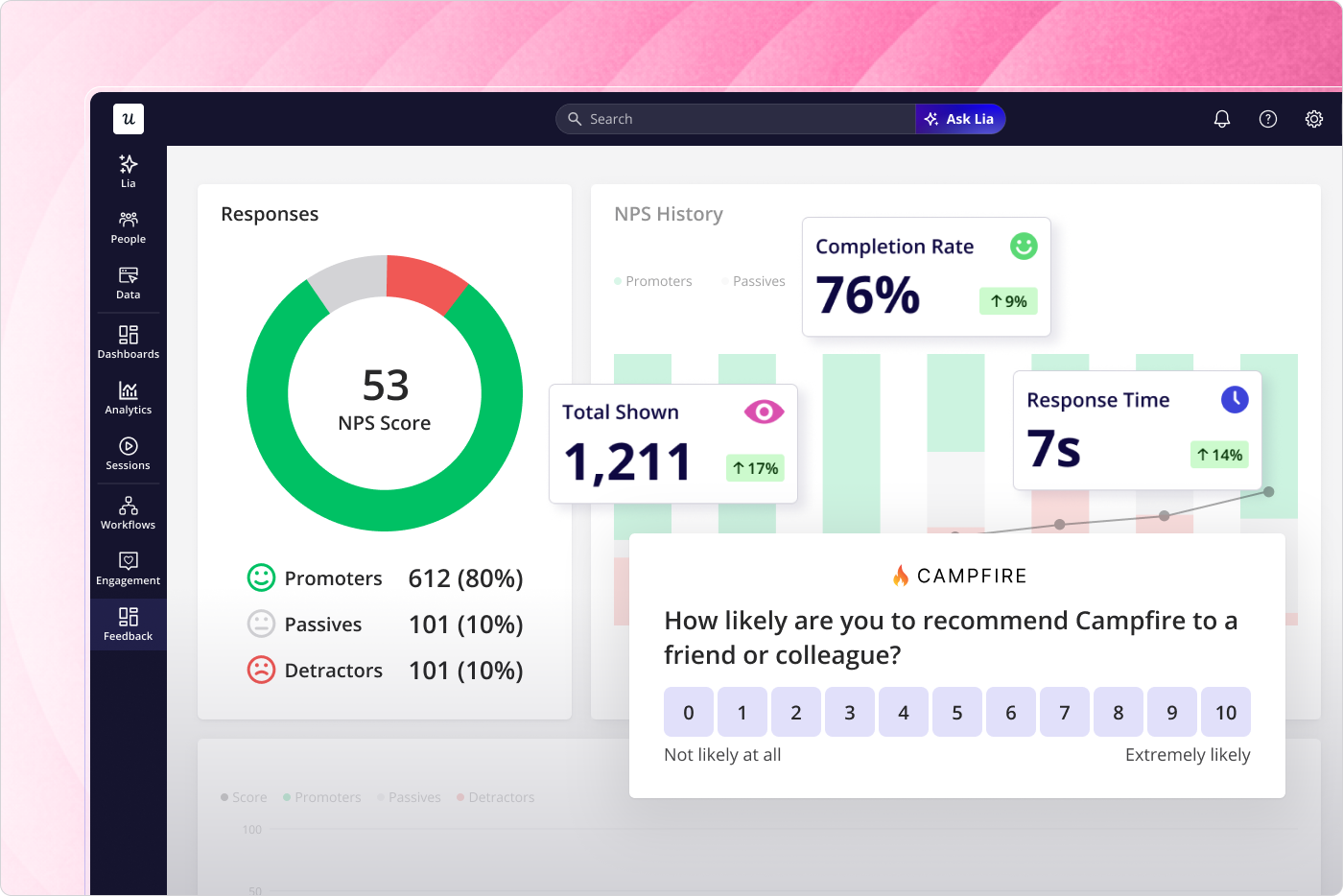
Userpilot’s NPS and survey tools let you set score-based follow-up questions, so detractors see a different open-ended prompt than promoters, and each group receives a different thank-you message. This is a small detail that meaningfully increases user feedback depth.
For example, instead of a generic “Why did you leave that score?” you can ask a detractor, “What’s the one thing you’d fix?” The question prompts them to give you more actionable data. You can also sync your NPS response data directly from Userpilot to HubSpot and Salesforce via integration, increasing your options for how you act on that data.
2. Make sure feedback changes something
This final step is what I call the “close” step. It involves notifying the user that their input was received, routed to a team, and acted on. Ideally, you should have someone on your team to own this part so as to avoid missing out on anything.
Interestingly, acting on customer feedback is not a soft nicety. A 16-year analysis of 668 firms found that feedback metrics like NPS and customer satisfaction are significant predictors of hard financial outcomes, from gross margin to sales growth.
In my experience, three things separate teams that close the loop from teams that intend to:
- A centralized place where feedback accumulates and gets triaged. No, not a Slack channel or a shared inbox.
- Clear specification of which team receives which type of feedback and who is responsible for the follow-up communication.
- A clear process for selecting which feedback to close first.
The routing step specifically is where Userpilot Workflows excels. An NPS score below a defined threshold can automatically route to the CSM team in Salesforce, trigger an in-app message with a support offer, and enroll the user in a re-engagement email sequence. All of this happens automatically without any manual handoff. Just a small reminder that you still need a person to own this entire workflow set up!
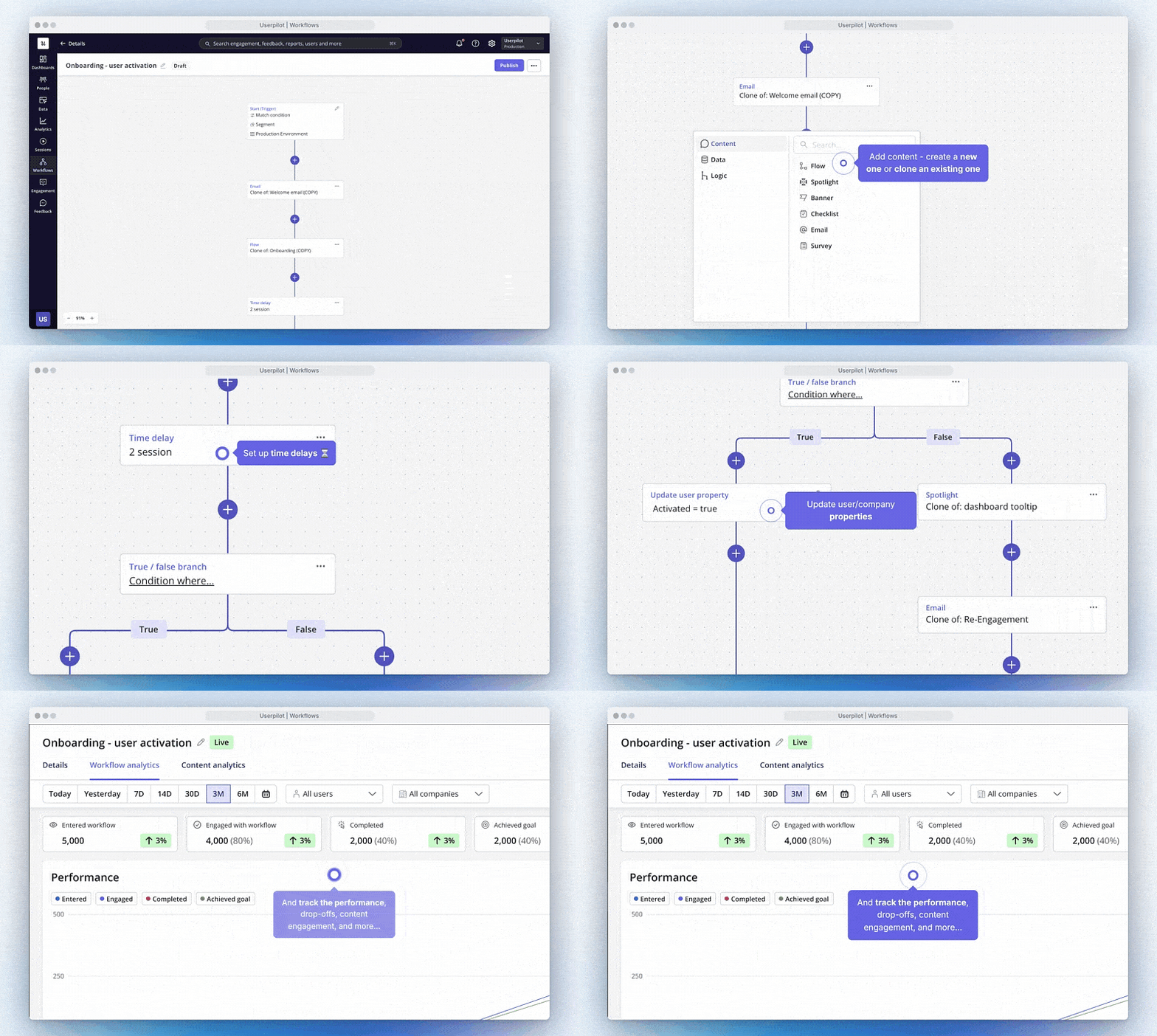
Close the gap between in-app communication and action!
Closing that gap doesn’t require a platform overhaul, and the teams I’ve seen do this well have a clearer answer to the question: “Who is responsible for closing the feedback loop?”
When a user submits an NPS score of 6 with a specific complaint, or abandons the same workflow step three sessions in a row, or searches the resource center and finds nothing, who is responsible for what happens next? Getting that answer right, and building a lightweight system around it, is what turns in-app communication into a feedback loop.
If you want to build that system, Userpilot covers all three parts of the circuit: Flows for what the product communicates to users; Surveys and NPS for structured inbound signals; Workflows for automated routing to the right team; and Emails for closing the loop with the user. Book a demo, and we can help you get started right away.
About the author