Apty is a well-known DAP in the market. But what do Apty reviews say about its features, usability, and prices?
I’ve checked dozens of reviews on Apty and will share my summary in this article, going over Apty’s best use cases, its pros, and cons. Then, I’ll compare it with Userpilot as an alternative all-in-one platform for SaaS product growth.
Overview of Apty’s key functionalities
Apty offers several features for digital adoption, including:
- Contextual tooltips, task lists, and banners: Apty delivers in-the-moment guidance directly inside your applications, helping users progress through their workflow and use tools effectively.
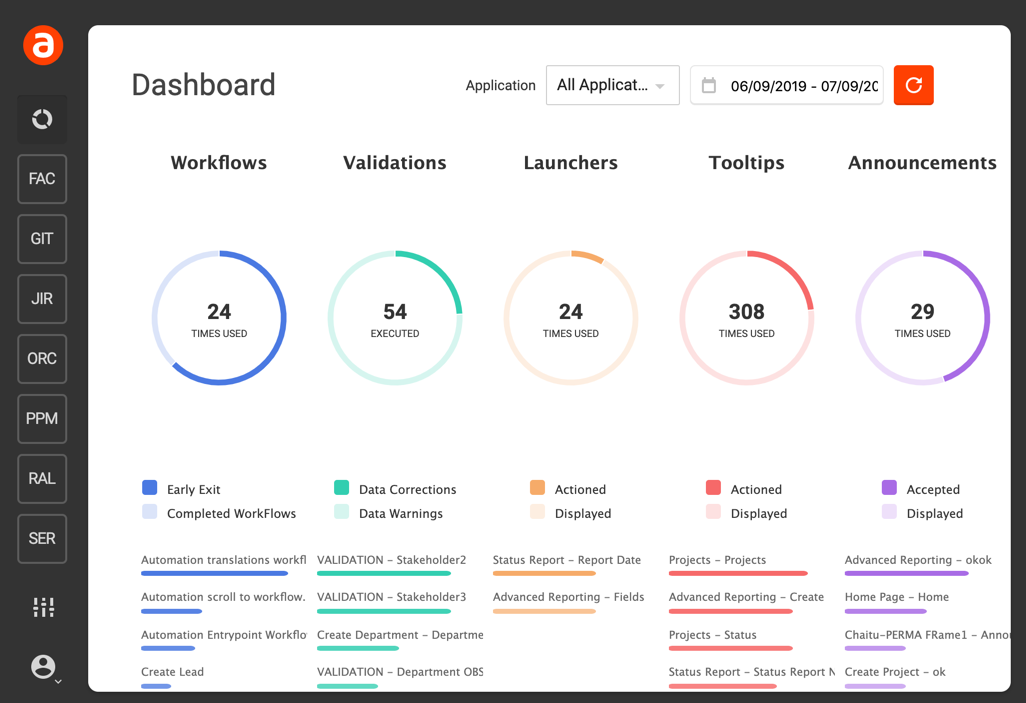
- Content analytics: Measure what guidance actually works. Track views, engagement, completion rates, and drop-offs to continuously refine in-app content and eliminate friction where users struggle most.
- Workflow automation: Automate multi-step processes, such as approvals, data entry sequences, or compliance checks. Users are prompted with the next best action, required fields, or conditional steps based on their role or previous inputs.
- Centralized knowledge base: Apty acts as a single source of truth for process documentation, how-tos, and best practices. Users can access relevant knowledge contextually, reducing reliance on external resources.
- Software usage analytics: Get visibility into how applications are actually being used across teams. Leaders can identify adoption gaps, unused features, and process bottlenecks, turning behavioral data into optimization.
How much does Apty cost?
Apty follows a custom, quote-based pricing model, where costs depend on factors such as the number of apps covered, the number of users, workflow complexity, and integration needs. For a single application, plans can start around ~$9,500 per year. Per Vendr, average annual costs are around $45,000.
Honest Apty reviews from real users
Apty is a robust enterprise platform that is well-regarded by many teams, though it isn’t without its critics. Below are real user reviews that offer honest feedback on where Apty excels and where customers feel there is room for improvement.
Positive Apty customer reviews: What people like
Here are the most common things I noticed people like about Apty:
- Strong customization and segmentation: A few users highlight Apty’s flexibility in tailoring workflows, in-app guidance, and experiences for different user roles or segments. This level of customization is often cited as a key strength, particularly for organizations with complex processes and diverse user groups.
- Support for both internal and external apps: Customers appreciate Apty’s versatility and note that it is effective for both internal employee enablement and external user adoption, making it a flexible solution across multiple business scenarios.
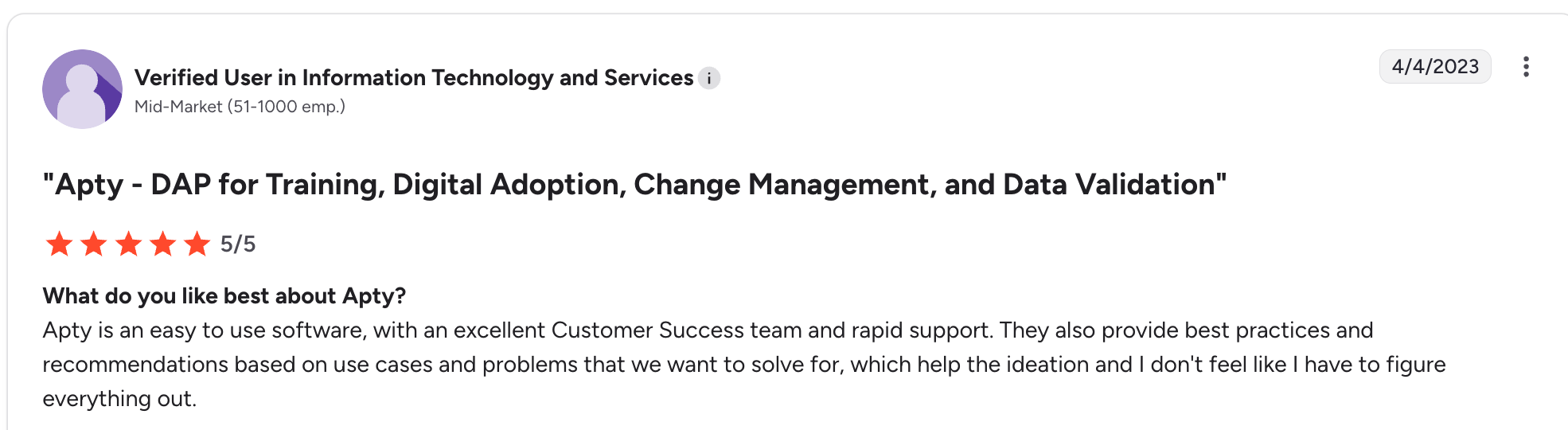
- Responsive customer support: Several reviews call out Apty’s support team as highly responsive and hands-on, especially during implementation and ongoing rollout. Users appreciate having direct assistance when configuring workflows, managing changes, or troubleshooting issues.
Negative Apty reviews: What people dislike
Here are the areas where Apty customers think it could be better:
- Steep pricing: Reviewers often call out Apty’s traditional enterprise pricing model. Access typically requires multiple sales calls, custom quotes, and multi-year contracts that can reach mid- to high-five figures.
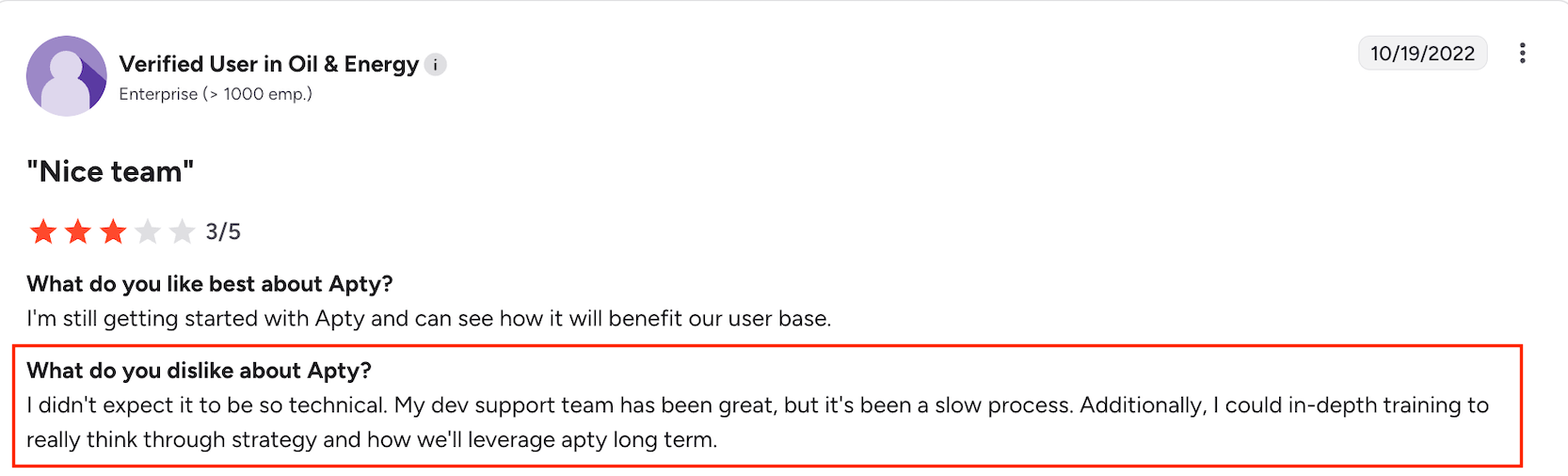
- Complex implementation and poor UX: Although Apty positions itself as a no-code platform, many users report a steep learning curve. The admin interface is frequently described as unintuitive and cumbersome. As a result, non-technical teams often end up depending on engineers for tasks that should be self-serve.
Is Apty the best tool for digital adoption?
While Apty can be a strong fit for internal enablement and structured enterprise workflows, it often struggles to meet the needs of modern SaaS teams focused on end-user onboarding, activation, and growth.
One major reason is its limited product analytics. Apty’s reporting primarily centers on guide engagement rather than deeper user behavior. Without funnel analysis, cohort reports, or session replays, teams lack the visibility needed to identify friction points, validate onboarding performance, or iterate based on real usage data.
In addition, Apty’s in-app engagement capabilities are built for enforcing rigid, linear learning and are relatively constrained compared to tools built specifically for SaaS. Specifically, Apty lacks common UI patterns such as hotspots, banners, and slide-outs, which limit your ability to create contextual onboarding experiences. The lack of A/B testing further limits experimentation, making it hard for product teams to continuously optimize onboarding flows.
Top Apty alternatives for product teams
If you realize Apty isn’t for you after learning about its shortcomings and are looking for similar tools, here’s a table based on my research to help you make a decision:
| Tool | Best for | Key strength | Biggest limitation | G2 rating |
|---|---|---|---|---|
| Userpilot | SaaS teams focused on product growth | Unified PLG analytics with omnichannel user engagement | Customer-facing only (no internal apps) | ⭐ 4.6/5 |
| Pendo | Product teams needing deep usage analytics | Powerful analytics tied to roadmapping and feedback | Basic resource center, clunky UI | ⭐ 4.4/5 |
| Whatfix | HR & L&D teams creating structured training | SCORM compliance and strong LMS integrations | Limited analytics depth | ⭐ 4.6/5 |
| WalkMe | Enterprises driving large-scale digital transformation | Cross-platform workflow automation | Complex implementation, high cost | ⭐ 4.5/5 |
| Userlane | SMBs improving employee productivity | Fast setup with no-code product tours | No advanced product analytics | ⭐ 4.5/5 |
Why Userpilot is the best Apty alternative for PLG SaaS teams
For product-led SaaS teams, Userpilot outperforms Apty because it’s built around growth, activation, and retention, not just guide completion or process compliance.
Here’s how Userpilot wins for PLG:
- Built-in product analytics: Track how users actually use your product with funnels, paths, cohorts and trends, helping you optimize for core PLG metrics like time-to-value, feature adoption, and conversion. The data is also autocaptured and doesn’t require any instrumentation in order to use it.
- Qualitative insights with session replays: Jump straight from analytics reports into session replays to see why users are stuck, not just where drop-offs happen.
- Rich suite of UI patterns: Userpilot offers all the same patterns as Apty, plus hotspots, banners, and slideouts, allowing you to create more tailored experiences.
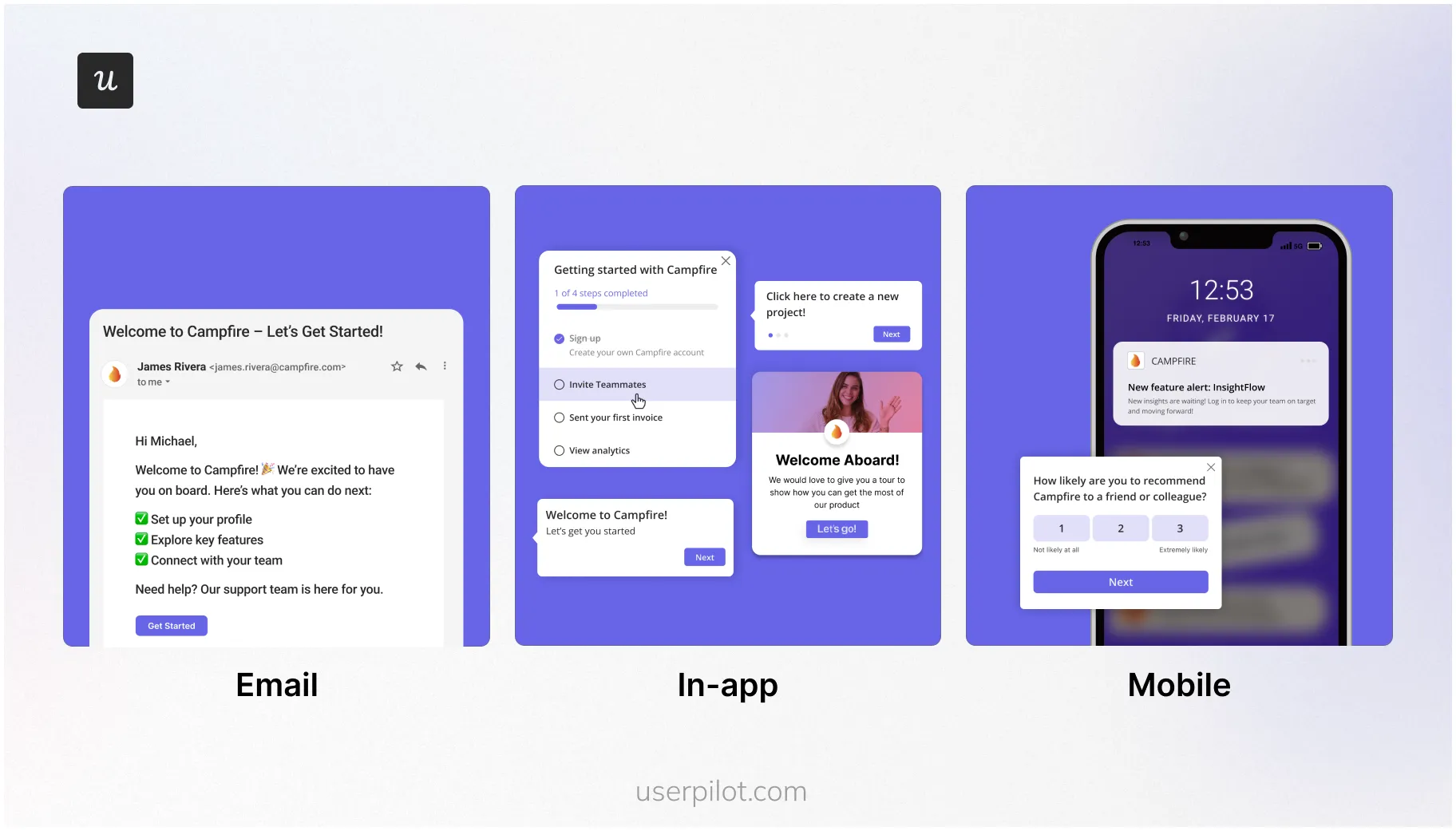
- True omnichannel engagement: Reinforce in-app guidance with follow-up emails and push notifications, keeping users engaged even when they’re outside the product and decreasing the chances of churn.
Want to get started with your digital adoption strategy? Book a demo with our team, and we will show you how.
About the author