Smartlook Reviews 2026: Pros, Cons, Use Cases, and Real User Feedback


Smartlook reviews read like feature checklists. They don’t tell you what breaks three months in.
I spent weeks testing Smartlook across web and mobile apps. I analyzed 200+ user reviews from G2, Capterra, and Reddit, and talked to product teams who’ve been using it for 6+ months.
I found that Smartlook’s session replay and heatmaps work beautifully for web teams. However, mobile limitations, event tracking gaps, and retroactive analysis constraints surface fast once you’re working at scale.
This is the breakdown you won’t get from the sales page: where Smartlook works, where it doesn’t, and how it compares to Userpilot.
Beyond Smartlook reviews: What is your primary goal for using a user behavior tool?
When you find a user drop-off point in a recording, how do you fix it?
Do you need a tool that supports native Mobile Apps (iOS/Android)?
Stop Just Watching. Start Driving Growth.
Smartlook is a great observation tool, especially for mobile debugging. But if you want to fix the friction you find, you need Userpilot.
Don’t just watch users fail—help them succeed with triggered onboarding flows, tooltips, and checklists.
What is Smartlook?
Smartlook is a user behavior analytics tool that combines session replay and event tracking to record how users interact with your product.
During my testing and interviews with SaaS teams using Smartlook, three use cases came up consistently:
- Session replays: Teams watch recordings to understand user behavior and diagnose why they abandon flows, turning observations into actionable insights about bugs and friction points.
- Heatmaps: Product and UX teams use heatmaps to see which CTAs get ignored and where users scroll past critical content.
- Event funnels: Growth teams track conversion paths (like free trial → activation) and watch replays to see where users drop off and identify friction points.
What users have to say about Smartlook features
I analyzed hundreds of reviews and tested the platform myself to extract valuable insights. Here’s the consensus. It’s a powerful tool, but it demands time. Watching videos is not as fast as reading a chart. Here’s what you need to know about the feature set.
Session replay
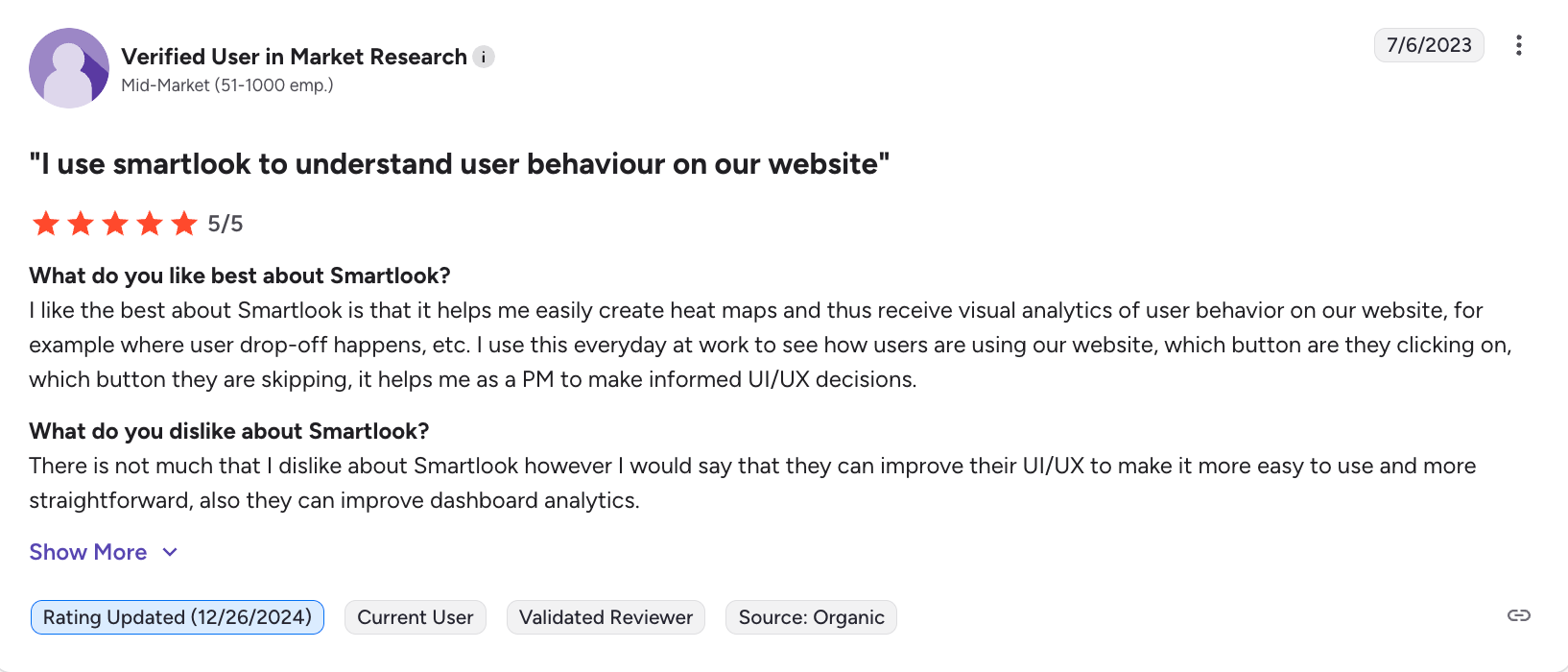
Users consistently praise Smartlook’s always-on session recording. As one PM said, “I use this every day to see which buttons users click, which they skip. It helps me make informed UI/UX decisions.”
The standout feature is the funnel-to-replay integration. When you spot a drop-off, you can click directly into individual user sessions to watch users who abandoned at that exact step.
Heatmaps
Smartlook’s Heatmaps work well for spotting rage clicks and user frustration, providing web analytics that visual data tools like Google Analytics can’t offer.
But I found the same complaint across G2 and Gartner reviews. As the reviewer below stated, “It’s difficult to understand how heatmaps work. The interface is horrendous.”
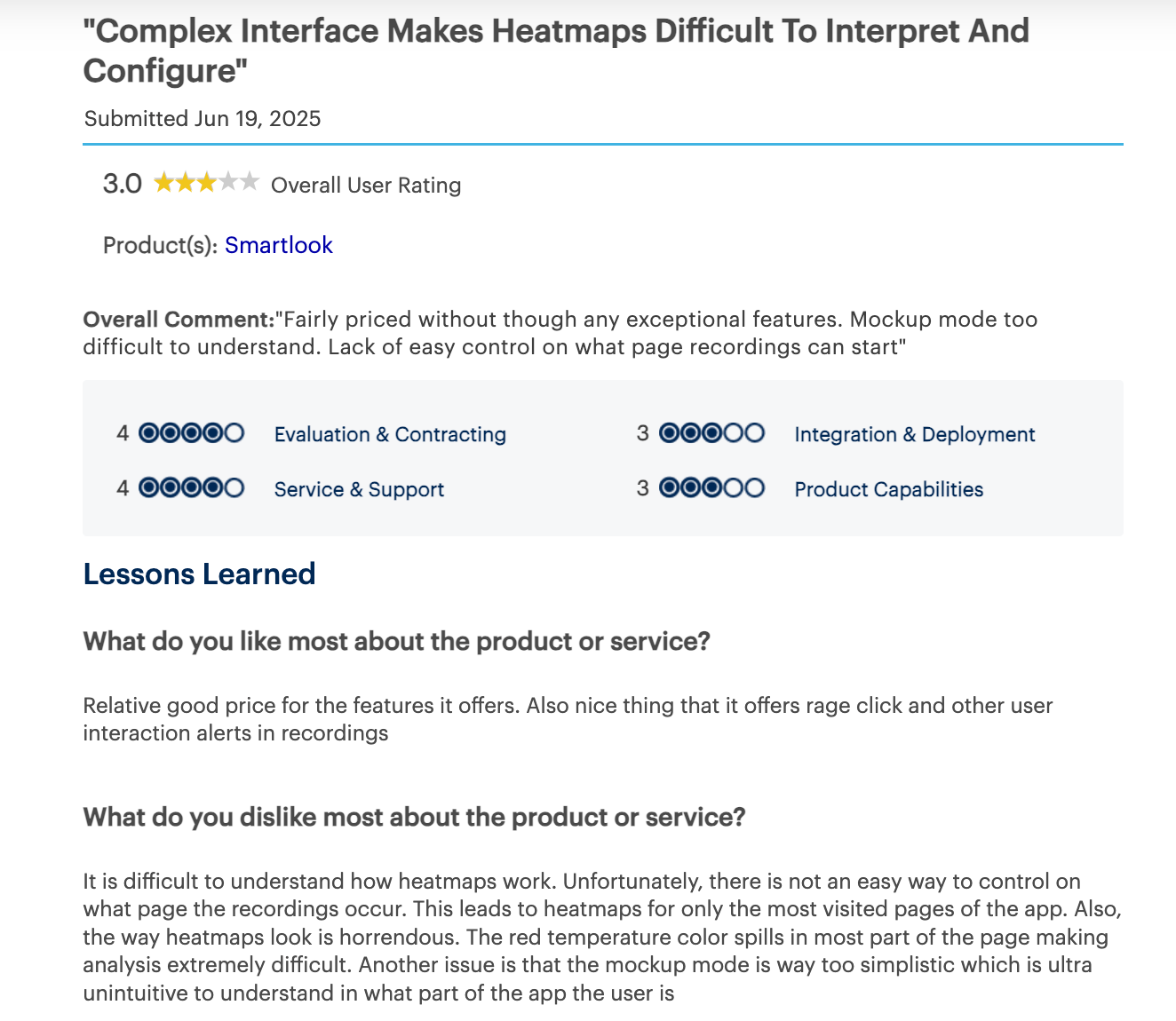
One telecommunications marketer complained that the red temperature overlay “spills across most of the page,” making it hard to identify actual problem areas. On high-traffic sites, heatmap generation is noticeably slow.
Mobile analytics
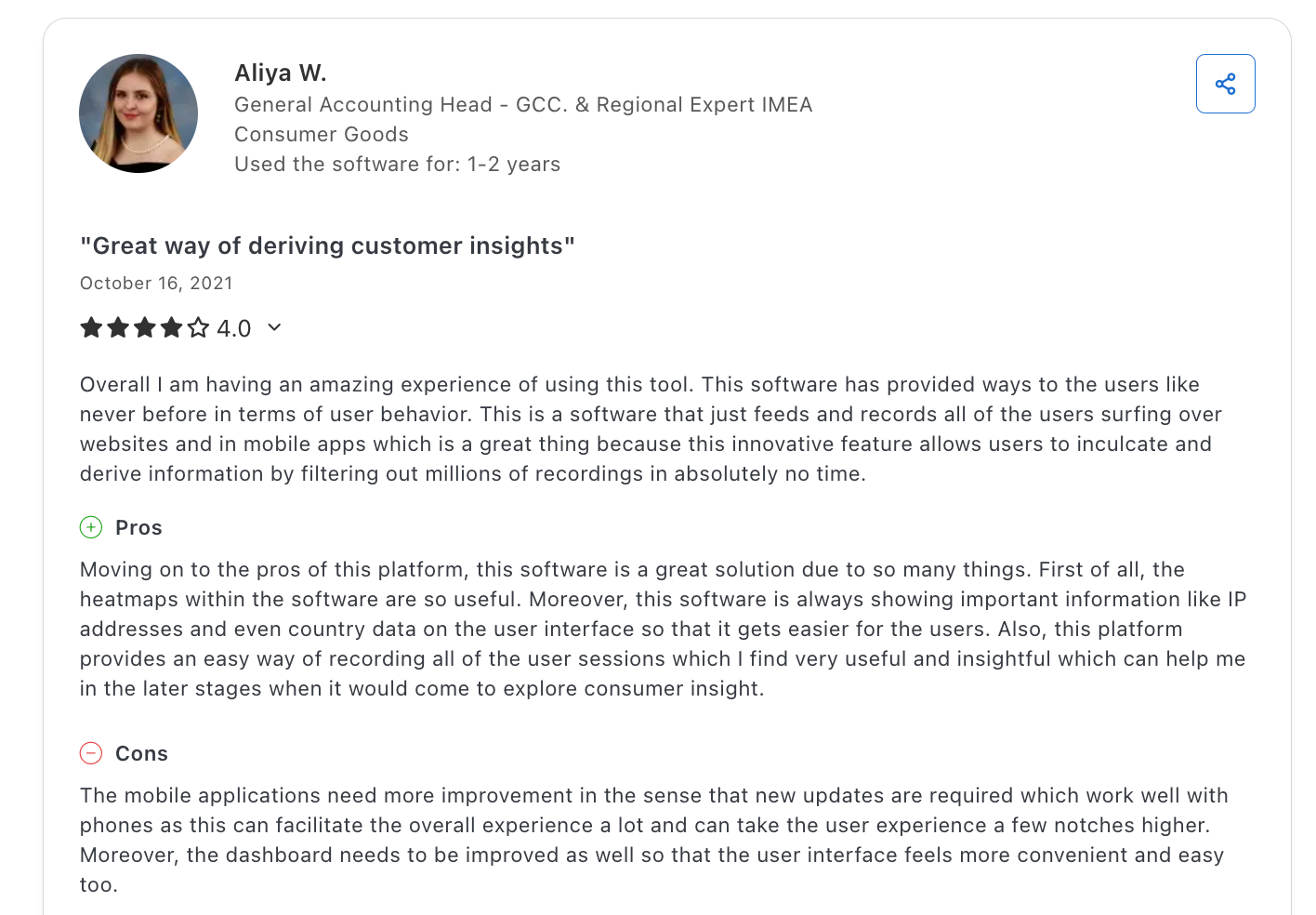
One of Smartlook’s unique features is native mobile SDK support, including iOS, Android, React Native, and Flutter. This is rare for session replay tools. But users report consistent gaps: “Mobile applications need more improvement. Updates don’t work well with phones.”
Event tracking
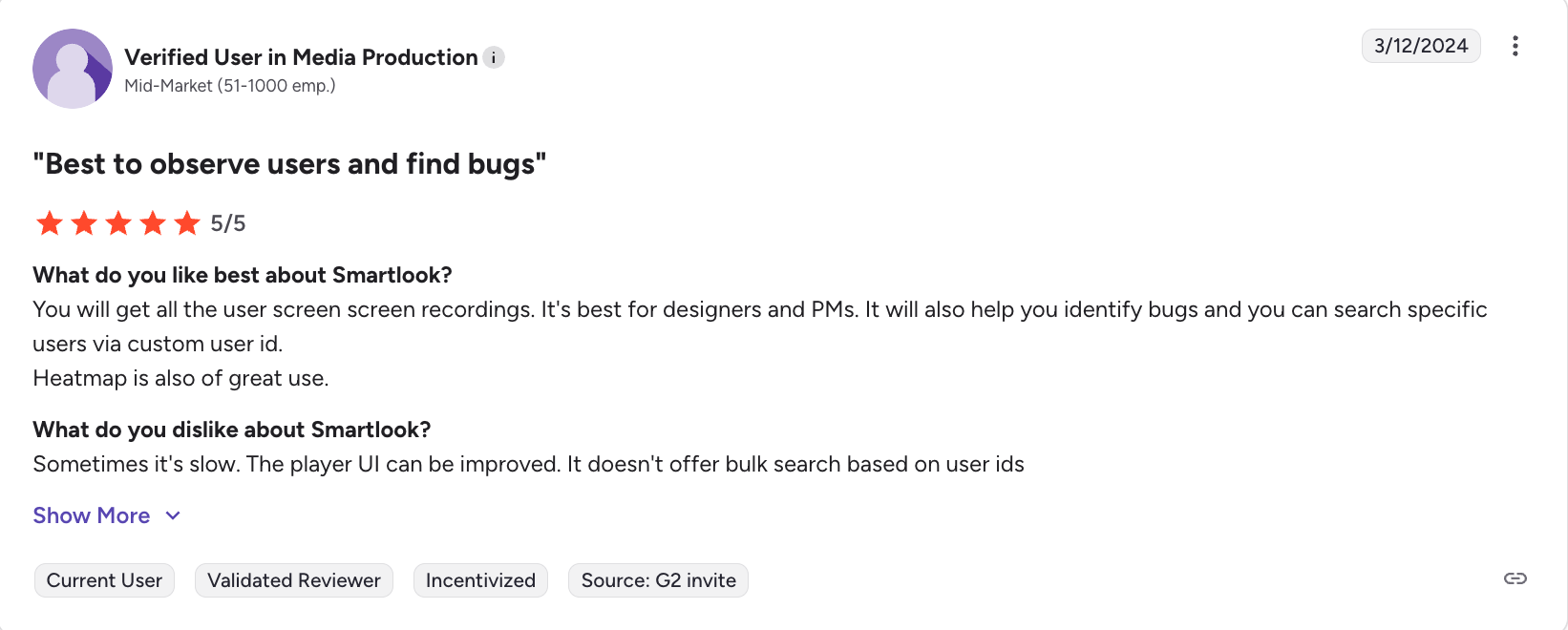
Smartlook’s automatic event tracking lets you correlate specific actions (like “Sign Up” clicks) with video recordings of those exact users. But users consistently mentioned missing features. There’s no bulk search by user ID, and error messages when recordings fail are unclear.
Smartlook users on user experience and ease of use
A tool is only useful if your team can figure it out. Based on user reviews, Smartlook’s setup is simple, but the interface frustrates once you need advanced features.
Set up the process and implementation
To implement Smartlook, you paste a tracking code snippet into your website header (similar to installing Google Analytics) or use Google Tag Manager for easier deployment.
For mobile apps, the SDK integration requires a developer. Users call the documentation clear, though some report the mobile SDK “needs improvement.”
UI/UX of the dashboard
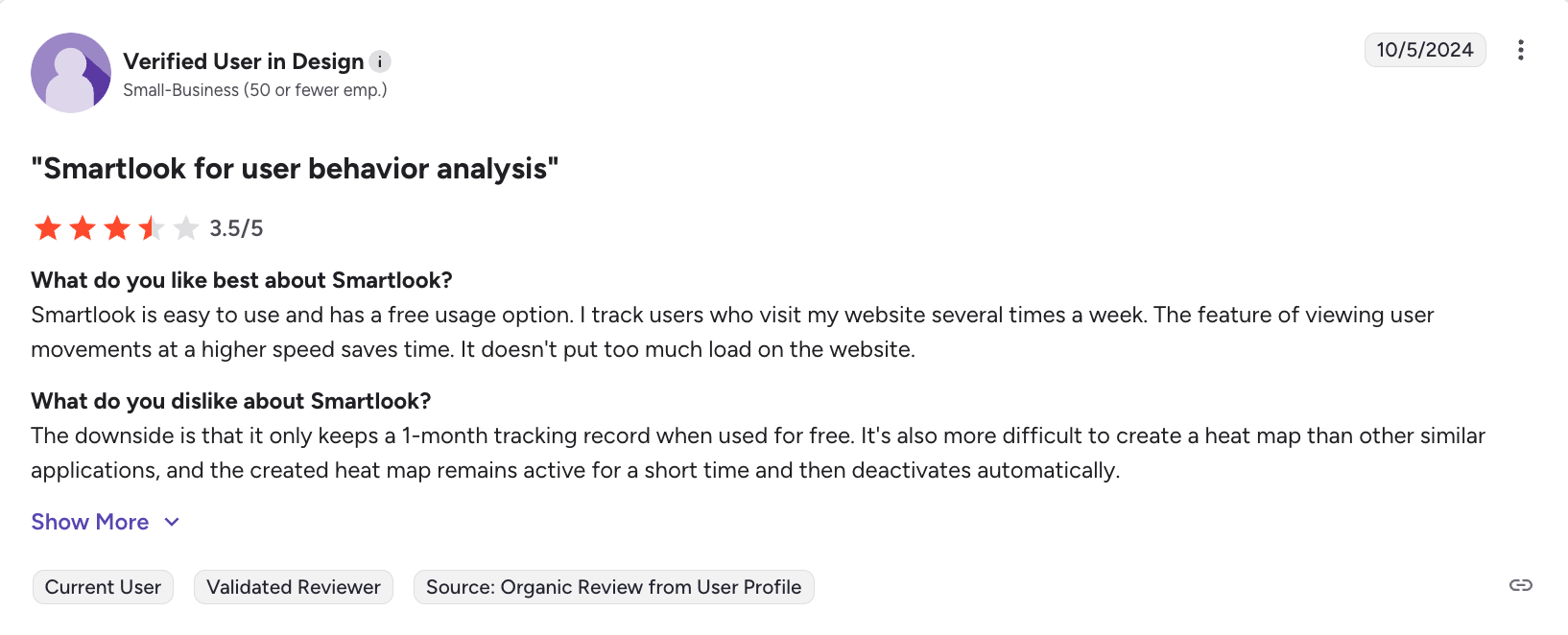
The navigation separates recordings, funnels, and events clearly. But I found the same complaint across multiple reviews. Digital marketers and product teams consistently mentioned UI challenges. “User interface might be difficult for the new users,” and “the dashboard needs to be improved so that the user interface feels more convenient and easier.”
The learning curve spikes fast. As the review below states, I quote, “There are a few things that need to be improved for sure, like the filter options, error explanation, and UI.”
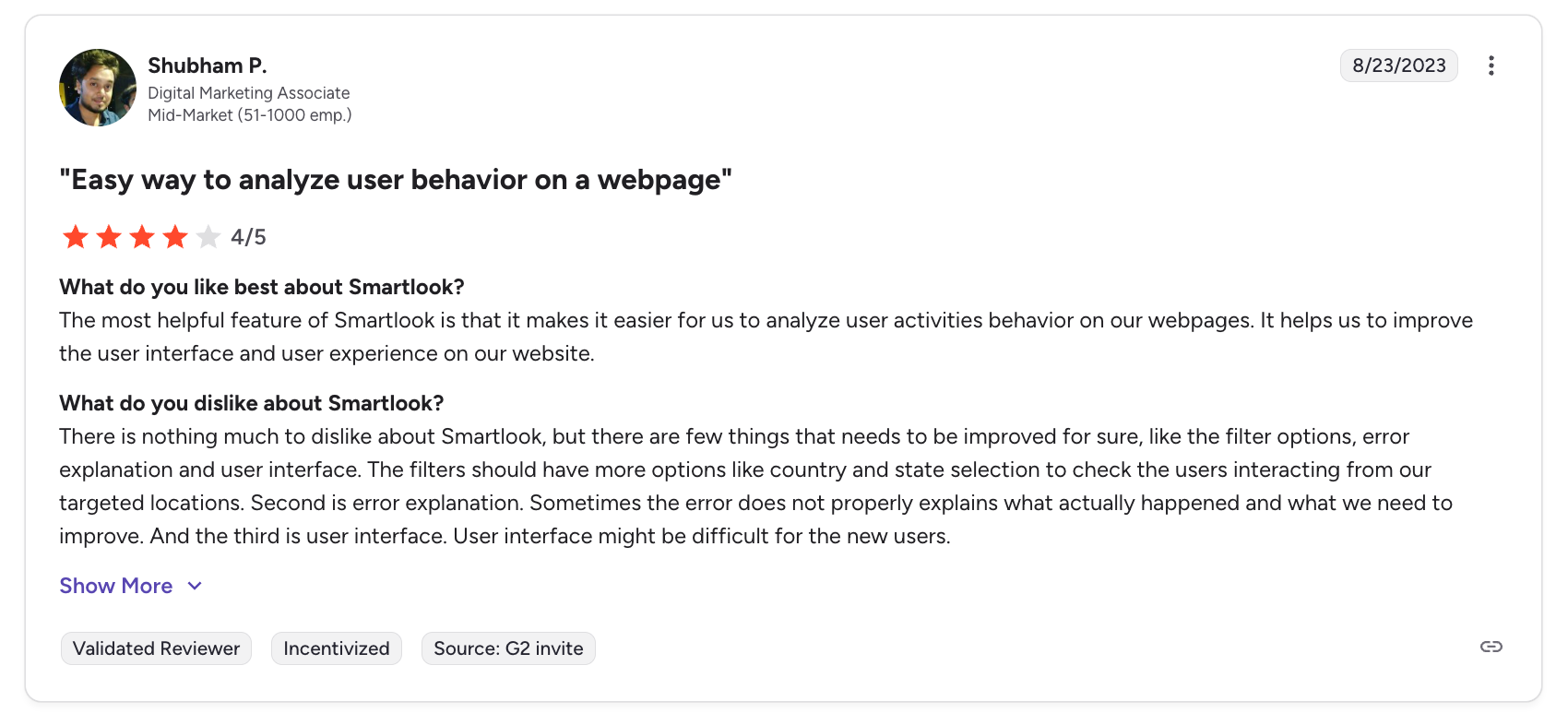
Creating complex filters gets clunky. Users consistently mentioned wanting more filter options, like country and state selection, to segment users from specific locations.
Smartlook users on its pricing
Smartlook operates on a freemium model. The free plan offers 3,000 sessions/month and 1-month data retention. That’s enough to test the tool, but not enough to run it at scale.
Paid plans (Pro and Enterprise) unlock longer retention, unlimited funnels, and always-on visitor recordings without sampling.
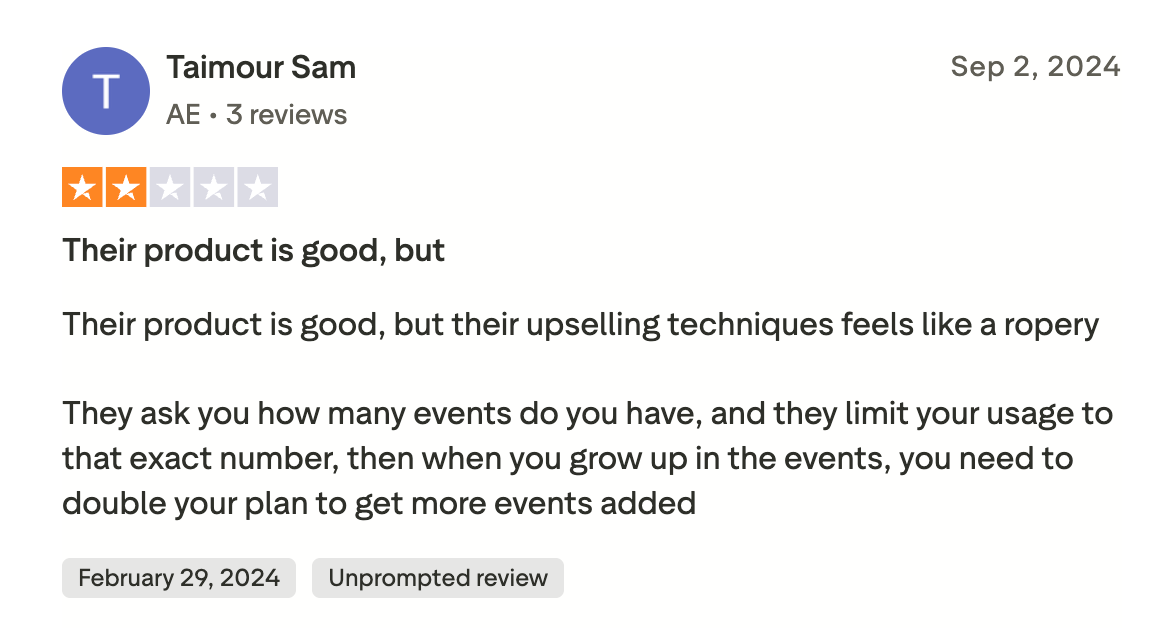
The bigger problem throughout the user experience is upselling tactics. One user complained, “They ask you how many events you have, and they limit your usage to that exact number. Then, when you grow in events, you need to double your plan to get more events added.”
Here’s the math. One fixed checkout bug pays for the entire subscription. But you actually have to use the insights, not just pile up unwatched recordings.
Smartlook for SaaS, eCommerce, and Mobile teams
Different industries use qualitative data differently. Here’s how Smartlook fits into various workflows based on what users actually do.
SaaS companies analyzing onboarding funnels
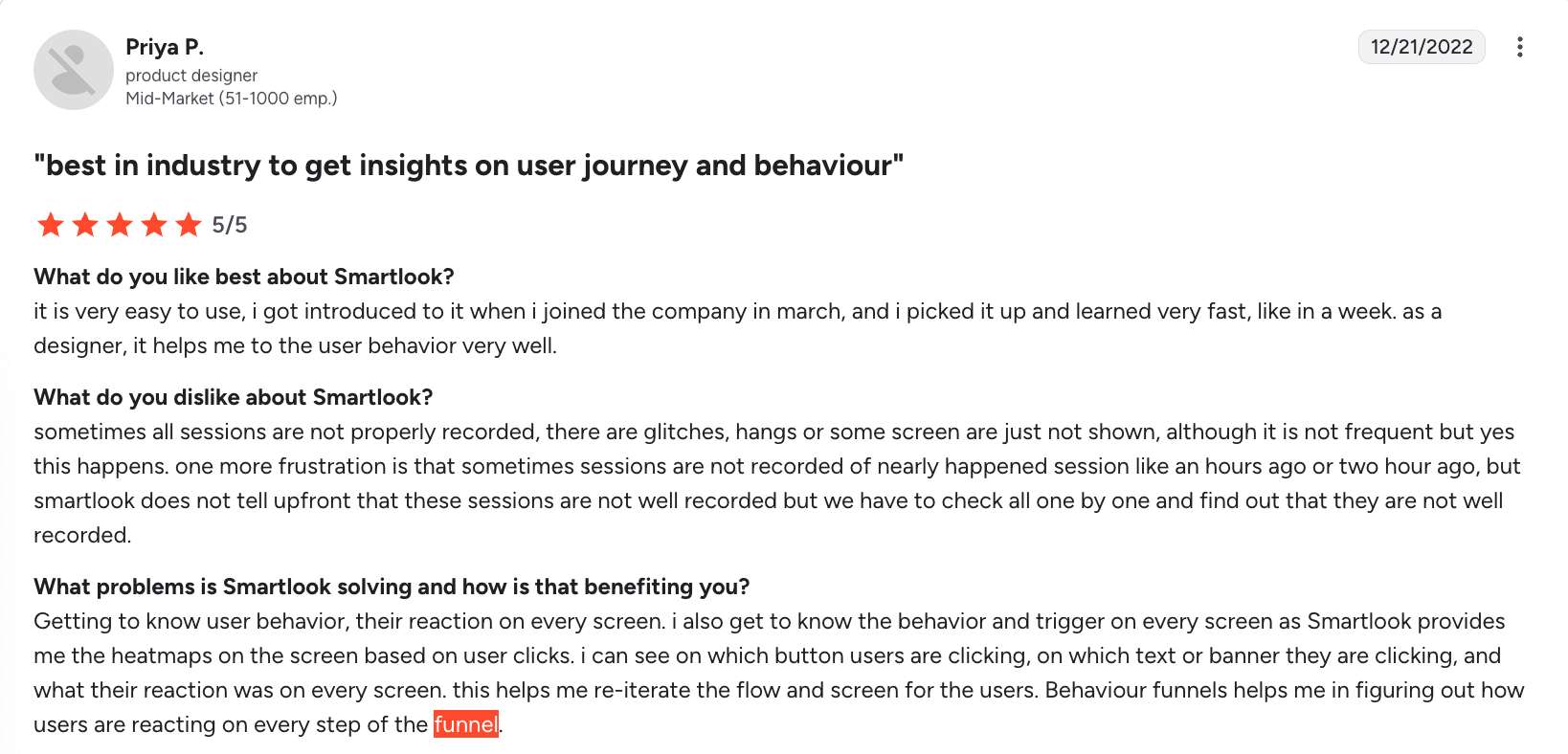
For B2B SaaS, the user onboarding phase is make-or-break. If users don’t reach their “Aha!” moment quickly, they churn. SaaS teams use Smartlook to watch new users interact with their dashboard for the first time. They look for confusion: users hovering over menus, clicking non-clickable elements, or ignoring the primary call to action. By pairing session recordings with conversion funnels for funnel optimization, SaaS teams can pinpoint the exact form field or tutorial step that causes users to give up.
eCommerce brands tracking rage clicks
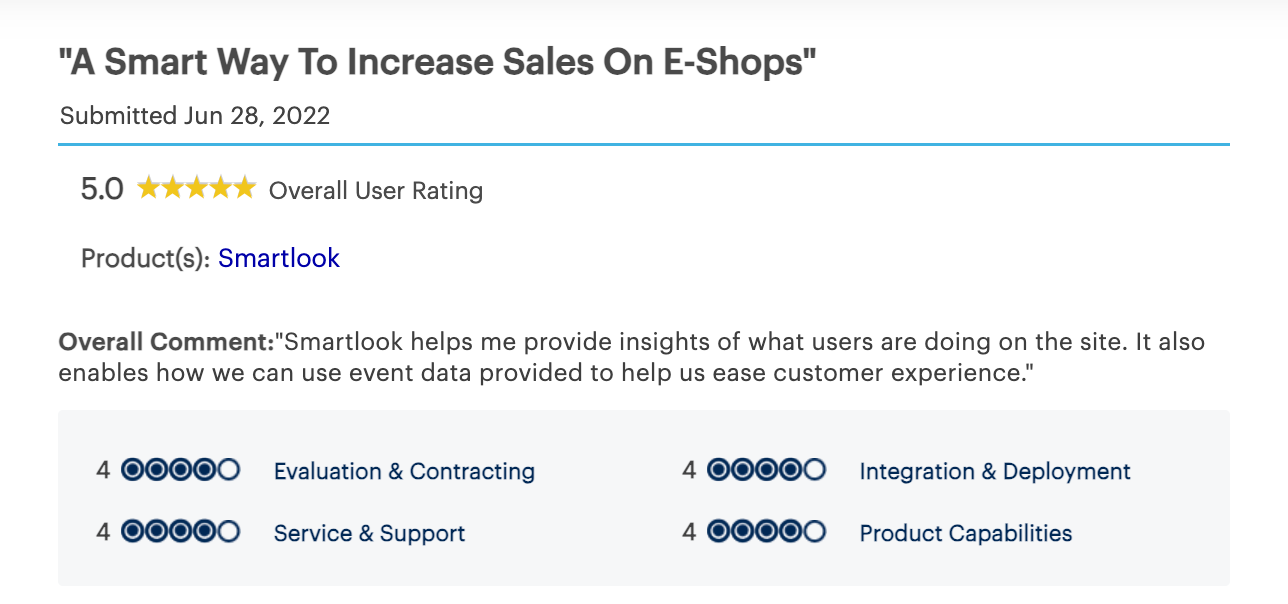
In e-commerce, you can’t watch every session. That’s why eCommerce teams focus on customer experience metrics like rage clicks and checkout errors. These teams rely heavily on Smartlook’s automated event tracking. They set up alerts for “rage clicks” and JavaScript errors. If a specific product page starts generating errors, they know immediately. They also use scroll heatmaps to ensure users are actually seeing the “Add to Cart” button and cross-sell recommendations.
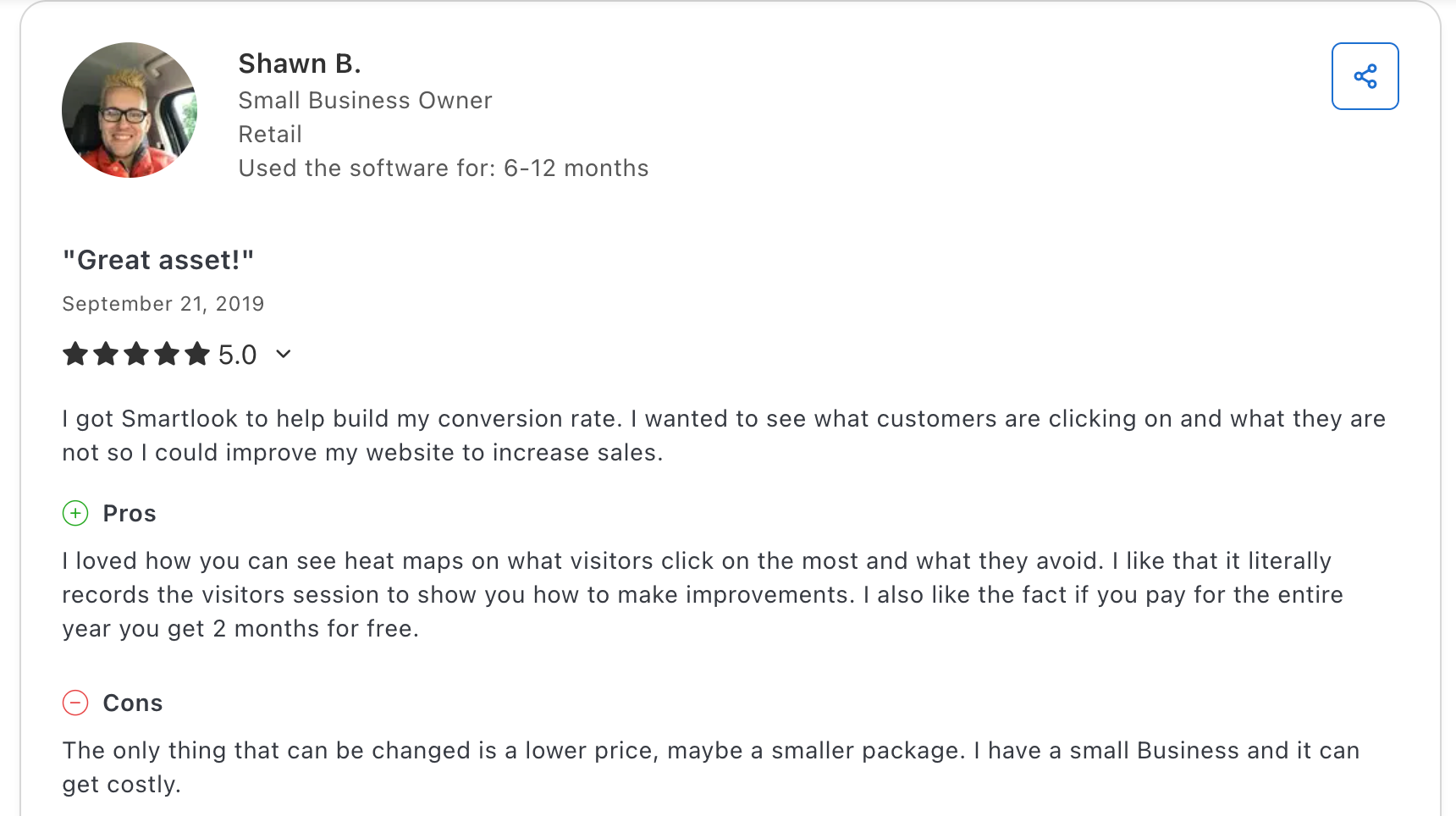
As one retail small business owner said, “I got Smartlook to help build my conversion rate. I wanted to see what customers are clicking on and what they are not, so I could improve my website to increase sales.“
Mobile teams using SDKs
Mobile apps are harder to debug than websites. You can’t just “inspect element” on a user’s phone. Mobile dev teams use Smartlook to see crash reports in context. Instead of just a line of code in a log, they see what the user did right before the app crashed. This context drastically reduces the time needed for bug reproduction.
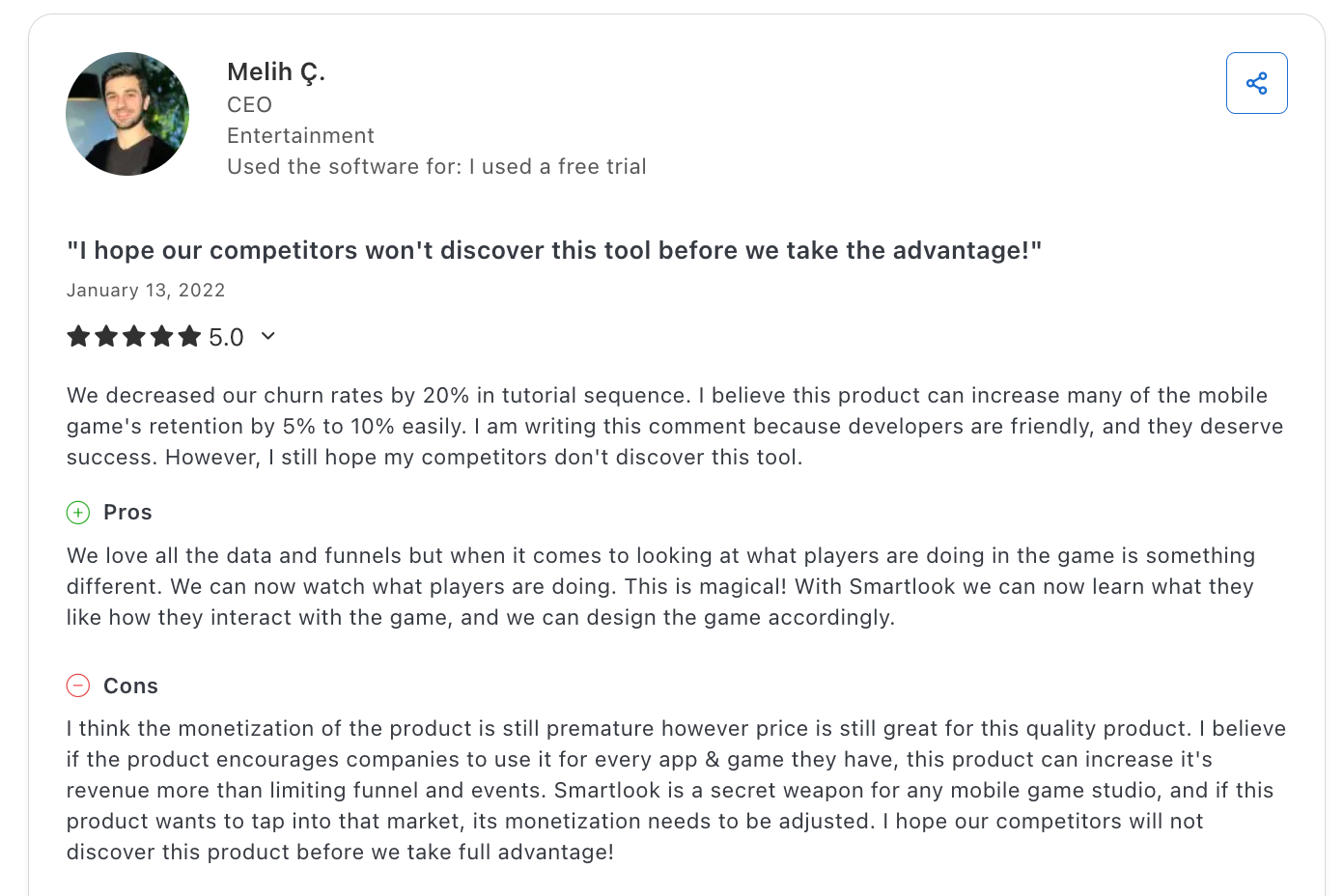
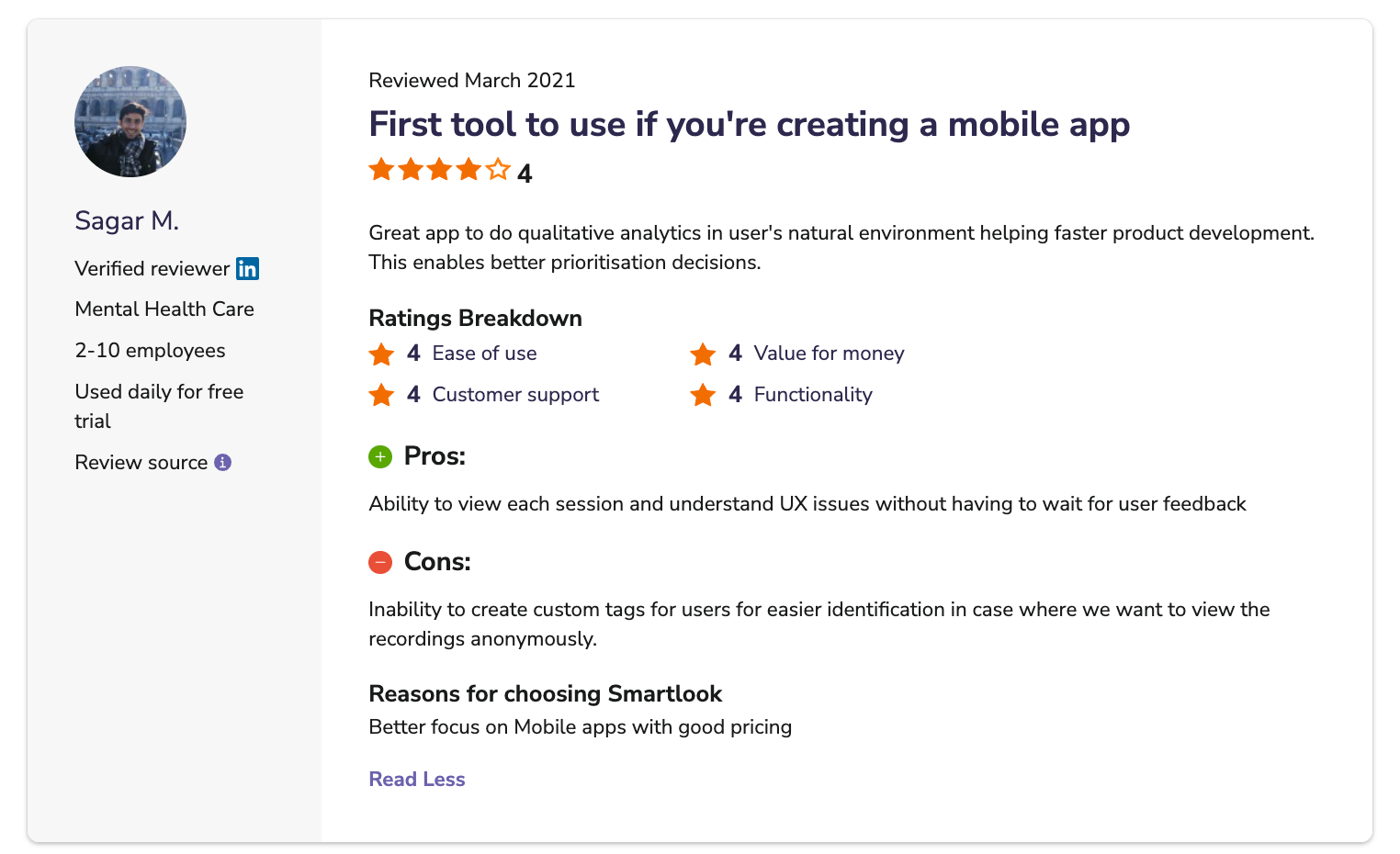
One developer put it this way, “Great app to do qualitative analytics in users’ natural environment, helping faster product development. This enables better prioritisation decisions.“
What reviewers say about support, docs, and the customer success team
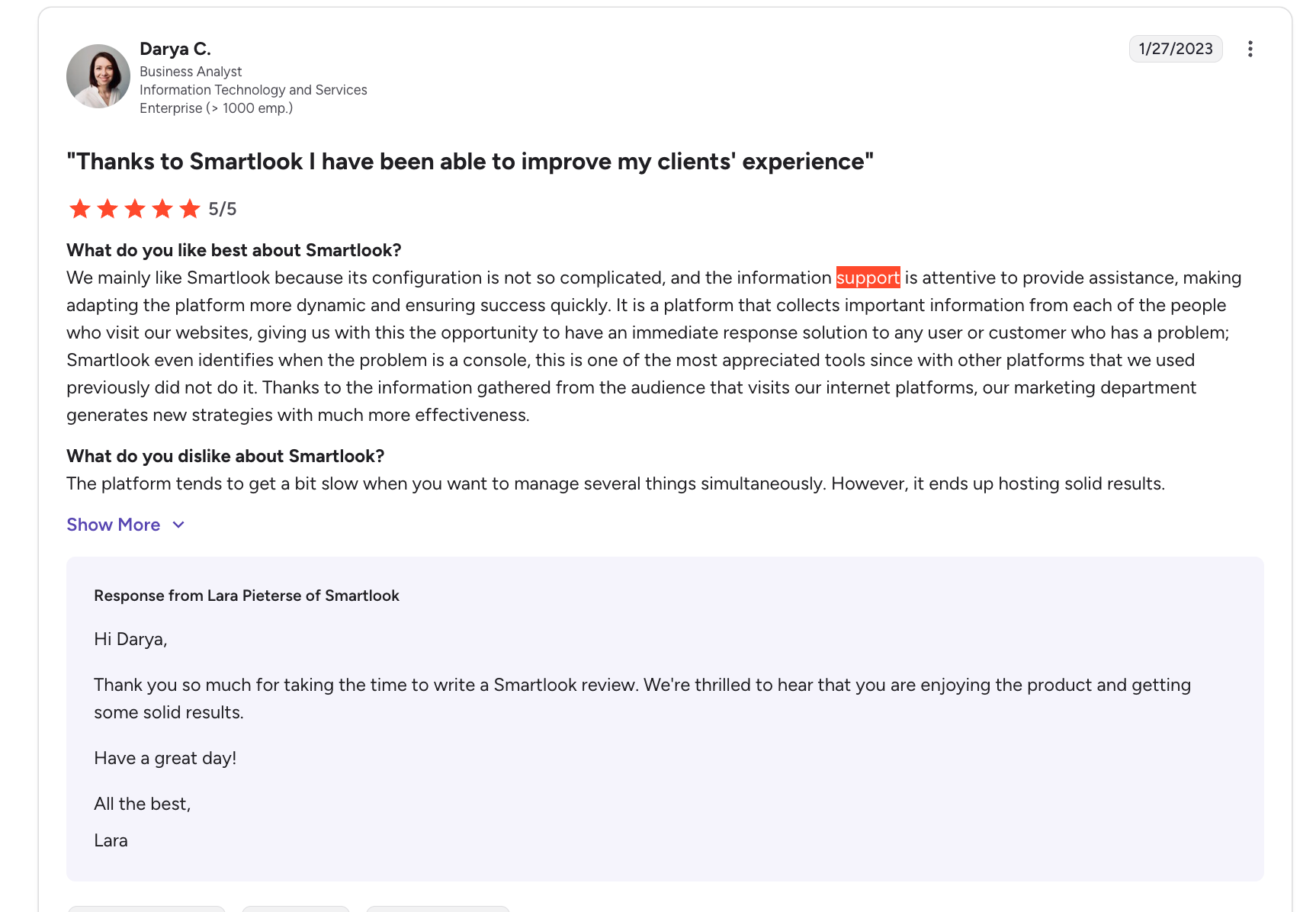
Reviews on G2 and Capterra rate Smartlook’s support as responsive for technical issues. One enterprise user said, “Support is attentive to provide assistance, ensuring success quickly.”
But users wanted strategic guidance on interpreting data, not just technical how-tos. Enterprise plans include dedicated account managers; everyone else uses self-service docs.
How Smartlook compares to alternatives
If your goal is simply to watch users, Smartlook is great. But if your goal is to improve product adoption and fix the issues you find, a Digital Adoption Platform (DAP) like Userpilot is a better alternative.
Userpilot sits on top of your product. It doesn’t just track what users do; it lets you influence what they do next. When you identify a drop-off point in your onboarding (using analytics), Userpilot lets you build and deploy a fix without writing code.
You can launch onboarding checklists, trigger tooltips for confusing features, and A/B test flows to improve retention. Smartlook tells you that users are confused. Userpilot helps you avoid confusion.
My final verdict
Use Smartlook if:
- You have a mobile app (iOS/Android) and need native recording.
- Your primary need is debugging and bug reproduction.
- You want a standalone solution for heatmaps and session replays.
Use Userpilot (or pair it with Smartlook) if:
- You want to act on your data immediately.
- You need to improve user onboarding and feature adoption actively.
- You want to segment users and deliver personalized in-app experiences to drive growth.
- You need robust product analytics combined with engagement tools.
Data without action is vanity. The best product teams don’t just watch their users fail; they build the systems that help them succeed.
Want to see how Userpilot combines analytics with in-app engagement to turn insights into action? Book a demo to see how product teams use onboarding flows, tooltips, and A/B tests to fix what session replay reveals.
Userpilot strives to provide accurate information to help businesses determine the best solution for their particular needs. Due to the dynamic nature of the industry, the features offered by Userpilot and others often change over time. The statements made in this article are accurate to the best of Userpilot’s knowledge as of its publication/most recent update on December 27, 2025.
About the author