Product Dogfooding in Software Development: A Quick Guide (+Best Practices)



Dogfooding means eating your own dog food.
Wait! What?
What does it have to do with product management or product design?
That’s what you’ll find out from this article.
Let’s dive in!
What is product dogfooding?
Product dogfooding is using your own product or service to solve real-life problems, just like your customers would.
The goal of this practice is to test the product design thoroughly for bugs and usability issues before any future testing or launching it to the public.
What is the origin of the term dogfooding?
Nobody is entirely sure.
It may have been the 1970s TV commercial in which the actor claimed Alpo dog food was so good that he fed it to his own dogs. Or perhaps the president of Kel Kan Pet Food, who anecdotally used to eat a can of their dog food at meetings.
The first known use of the term in the management context was in 1988, when Paul Maritz, a Microsoft manager, sent an email titled “Eat your own Dogfood” to increase internal usage of Microsoft products.
What’s your biggest challenge with product dogfooding?
Product dogfooding is a crucial practice for understanding your own product’s user experience.
What are examples of dogfooding?
Dogfooding is a common practice in tech, and lots of companies use it to improve their products:
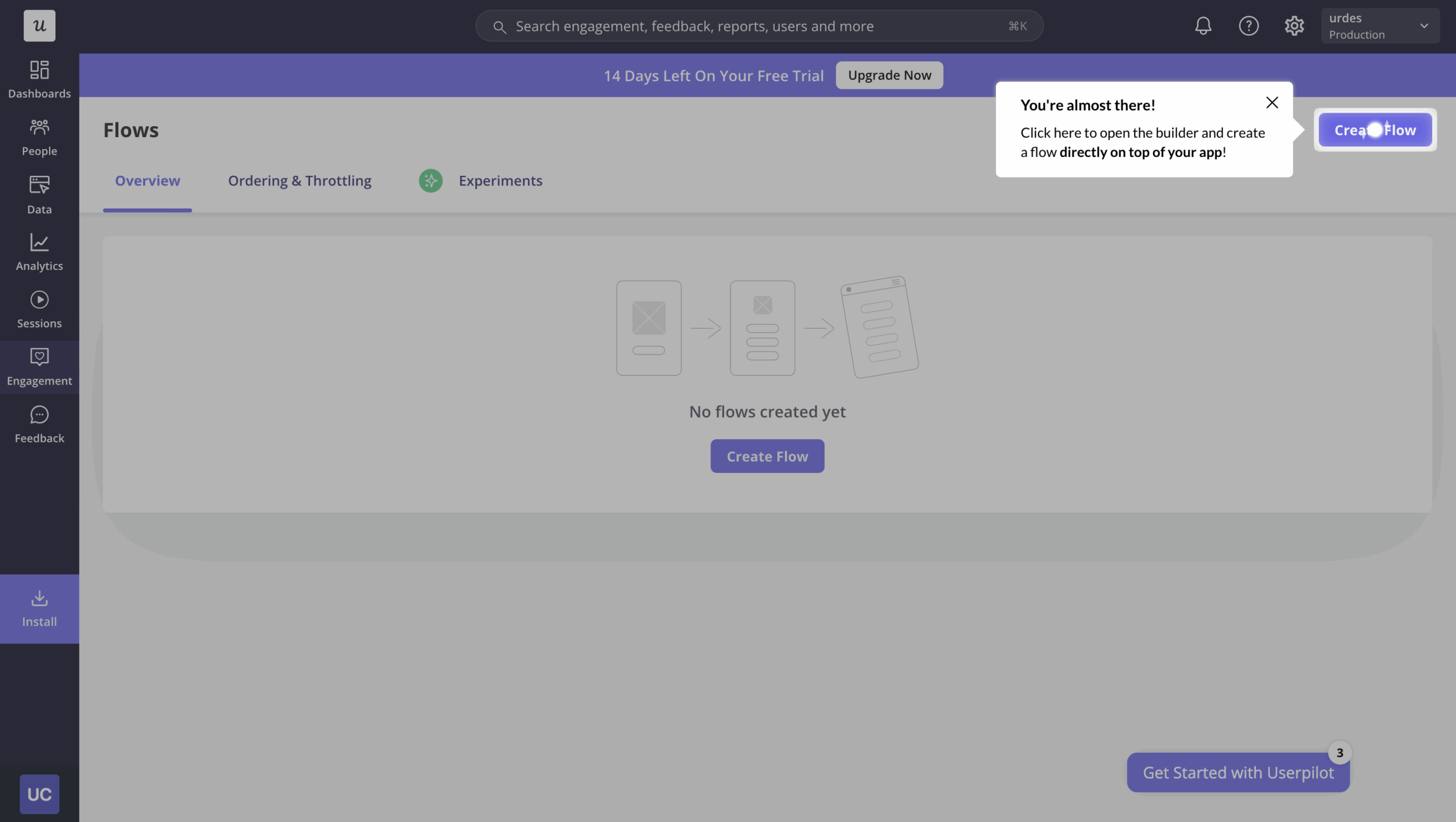
- Userpilot uses its own tools to onboard and guide users.
- Google uses it to test new versions of its own products, including new operating systems and popular office apps.
- Facebook refined its Android app by forcing employees to switch to this operating system.
- Lyft requires its staff to spend at least 4 hours as a driver to better empathize with users and enhance the user experience. This includes their CEO, Logan Green.
- Wix has built its website using their own product.
Why should companies eat their own dog food?
If you’ve got a task to complete, say send an email, design a visual, or create an onboarding flow, and your product does exactly that, it makes perfect sense to use the product internally instead of competing tools.
However, there are other reasons why your teams should use the products that they build.
Identifies bugs and issues with the product early on
Tech giants, like Garmin or Microsoft, have very robust quality assurance processes. And yet, there’ve been numerous cases when they released half-baked products riddled with bugs.
That’s because no testing regime can replicate the real-life conditions in which real customers use the product.
Dogfooding can help you reduce the risk of releasing buggy products, avoid usability issues or receive poor feedback from your customers.
If your teams have to use the product to solve their own daily problems, they’re more likely to identify issues that may sneak through quality control in a lab environment.
Builds customer empathy
What’s the best way to understand your customer needs, pain points, and motivations?
Put yourself in their shoes by using the product to complete the tasks that they have to tackle in their everyday lives.
So it’s safe to say that dog food helps organizations develop their customer empathy and gain a deeper understanding of the ‘why’ behind their behaviors.
Improves the customer experience with a company’s product
Ultimately, dogfooding helps teams build better products and deliver a better customer experience.
Think about it:
If you can understand your customers, their needs, and daily struggles, you’re in a position to build a product that addresses their issues. For example, this may mean developing the features that they desperately need to achieve their goals.
There’s more to that.
Lack of functionality isn’t always the main user frustration. Not being able to use the existing features because they crash constantly or they’re difficult to find in the cluttered UI is, though.
Dogfooding helps you prevent such issues because it has a chance to spoil the experience for your users.
Increases employee investment and ownership
Here’s something we’ve noticed: when your team uses what they’re building, something changes.
They stop seeing it as just another project to ship. It becomes their product.
This is exactly what happened at Microsoft when they built Windows NT.
Over 200 developers joined the internal quality testing process and dogfooded daily builds of the operating system. Therefore, when someone’s code broke the build, they felt the immediate consequences in their actual workflow. That personal impact created a powerful motivator to write better code.
The best part? This sense of ownership can spread throughout the entire team.
When your customer support staff uses the product, they understand customer frustrations on a visceral level. When your sales team relies on it, they can speak about its strengths and limitations with genuine authority.
You’re not just building a product anymore. You’re building a community of invested stakeholders who care about delivering something great.
How to implement a product dogfooding program in your company?
If you want to give dogfooding a shot, here’s how to set up an employee product testing program at your company.
In a nutshell, it follows the same process as any other type of testing or growth experimentation.
Recruit employees for the internal beta testing
To start with, recruit testers from across the organization for internal testing.
You want to have participants from different departments involved in the product development process: product management, customer success, marketing, and sales. This will allow you to gain different perspectives on the product.
Don’t stop there.
Involve employees who are not involved in developing products or have absolutely nothing to do with them. That’s necessary to avoid the product team‘s biases affecting the results. You want to learn how the product really works and not how your testers believe it works or should work.
Decide how the feedback will be collected
How are you going to collect the feedback on the product?
There are plenty of options for SaaS products:
- Email or in-app surveys
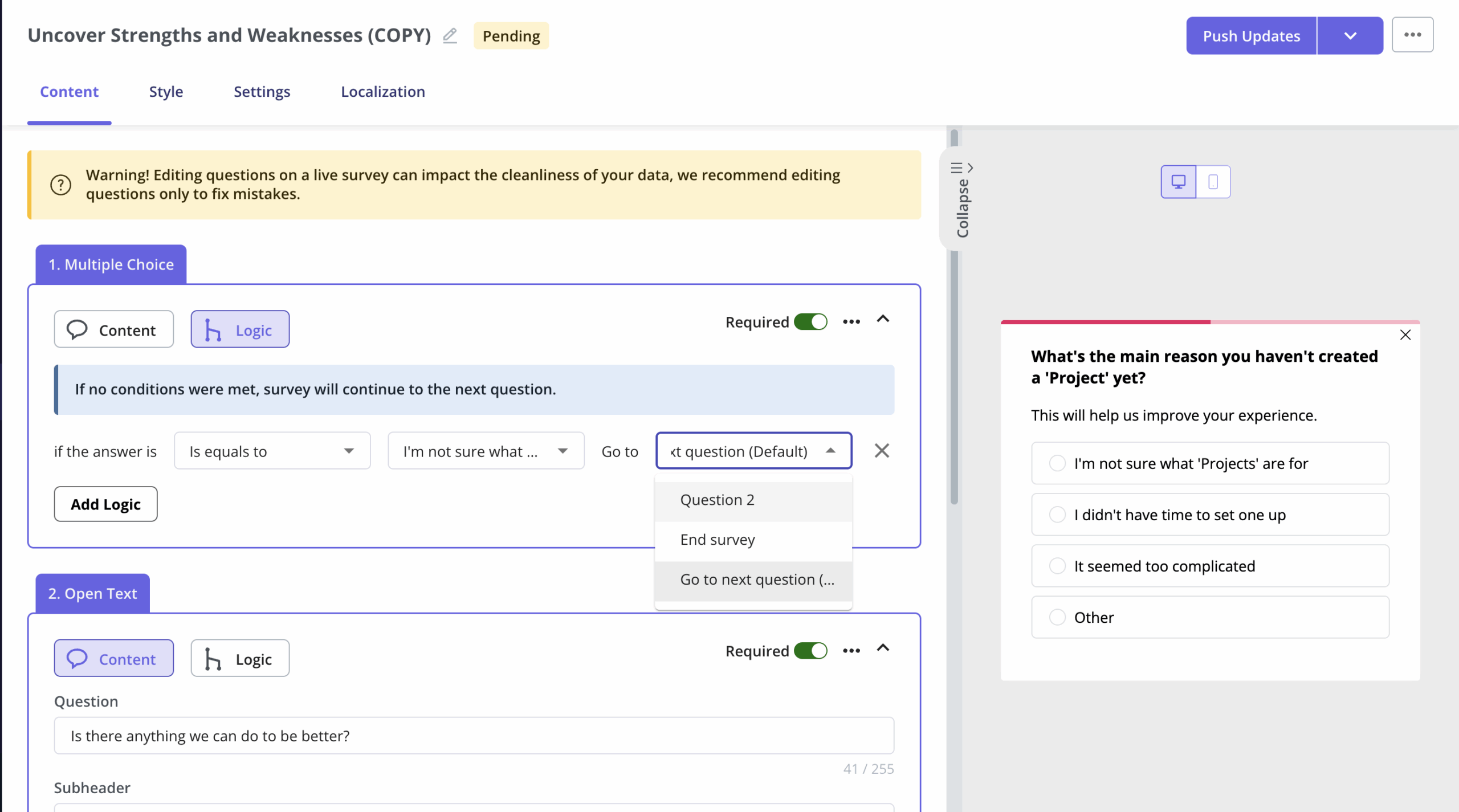
- A feedback widget or a dedicated email address to collect passive feedback
- Interviews and focus groups to gain in-depth qualitative insights
- Session replays to optimize the UI
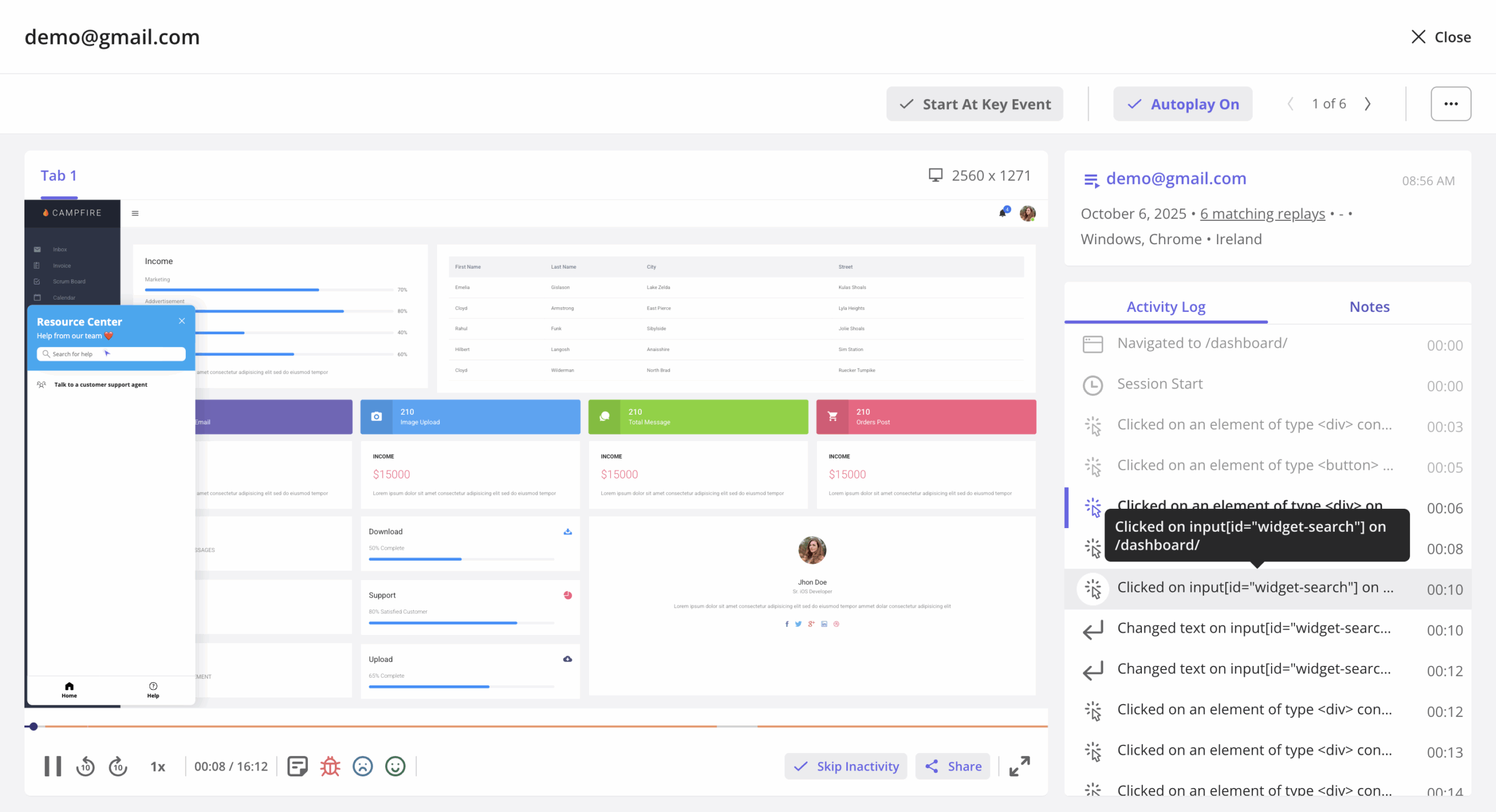
- Install in-app user behavior tracking and run analytics reports to find patterns and trends in user interactions
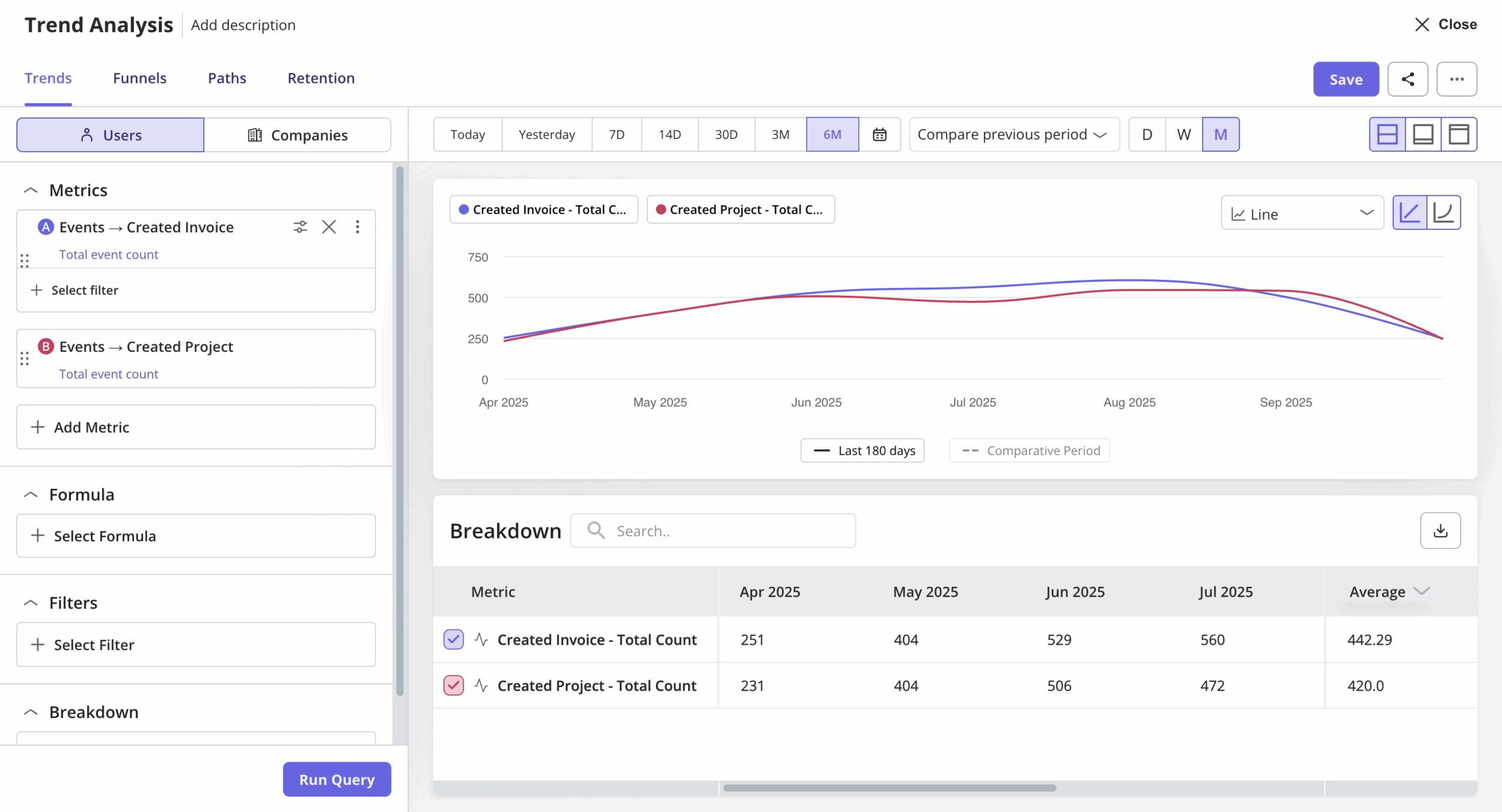
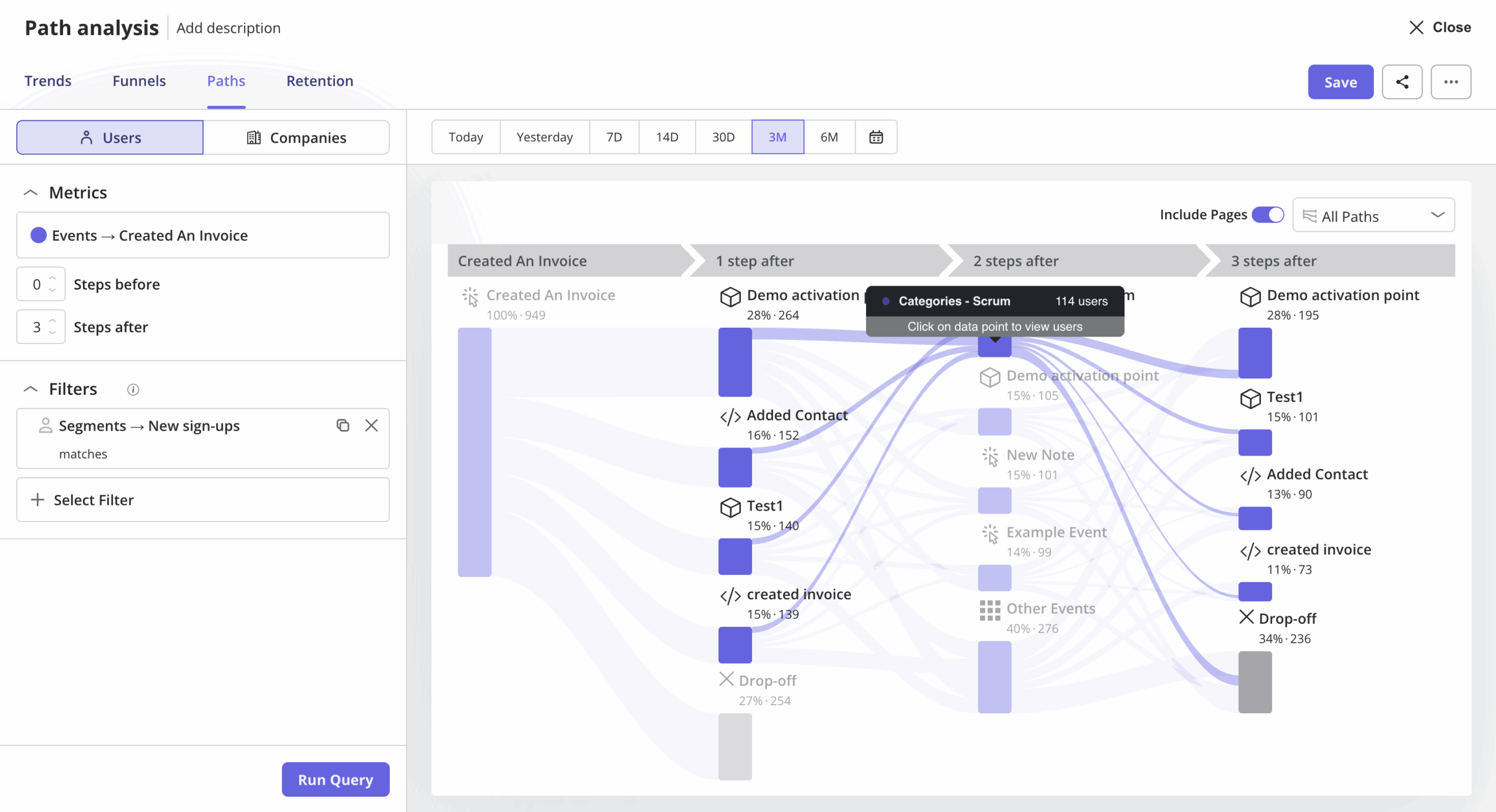
With a tool like Userpilot, you can do most of these without stitching five different tools and no-code! For example, you can build a path analysis report to see how your participants navigate the feature or use it as part of a workflow.
You will even save much more time for this process with our upcoming AI release. It’ll help you surface insights and identify patterns in your dogfooding behavioral data. So stay tuned for our official launch!
Provide onboarding to the participants
To emulate real-world usage, provide your testers with the same onboarding as your customers.
This kills two birds with one stone.
First, you teach them how to use the product so that they can test it thoroughly without relying on the customer support team or software developers for guidance.
Setting up this shared onboarding experience is straightforward with Userpilot. You can create interactive walkthroughs in minutes using tooltips, modals, and slideouts.
The goal is to guide participants from one action to the next, exactly as your customers will experience it in real-world scenarios.
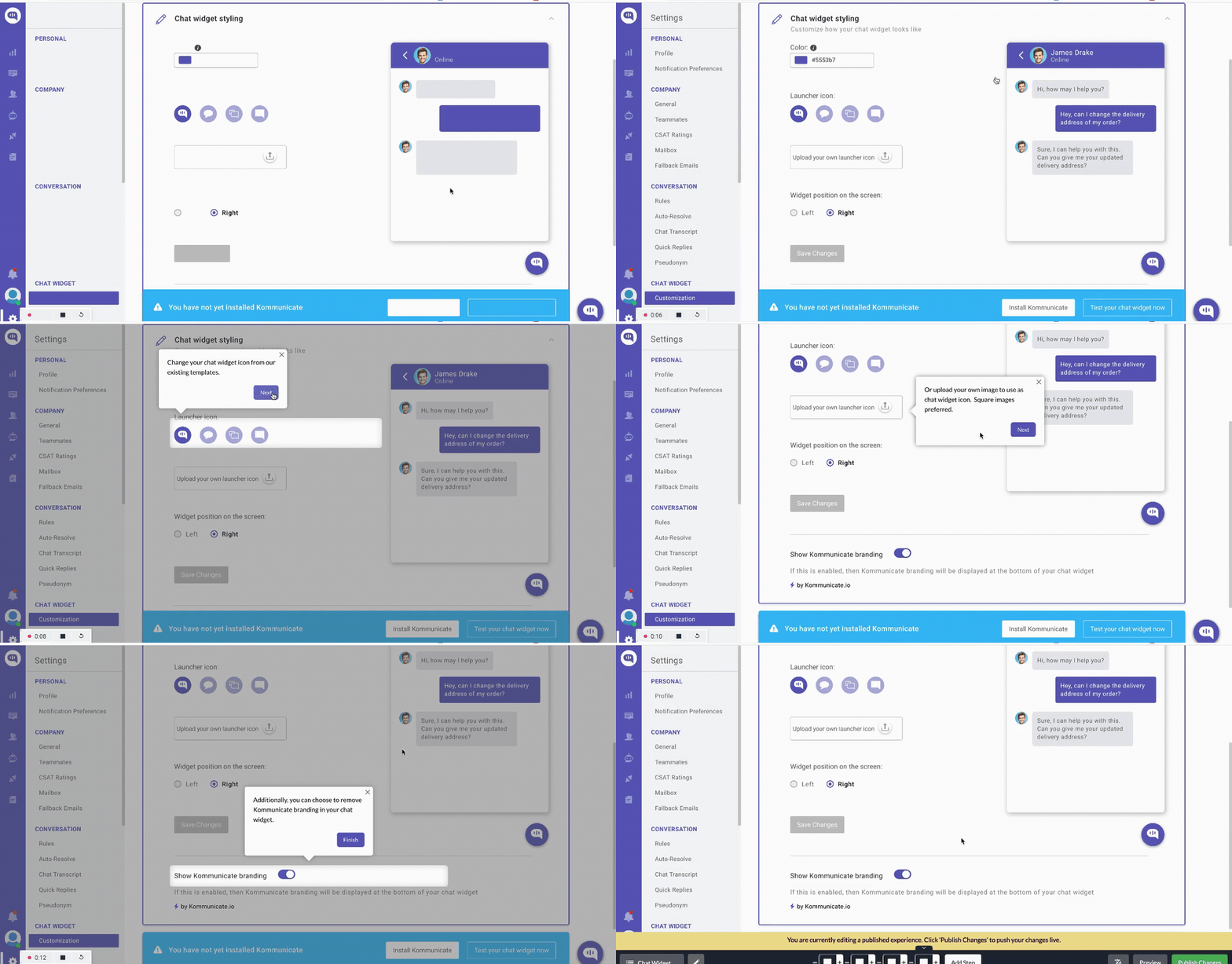
Second, you also test how good your onboarding is at activating users and driving feature adoption once you officially launch your product.
Analyze the feedback and iterate on the product
Feedback analysis is the next step.
Depending on your research methods, this could be by:
- Tagging and grouping similar survey responses. However, this is pretty challenging when you have to deal with tons of qualitative feedback, like NPS responses. But with tools like Userpilot, this will be much easier. For example, using the NPS response tag, you can easily organize and group feedback under different categories to spot themes.
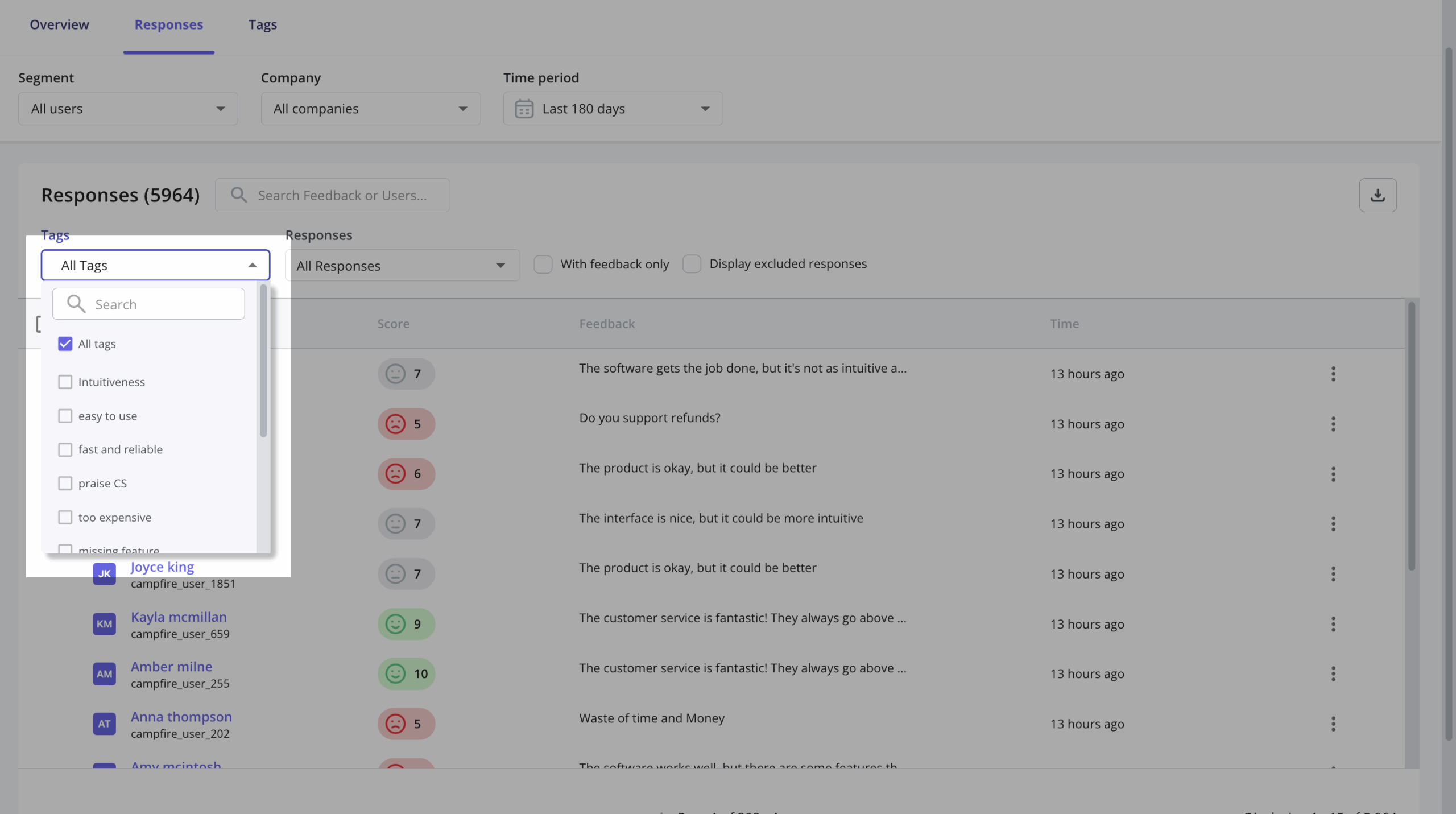
- Using AI tools to identify patterns in qualitative user feedback and following up with respondents for further insights. We’re actually rolling out AI-powered feedback analysis that will do exactly this, so join our beta if you want early access!

- Analyzing session replays for usability issues.
- Inspecting support tickets and bug reports.
- Applying different analytics tools to obtain specific insights from product usage data, like funnel and path analysis, to identify friction points.
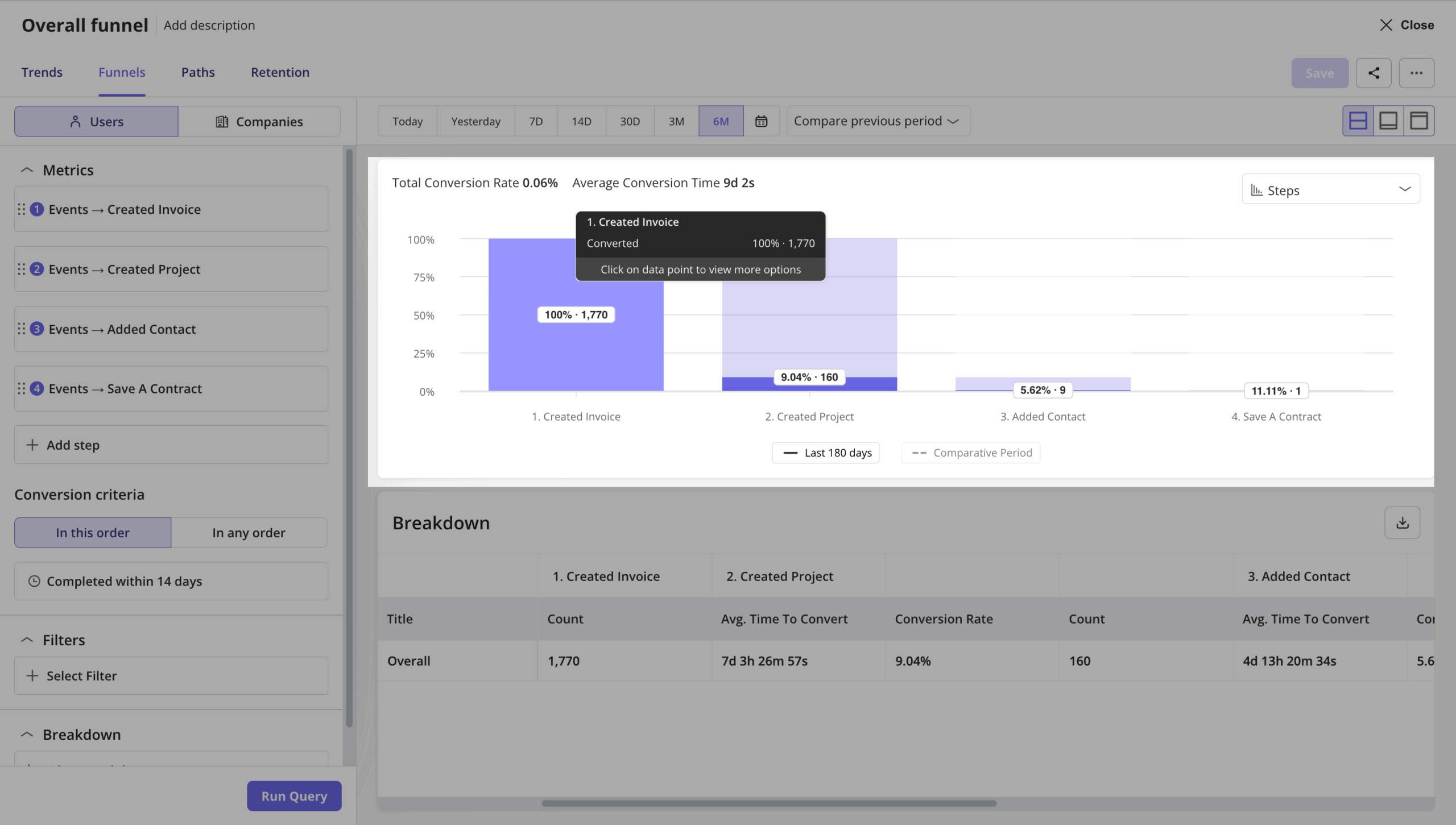
Keep testing as you’re implementing improvements to assess the impact of the changes on your product quality.
What if you’re not getting any valuable insights? Review and adjust your testing protocols.
Are there any challenges when dogfooding?
Yes, and I’m going to be honest with you, some of them can seriously undermine your results if you’re not careful.
The biggest issue is that your team becomes too familiar with the product to spot real problems.
More specifically, here are the main challenges you’ll face:
- Internal bias clouds judgment. Team members may develop a biased perspective towards the same product they helped create. This may result in potentially overlooking or downplaying certain issues. That’s why I’d always recommend you find participants who are not directly involved in your product development process.
- It’s tempting to replace proper quality assurance teams with dogfooding. This happens especially when you’re working with limited resources. However, dogfooding catches real-world usability issues while QA catches systematic problems. Think of edge cases, security vulnerabilities, performance issues, or compatibility problems. So essentially, you need both.
- You need to balance internal and external feedback. Don’t rely 100% on dogfooding. Invite beta users who match your target audience for usability testing alongside your team. This gives you perspectives from your intended audience who actually use the product as part of their workflow.
About the author