

October 2026
AI
New Feature
Agent Analytics: See whether your AI agent is actually working
- See who is talking to your agent and whether they come back for more
- Spot fallbacks, failed actions, and escalations without reading every transcript
- Use agent conversations in Segments, Report Builder, Sessions, and Engagement
Introducing: Agent Analytics 🎉
October 21, 2026
If you've added an AI agent to your product, you already know the next question: is it actually working? Agent Analytics brings your AI agent into the same analytics framework as the rest of your product — so you can see who's talking to it, what they're trying to do, where it's falling short, and whether it's actually helping people stick around.
Agent Analytics will allow you to …
- See how many people are talking to your agent, and whether they come back for more
- Understand what people are actually trying to do, through AI-identified topics (or ones you define yourself)
- Spot where the agent is failing users — fallback answers, failed actions, escalations, or contradictions — without reading every transcript
- Read the full transcript of any conversation, complete with the exact signals detected along the way
- See every conversation a user has had with the agent right from their profile
- Bring agent usage into Segments, Report Builder, Sessions, and Engagement, just like any other event
Key Highlights
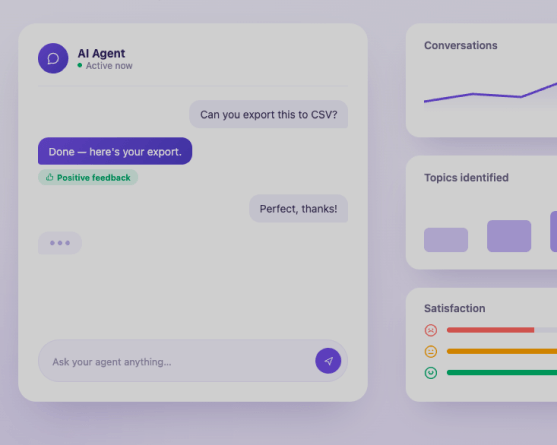
- Seven stats at a glance: Unique users, unique companies, conversations, prompts, satisfaction rate, frustrating conversations, and retention rate, all on one dashboard, with filters by agent, time range, and conversation metadata.
- Topics, sorted automatically: Userpilot's AI groups conversations by what people are asking for. Create your own topics for use cases you already know you want to track, and they'll always take priority over AI-identified ones.
- Failure signals, caught for you: Fallback responses, failed actions, human handoffs, contradictions, and looping are detected automatically, so you can prioritize fixes by how many users and conversations they touch.
- Full conversation transcripts: Open any conversation to see the exact exchange, jump straight to the moments that matter (feedback, frustration, failure, slow replies), and watch the session replay if one exists.
- Agent data, everywhere else in Userpilot: Every conversation is tracked as a Conversation started event, so it's usable in Segments, Report Builder, Sessions, and Engagement triggers, not siloed in its own tab.
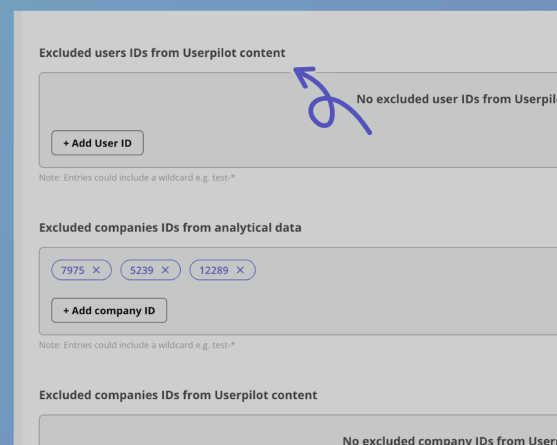
- Privacy controls built in: Account Owners and Admins can turn conversation capture on or off, and mask or exclude sensitive content (like card numbers) before it's ever stored.
Availability
Available on Growth and Enterprise plans, with 5,000 free conversations included — additional usage is available as an add-on.
To get started, find out how to set it up by visiting Agent SDK Installation.