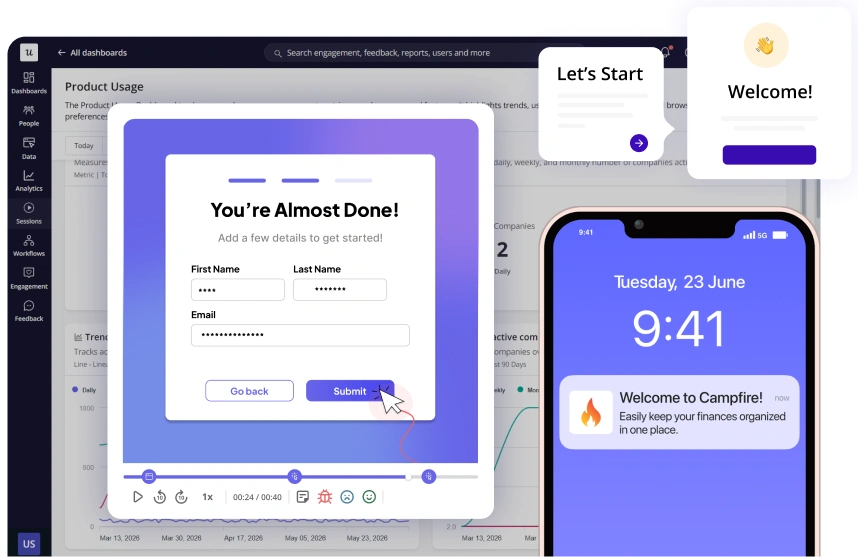
Watch Sessions, See Friction, Improve User Experiences
Combine qualitative and quantitative data to spot friction and take action without switching tools.
Join 1,200 Companies Accelerating
Product Growth with Userpilot.


More than 'just' a session replay tool
Combine session replays with product analytics, in-app guidance, and user feedback. Get the full picture, then act on it without leaving Userpilot.
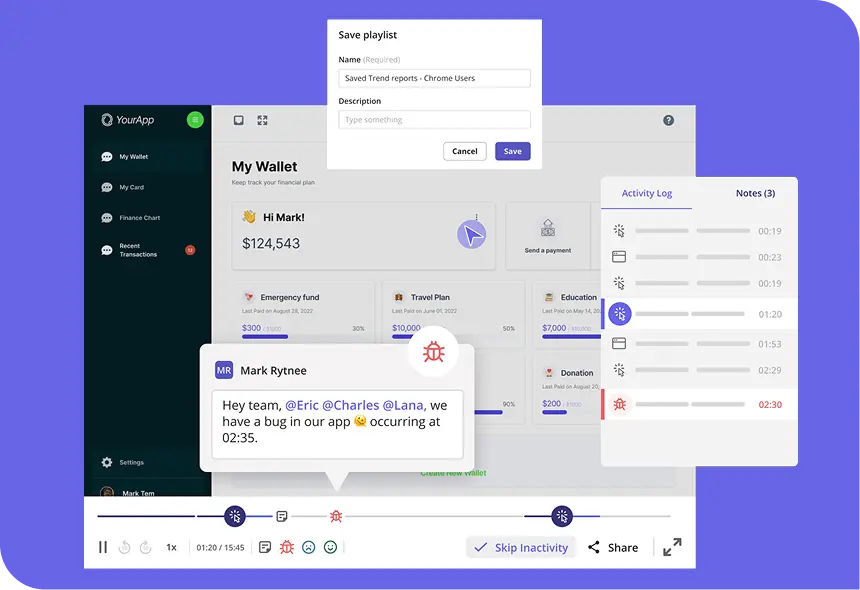
Capture
Every click, scroll, frustration, or error recorded automatically.
Spot
See a drop-off in your funnel or path and open the sessions behind it in one click.
Replay
Watch what really happened, skip inactivity, and jump to key moments.
Act
Tag teammates, fix the issue, and follow up with an in-app flow or survey.
Auto-capture every session, frustration signal, and performance issue
Replay user sessions, skip the noise, and jump to the moments that explain the 'what' behind your numbers.
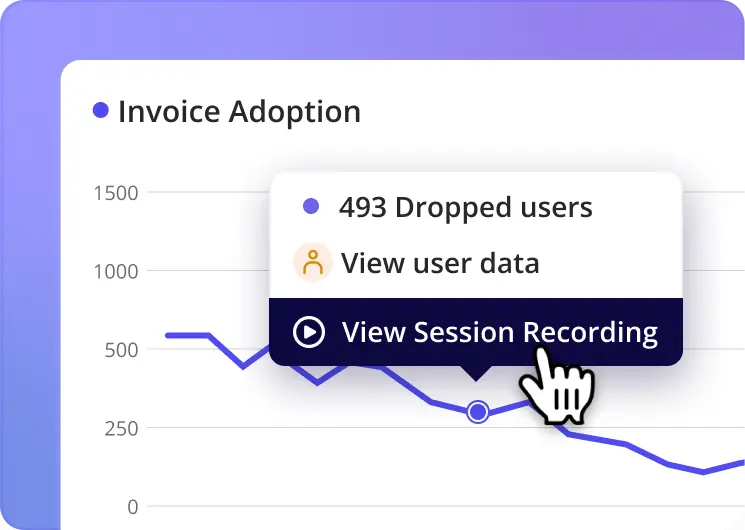
Replay-powered analytics
Spot a drop-off in a chart and jump straight into the sessions behind it.
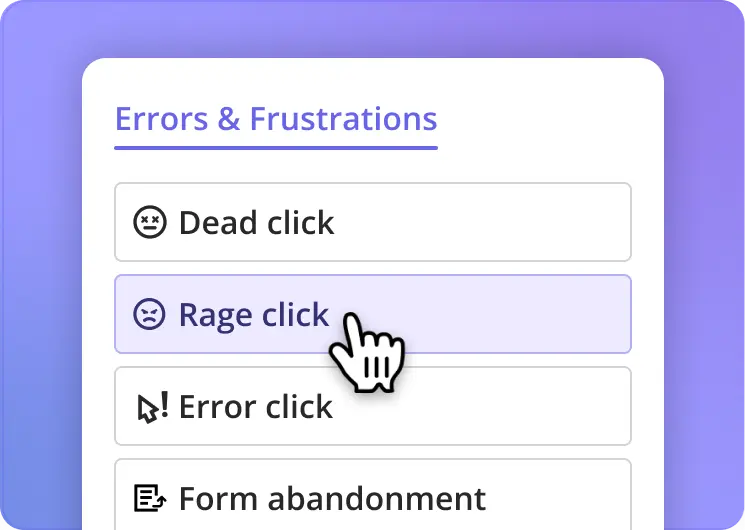
Automatic friction detection
Automatically flags rage clicks, u-turns, form abandonment, and more. Jump straight to the moment it happened.
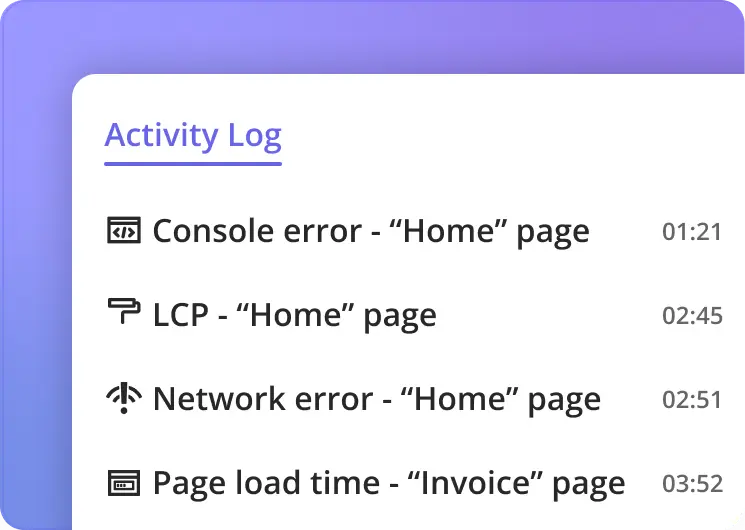
Performance indicators
Console and network logs synced to the session timeline. See every error, network failure, and exception at the exact moment it happened.
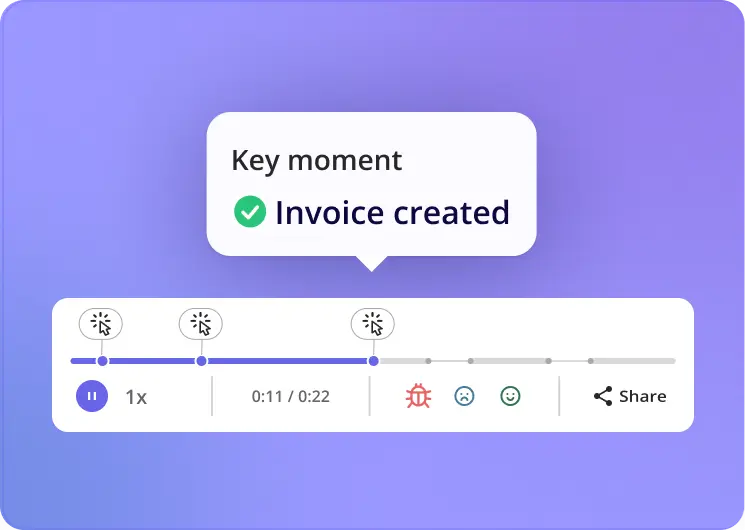
Key moments
Jump to any user action, error, or frustration signal in one click. Filter sessions by any signal to get straight to the ones that matter.
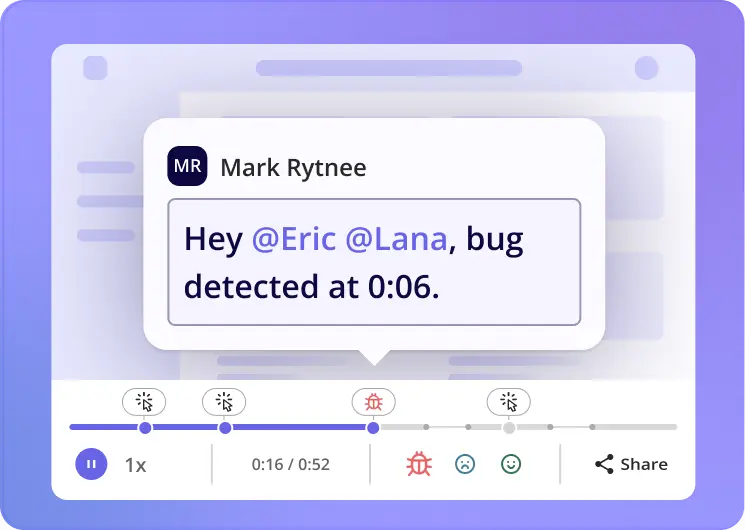
Real-time collaboration
Tag teammates, add notes, create playlists, and share sessions to solve issues together.
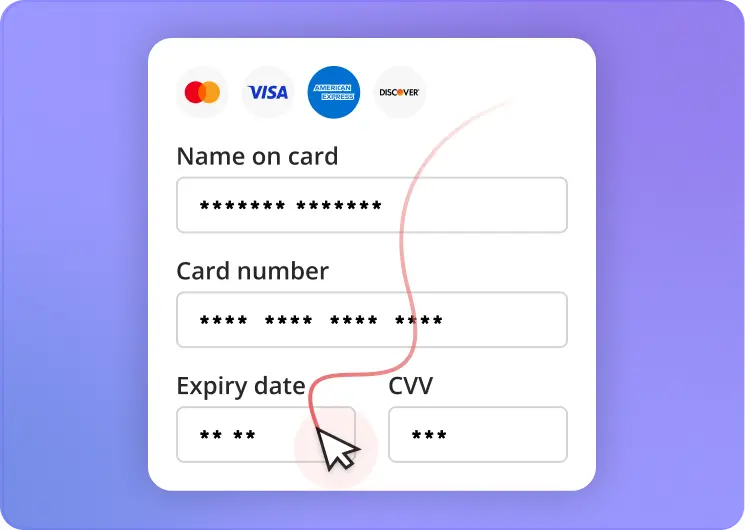
Privacy by default
Passwords, payment details, and PII are masked automatically out of the box.
Plugs into every tool you already use
Share sessions where your team works and keep every signal in sync.
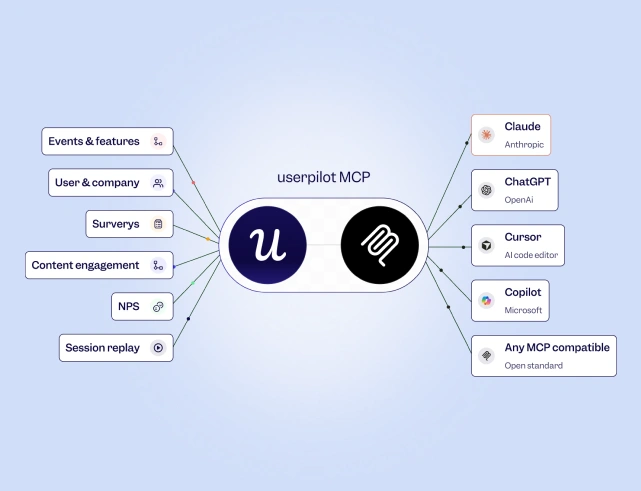
Session insights, inside every AI tool
Plug Userpilot into Claude, ChatGPT, Cursor or any MCP-compatible AI tool. Ask about friction patterns and user behavior wherever your team works.
Learn More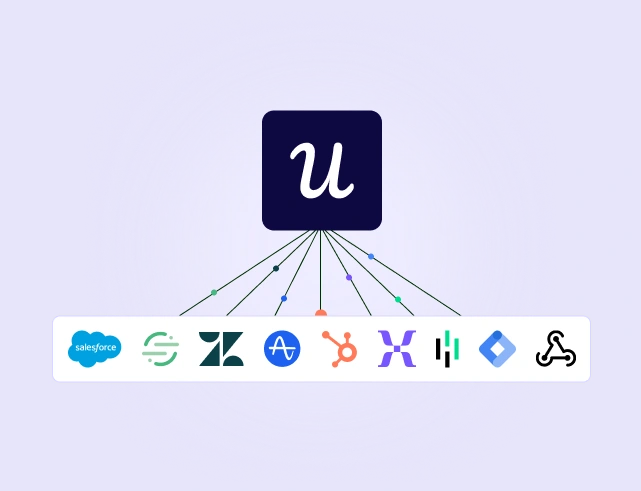
Your stack, connected
Push session data to your warehouse and pull CRM context back in. Target replays by segment, plan, or lifecycle stage for sharper analysis.
Learn MoreReal teams. Real outcomes.

User stickiness

Data-driven UX redesign

Increase in feature usage

Faster product adoption
Best analytics tool I have ever worked with
"It is the most useful analytics tool I have ever seen in software industry. It has many good features like survey forms, onboarding tools, funnels, integrations etc. and also it is very easy to use as it is beginner friendly."
Session Replay = Game Changer
"The Sessions feature has been a game changer for us as it has given us greater clarity about the behavior of our users when using our diagramming feature, as well as understanding in a deeper where where there are friction points."
Session Replay Helps Us Quickly Spot Issues and Improve UX
"With Userpilot's Session Replay, we can quickly spot issues, identify pop-up errors, and troubleshoot localization problems. It's been incredibly useful for bug checks and improving the user experience."

Take it for a spin
No sign-up. Explore a real session and see the friction points for yourself.
Common questions, answered
How is Userpilot different from standalone session replay tools?
Userpilot connects session replay to your product analytics, so you can go from a funnel drop-off to the sessions behind it in one click. Add surveys for a full qualitative and quantitative picture of user behavior, then act on it with in-app guidance, email, or multi-channel workflows, all without leaving Userpilot.
What friction signals does Userpilot detect automatically?
Userpilot flags six frustration signals: rage click, dead click, error click, u-turn, thrashing, and form abandonment. It also catches performance issues including console errors, network errors, and uncaught exceptions, all surfaced alongside the session timeline.
How does Session Replay connect to Product Analytics?
They share the same data layer. If you spot a drop-off in a funnel or path, you can open the sessions behind that exact drop-off in one click. No filtering, no copy-pasting user IDs.
Can I filter sessions by friction or error signals?
Yes. You can filter by any frustration or performance signal directly from Key Event Filters to surface only the sessions where something went wrong.
Can I share sessions with my team?
Yes. Tag teammates in a session, add notes, and organize recordings into playlists. You can also share sessions externally by sending a link to a stakeholder, engineer, or client without them needing a Userpilot account.
How does Userpilot handle privacy and compliance?
Sensitive fields like passwords and payment details are masked automatically. You can configure additional masking rules, exclude domains, filter by segment, or block specific locations. Userpilot is fully compliant with HIPAA, GDPR, and SOC 2 Type II.
Ask your product the questions that matter
Join 1,200+ companies tracking, predicting and acting on product behavior with Userpilot.
No credit card required