AI Data Instrumentation

One prompt. Every page and feature, tagged.

Userpilot AI Agent Lia finds what's worth tracking and tags it for you. You just review and accept.

Get a Demo
Userpilot AI Agent Lia tagging pages and features

Join 1,200 Companies Accelerating
Product Growth with Userpilot.

Autocapture is only half the job

Raw clicks aren't product data

Manual tagging
Autocapture alone
Setup effort
Element by element in the Chrome extension
Collects everything automatically
Names and structure
Yes, if someone writes them
Unnamed events and CSS selectors
Finds what's missing
Only what you think to tag
It's in there, if you can find it
Keeps up with releases
Breaks quietly after UI changes
New events, still unnamed
Who decides what matters
You
Nobody
Three steps to clean data

Ask, review, accept

Step 1 · Ask

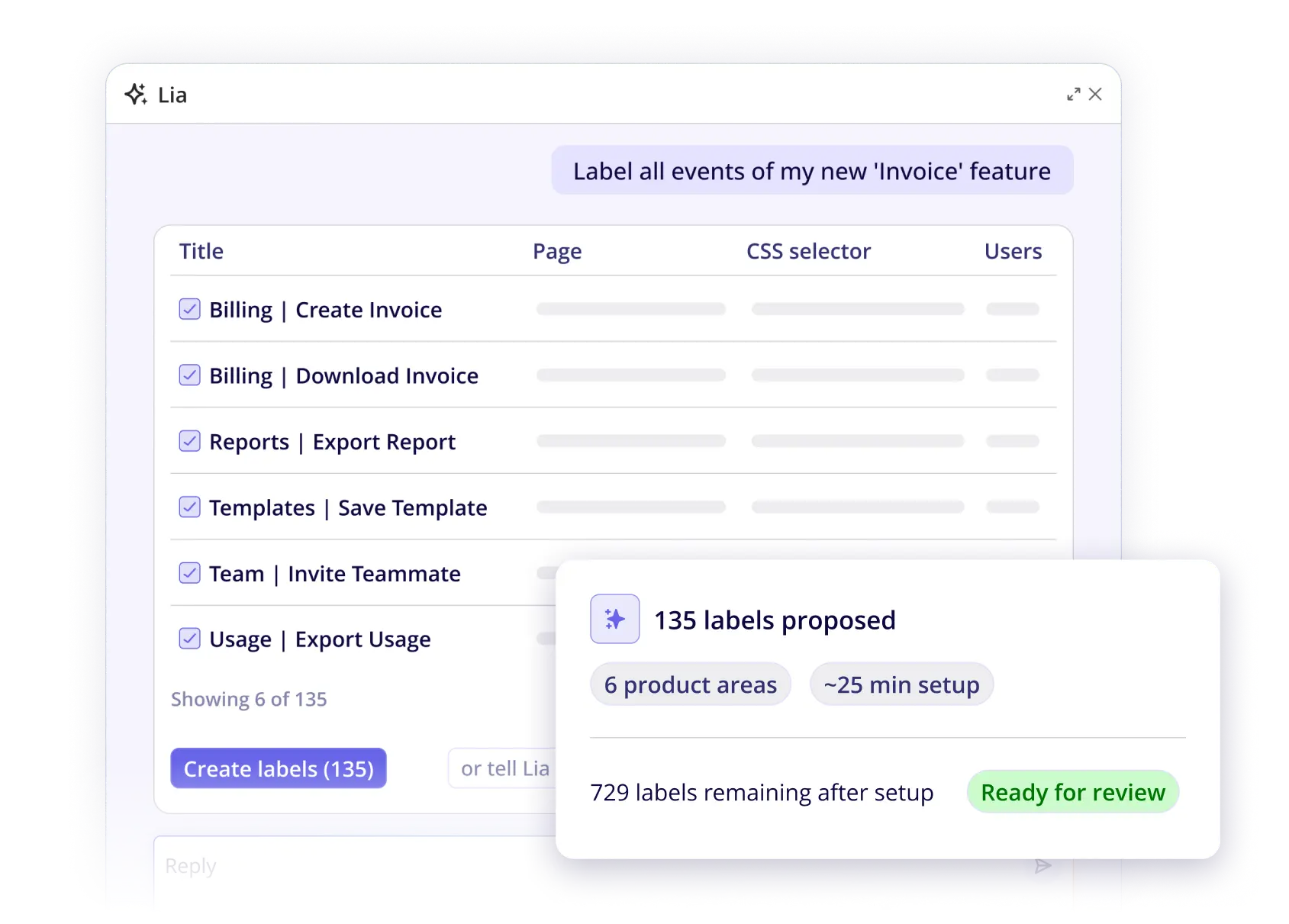
Ask Lia what to track

Pick a product area or the whole product. Lia finds what's worth tracking.
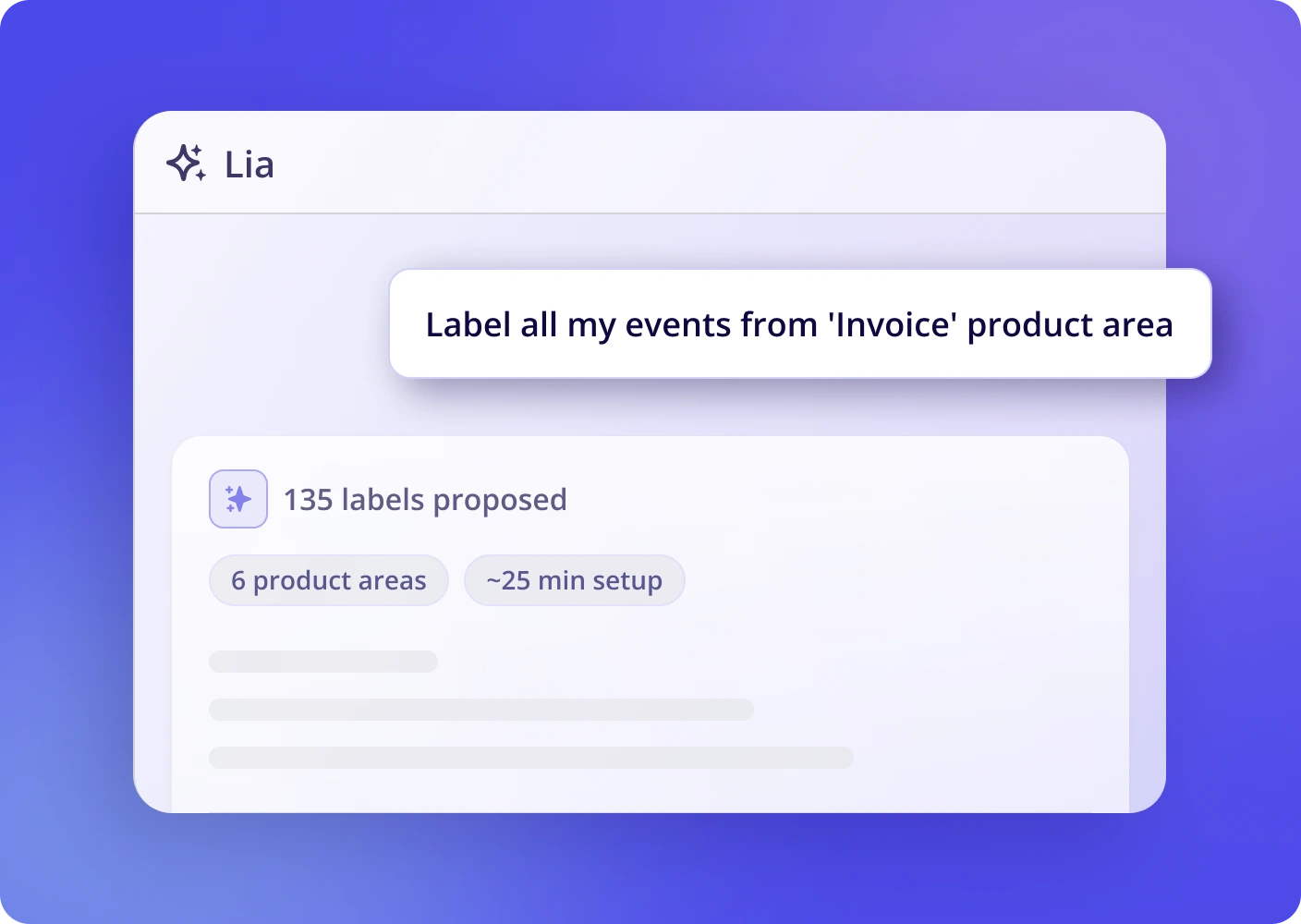
Ask Lia what to track in a product area
Step 2 · Draft

Lia drafts every tag

Name, targeting rule, page and product area, all filled in for you.
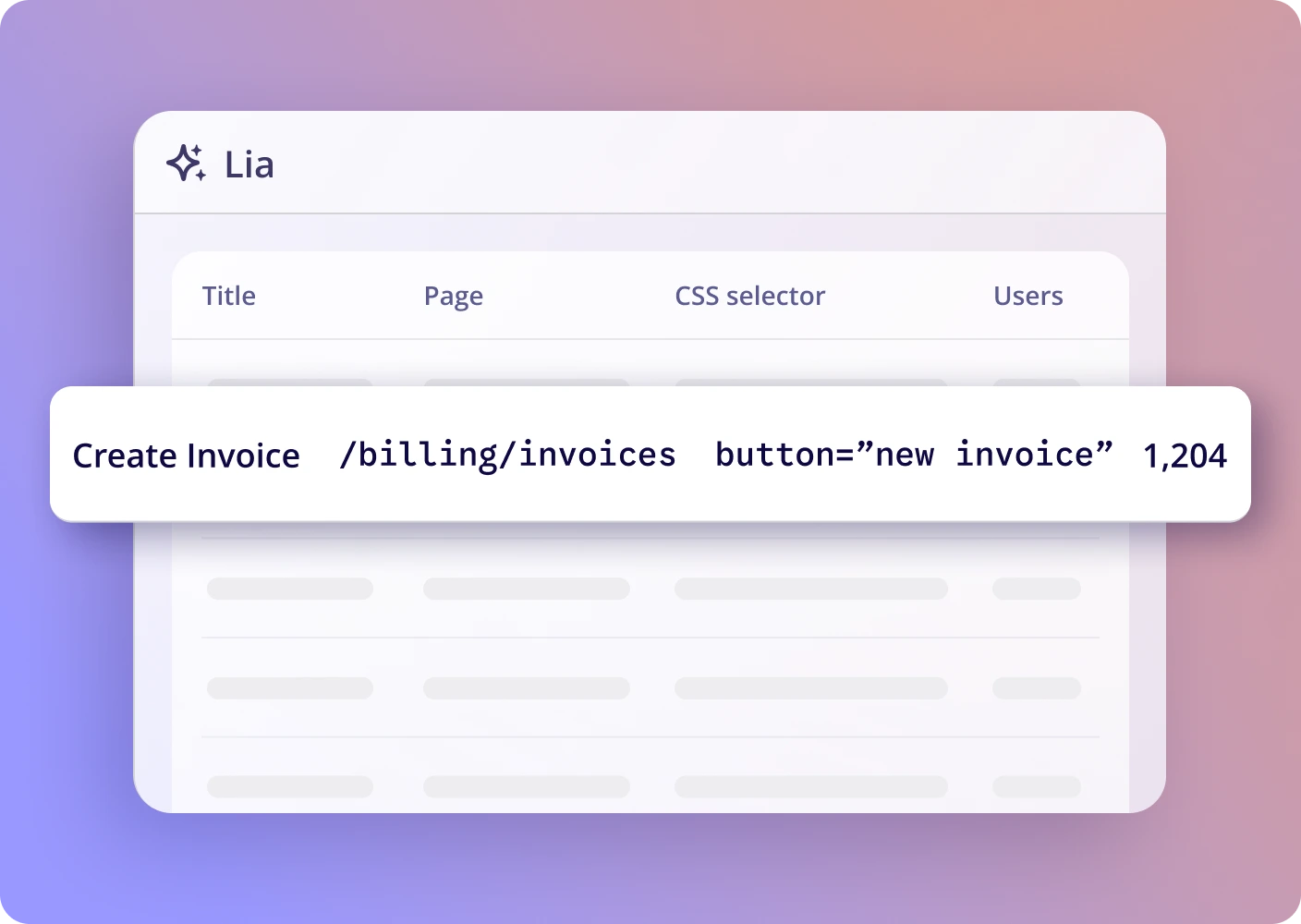
Lia drafts every tag with name, targeting, page and product area
Step 3 · Approve

Review and accept

Edit any tag or accept them all. Nothing goes live without you.
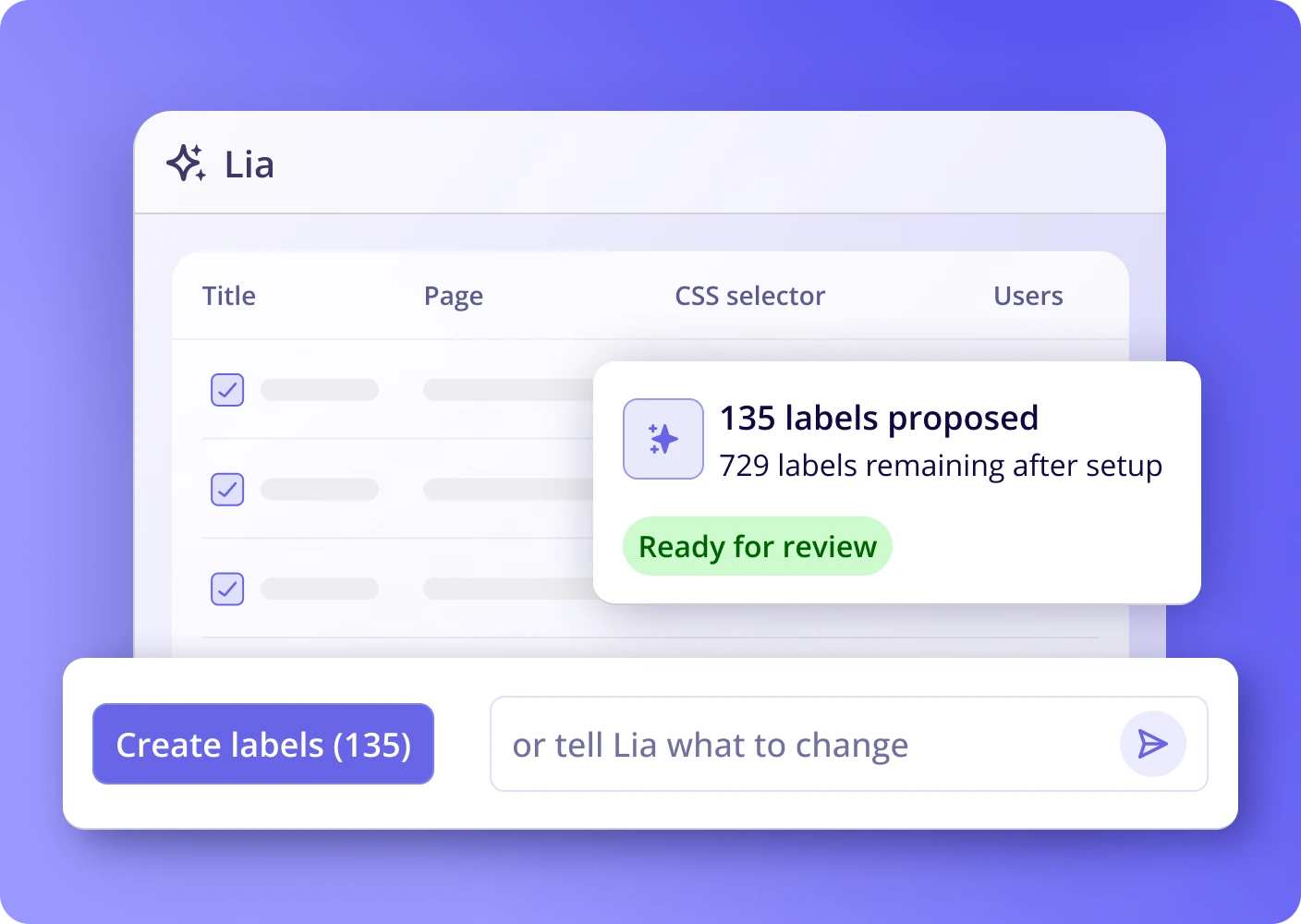
Review and accept tags suggested by Lia
Data Health

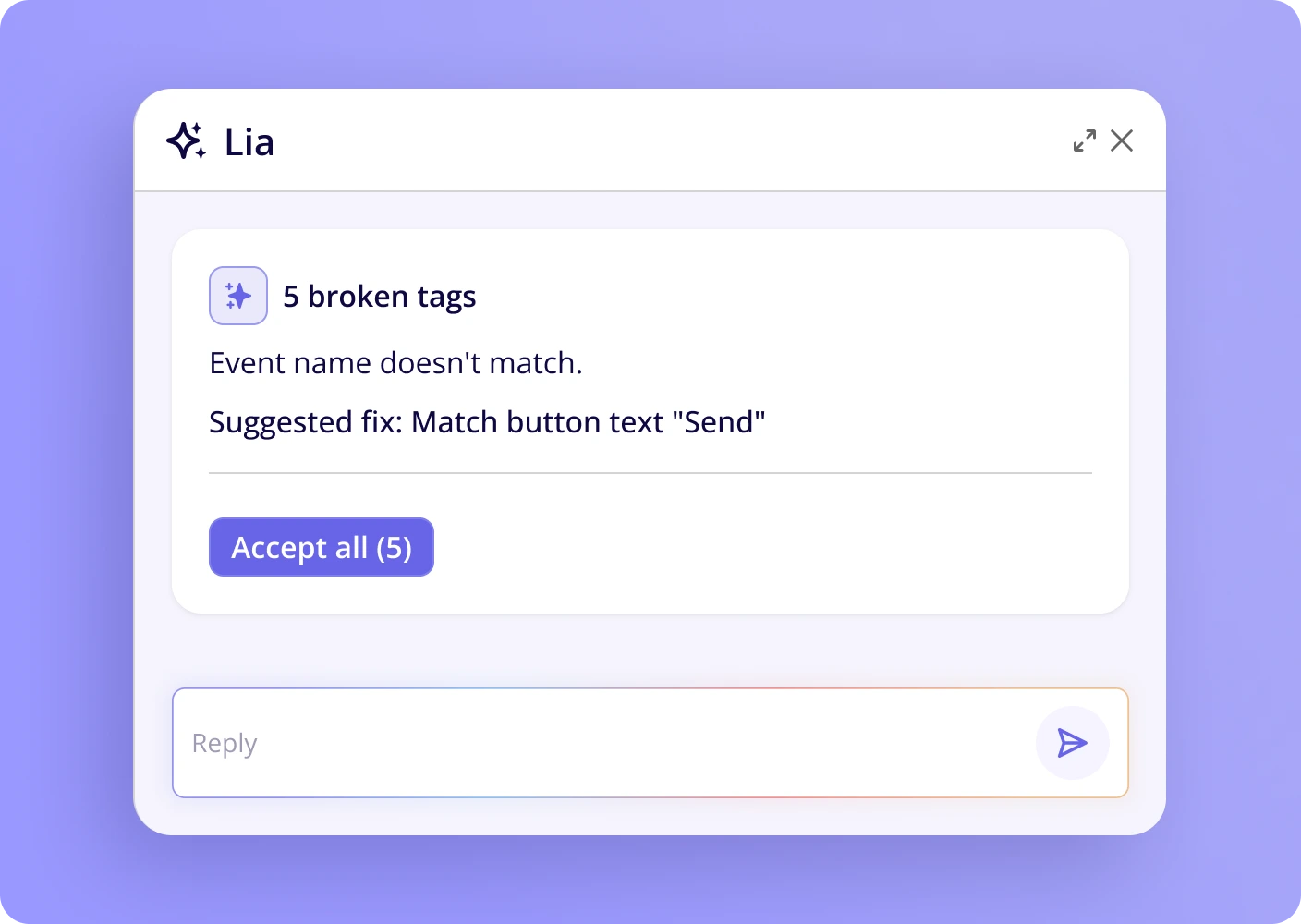
Catch broken tags early

A renamed button can quietly break a tag. Lia spots it before your reports do.

  • Flags tags broken by UI changes
  • Spots pages and events that went quiet
  • Suggests a fix for you to review
Lia data health check flagging broken and stale tags
Coming Soon AI-powered setup

From one prompt
to installed SDK

Ask Lia to install Userpilot. Your coding agent handles the implementation, and your engineers review the changes.

01

Ask Lia

One request in the chat, from anyone on the team.

02

Your coding agent adds it

Lia sends the snippet to your connected coding agent.

03

Review

The SDK lands in your codebase for your engineers to review.

04

Start tagging

As data flows in, Lia finds the pages and features to track.
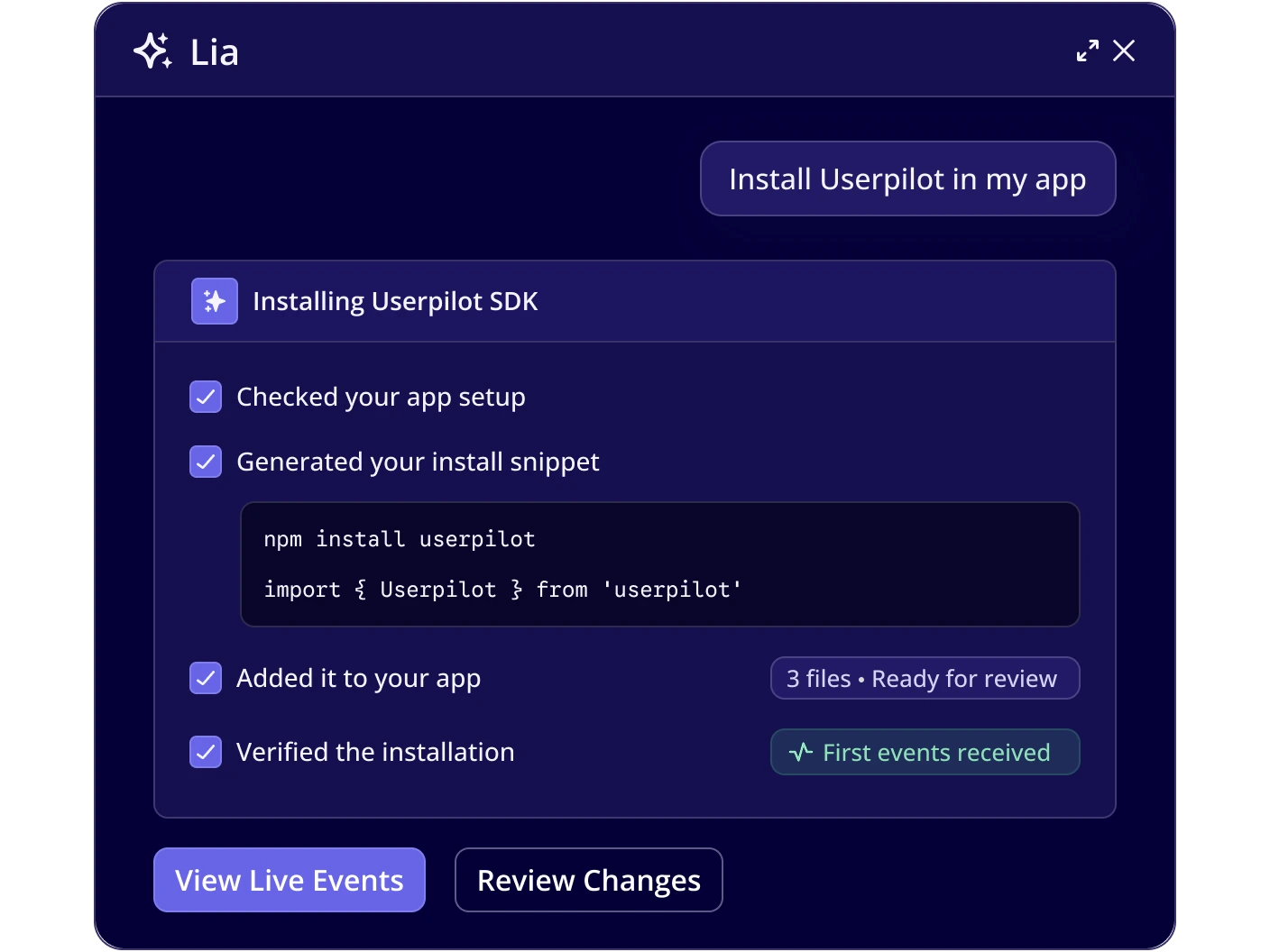
AI-powered setup: Lia installs the Userpilot SDK through your coding agent
Built for Product Intelligence

One connected platform

From capturing product behavior to understanding it and acting on it.

Lia

Ask anything about your product data and get reports, surveys and next steps.

Learn more

Product Analytics

Funnels, paths, retention and feature adoption, all built on the tags Lia sets up.

Learn more

MCP Server

Query your Userpilot data from Claude, ChatGPT, Cursor and other AI tools.

Learn more

Brandkit

Official Userpilot logos, marks, and company description. Download any asset as SVG or PNG.

Logo
Logomark
Usage

Spelling

Userpilot is one word with a capital U. Never UserPilot or User Pilot.

Clear space

Keep space equal to half the mark's height on every side.

Don't alter

Don't recolor, stretch, rotate, or add effects to the logo.

Company description

Userpilot is a product growth and analytics platform that helps SaaS teams turn user insights into better product experiences. Product, growth, and customer success teams use Userpilot to understand user behavior, onboard new users, drive feature adoption, collect feedback, and reduce churn, all without code. More than 1,200 companies use Userpilot to accelerate product growth.