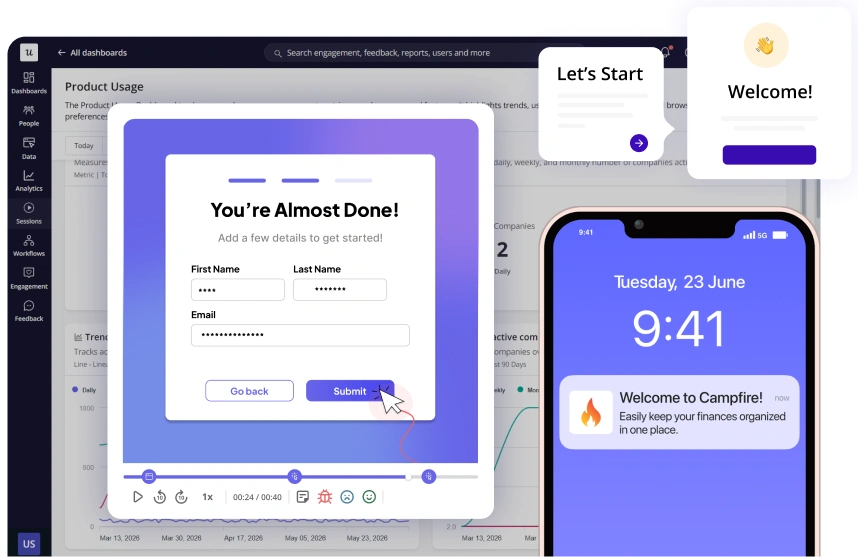
Multi-Channel Engagement That Drives User Action
Design, automate, and optimize in-app and email touchpoints from a single workflow canvas.
Join 1,200 Companies Accelerating
Product Growth with Userpilot.


Build lifecycle user journeys with complete control
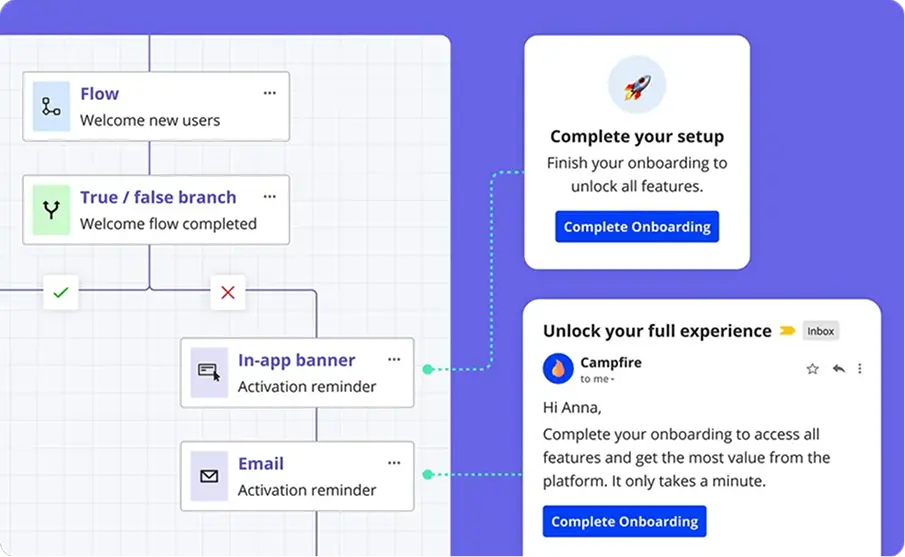
Map your entire user journey on one canvas — in-app, email, and surveys working from the same flow. Every modal, email, and feedback step connected.
Map
Map the full user journey on one canvas — every in-app, email, and survey step connected.
Branch
Send users down different paths based on user signals, attributes, or timing.
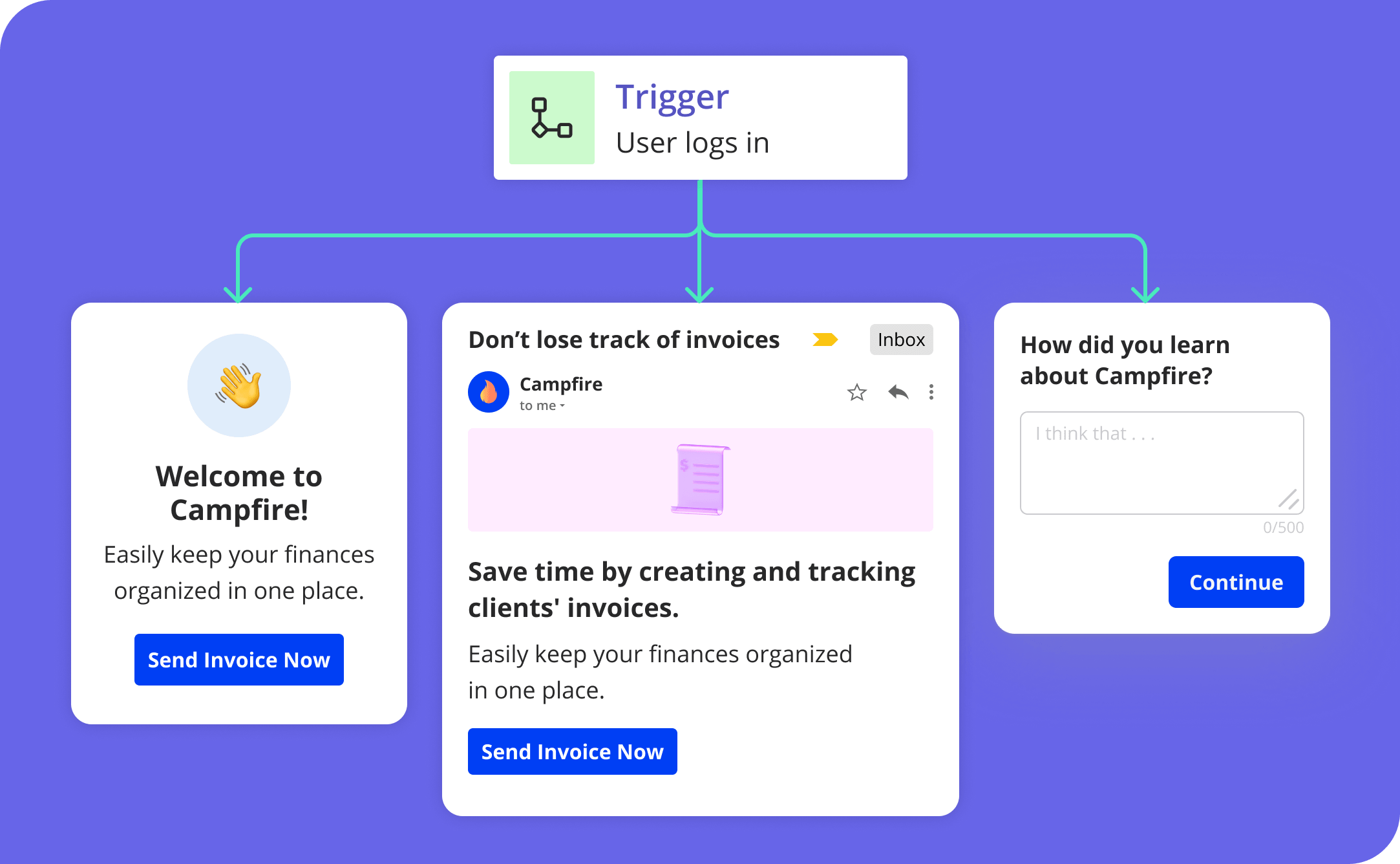
Trigger
Trigger user engagement experiences based on real-time product signals and time delays.
Measure
Track Workflow enrollment, drop-offs, and goal completion at every step.
The complete user lifecycle journey toolkit
Everything you need to design, branch, time, and measure multi-channel journeys — from one no-code canvas.
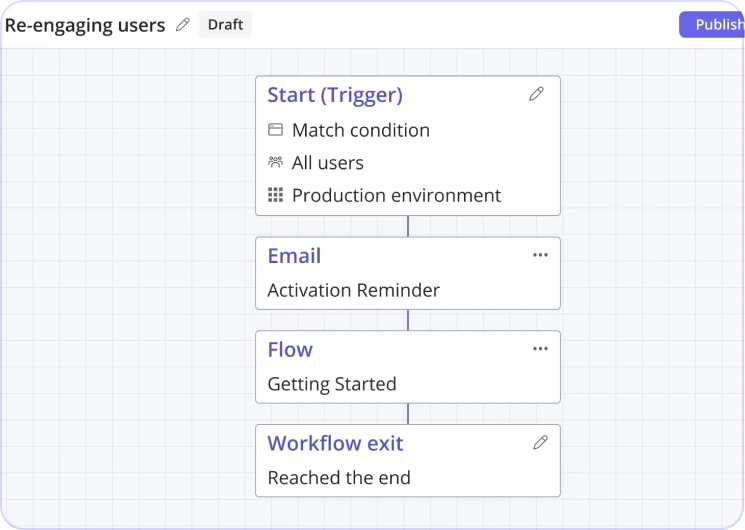
Visual Workflow Builder
Design multi-step journeys on an intuitive canvas. Visualize every path, dependency, and branch at a glance.
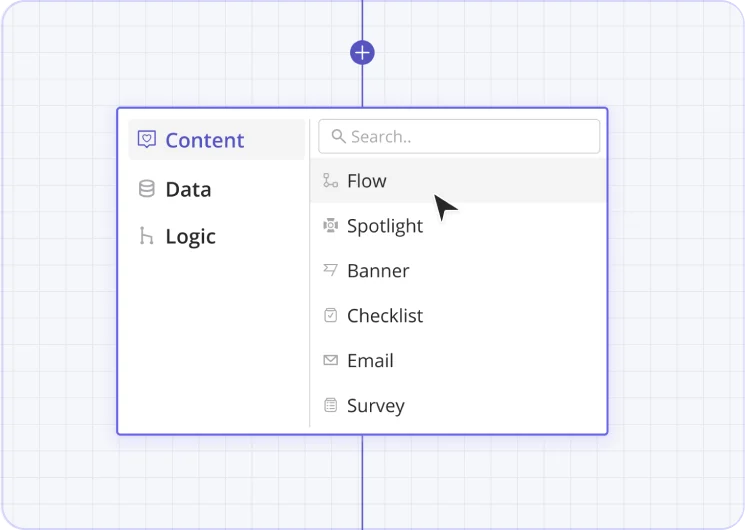
Content Triggering
Trigger flows, banners, spotlights, checklists, emails, and surveys. Connect existing content or build new.
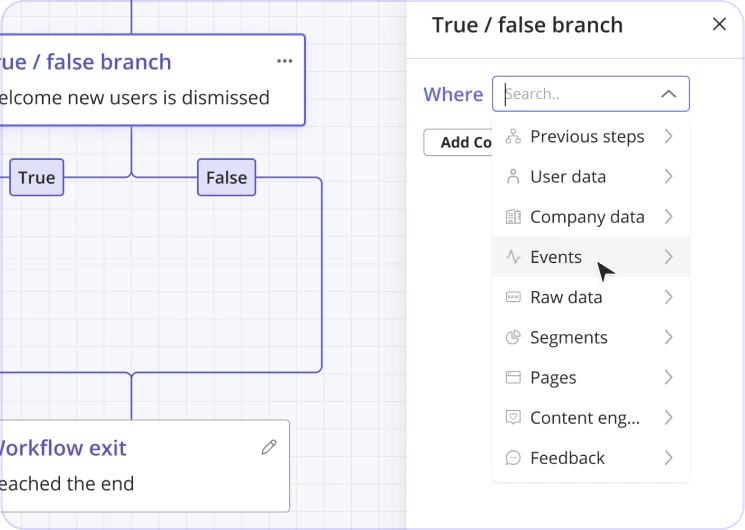
Branching Logic
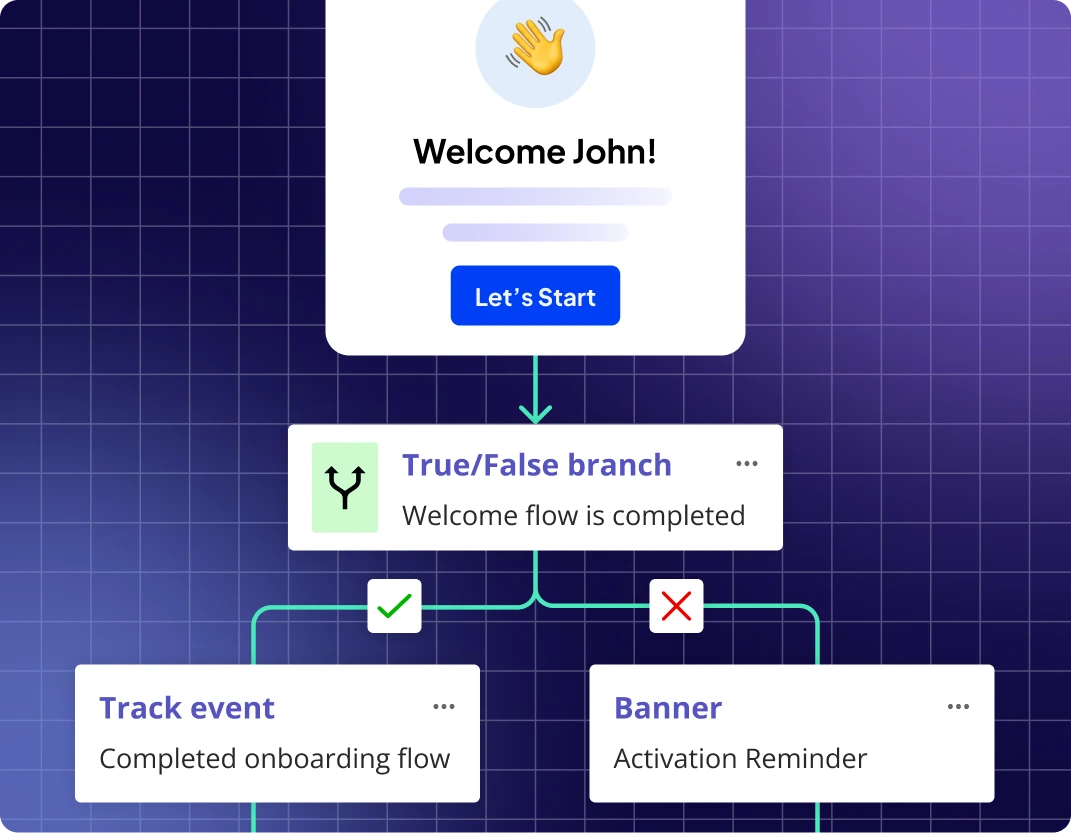
True/false splits based on events, properties, NPS, segments, page visits, and content engagement.
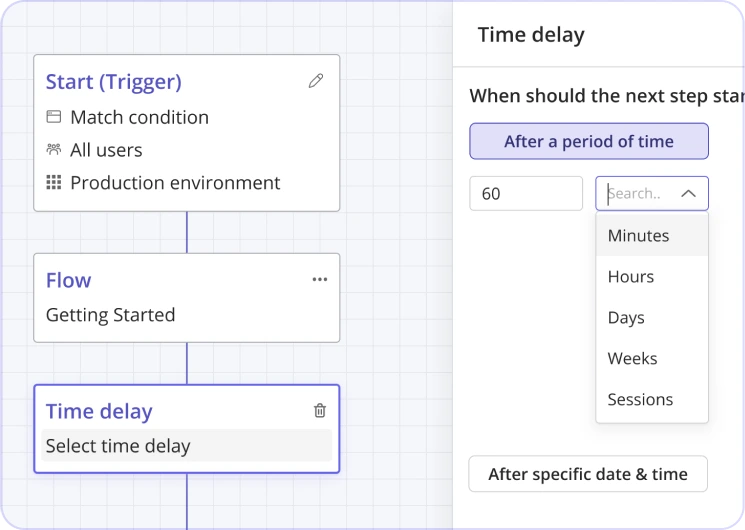
Time-Based Controls
Delays from minutes to weeks, session-based waits, or exact date/time triggers.
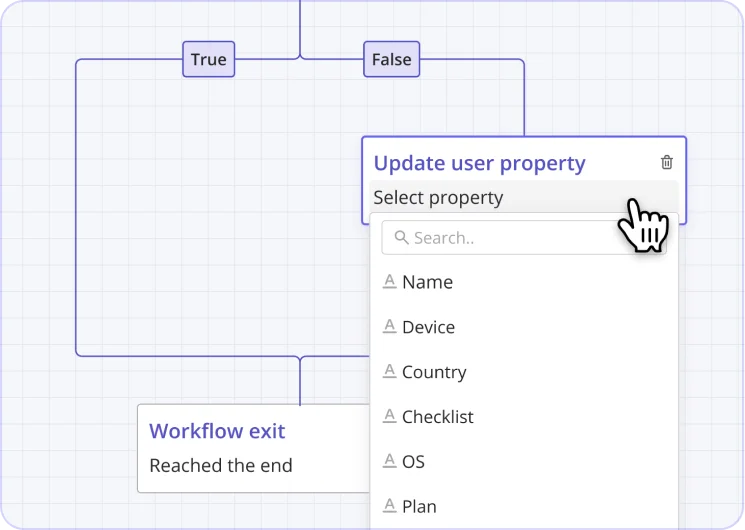
Data Actions
Update user/company properties and fire custom events as users hit milestones, tracking lifecycle stage in real time.
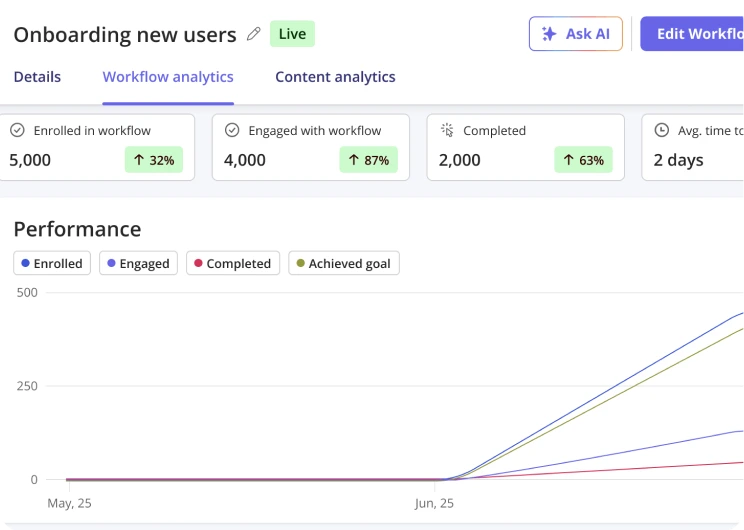
Workflow Analytics
Enrollment, drop-off, completion, goal achievement, and average time to completion — at every step.
The right message, for the right user, at the right time
Branch flows based on user behavior, attributes, or timing. Show different paths based on what users do, who they are, or where they are in their journey.
- Branch by behavior, properties, NPS, or segment
- Delay steps by minutes, hours, days, or exact dates
- Mix in-app and email in the same journey
- Auto-update properties and events at every step
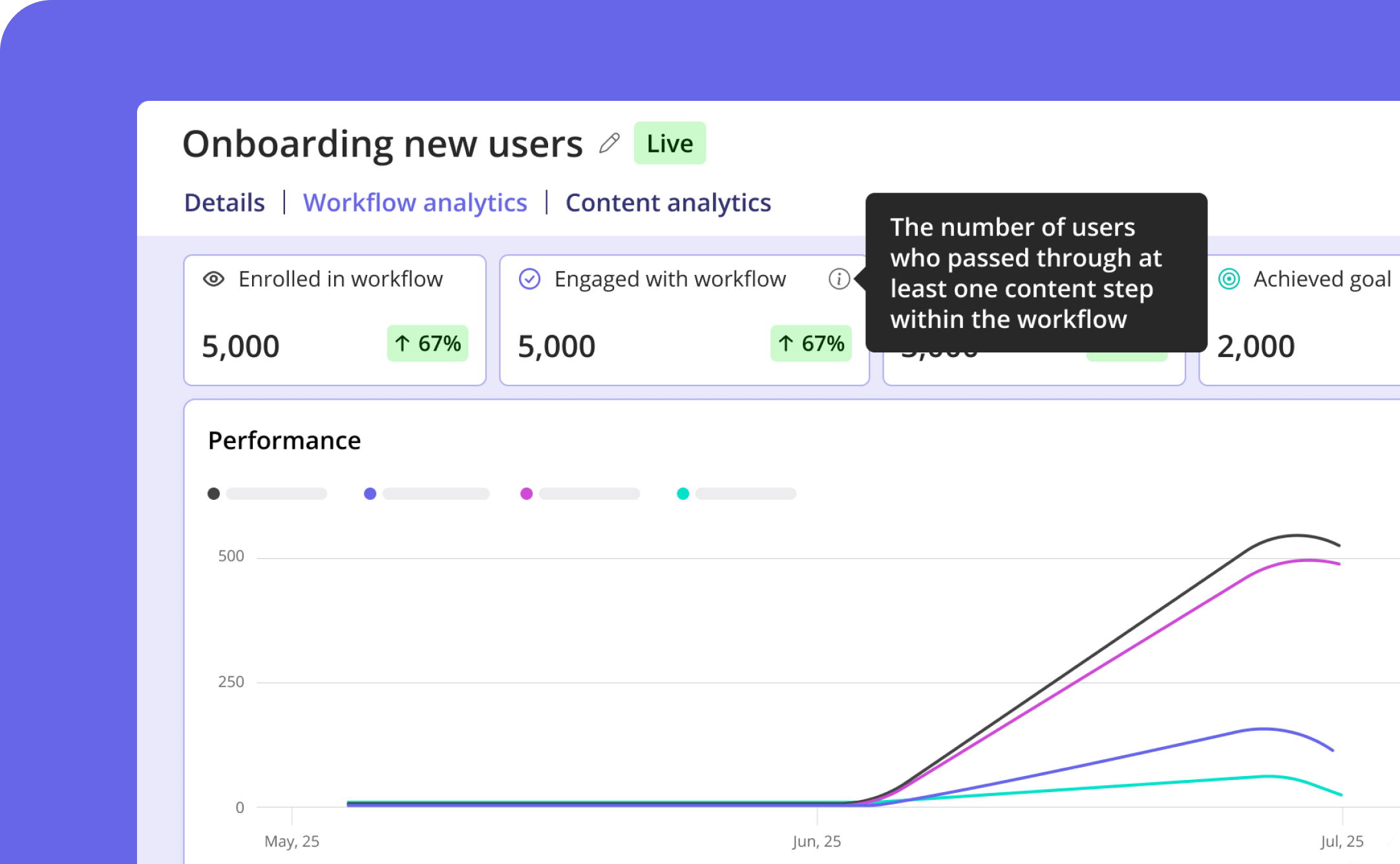
Full visibility into every user drop-off before it costs you
Step-by-step journey analytics, built in. Track enrollment, engagement, and completion at every step — see where users exit and which paths perform best.
Real teams. Real outcomes.

Increase in customer lifetime value

User stickiness

Increase in webinar sign-ups

Renewal rate for users with custom onboarding flows
Best analytics tool I have ever worked with
"It is the most useful analytics tool I have ever seen in software industry. It has many good features like survey forms, onboarding tools, funnels, integrations etc. and also it is very easy to use as it is beginner friendly."
Userpilot helps us uncover growth patterns
"Userpilot helps us learn where to focus and understand what our users are doing. The most important thing is to track user behavior as they interact with our product, and link that back to upgrading from free to paid, and to retention, so that we can identify the patterns exhibited by our most valuable customers v. our least."
Gaining User Insights & Saving Thousands in Dev Work
"Analytics data has allowed me to understand user flows without spending a lot of time interviewing users—saving us around $2K thanks to in-app notifications. Without relying on developers, we've likely saved another $2K in dev work."

Take it for a spin
No sign-up. Build a multi-step workflow and see how fast it comes together.
Common questions, answered
How does Userpilot combine email with in-app content?
Workflows let you build multi-step sequences that mix email and in-app messages, with delays and conditional branching between them. For example, send a welcome email, wait 3 days, then show an in-app flow only if the user hasn't converted yet.
Who can I email, only users who've logged into my app?
To send behavior-triggered emails, users need to be identified to Userpilot, typically through an app session. If you want to reach people who haven't logged in yet, such as trial invites or marketing lists, you can bulk-upload contacts via API instead.
Can I trigger emails from CRM data, like Salesforce or HubSpot?
Yes. You can sync Salesforce or HubSpot fields, such as deal stage or renewal date, and use them as trigger conditions inside a workflow. Userpilot does not take actions inside those systems or generate credentials on your behalf, so for that you'll want a native integration or webhook.
What's the difference between a Flow, a Workflow, and an email in Userpilot?
A Flow is a single piece of in-app content, like a tooltip or modal sequence. A Workflow is a sequence that can combine flows, emails, and delays or conditions into one journey. Email is one channel a Workflow, or a standalone campaign, can send through.
Which plans include Workflows?
Workflows is included on all Growth and Enterprise plans, with no add-on required.
Ask your product the questions that matter
Join 1,200+ companies tracking, predicting and acting on product behavior with Userpilot.
No credit card required