Free Trial vs Demo in SaaS: Should You Do Both?


Free trial or demo? It’s a question we’ve revisited more times than I can count. The answer keeps changing.
When we first launched, we leaned on demos. Our product had depth, and we needed the space to explain it. But as we grew, we realized we were missing a segment of potential customers who didn’t want to talk to sales. They just wanted to explore the product on their own terms.
So we started offering both a free trial and a product demo.
Here’s what we learned at Userpilot running both in parallel: the pros and cons of each, when to lean into one over the other, and how to find the right mix for your business model.

Should you really separate free trial from demo?
Here’s the thing about the way this question usually gets framed: it implies you have to pick one, and that the one you pick will serve all your customers equally well. Neither assumption is necessarily true for most B2B SaaS companies.
For instance, Asana gets roughly 40% of its customers via self-serve channels (as per their Q2 2026 Earnings Call), and the others via sales (and thus demos). At Userpilot, we follow a similar model: demos lead our customer acquisition strategies, but we run a free trial because a meaningful share of our customers want to explore before they talk to anyone.
The deeper reason is that both models exist to accomplish the same thing. In a product-led growth strategy, one fundamental goal is to help users experience the value of your product before they commit to paying for it. For instance, Ben Williams (who analyzed product usage data across hundreds of SaaS companies) shared in the Product-Led Geek podcast how this played out when he worked at Snyk:
“When I left Snyk at the end of 2022, nearly half of all recurring revenue came from companies who started using the product in a really meaningful way before any kind of sales engagement. And that is a metric I call product influenced revenue. It was quite demonstrative of the impact the bottom-up motion had on the overall revenue motion.”
According to Kyle Poyar of Growth Unhinged, who surveyed 230+ B2B software and AI companies in 2026, the most common of the SaaS pricing models is now hybrid pricing (37% of companies), up from 25% just 12 months earlier.
That same hybrid model is what most B2B SaaS need to realistically serve multiple customer segments: a trial type (often an opt-in free trial or reverse trial) for the self-serve users with lower ACV, and high-touch live demos (with optional interactive product demos) for the larger, high-ACV accounts where procurement complexity and multi-buyer evaluation require human guidance.
In the end, what truly matters in the PLG funnel goes beyond the free trial. Hila Qu, VP of Growth at GitLab and a Reforge instructor, made this point clearly when talking about red flags on Lenny’s Podcast:
“Founders think PLG equals launching of free version or launch of free trial […] They’re not thinking about the entire thing through understanding the implication, the free product is just the start. You need to think about how to activate, how to design the upgrade path, how those teams, those new growth teams work with other sales and marketing teams, all of that.”
Free trials in 2026: Types, tactics, and best practices
A free trial gives potential customers direct access to your product for a limited time, no sales rep required. Think of it as the bartender who lets you figure everything out on your own: here are the features, give me your email address, try anything you want.
Including the wave of usage-based SaaS, I can count four types of free trials in B2B SaaS, including:
- Opt-in (no credit card required): Users move through your SaaS signup flow and start exploring without entering payment details.. According to First Page Sage’s benchmarks, opt-in trials convert at 8.5% visitor-to-trial and 18.2% trial-to-paid from organic traffic. It works well for product-led growth strategies where volume matters and the product can sell itself.
- Opt-out (credit card required): Users enter a card upfront and get charged when the trial ends unless they cancel. Fewer signups, but the ones who start are already leaning toward buying. First Page Sage puts opt-out trial-to-paid conversion at 48.8%: the credit card requirement filters out low-intent prospects before they enter the funnel.
- Usage-based trial: Access ends when the user hits a cap (a number of exports, projects, or API calls) rather than a time limit. It rewards active users and creates a natural upgrade moment, but only works if your product usage metrics track clear milestones.
- Reverse trial: New users start with full access to paid features for a limited period, then downgrade to a free tier if they don’t upgrade. For example, Canva, Airtable, Calendly, and Toggl all run reverse trials. Toggl, in particular, doubled its premium plan revenue by switching from a pure freemium model to a 30-day reverse trial.
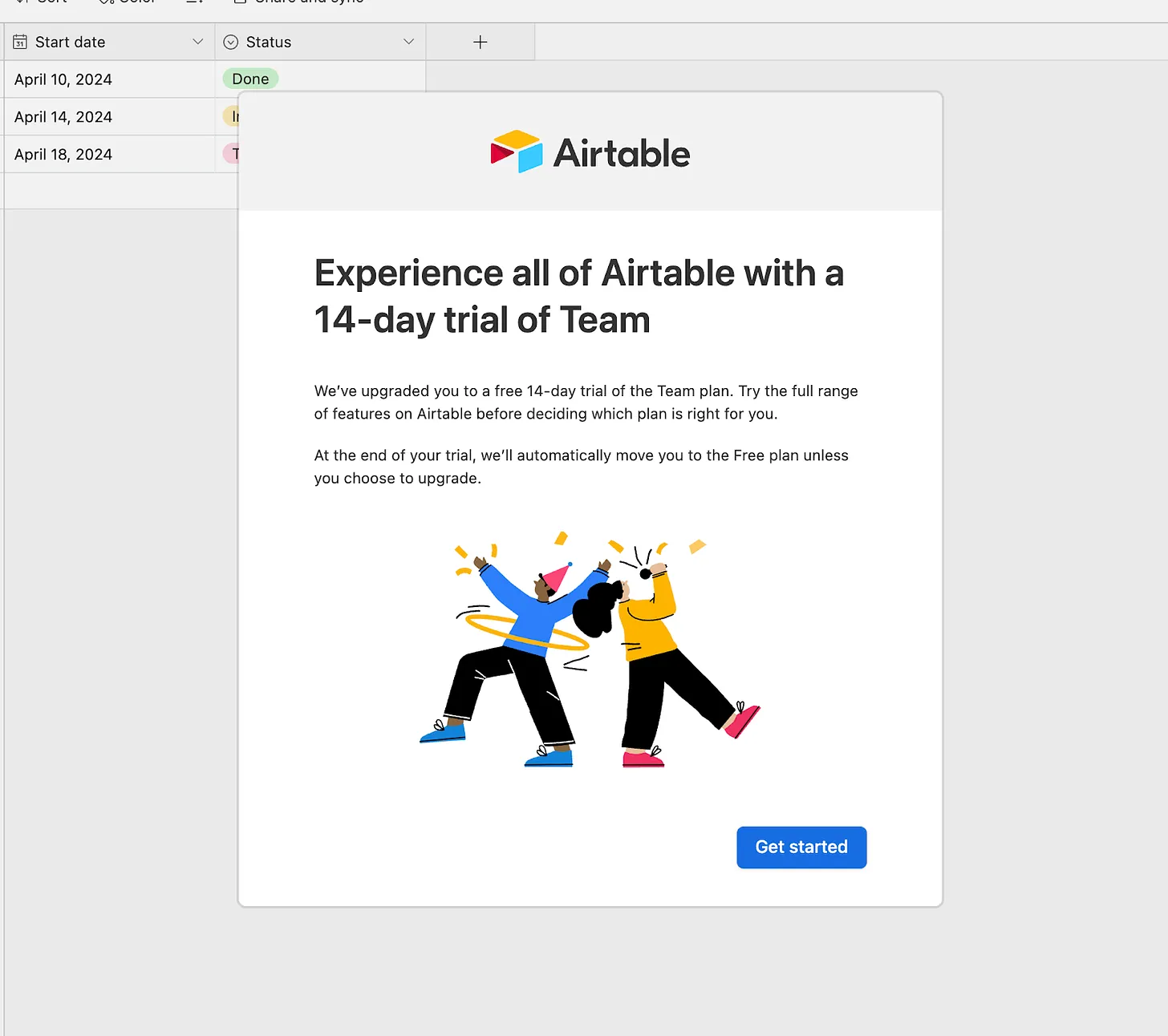
However, across all types, the activation problem is the same. According to ChartMogul’s 2026 SaaS Conversion Report, the average conversion rate for SaaS from free to paid is 8%, but the top quartile reaches 40-60%. That gap is almost entirely determined by how well the user onboarding experience guides people to genuine value before the trial ends.
Free trials pull in users who are already past the browsing stage. They signed up because they want to see if the product works for them, which makes them some of the warmest leads in your funnel. The problem is that intent doesn’t carry people to activation on its own, so most free trial users lost to customer churn never experience the core value of the product.
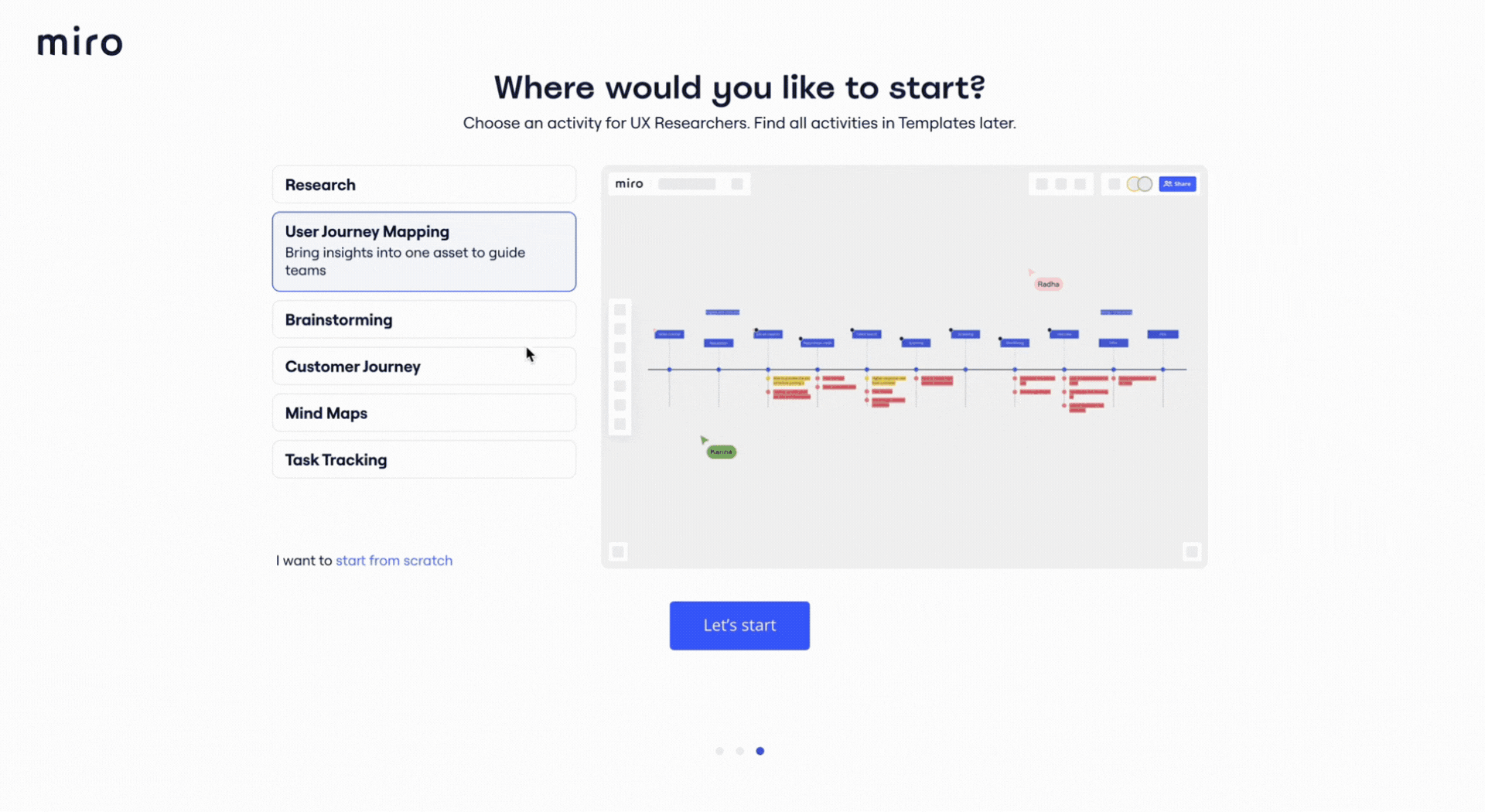
Best practices for free trial conversion
- Welcome modals and onboarding checklists on day one: A welcome modal asks two or three segmentation questions (role, team size, primary use case) and lets you route users to the most relevant features. For example, a user onboarding checklist that maps to your actual activation milestones (not a tour of every feature) keeps users moving toward value without overwhelming them.
- Contextual tooltips at drop-off points: When I worked on Userpilot’s own email feature onboarding, I found the funnel showed a sharp drop off rate at the domain verification step. Within a few hours, I built a targeted tooltip that highlighted the correct steps for domain verification directly in the product. Drop-off at that step closed within days without involving the dev team. These targeted in-product interventions help close the gap between trial signup and activation.
- Restart triggers for reverse trials: For products with freemium, users who downgrade from a reverse trial still have a free tier to stay in. This means it’s possible to re-offer the premium trial when they hit usage limits in the free tier. Canva does this effectively: users who downgrade from Pro still encounter Pro feature prompts when they try to use elements that are gated, creating ongoing conversion opportunities without a hard paywall.
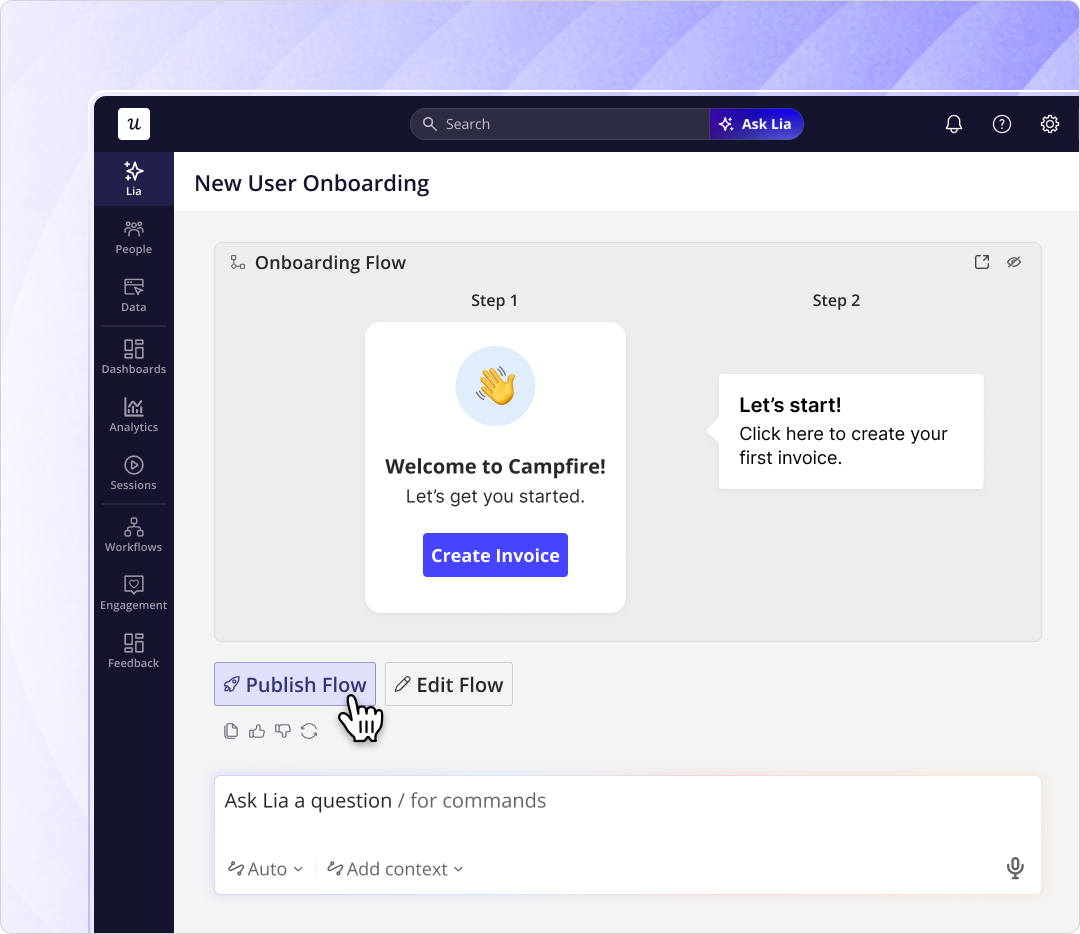
- AI-powered onboarding as a force multiplier: Lia, Userpilot’s AI agent, can build in-app onboarding flows autonomously based on user behavior and declared intent. For teams running a free trial, this means the onboarding experience can adapt to each user’s path without requiring manual segmentation work for every new cohort.
Demos in 2026: Types, tactics, and best practices
A product demo is when prospective customers go through a guided product experience before they get direct access to the product. In the traditional sales model, reps are the gatekeepers who show everything the product can do to solve the user’s pain points.
Three types of demos matter today, and each has a distinct role in the funnel:
- Live demo: A sales rep walks the prospect through the product in real time, shaping the conversation around their specific pain points. The most effective format for complex or high-value deals, but it doesn’t scale, and the quality relies on the rep running it.
- Pre-recorded demo: A video or screen recording that shows key workflows. It’s easy to share and good for warming up prospects before a call. It serves more as a supporting resource rather than a tool for closing deals.
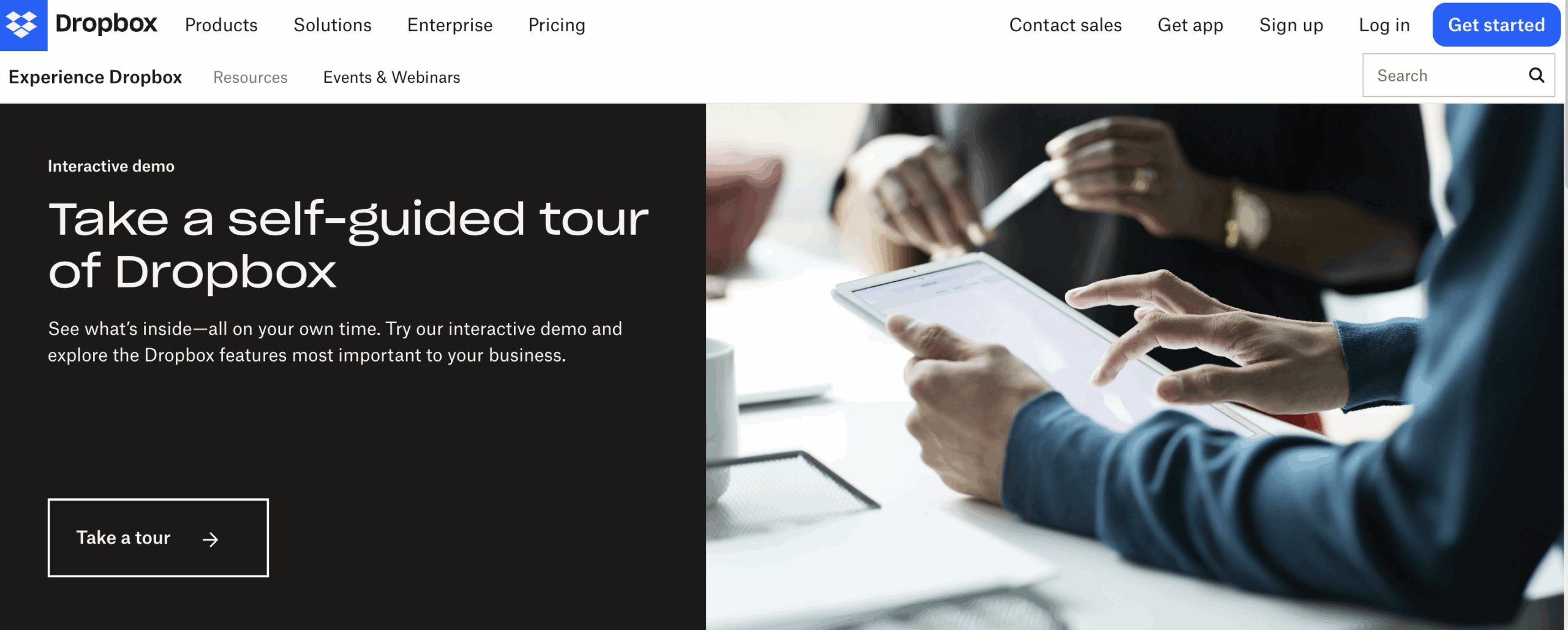
- Interactive demo: A clickable, self-guided interactive walkthrough that lets prospects explore the product at their own pace without signing up or talking to anyone. According to Navattic’s interactive demo benchmarks, HTML interactive demo tours achieve visitor-to-conversion rates of 3-8%. That is well below live demo conversion rates, but the cost per interaction is a fraction of a sales rep’s time.
Unlike trials, demos tend to bring more high-value customers at higher conversions and retention. For enterprise deals, GrowLeads’ 2026 analysis puts enterprise trial conversion at 10-15%, while demo-driven conversion runs at 55-75%. Cohort retention analysis at 12 months tells the same story: demo-acquired customers retain at 84% versus 65% for trial-acquired customers, a $1,900 LTV difference per customer.
The difference is not the demos, but the type of customers it closes. Demo-qualified buyers enter with executive alignment and champion buy-in, while trial-acquired customers typically enter with feature curiosity and price sensitivity.
Best practices for running effective demos
- Book demos immediately, not later: The moment a prospect expresses interest is the highest-intent moment you’ll get. Set up instant booking directly from your free trial landing page and pricing page, not a “we’ll get back to you” form. Chili Piper’s analysis of four million demo form submissions found that letting prospects book a demo immediately after submitting a form pushes conversion from 30% to 66.7%. Every hour of delay increases the chance that the prospect cools off or books with a competitor instead.
- Pre-qualify before the call to personalize the narrative: Ask three specific questions before confirming the call: company size, current solution, and primary use case. Build the demo around those answers, not a standard product walk-through. The rep who opens with “based on what you told me, here’s where I think you’ll get the most value” closes deals faster.
- Run interactive demos before the live call: The highest-performing use of an interactive demo is as a pre-call warm-up: the prospect explores the product’s core workflow at their own pace, and arrives at the live demo already oriented around the relevant features. This shortens the live session, reduces repetitive questions, and lets the rep go deeper on the buyer’s specific use case.
- Keep pre-recorded demos under four minutes: Focus entirely on the “aha” moment rather than the full feature set. A pre-recorded demo that tries to cover everything gets closed before it reaches the relevant part.
Free trials vs demos: An honest comparison
The pros and cons of each model are real, but they’re also largely complementary. Most of the weaknesses of a free trial are addressed by adding a demo option, and most of the weaknesses of a demo model are addressed by adding a self-serve trial. That said, the tradeoffs are worth understanding clearly before you design your best model.
Pros and cons of a free trial
| Pros | Cons |
|---|---|
| ✅ High-intent leads who’ve already decided to evaluate | ❌ High drop-off without strong in-product guidance |
| ✅ Scales without adding sales headcount | ❌ Median 8% free-to-paid conversion for opt-in trials |
| ✅ Rich behavioral data on what users actually do | ❌ Many users abandon before experiencing the core value |
| ✅ Removes friction for self-serve buyers who don’t want to talk to sales | ❌ Doesn’t address procurement complexity in enterprise deals |
| ✅ Strong top-of-funnel volume (8.5% visitor-to-trial for opt-in) | ❌ Higher churn risk: trial cohorts retain at 65% vs 84% for demo cohorts at 12 months |
Pros and cons of a demo
| Pros | Cons |
|---|---|
| ✅ Faster path to conviction for complex or high-ACV products | ❌ Doesn’t scale without adding headcount |
| ✅ Higher LTV and lower churn among acquired customers | ❌ Creates friction for self-serve buyers who want to explore independently |
| ✅ Surfaces buyer pain points before they reach the product | ❌ Slower sales cycle: 60-120 days for mid-market, up to 170 days for enterprise |
| ✅ Enables cross-team buyer alignment before sign-up | ❌ Demo quality depends heavily on individual rep skill |
| ✅ 55-75% conversion rate for enterprise deals when qualified correctly | ❌ Idealized demo accounts can hide real-world friction that users will encounter |
When is a free trial better than a demo?
Offering a free trial is a great idea when your product is self-explanatory enough to deliver genuine value quickly. These are the most important signals:
- The buyer is also your user: If the person evaluating the product is the same person who’ll use it daily, they have both the time and the autonomy to explore on their own terms. A marketing manager evaluating an email tool, or a developer evaluating an API tool, for example, doesn’t need a rep in the room to reach an opinion.
- The product delivers value in a single session: If a new user can reach the “aha” moment in a few sessions without outside help, adding a demo layer introduces friction that doesn’t need to be there. Airtable, Notion, and Canva all built substantial user bases on self serve onboarding because the value was obvious within minutes.
- You’re still finding your activation point: A broad opt-in trial is the fastest way to learn which features drive genuine engagement, where users drop off, and what the actual path to value looks like. Before you can run a high-converting demo, you need to know exactly what you’re pointing at as the value moment, and trial data gets you there faster than any other method.
- Average ACV is below $10K: The economics of a live demo for a $500/year contract rarely work at scale. Self-serve trials are the acquisition model that actually compounds at lower price points.
When is a demo better than a trial?
Offering demos is best when product complexity, setup requirements, or deal economics make self-serve exploration a poor proxy for real value. This is when running demos is better:
- The product requires a complex setup: Products that need data migration, IT involvement, or cross-functional configuration are poor candidates for a cold self-serve trial. A demo that shows the fully-configured experience sets a far more accurate expectation than a blank-slate trial account.
- You’re selling to enterprise or multi-buyer accounts: HubSpot’s data puts mid-market deal cycles at 60-120 days and enterprise at around 170 days. A free trial cannot carry a buying decision that takes that long or requires that many people to align around it. The live demo is the only tool that moves those deals.
- ACV is above $10K: Above this threshold, buyers expect a guided evaluation. They want vendor credibility, tailored use-case mapping, and real-time answers to procurement and security questions. The demo-acquired customers who pay at this ACV also show user retention nearly 20 percentage points higher than trial-acquired customers at 12 months.
- You’re in a regulated or security-sensitive industry: Fintech, healthtech, and enterprise HR products face compliance concerns that make prospects hesitant to share real data in a trial environment. A demo that addresses data handling, compliance architecture, and security posture upfront removes that barrier before it becomes a blocker.
Should you consider freemium?
Freemium is worth considering when your product has viral loops or network effects that benefit from the widest possible top of funnel. Visitor-to-freemium conversion runs at 13.3% according to First Page Sage, higher than opt-in trial rates, but freemium to premium conversion sits at just 2.6%. You are trading acquisition volume for conversion efficiency, and for most products, the math doesn’t favor pure freemium.
The reverse trial solves some of the freemium conversion problem. By starting users on premium features and letting them downgrade, you get both the acquisition volume of freemium and the conversion urgency of a free trial. Patrick Campbell, founder of ProfitWell (acquired by Paddle), believes that offering as much value for free is the best PLG strategy, as he shared on the Practical Founders podcast:
“Our view of what is now called product-led growth is that a free software product needs to be better than the paid competition. We wanted people to feel bad for how much they’re getting for free.”
One constraint on freemium in 2026 that wasn’t true three years ago: if your most valuable features are AI-powered, AI margins (approximately 50%) make unlimited free access to those features expensive in a way that traditional SaaS freemium isn’t. Most products built on AI in SaaS are moving toward limited freemium tiers that gate AI usage rather than offering full, unlimited free access. The credit-based trial (users get a fixed budget of AI credits to experience the product’s core AI features) is emerging as the most practical equivalent to freemium for this pricing environment.
How to design the right model for your product
Although many companies only run demos or 30-day trials, the reality for many B2B SaaS companies is that offering both lets you target more customers. I’d say the right combination of trial, demo, and freemium comes down to five questions:
1. What is your average ACV? Below $10K ACV, self-serve trials might be your primary entry point. The economics of running a live demo for a $500/year contract won’t work at scale. Between $10K and $50K, a hybrid approach is usually right: a trial for inbound self-serve leads, with a demo offer triggered by high-intent engagement data from trial users. Above $50K, the demo should come first, and the trial (if you run one) could serve as a proof-of-concept rather than as the primary entry point.
2. What is your pricing model? Seat-based and flat-fee products are the easiest to trial because users know exactly what they’re paying for and can explore freely. Usage-based products require more care since trials need to be credit-limited (and maybe paired with an interactive demo before credits are issued).
3. How complex is your product? If a new user can get genuine value from your product within a single session without guidance, you don’t need a demo. Products that require setup time, data migration, or coordination across multiple people before they become useful are poor candidates for a self-serve trial.
4. What industry are you operating in? Developer tools and horizontal productivity products (design, project management, collaboration) have audiences that expect self-serve access, and leading with a demo creates unnecessary friction. Fintech and healthtech products face compliance and data-handling concerns that make prospects hesitant to start a trial without first understanding what data they’d be sharing (and demos could address this barrier upfront). Enterprise HR and ERP products almost always require a demo because the buying decision involves IT, legal, and multiple business units before a single user touches the product.
5. How mature is your sales function? Early-stage companies without dedicated sales resources should default to trials. They might use interactive demos to do the pre-qualification work, or trigger outreach only for high-intent trial users who hit a specific product engagement score (inviting teammates, accessing integration settings, spending 10+ hours in-product in the first week). But as the sales function grows, these companies should route higher-ACV segments to demos without dismantling the self-serve structure for the rest.
Trials and demos are not mutually exclusive
The free trial vs demo question has the wrong frame. Both models exist to accomplish the same thing, and the companies hitting 40-60% free-to-paid conversion are the ones who nailed the fundamentals of PLG. A better question is which model fits your buyers better, not which model wins.
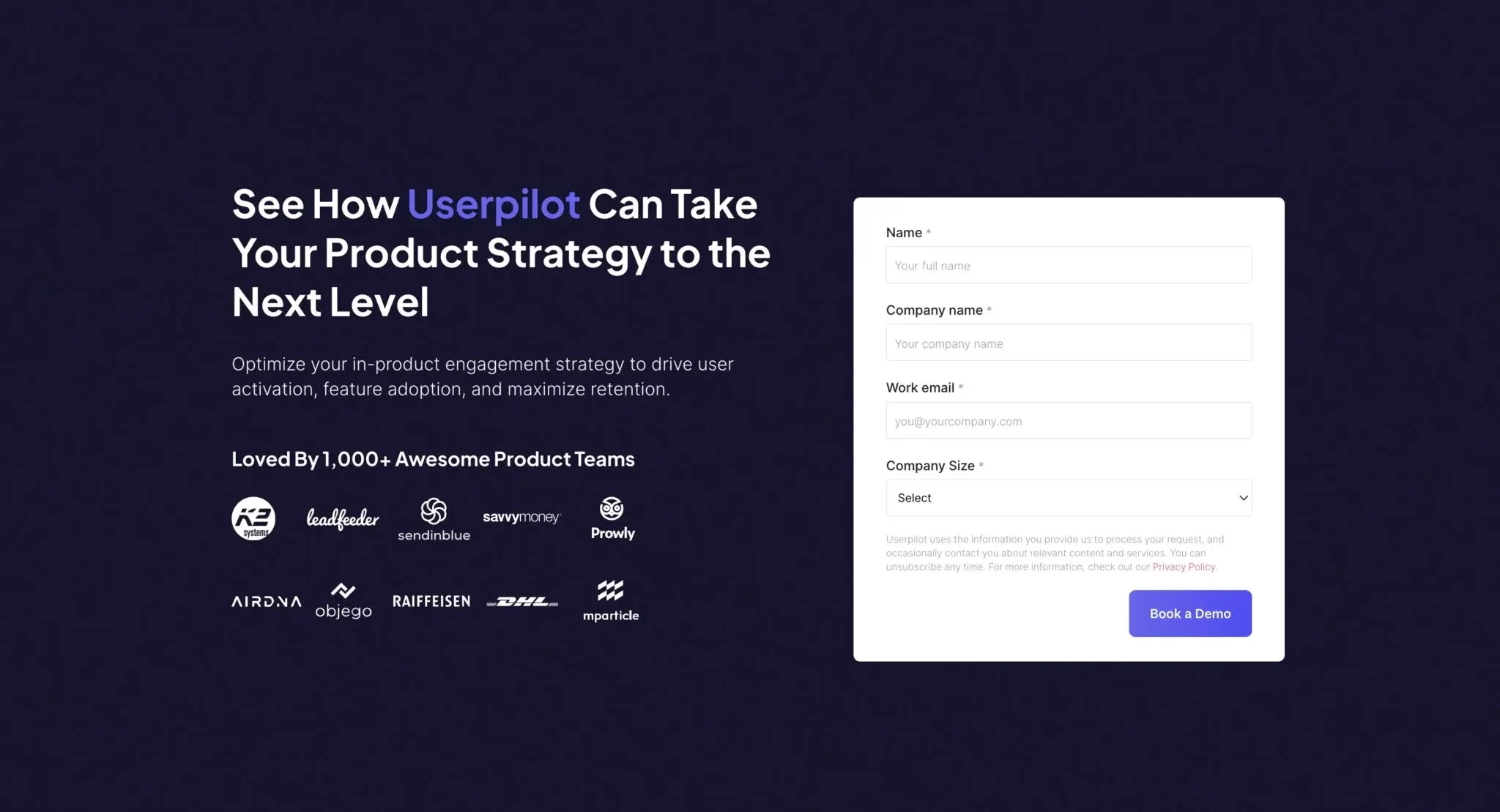
At Userpilot, the in-product layer that makes trials convert is exactly what we’ve built for product teams to ship without an engineering backlog. Book a demo, and we’ll walk you through how it works for your company.
About the author