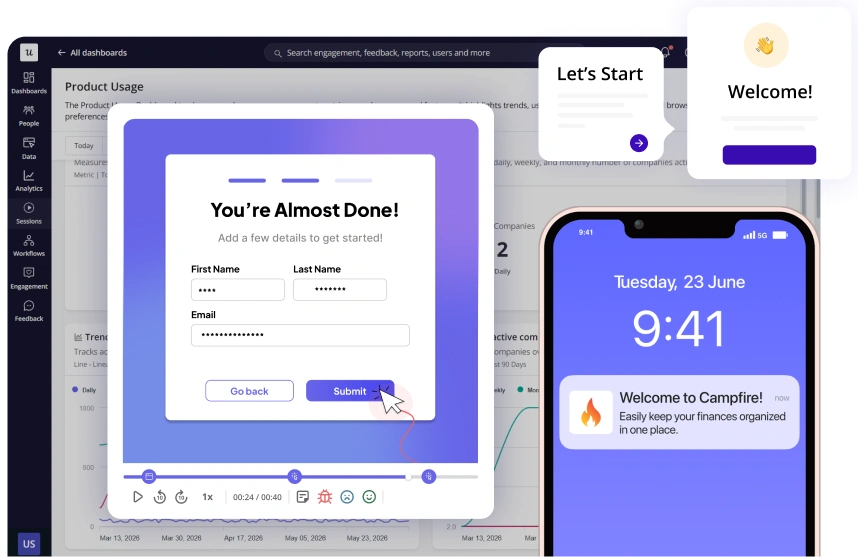
Activate Every User with AI-Driven User Onboarding Software
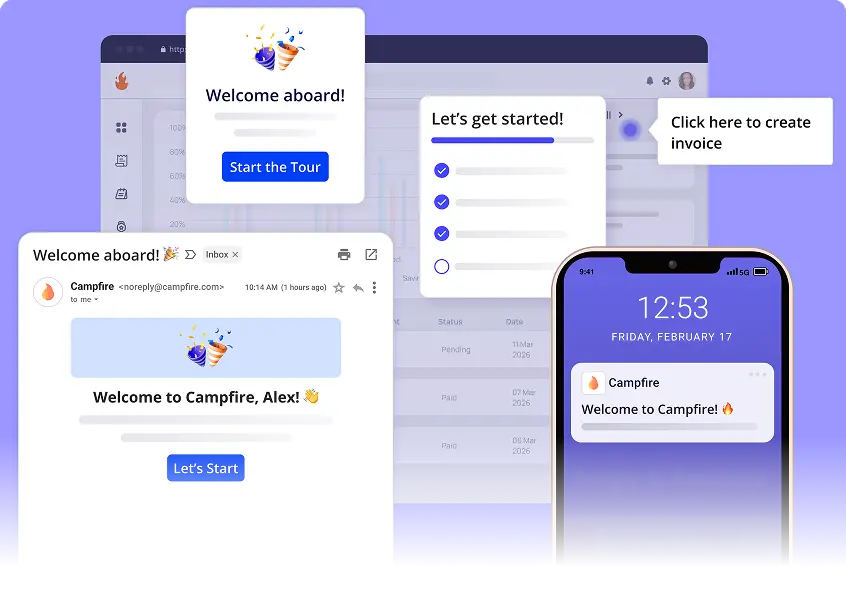
No more Zoom calls or DIY walkthroughs. Our user onboarding software delivers personalized journeys across in-app, mobile and email.
Join 1,200 Companies Accelerating
Product Growth with Userpilot.


A user onboarding tool that activates users on their first login
Retire the manual onboarding
Free CS from repetitive walkthroughs and weekly trainings. New users self-serve to first value at their pace, day or night.
Onboarding that improves itself
Userpilot AI Agent Lia watches activation 24/7, catches drop-offs, finds what's driving conversion, and builds the fix.
Ship in hours, not sprints
Marketers, PMs and CS can ship production-grade onboarding in an afternoon. No dev tickets, no half-built walkthroughs, no sprint planning.
Meet Userpilot AI Agent Lia, your onboarding co-pilot
The always-on AI agent watching your activation 24/7. Lia surfaces the drivers, catches the drop-offs, and ships the fix.
- Watches activation 24/7 across every cohort, in real time.
- Pinpoints the friction and explains the why in plain language.
- Builds the fix in-app. Tooltips, flows, emails - drafted and ready to ship.
One platform for every stage of user onboarding
Welcome & set up
Welcome modals, microsurveys and checklists segment users from day zero.
Drive activation
Behavior-triggered nudges and emails push users to first value.
Build habit
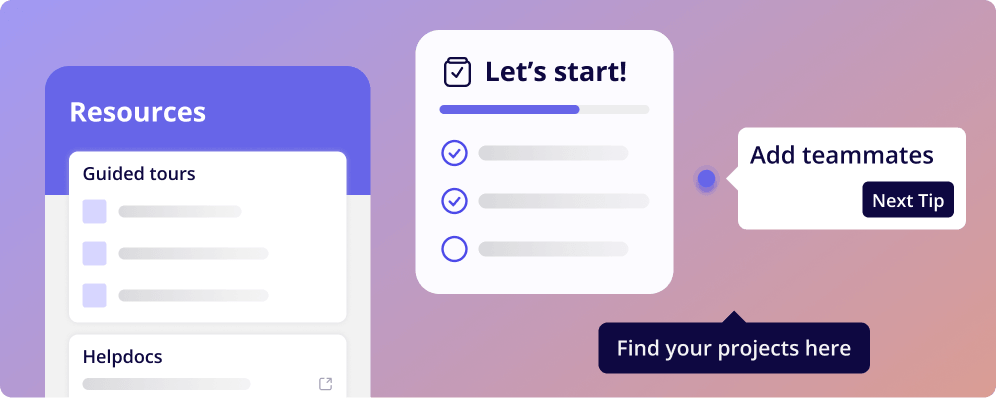
Spotlights, contextual help and Resource Center turn wins into habit.
Expand & retain
Upgrade prompts and churn signals expand accounts and prevent churn.
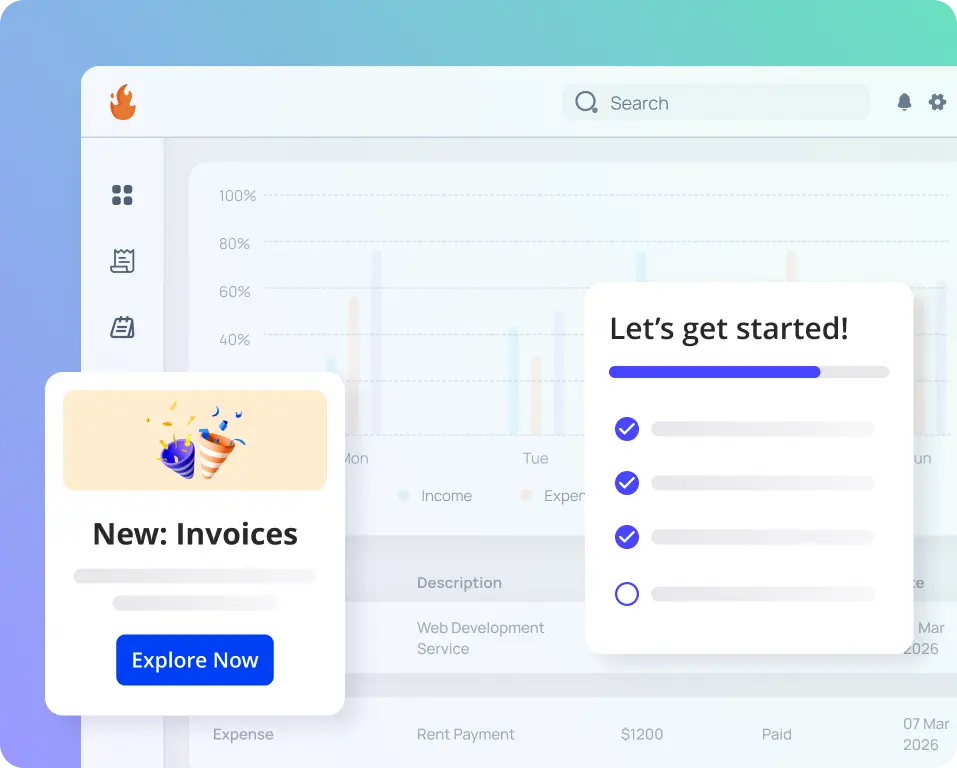
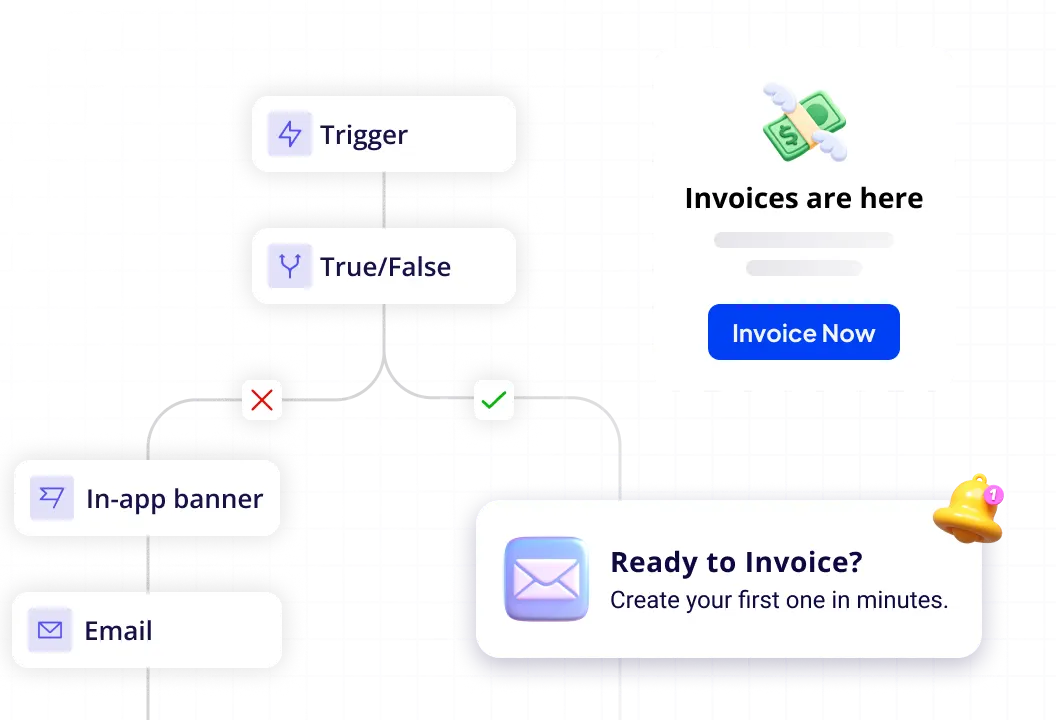
Meet users where they are
Don't take our word for it
2x activation and 3x MRR increase thanks to Userpilot
"Userpilot transformed our onboarding, doubling activation rates and tripling our MRR by guiding users swiftly to their Aha! Moment."
2x user activation without dev dependency
"Userpilot enabled us to create personalized onboarding experiences without burdening our development team, leading to a 100% increase in user activation."
Great all-in-one platform!
“Userpilot offered us the most content creation possibilities combined with the most extensive analytics for an affordable price.”

Common questions
Do we need a developer to build or change our onboarding flows?
No. Flows, tooltips, checklists, and walkthroughs are built and edited without code, so onboarding changes don't have to go through engineering.
How much setup work is involved? Do we have to manually tag every button or field?
Autocapture records every click, form submission, and text input automatically, with no code or advance instrumentation. You'll still label the specific interactions you actually want to use, but that's a quick, no-code step on data that's already been captured, not the manual code-level tagging some teams are used to doing.
Can we personalize onboarding by persona, signup answer, or product line?
Yes. Flows can branch based on what a user selects at signup or which persona/segment they fall into, so different users land on different onboarding paths instead of one generic tour.
Should we use a checklist, a walkthrough, or tooltips. Do we need all three?
Most teams don't need everything at once; pick the format that matches the one action you most want a new user to complete, and add the others later as needs grow.
Can we build an in-app help/resource center instead of sending users to our external help site?
Yes. Help content, articles, and video can live inside the product itself rather than routing users out to a separate help center.
Our onboarding today is manual and doesn't scale. Can Userpilot fix that?
Yes. This is the core use case: replacing manual, one-by-one onboarding (emails, CSM sessions, spreadsheets) with in-product flows that scale to any number of new users without added headcount.
We already use Appcues/WalkMe/another tool for onboarding. Why switch?
Three reasons come up on repeat: usability, consolidation, and connecting engagement to live data. Prospects most often move because their current tool is either too complex, or because they're consolidating multiple point tools (onboarding + analytics + surveys) into one platform.
Can we exclude test/QA/internal accounts from onboarding data?
Yes. Test users can be filtered out so onboarding completion and analytics reflect real customers only.
Get every new user to their aha moment
Join 1,200+ companies onboarding new users faster with Userpilot.
No credit card required