Userpilot for Mobile Onboarding: 6 Reasons Product Teams Choose It


Mobile onboarding is where most SaaS teams quietly lose the users they worked hardest to acquire. Across 547 B2B SaaS companies in Userpilot’s user activation rate benchmark report, the average activation rate sits at just 37.5%, so roughly two-thirds of new signups never reach the moment the product was built to deliver.
On mobile, the challenge is even greater because people arrive with far less patience than they bring to a browser tab. Research on mobile app retention consistently shows that the majority of users abandon an app within the first week when they don’t experience value quickly.
Most onboarding platforms still treat mobile as an afterthought, which pushes teams into stitching together separate tools for in-app guidance, push notifications, surveys, analytics, and feedback. That fragmentation makes consistent experiences hard to ship and makes it almost impossible to see how a single user moves between web and mobile.
I’m a product manager at Userpilot, and this is the case I’d make to any product-led SaaS team building web and mobile app onboarding together. Below are the six reasons I’d point them to Userpilot, plus an honest look at where it fits and where it doesn’t.

Userpilot for mobile onboarding: One platform for web and mobile
Userpilot lets product teams create native mobile onboarding experiences for iOS and Android from the same platform they already use for web onboarding. Teams can build mobile carousels, slideouts, surveys, and push notifications with customizable templates or create each experience from scratch to match their brand. The visual builder makes it easy to test and refine onboarding as user needs evolve.
It offers mobile onboarding as an add-on to its Growth plan and above. The mobile add-on extends Userpilot’s onboarding capabilities to native iOS and Android apps, so teams can build consistent onboarding experiences across both products.
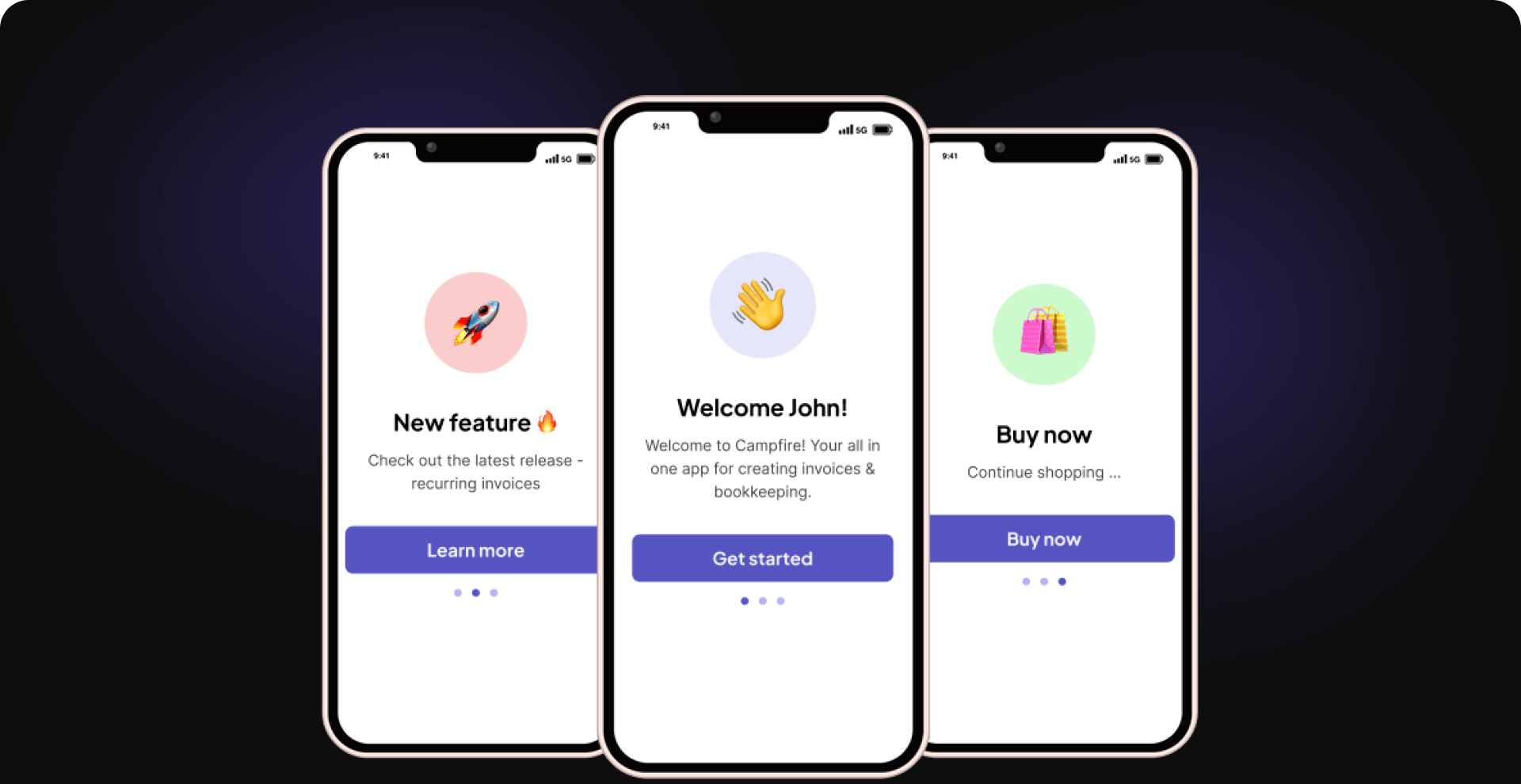 Manage native mobile onboarding alongside your web experiences in one Userpilot dashboard.
Why product teams choose Userpilot for mobile onboarding
Mobile onboarding does not need to be complex or code-heavy. With Userpilot you support new users, drive product adoption, and improve the experience across web and mobile from a single platform, which is the whole point of the six reasons below.
1. One platform for web and mobile engagement
The Userpilot platform combines product analytics, in-app engagement, user feedback, session replay, Workflows, email, and mobile in one place. Instead of juggling separate products for onboarding, analytics, and engagement, your team can build experiences, analyze user behavior, collect feedback, and automate follow-up journeys from the same workspace.
Keeping onboarding, analytics, feedback, and engagement in the same workspace simplifies day-to-day work. Product managers, marketers, and customer success teams can collaborate without switching between separate tools or piecing together data from different platforms.
2. Cross-platform analytics for unified behavior tracking
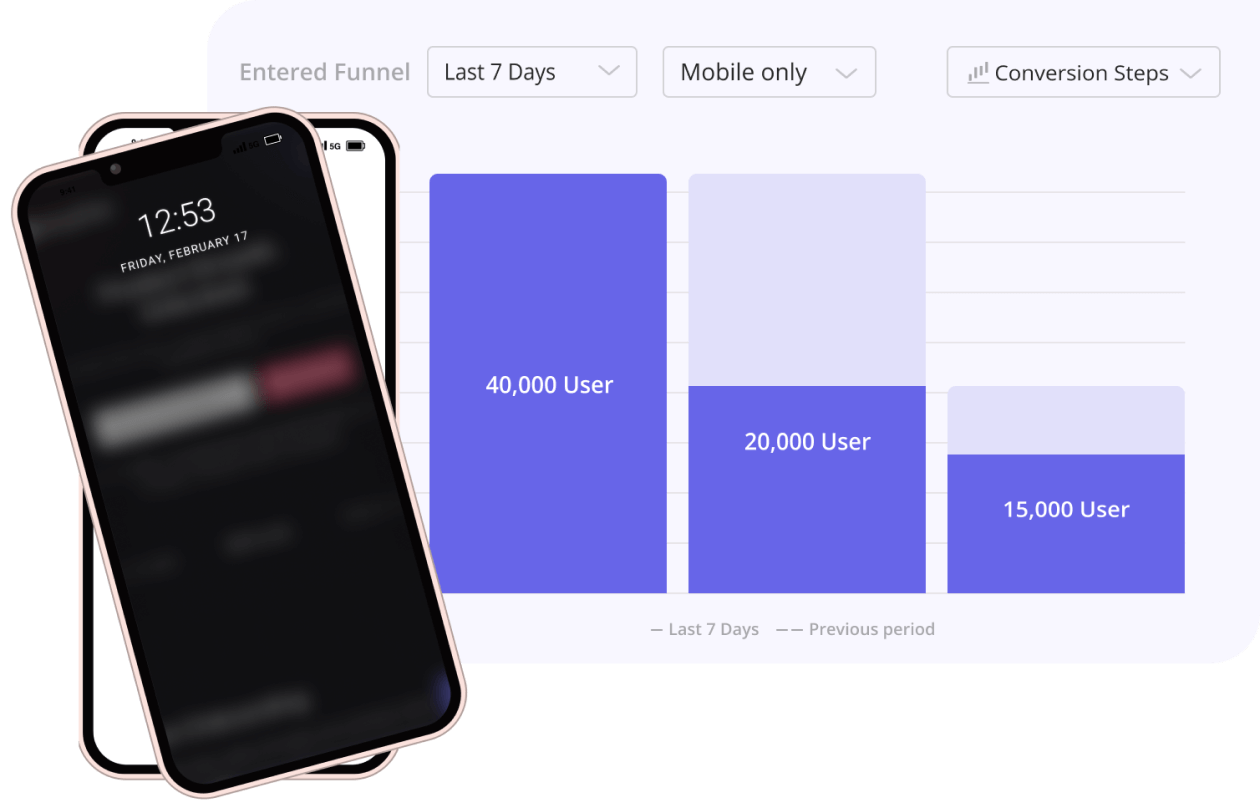
Tracking how users move between web and mobile gets messy fast. Userpilot gives you unified analytics across mobile and web, so you see onboarding steps, feature adoption metrics, and drop-off points in one dashboard instead of three.
This matters more in 2026 than it used to. Teams that track mobile app metrics only through Firebase, Mixpanel Mobile, or Amplitude Mobile lose sight of users who cross between web and mobile, and that crossover is now standard behavior for most SaaS products.
I’ve felt the payoff of that visibility directly. When we launched Userpilot’s email feature, our funnel showed a sharp drop-off rate at the domain-verification step, and within a few hours I built a targeting tooltip that highlighted the correct steps and cleared the confusion, all without opening an engineering ticket. Seeing the drop-off in the same place I could act on it is what made the fix quick.
3. Tailored in-app messages and push notifications
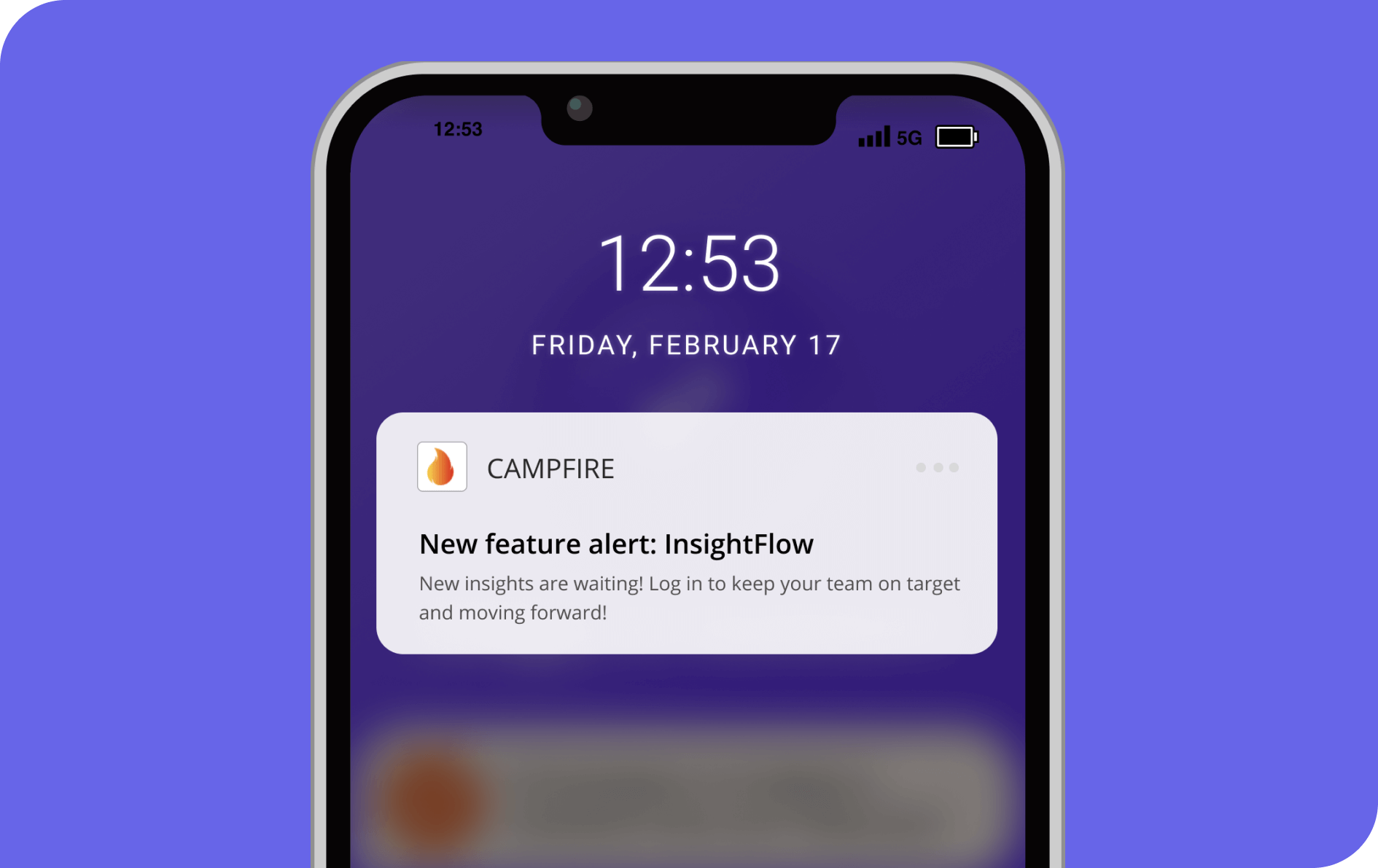
You can prompt users with the right message at the right time without waiting on the dev team. Userpilot supports mobile-native UI patterns for this, specifically carousels, slideouts, and push notifications, all customizable with brand-specific design and no code.
Those in-app messages can be personalized by language, behavior, or user segment, so they stay relevant to each user. If you want to extend the experience beyond a single interaction, Userpilot Workflows lets you coordinate mobile push notifications, in-app messages, and email from one workflow instead of managing separate campaigns for each channel.
4. Real-time user feedback directly on mobile
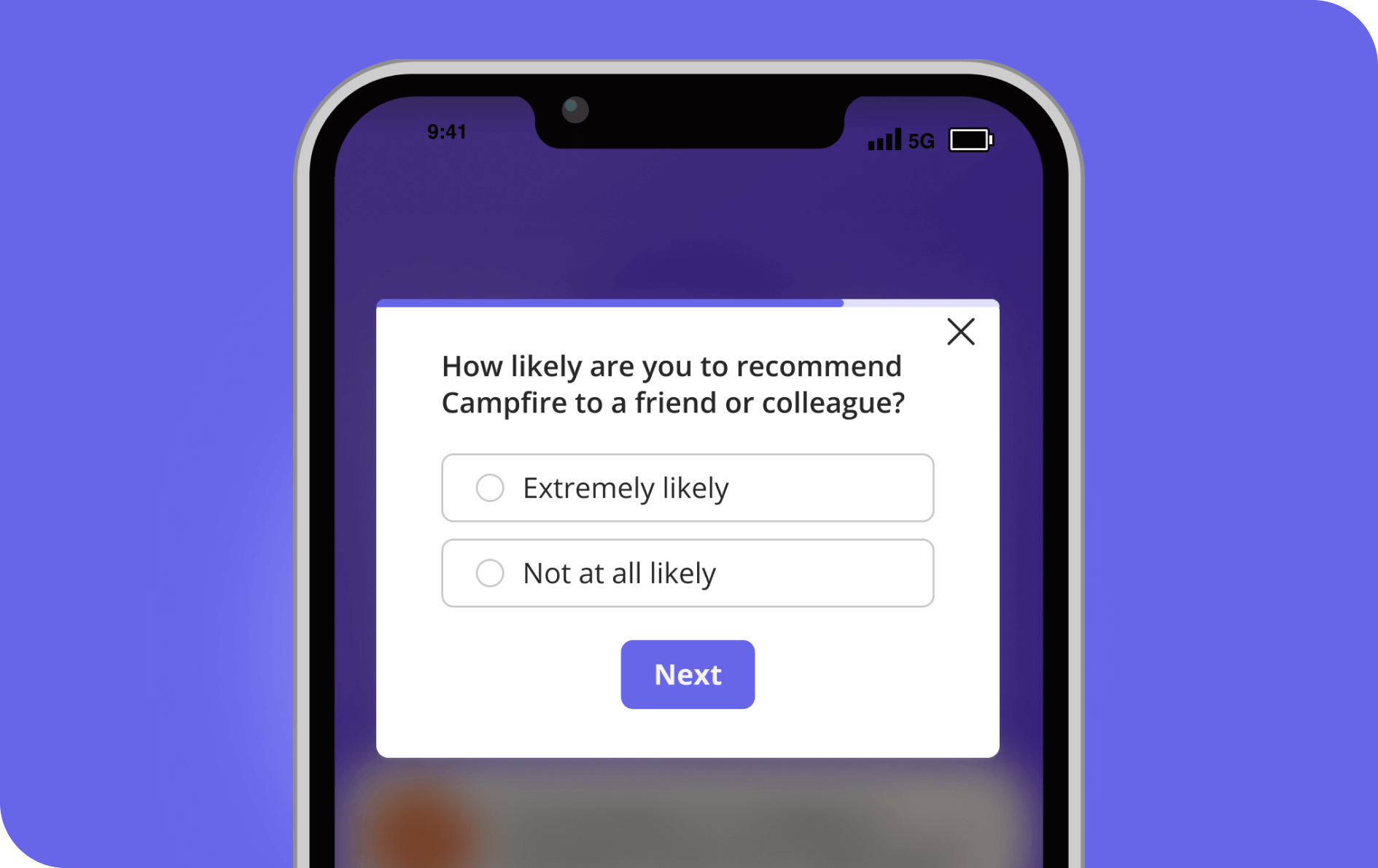
Userpilot lets you collect feedback immediately after important user actions, such as finishing onboarding or using a feature for the first time. You can trigger short in-app surveys that feel native, run welcome surveys to learn new users’ goals, or collect NPS and CSAT scores inside the app.
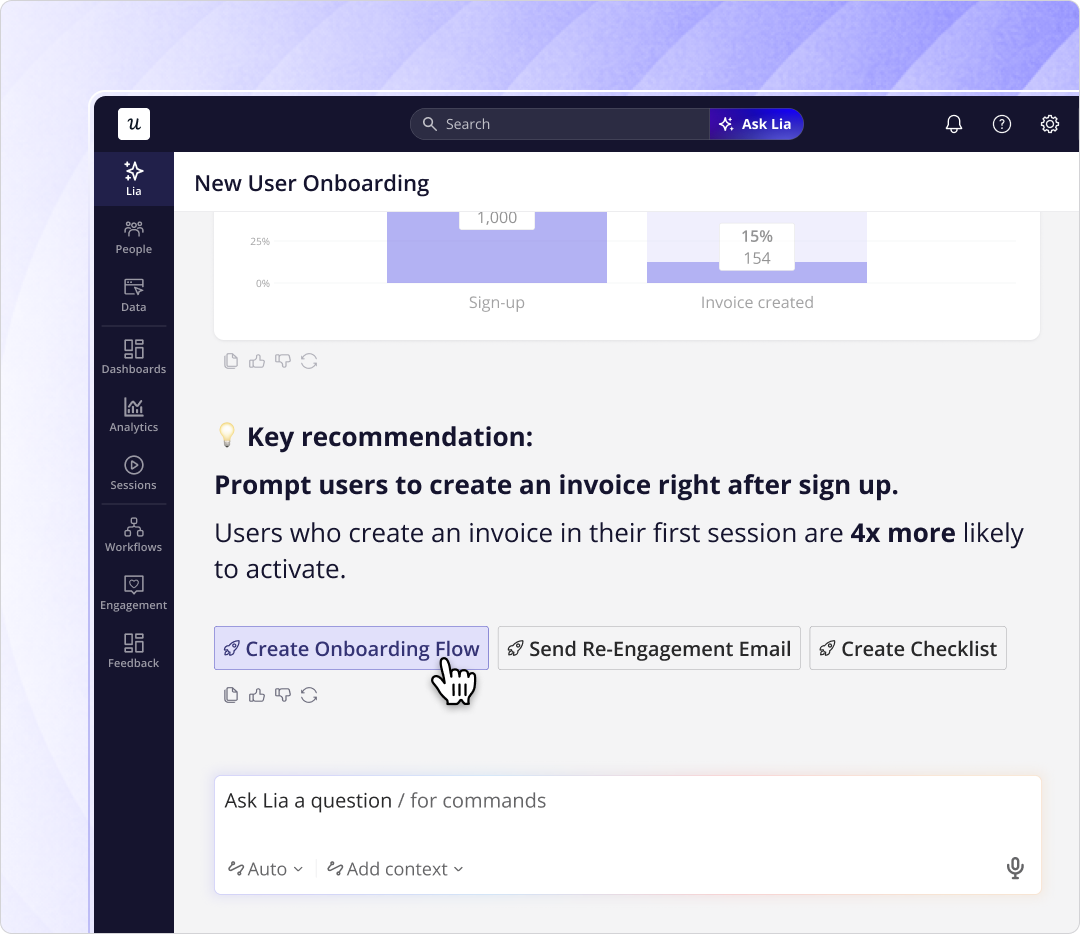
What changed this year is what happens after the responses come in. Lia, Userpilot’s AI agent, went live in May 2026 and now runs feedback analysis on open-ended survey responses, clustering them into themes automatically, so your team reads the signal without manually working through every NPS or CSAT comment.
This is where the volume problem Userpilot’s leadership talks about becomes real. As our CEO Yazan Sehwail puts it:
“As producing and building features become a lot cheaper, instead of every quarter you’re releasing one or two features, now you’re releasing seven, eight, nine. It becomes even harder for product teams to manually have to track each one and understand usage for each one.”
Automatic clustering is the answer to that, because it turns a growing pile of raw feedback into themes a team can act on.
5. Use Userpilot on any type of mobile app
Userpilot supports both native and cross-platform mobile development. Alongside native iOS and Android SDKs, it also supports Flutter, React Native, Capacitor, Expo, Cordova, and .NET MAUI, making it suitable for teams building apps across different frameworks.
After the initial SDK integration, product teams can launch and update mobile onboarding experiences without needing engineering support for every change. That makes it easier to iterate on onboarding as your product evolves.
6. A unified tool for the product team
Different teams usually need different views of the product experience. Product managers want adoption insights, customer success teams look for friction points, and marketers focus on engagement. Userpilot brings those workflows together, so everyone works from the same customer data.
Screen tracking supports both manual tracking and automatic screen detection, which makes it easier to trigger in-app experiences, analyze behavior, and build segments without instrumenting every screen by hand.
Userpilot’s key features for mobile onboarding
Userpilot gives you the tools to support new users on mobile without clunky workarounds. Everything is built with mobile in mind, from flexible UI patterns to built-in feedback tools and no-code customization, so you can build fast and improve as you go.
Mobile carousels
Mobile carousels guide new users through your app one step at a time without overwhelming them. With Userpilot you can introduce a single feature, explain a key workflow, or walk users through an empty state, and each carousel is customizable from design to targeting so you can adapt it to different segments.
Mobile slideouts
Slideouts share tips, product updates, or onboarding guidance without interrupting the experience. You can trigger them on specific actions or screen views, like when a user reaches a milestone or lingers on a complex page, and point them toward a resource center or support content in a low-friction way.
Mobile surveys
Userpilot’s mobile surveys collect feedback inside the app at the exact moment it matters. You can trigger short surveys after a task, a milestone, or completed onboarding, and use them for welcome surveys or NPS and CSAT scores, with timing, copy, and targeting adjustable per segment.
Mobile push notifications
Push notifications drive customer reactivation, bringing users back into the product and keeping them engaged beyond the first session. You can send targeted notifications based on events, inactivity, or key actions like skipping a task, and it all runs from the same platform where you manage onboarding, so there is no extra tooling to wire up.
Multi-channel Workflows
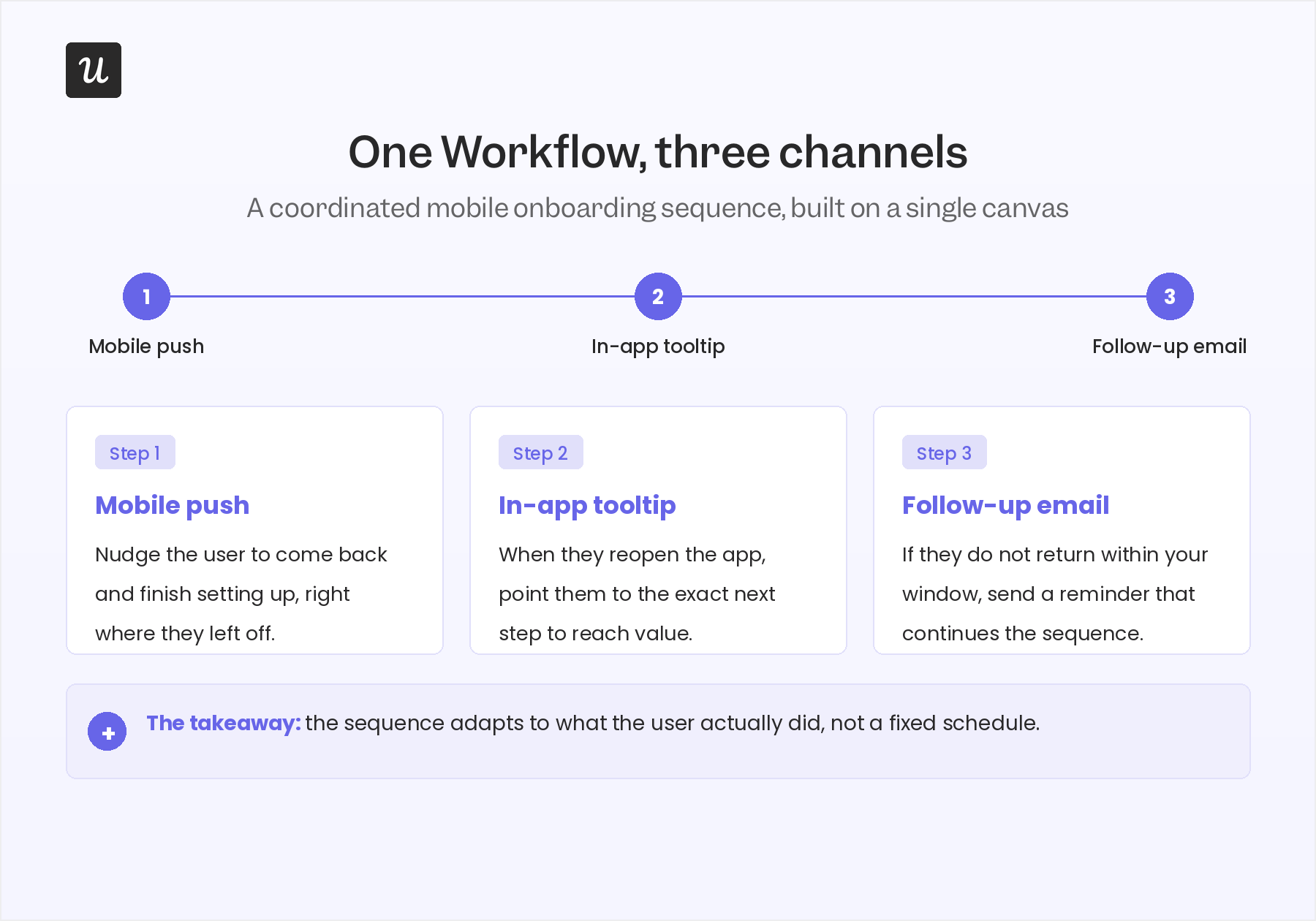
Userpilot Workflows helps product teams coordinate onboarding across multiple channels from one place. Instead of treating mobile, in-app experiences, and email as separate campaigns, you can connect them into one omnichannel customer engagement journey that adapts to user behavior.
For example, you might send a mobile push notification after a user abandons onboarding, display an in-app tooltip the next time they open the app, and follow up with an email if they still don’t return within a defined time window. Because every step is managed in one visual workflow, it’s easier to deliver timely follow-ups without manually coordinating campaigns across different tools.
Advanced segmentation and localization
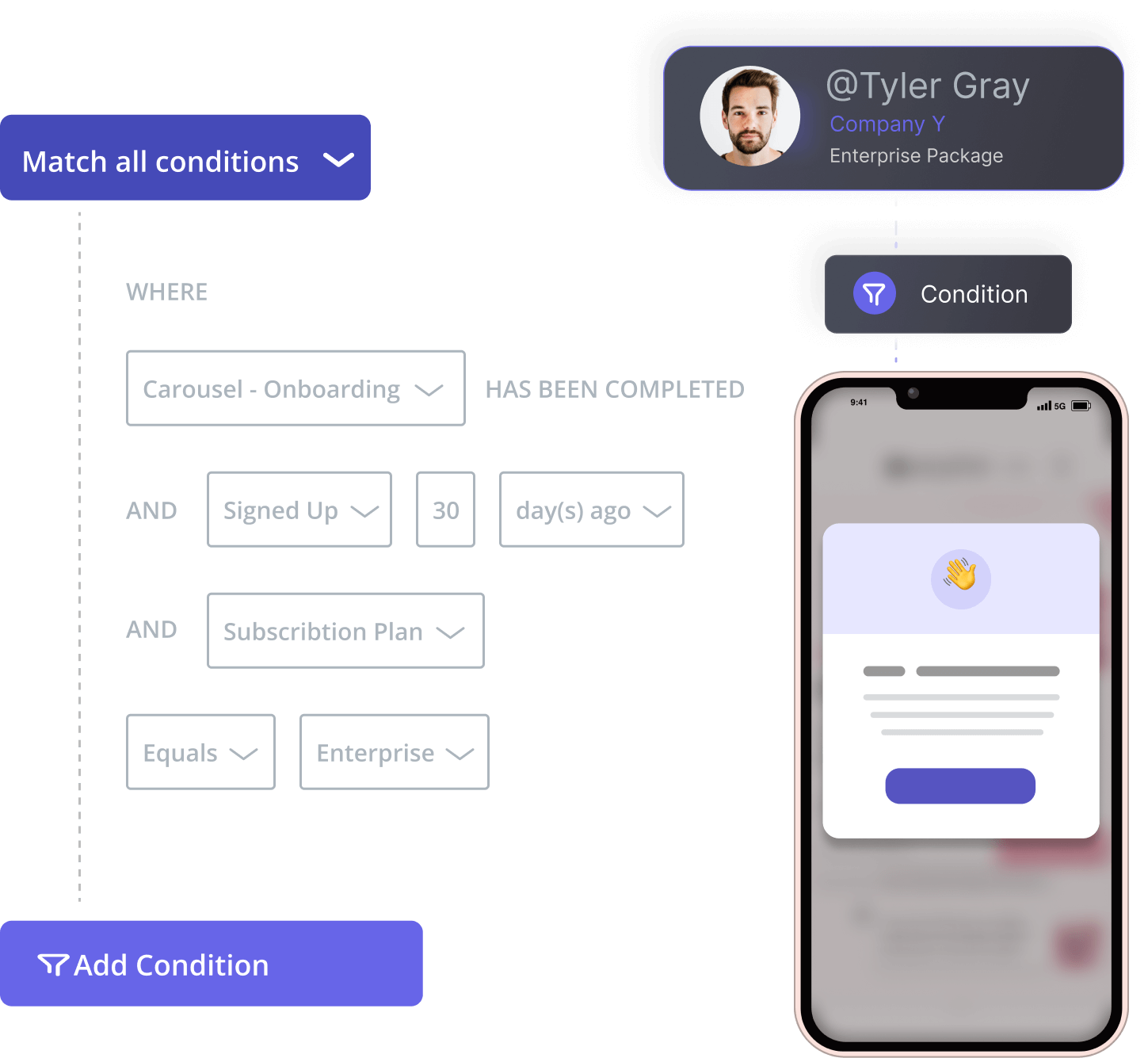
Userpilot makes it easy to tailor onboarding to who your users are, what they need, and where they are in their journey. You can build dynamic segments on properties like device type, app version, language, or in-app behavior, then show different flows and prompts to each segment.
Localization is built in, so you can adapt onboarding flows for different regions without maintaining separate versions. That keeps onboarding accessible for global apps serving diverse user bases.
Mobile analytics
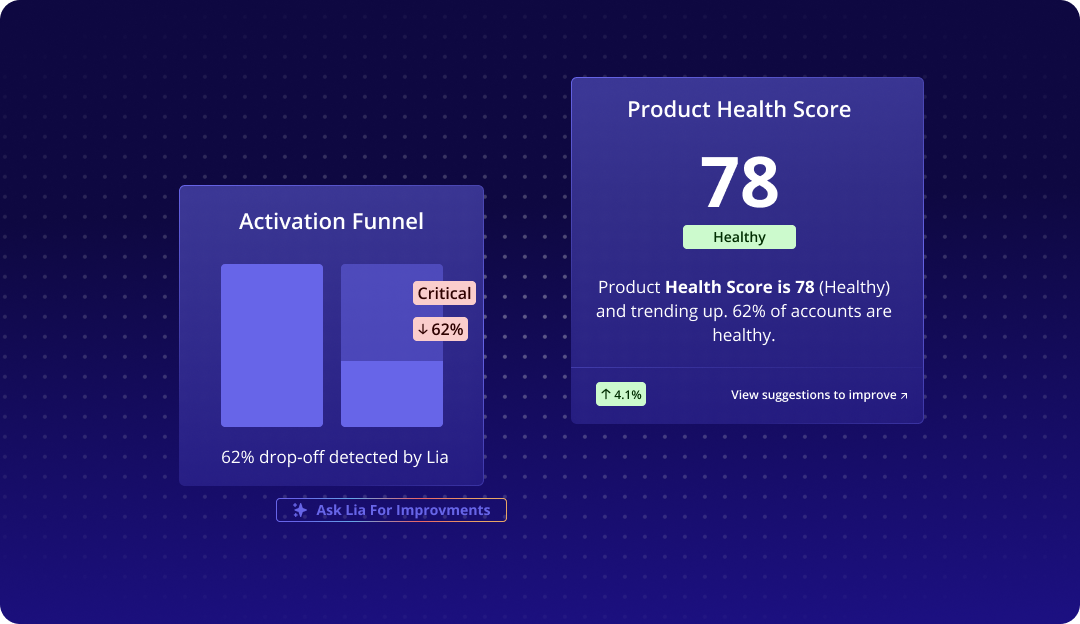
Understanding how users interact with your onboarding is what lets you improve it. Userpilot tracks how users move through onboarding across web and mobile, highlights where people drop off, and shows which experiences drive user engagement.
Lia adds a layer on top of that raw data. It now surfaces activation and drop-off patterns across web and mobile automatically, so teams get those insights without building custom dashboards first.
Mobile screen tracking
Userpilot supports both manual and automatic mobile screen tracking through its native SDK. Teams can track screens manually when they want full control over screen names and logic, or turn on Userpilot Autocapture to detect screen transitions using the app’s native lifecycle events, which removes the need to instrument every screen individually.
Tracked screens can then trigger in-app experiences, build segments, analyze navigation, and feed reports. Auto-captured screens first land under Untagged Screens, where teams review, tag, and organize them before using them for targeting and analytics.
Market alternatives for mobile onboarding
Plenty of onboarding tools offer some mobile support, and the ones teams most often evaluate alongside Userpilot are Pendo, Appcues, Intercom, WalkMe, Whatfix, Chameleon, and Userflow. Rather than picking at individual feature gaps, which shift constantly as these products ship updates, it’s more useful to place each by its primary focus.
- Pendo: Enterprise product analytics and digital adoption.
- Appcues: No-code onboarding and user adoption.
- Intercom: Customer messaging and support with onboarding capabilities.
- WalkMe and Whatfix: Enterprise digital adoption platforms focused mainly on employee enablement and internal software adoption.
- Chameleon: Highly customizable web onboarding experiences.
- Userflow: Lightweight, no-code SaaS onboarding.
Each of those is a reasonable choice for the job it centers on. Userpilot’s differentiator is that it brings onboarding, analytics, feedback, and engagement together in one platform for SaaS teams building both web and mobile products.
That combination is what makes it a strong fit for SaaS companies that want consistent onboarding across web and mobile without stitching several tools together. If you’re building both surfaces at once, the value is in not having to reconcile them later.
Where Userpilot fits for mobile onboarding, and where it doesn’t
Mobile onboarding only works when teams can iterate quickly and understand what’s driving user behavior. If you’re looking for a platform that helps you build, measure, and improve onboarding across both web and mobile without juggling multiple tools, Userpilot is worth exploring.
Ready to see it in action? Book a demo and explore how Userpilot can help you create mobile onboarding experiences that drive activation and long-term retention.
FAQ
Can Userpilot track mobile screens automatically?
Yes, Userpilot supports automatic screen tracking through auto-capture, which detects screen transitions using your app’s native lifecycle events, and it also supports manual tracking when you want full control over screen names and logic. Tracked screens can be used for targeting in-app experiences, analytics, reports, and segmentation.
Which mobile frameworks does Userpilot support?
Userpilot’s mobile SDK supports iOS, Android, Flutter, React Native, Capacitor, Expo, Cordova, and .NET MAUI. That range covers both native and cross-platform builds, so most mobile teams can install and run it without changing their stack.
How much does Userpilot mobile onboarding cost?
Userpilot’s pricing is based on your monthly active users and the plan you choose, and mobile onboarding is available as an add-on starting with the Growth plan. For pricing matched to your app’s needs, it’s best to request a quote directly through the website.
What is the mobile app onboarding process?
Mobile onboarding is the process of introducing new users to your app so they understand its value quickly. It usually combines in-app guidance, onboarding checklists, and interactive flows that explain key features and guide users toward early success, with the goal of reducing the learning curve and building confidence to explore.
About the author