9 Mobile App Adoption Strategies to Increase Users in 2026


Mobile app adoption is where most companies optimize for download volume while ignoring engagement and retention. Userpilot’s mobile engagement tools exist because fewer than 8% of users remain active 90 days after installing an app, and that number really needs to change. Even the strongest acquisition engine wouldn’t generate enough pipeline to offset a 92% 90-day churn rate. It simply isn’t sustainable to spend marketing dollars on users who uninstall the app just a few weeks after they first downloaded it.
Ben Thomson, Founder of Full Metal Software, calls out the vanity of downloads and the real problem mobile apps need to solve:
“Download numbers are nothing but vanity metrics if your users are leaving through the back door as fast as they enter through the front. We need to shift the conversation from acquisition to retention. We need to fix the leaky bucket.”
The nine strategies in this article will show you how to treat mobile app adoption as a behavioral journey from first install to embedded habit so you can turn new users into loyal customers!

How to improve mobile app adoption
The sections below go over each strategy in chronological order so you can implement them in the correct sequence, but feel free to skip around if you’ve already completed some steps (e.g., segmenting your user base or adding localization support for multiple languages).
1. Use segmentation to deliver tailored onboarding experiences
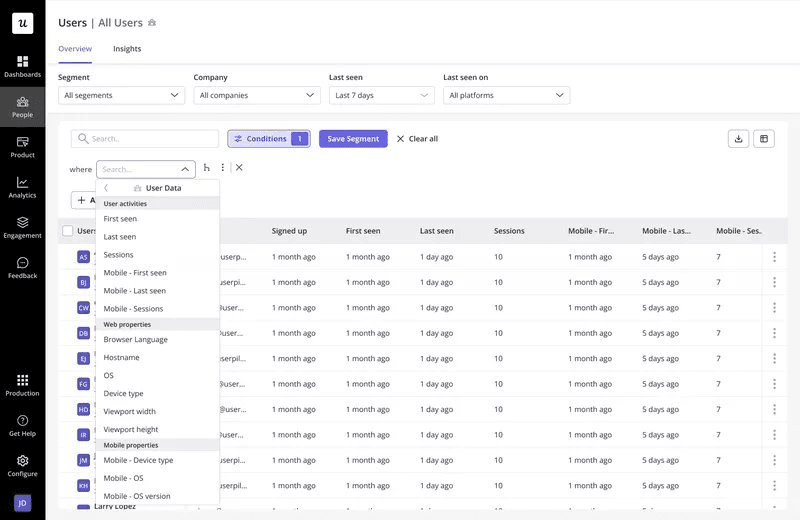
Boilerplate onboarding flows are the fastest way to lose users who have just discovered your app. When mobile onboarding is personalized to the role or use case someone showed up with, they’re far more likely to stick around. You could show product managers a roadmapping tour while customer success managers see user engagement features instead, so neither user persona has to wade through the other’s content to find what they’re looking for.
That’s the philosophy behind every segmentation decision on this list. Find the one thing a given user needs to see and get out of their way for everything else.
2. Localize in-app experiences to increase relevancy for global audiences
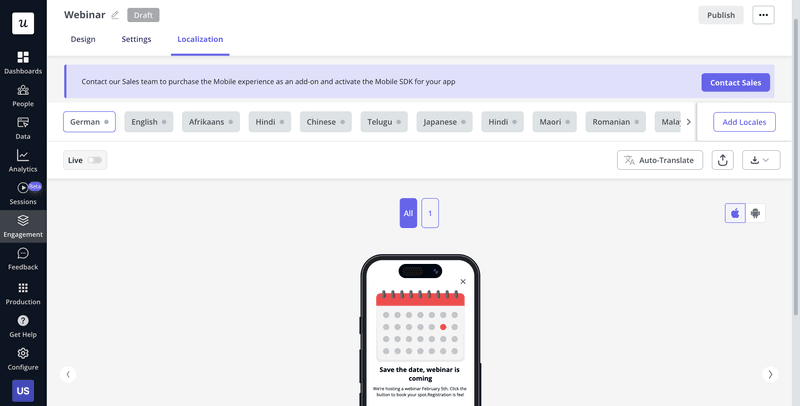
76% of consumers prefer buying products in their native language, and that holds true for mobile apps just as much as traditional websites. Localized apps reduce friction because the app is literally speaking their language instead of adding cognitive load whenever they need to mentally translate something. Userpilot makes localization simple with AI-powered translation across 32-plus languages, so you can build a flow once and let it adapt rather than manually recreating it in each language.
3. Drive new feature discovery and engagement
A feature nobody notices will never be adopted, regardless of how valuable it actually is (or could be). Underutilized features need to be surfaced regularly, not showcased in a one-time launch announcement that users scroll by once before it disappears forever.
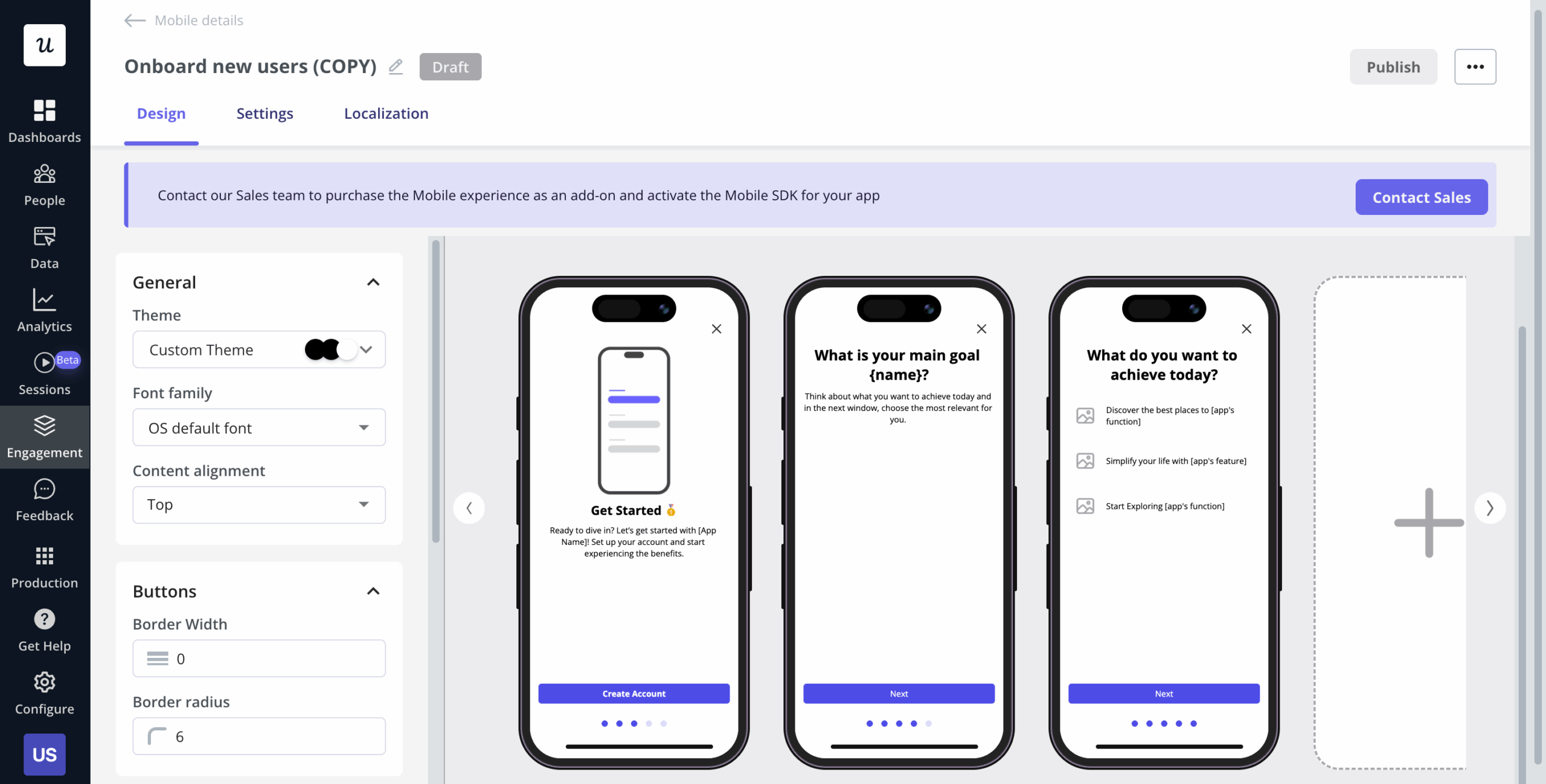
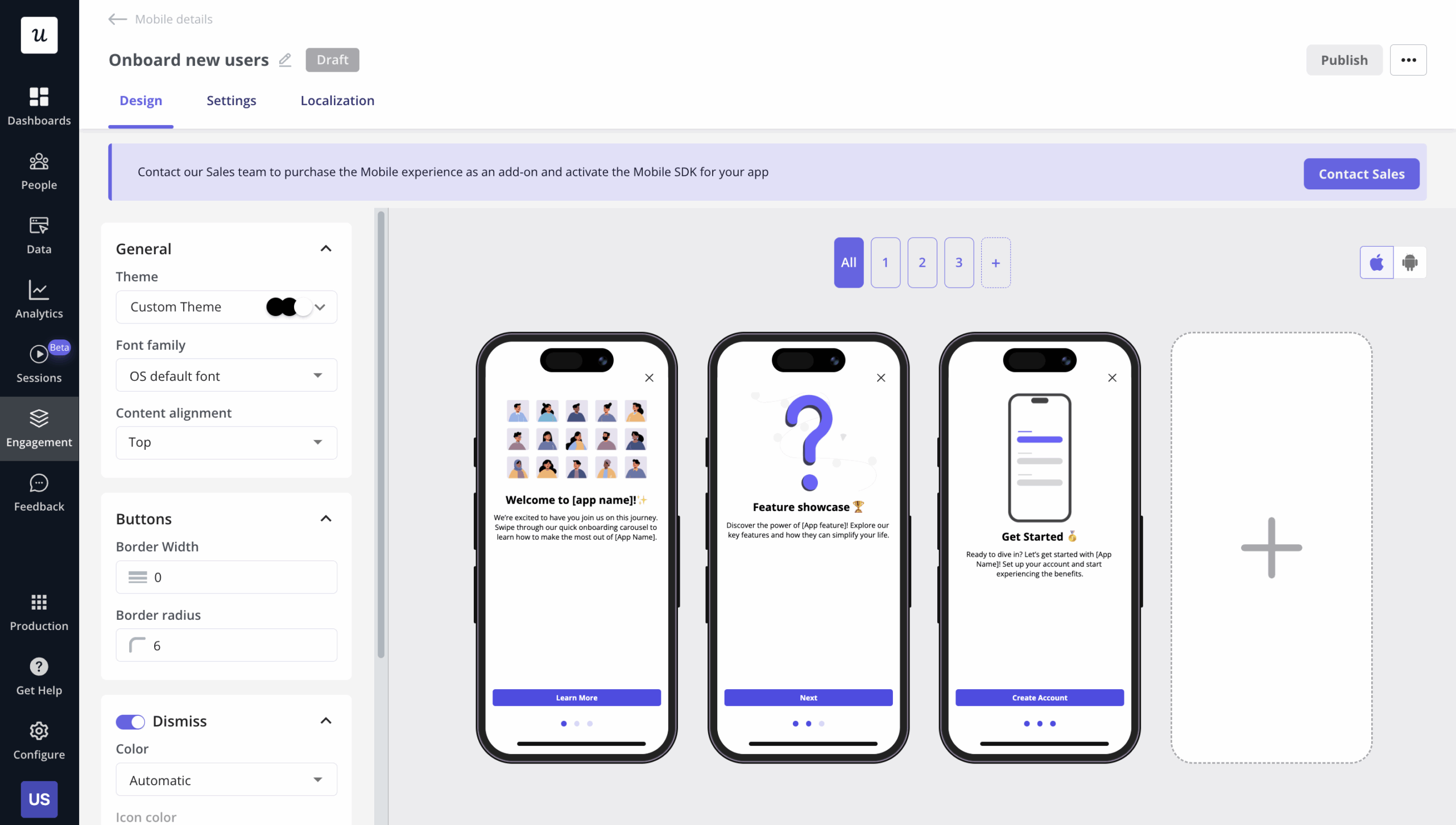
Mobile carousels are one of the better formats for driving feature discovery because they’re swipeable, visual, and easy to dismiss if the user isn’t interested. Keep them to three to five slides, lead with the strongest one since that’s where attention peaks, and trigger them based on actual behavior like time on page or feature usage rather than an arbitrary schedule.
4. Provide contextual guidance to remove friction
Friction points are invisible until you go looking for them, and mobile slideouts are one of the fastest ways to unblock users while waiting for a more permanent fix like a UX redesign. Slideouts appear from the bottom or side of the screen while someone is actively using the app, meaning the help they offer arrives exactly when it’s needed. Use them to provide proactive support whenever a user hits an error, highlight shortcuts to advanced features, or nudge someone back into a flow they abandoned halfway through.
Keep each slideout as concise as possible. If there’s more to say, split the message across two slideouts rather than cramming everything into a single paragraph.
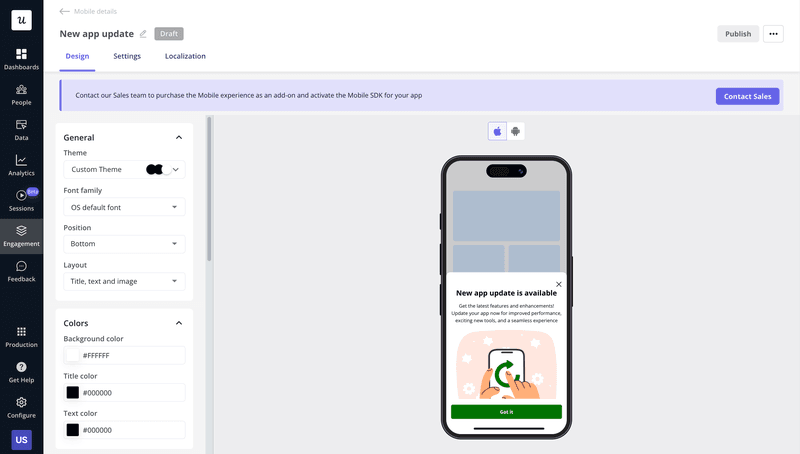
5. Deliver gamified message sequences to build habit loops
Gamification works because it taps into momentum and achievement, two things that make users want to return to your mobile app tomorrow and the day after that. Repetition is what ultimately turns into app retention, instead of just a one-time spike in activity.
Onboarding gamification can be as simple as celebrating a first completed action, recognizing milestones, or acknowledging a streak of consecutive days of use. Pair that with a push notification whenever a streak is about to break, encouraging users to open the app in order to avoid losing progress.
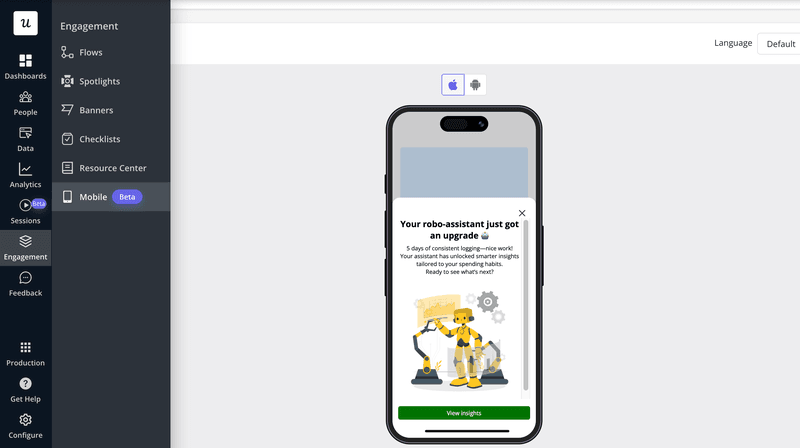
6. Use strategic push notifications to re-engage users
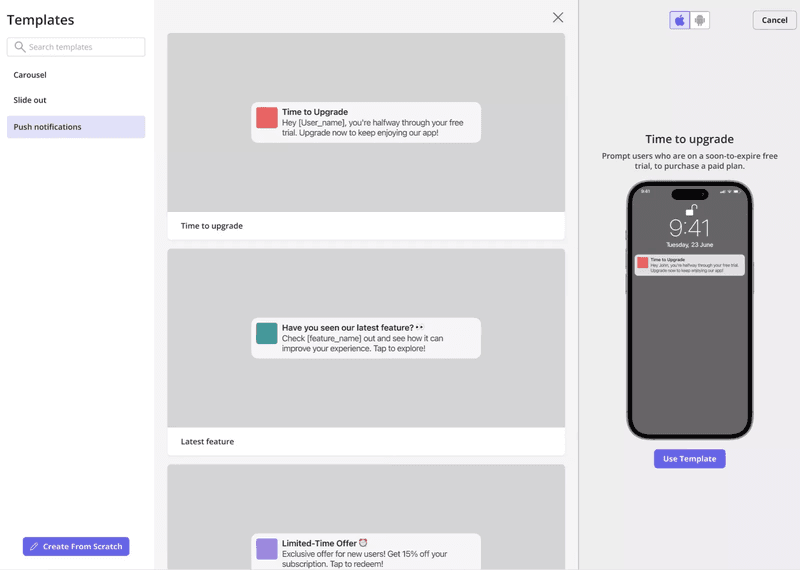
Push notifications reach users outside the app, but the line between a helpful nudge and an annoying interruption comes down to personalization and timing. Skip the generic “we miss you” message and reference actual progress instead, because that tells the user exactly what they’re getting in return for using the app. Userpilot lets you send push notifications from the same platform that manages every other user communication, ensuring targeting and messaging are consistent across all customer journey touchpoints.
7. Collect feedback and act on it to build trust
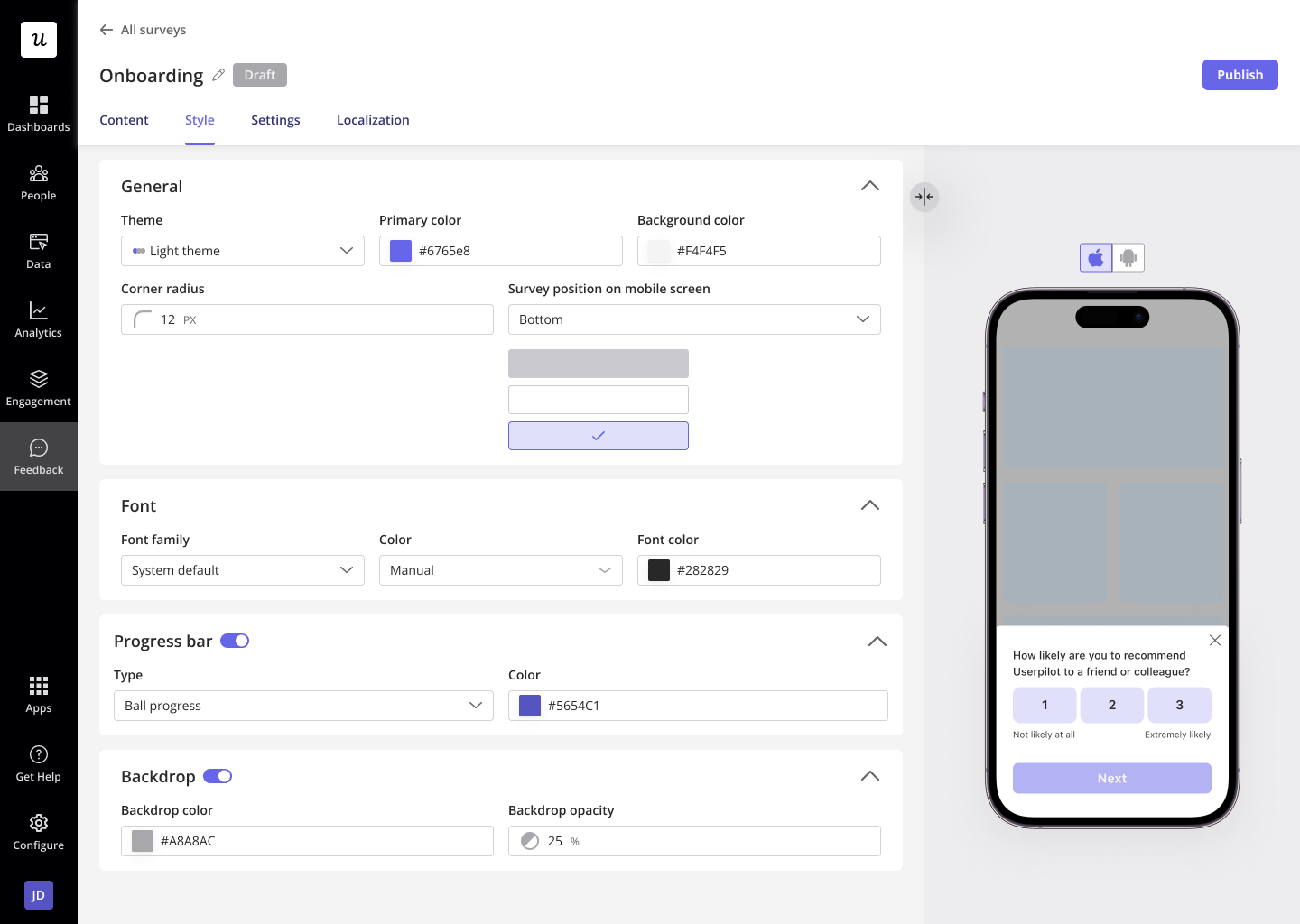
Feedback tells you where the pain points actually are, so you don’t have to operate on guesses and assumptions. When user inputs are used to improve products, that builds trust that a support ticket alone can’t. Trigger in-app surveys at key moments in the user journey (e.g., right after a feature is used or a goal is hit) to collect customer feedback while the experience is still fresh in their mind.
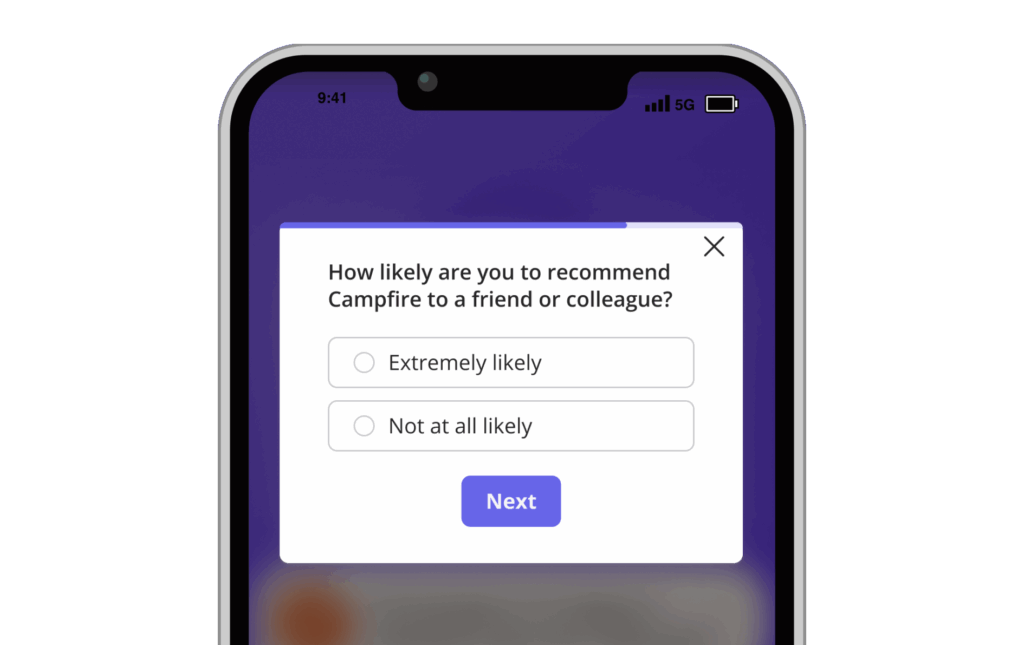
Userpilot’s 15+ templates cover the survey formats that matter most for mobile adoption, each with conditional logic so that low scores trigger an immediate follow-up question about what went wrong:
- NPS: How likely someone is to recommend the app, a proxy for overall customer loyalty.
- CSAT: Satisfaction with a specific interaction or feature, right after it happens.
- CES: How much effort a task took, flagging friction before it shows up as churn.
8. Track key mobile metrics for instant insights
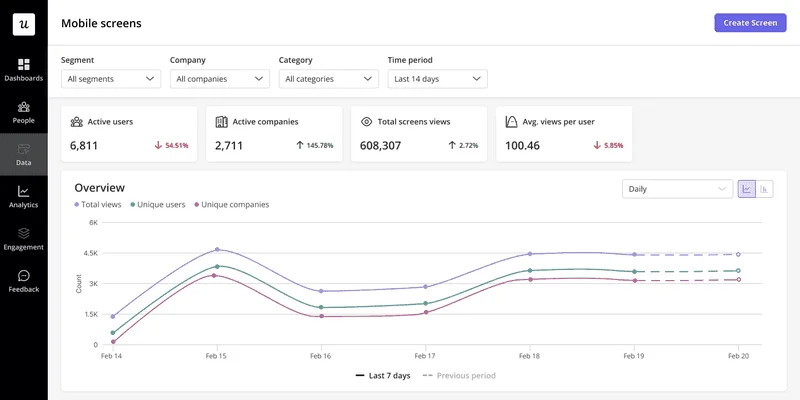
You can’t fix an adoption problem you haven’t even measured yet. Mobile analytics dashboards need to show you daily/monthly active users, session duration, feature adoption rates, screen views, and conversion rates at key milestones in real time. Unifying that with web app data is becoming increasingly important as a growing share of users constantly move between devices during their workflows. If your DAU/MAU ratio looks healthy on the web app but weak on its mobile version, that gap tells a concerning story about your cross-platform engagement rates.
9. Analyze mobile user behavior to identify roadblocks
Metrics can tell you what’s happening, but behavioral analysis tells you why. Knowing both is crucial if you hope to find and fix the root problem. Behavioral analytics can show you who’s getting stuck and at what point of their adoption journey, enabling data-driven decisions as you continue to improve your mobile app.
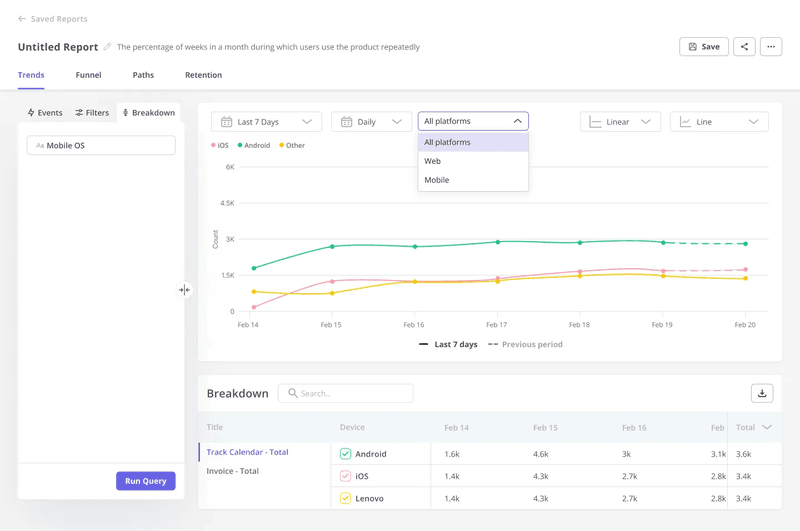
There are four types of analysis reports you can generate within Userpilot:
- Path analysis: The most common routes users take through the app.
- Funnel reports: Where users start dropping off during a workflow.
- Trend reports: How product engagement and feature usage change.
- Cohort analysis: Whether mobile app retention differs across user segments.
If drop-off rates shows users abandoning a checklist, that’s your cue to simplify the navigation or add guidance immediately rather than wait for the next quarterly review.
How Userpilot increases mobile app adoption
Every strategy above assumes you can execute without creating a developer ticket for the engineering team each time. Userpilot lets you implement all nine tactics and more with zero coding required.
Eliminates data fragmentation with cross-platform engagement
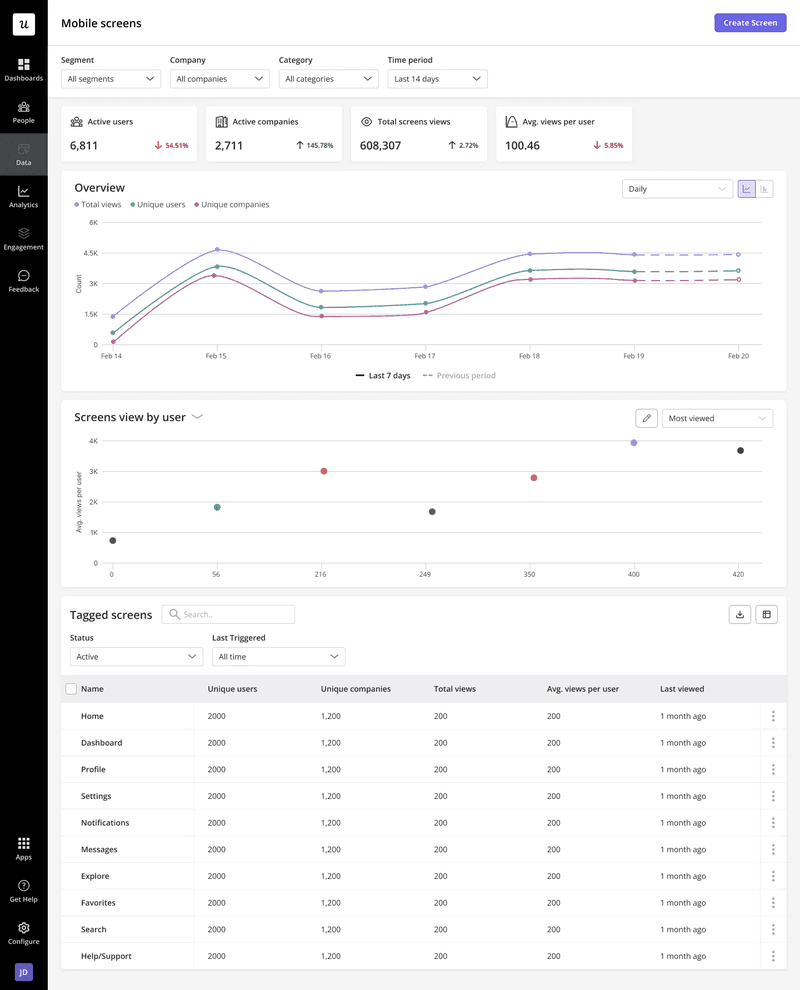
Running web and mobile engagement through separate tools entails disjointed data and messaging, making the user experience less cohesive across devices. In contrast, a unified platform for web and mobile keeps messaging consistent while giving you full visibility into the journey.
Ships mobile experiences without engineering overhead
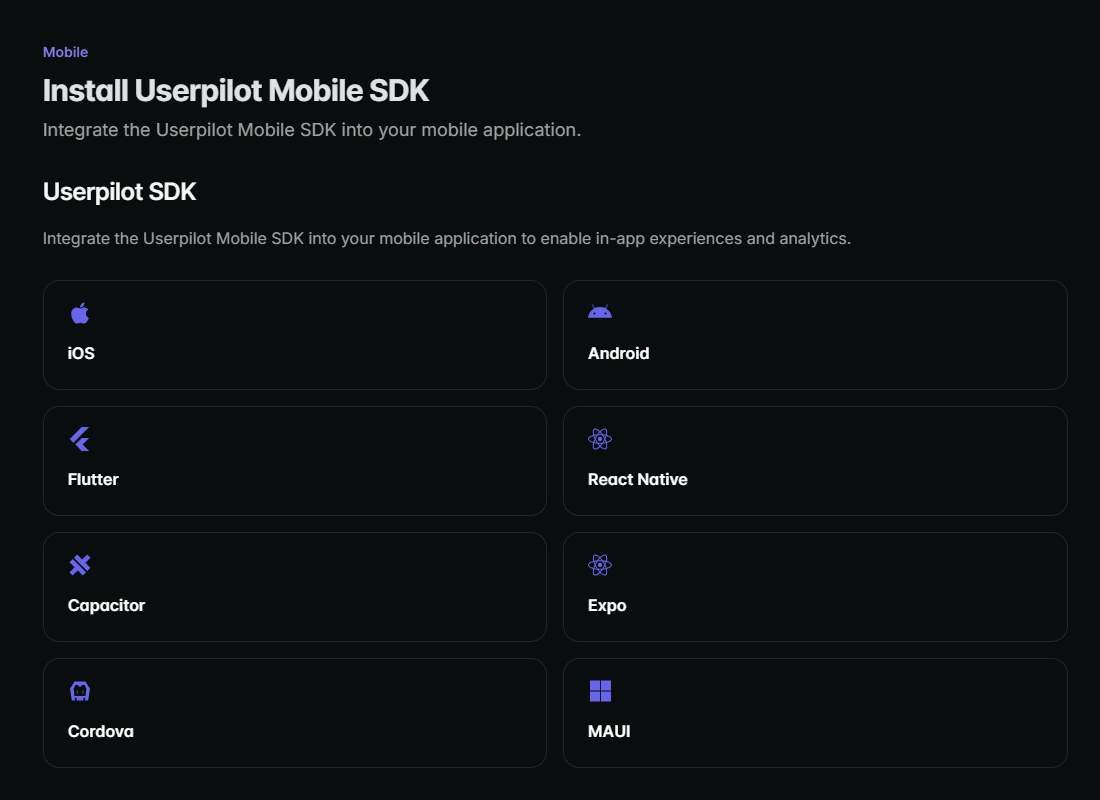
Userpilot’s straightforward mobile SDK lets the product managers and marketers who own product adoption build or adjust in-app experiences themselves without waiting for developer assistance.
Delivers native-feeling mobile UI patterns
A carousel or slideout built for desktop and squeezed onto a phone screen will always look awkward. Purpose-built mobile carousels and slideouts designed for touchscreens keep the experience feeling native instead of ported.
Closes loops between behavioral data and user sentiment
Surveys and in-app feedback add context to the quantitative data your analytics are showing. Having both types of data in one place means funnel drop-off, falling CSAT scores, and negative NPS feedback can feed into each other instead of sitting in separate dashboards that nobody cross-references.
Fixing the leak in your mobile app adoption funnel
The nine strategies above aren’t nine separate initiatives but a collective set of patches that work together to plug the leak in your adoption funnel. Segmentation and onboarding fix first-session drop-off, gamification and contextual guidance build habitual usage, and analytics close the feedback loop by showing you exactly what to patch next. All nine of these strategies can be executed with Userpilot because it allows teams to build, test, and adjust the entire app adoption journey without waiting for an engineering sprint.
Book a demo so we can show you exactly how to patch the adoption leaks in your mobile app with Userpilot!
About the author