9 Best Self-Service Analytics Tools for Product and Growth Teams


Self-service analytics tools let product managers, growth marketers, and customer success teams answer their own product questions without filing a ticket with a data analyst or a developer.
Although many analytics tools already democratize data access, they still require significant technical setup, maintenance, and data cleaning. In fact, in our product analytics report, 33% of teams named inconsistent tracking or missing events as their top issue, and 24% said they have too much data with insufficient insights.
So I set out to find 9 self-service analytics platforms that, beyond offering data exploration, also let non-technical teams collect data, define events, and maintain them without engineering help, and how to pick the right tool for your team.
Executive summary
- Every tool on this list makes analysis easy once the data exists. The real difference is self-service data collection: who gets events in, labels them, and fixes them when they break.
- Autocapture with retroactive labeling is now common. Userpilot, Amplitude, Heap, Mixpanel, and Fullstory all let you define an event today and see its history. Gainsight PX can backfill up to a year of history for mapped features.
- Every tool here still needs a developer at least once, either for the install snippet, identify calls, mobile SDKs, or server-side events. Metabase and ThoughtSpot also need someone technical to connect and model the data before anyone else can self-serve.
- AI querying (Lia, MCP servers, Mixpanel Agent, Spotter, Metabot) makes asking questions faster, but it only works on data that’s already tracked and defined.
| Tool | Best for | What still needs engineering | G2 rating | Starting price |
|---|---|---|---|---|
| Userpilot | Product, growth, and CS teams that want to find friction and fix it in-app | Only installation (snippet and identify call) and server-side events | 4.6/5 | $299/month |
| Amplitude | Mid-to-large SaaS teams with mature analytics needs | An owner for the event taxonomy; complex dashboards built by hand | 4.5/5 | Free plan (first 2M events/month free) |
| Mixpanel | Product-led SaaS, B2C companies, and startups needing deep event-based analytics | Group Analytics properties; events that combine server-side and UI data | 4.5/5 | Free up to 1M events/month; Growth starts at $0.28 per 1,000 events after the first 1M |
| Heap | Product, marketing, and data teams that want retroactive analysis without planning every event | Custom events for pop-ups and views that don’t change the URL; stable selectors in React or Angular apps | 4.4/5 | Free up to 10,000 sessions/month |
| Fullstory | Product and CX teams focused on UX optimization and diagnosing friction | Custom events for webhook data integrations; session metadata to make sessions searchable | 4.5/5 | Free plan (30,000 sessions/month); paid plans on request |
| Gainsight PX | CS teams tracking user adoption per account | Product mapping and its upkeep; custom events for actions outside the UI | 4.4/5 | Pricing on request |
| Microsoft Clarity | Marketing teams that want behavior data with no budget | JavaScript API for custom IDs, tags, and events | 4.5/5 | Free |
| Metabase | Product teams querying their own database without SQL | Data models and permissions, SQL for complex questions, self-hosting (open source) | 4.4/5 | Open source free; Starter $100/month |
| ThoughtSpot | Growth teams with data already in a data warehouse | Data models, enabling Spotter per model | 4.4/5 | Essentials $25/user/month (billed annually) |
My 9 picks for best self-service analytics tools by use case
It’s not the same to self-serve a report as it is to collect specific data points without external help.
Thus, to measure how “self-service” each tool is, I’m only reviewing them on how they work across these four stages:
- Setting up data collection: Tracking events, setting data sources, and whether the data is retroactive or auto-captured.
- Defining metrics: How metrics are measured, who can own them, and whether a data model has to exist first.
- Building reports and asking questions: All tools in this list allow non-technical/business users to access data, create reports, or product dashboards. So I’ll focus on whether it supports natural-language querying via AI or an MCP server.
- Keeping it running: Maintaining events, data preparation, data quality, and who’s responsible for fixing tracking when it breaks.
1. Userpilot: No-code product analytics with in-app actions
Userpilot fits PLG teams that want to improve product adoption and retention by finding friction, understanding it, and fixing it without engineering:
- Self-serve tracking autocaptures clicks, text inputs, and form submissions, and any event you label with the Visual Labeler shows its full history.
- Product-owned events need no data modeling first, so the product team controls labeled events, feature tags, and segments.
- Lia, our AI agent, analyzes all your Userpilot data to find friction signals, answers questions in plain language, and creates segments, reports, dashboards, and in-app surveys.
- The MCP server lets you query product data right from your AI tool.
How Liv-ex’s PM took on event labeling without waiting on developers
When Liv-ex moved away from basic click logging and Power BI dashboards, Product Manager Fred Haselton labeled most of the site’s events himself:
“90 to 95% of event labeling was done by me in a pretty short time for a pretty large website.”
Path analysis then showed users going from the search bar to the results page to the wine page every time, so Liv-ex now sends specific searches straight to the wine page. To validate changes, the team replaced generic surveys with behavior-triggered ones that reached a completion rate above 70%, then watched the sessions of users who left feedback.
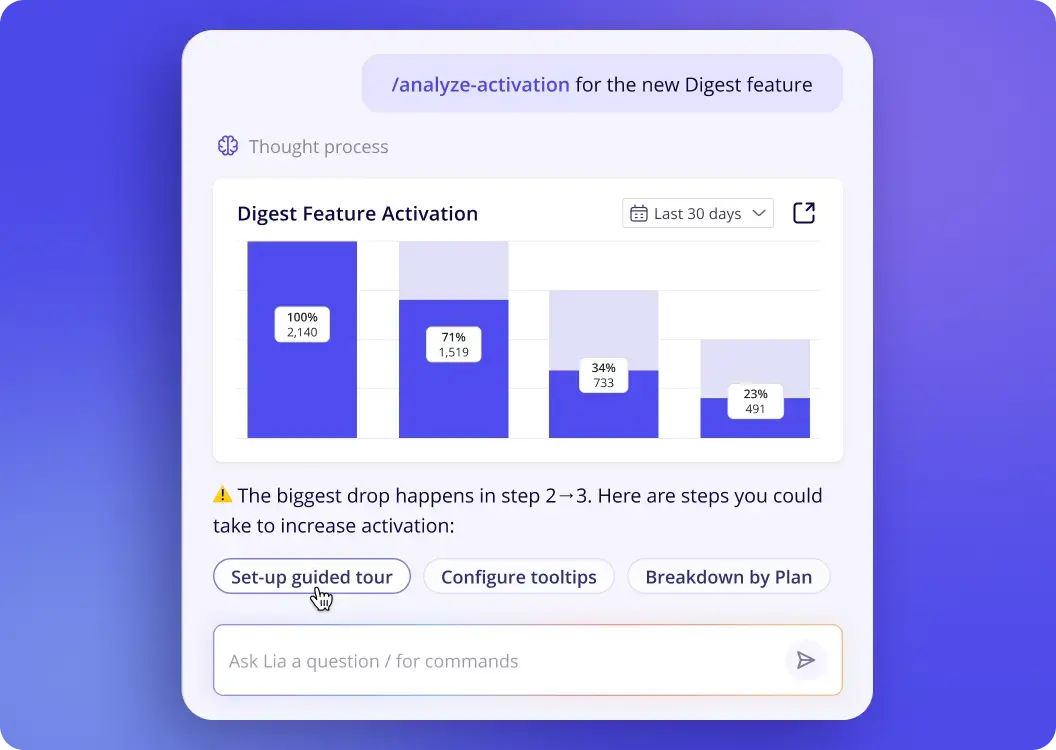
What still needs engineering: A developer has to install the snippet and identify call, and server-side events have to be sent through Userpilot’s API.
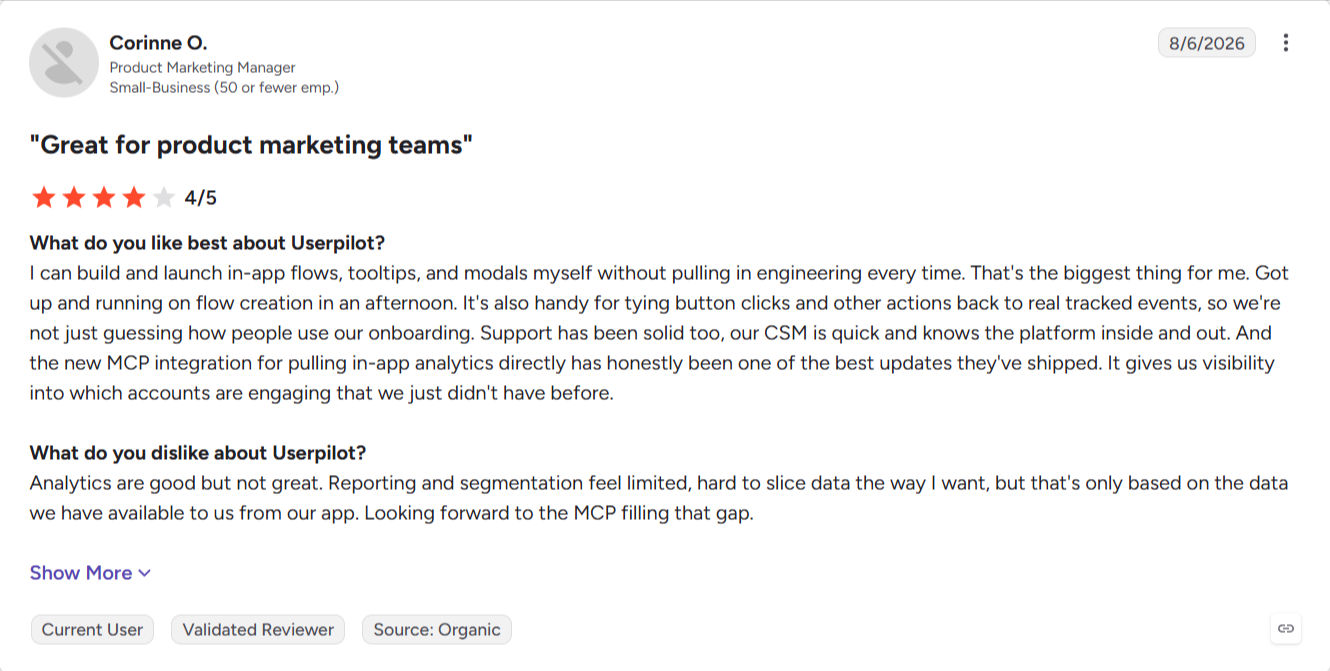
G2 reviewers like building and launching in-app flows without pulling in engineering, though some note the initial setup took developer time.
Pricing: Userpilot prices by monthly active users (MAUs). Starter is $299/month for up to 2,000 MAUs, and Growth, where autocapture and the Visual Labeler start, begins at $849/month for the same MAUs. Enterprise is custom priced, with Vendr’s median contract at $18,000 a year.

2. Amplitude: Deep cross-platform behavioral analytics
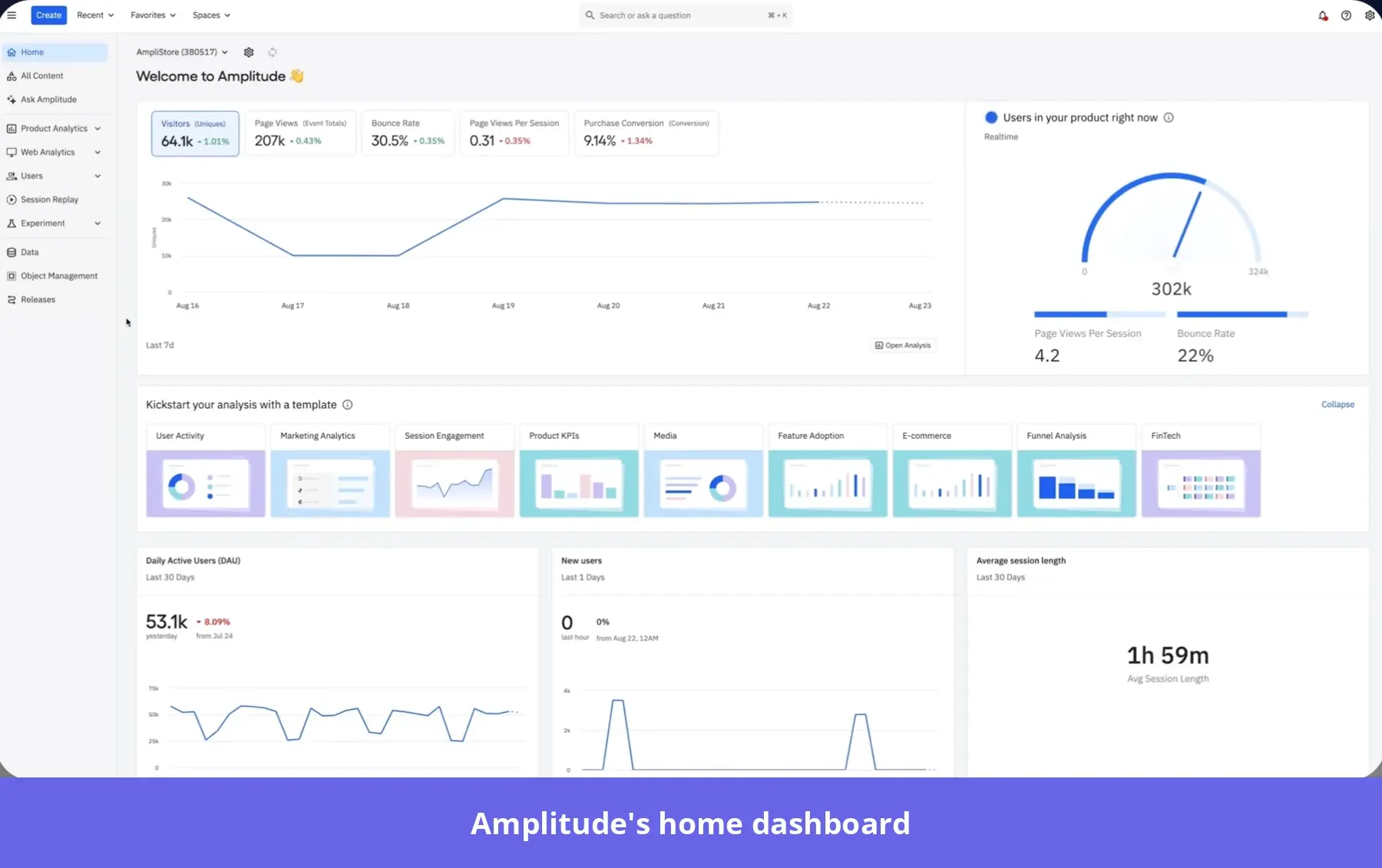
Amplitude analytics is built for product teams with complex, cross-platform products who want to go deep on user behavior, with predictive analytics, experimentation, and session replay in one product:
- Autocapture includes retroactive visual labeling, so you can track the events you need on demand without help.
- Amplitude’s AI agents analyze your data and dashboards to surface insights and answer ad-hoc questions.
- The MCP server lets anyone query the data from their AI tool.
For instance, let’s say a PM wants to know whether users who start a project in the iOS app come back to finish setup on the web. They label the web app’s “Create project” and “Invite teammate” buttons, and both events fill in from autocaptured history. Then they build a cross-platform funnel from mobile project creation to web setup and save the accounts that drop off as a cohort to compare activation rates.
What still needs engineering: At least one person has to own and maintain the event taxonomy. And although the AI agents answer ad-hoc questions, complex dashboards are still hard to build by hand.
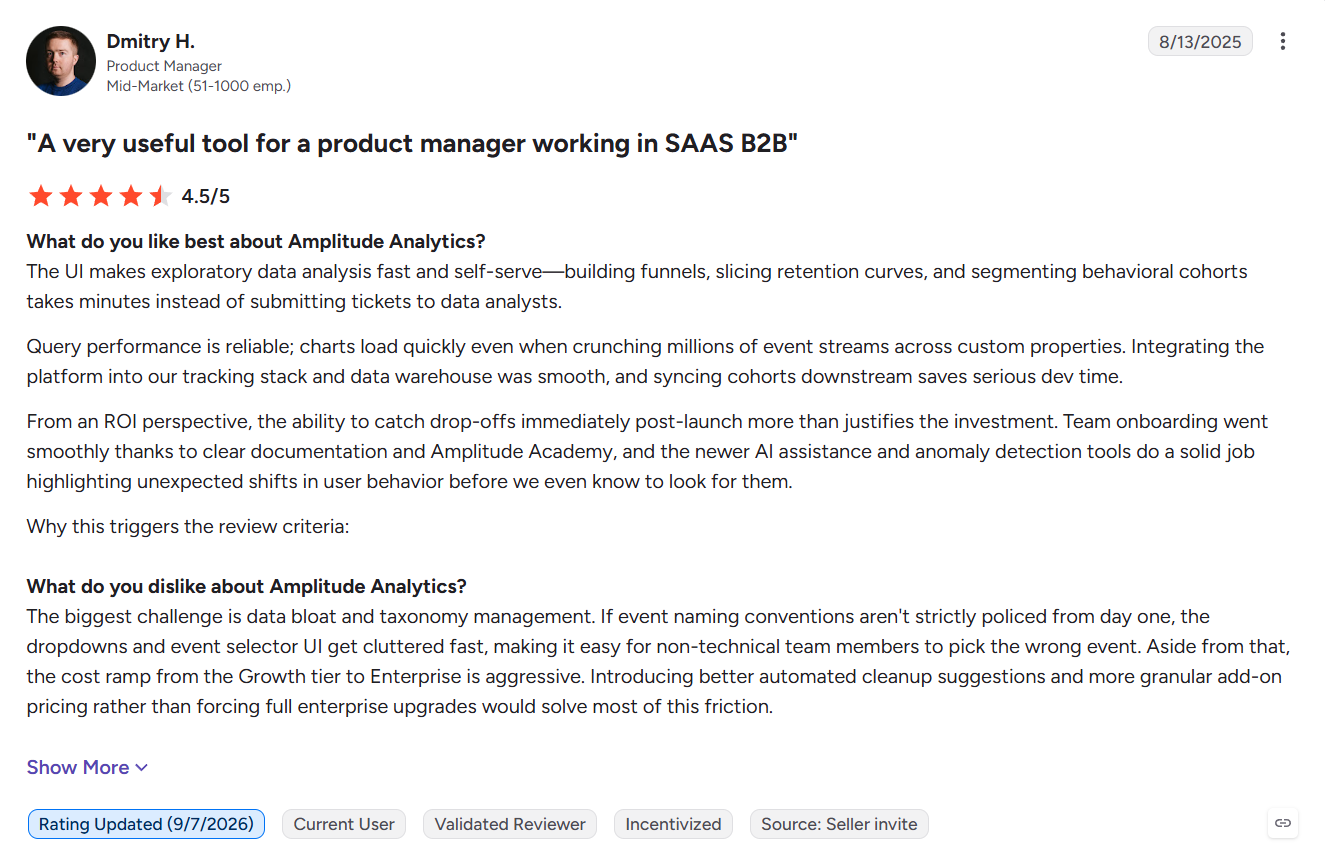
G2 reviewers praise how fast and self-serve analysis feels, but also mention a steep learning curve and event lists that get cluttered unless naming conventions are enforced from day one.
Pricing: Amplitude prices by event volume. The Free plan includes 2M events a month, and the Plus plan scales with event volume beyond that. Growth and Enterprise are custom priced, with Vendr’s median contract at $64,000 a year.
3. Mixpanel: Fast self-serve event exploration
Mixpanel fits PMs at product-led SaaS and B2C companies who want to move quickly from raw events to funnels, retention, segmentation, and user journeys:
- Autocapture records page views, clicks, form interactions, scrolls, and dead or rage clicks, and you can turn any autocaptured click into a named event retroactively.
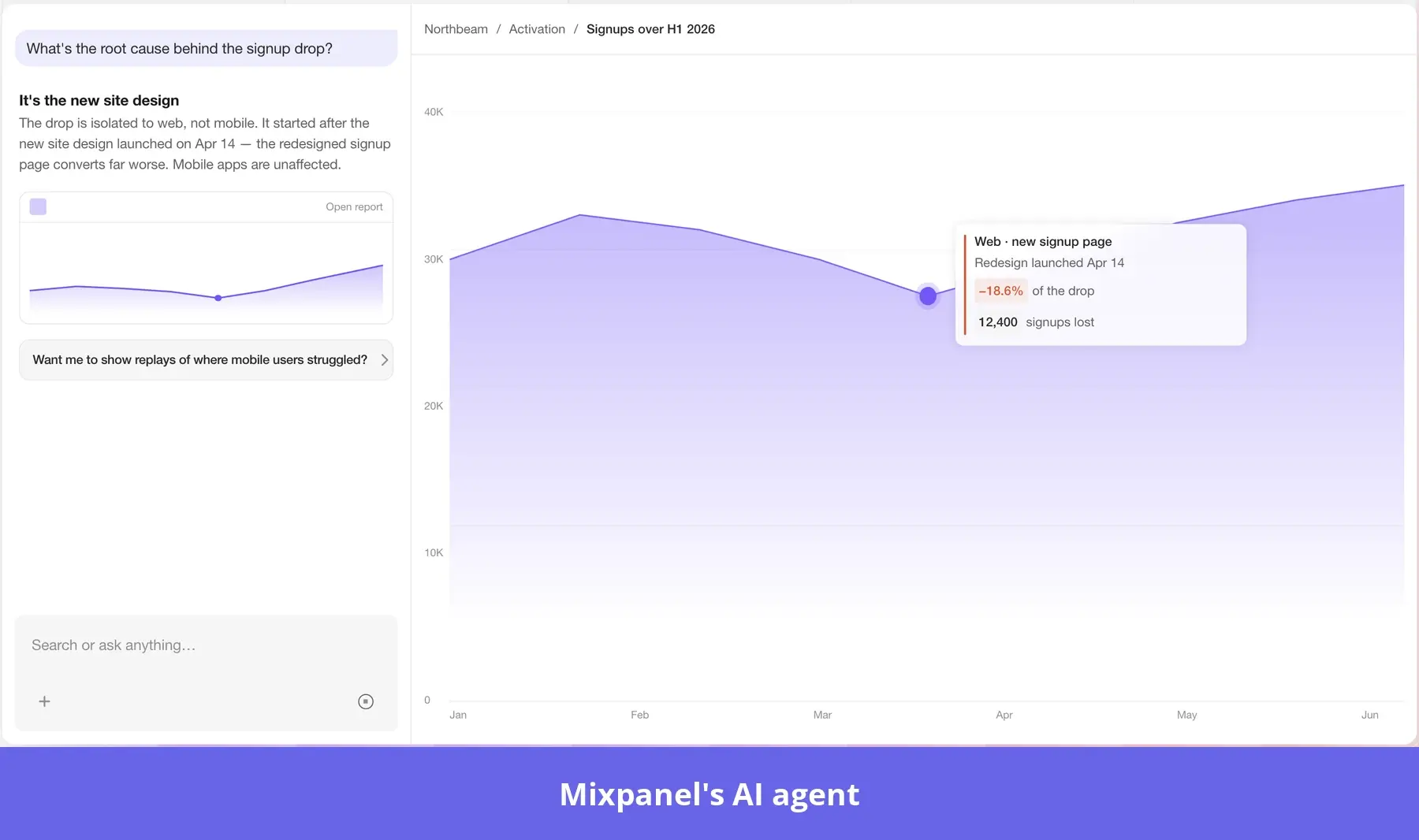
- Mixpanel Agent builds insights, funnels, and retention reports from one prompt.
- The MCP server brings the same data into your AI tool.
For instance, a PM who just redesigned the onboarding checklist can turn the autocaptured “Create report” click into a custom event with data that goes back to launch. Mixpanel Agent then builds a funnel from signup to that event, broken down by signup week, and adding it to the activation dashboard shows whether the new checklist sped things up.
What still needs engineering: Group Analytics needs engineers to add the “group” properties, and they can’t be applied to events already ingested. Events also need to be planned and named from day one, or reports get confusing later.
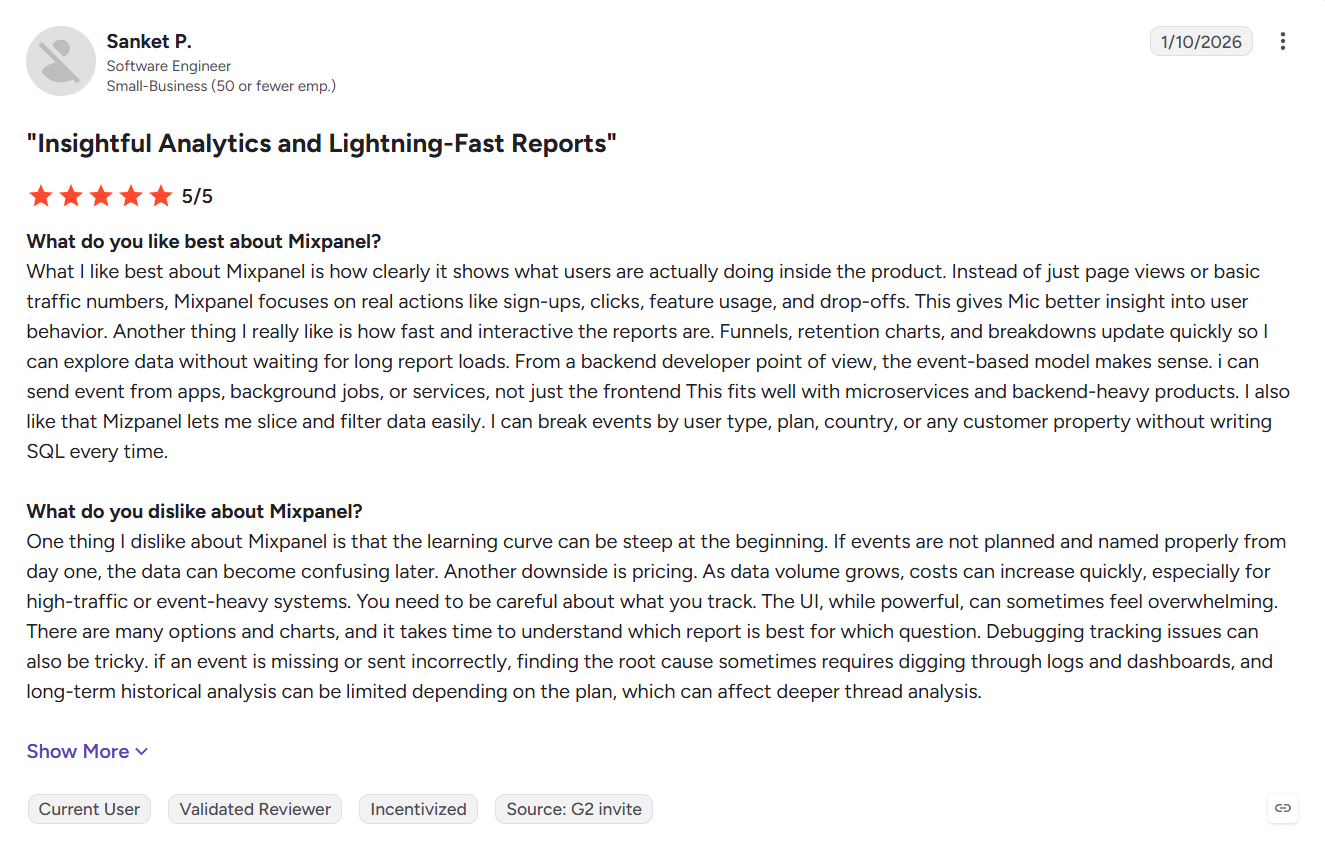
G2 reviewers like how fast and interactive the reports are, but flag pricing that climbs with event volume.
Pricing: The Free plan includes 1M events a month. Growth keeps the first 1M free, then charges $0.28 per 1,000 events (autocaptured clicks count toward that). Enterprise is custom priced, with Vendr’s median contract at $40,307 a year.
4. Heap: Autocapture with retroactive event labeling
Heap, now part of Contentsquare, works best when you don’t know yet what you’ll need to measure, such as after a big redesign or a new feature launch:
- Autocapture records interactions from day one, so nothing has to be planned in advance.
- Visual labeling lets non-technical users define events later and build reports that include data from before the event existed.
- Sense Chat (Contentsquare’s AI assistant, currently in beta) lets them query that data in natural language on paid plans.
For example, imagine a growth marketer who realizes nobody tracked the monthly/annual toggle on the pricing page. Since Heap has recorded the toggle’s clicks since install, the marketer labels it and gets data going back to launch day. A funnel from the toggle to checkout shows monthly-plan clicks dropping off, and session replays of those drop-offs show the “Get started” button stops working after users click the toggle.
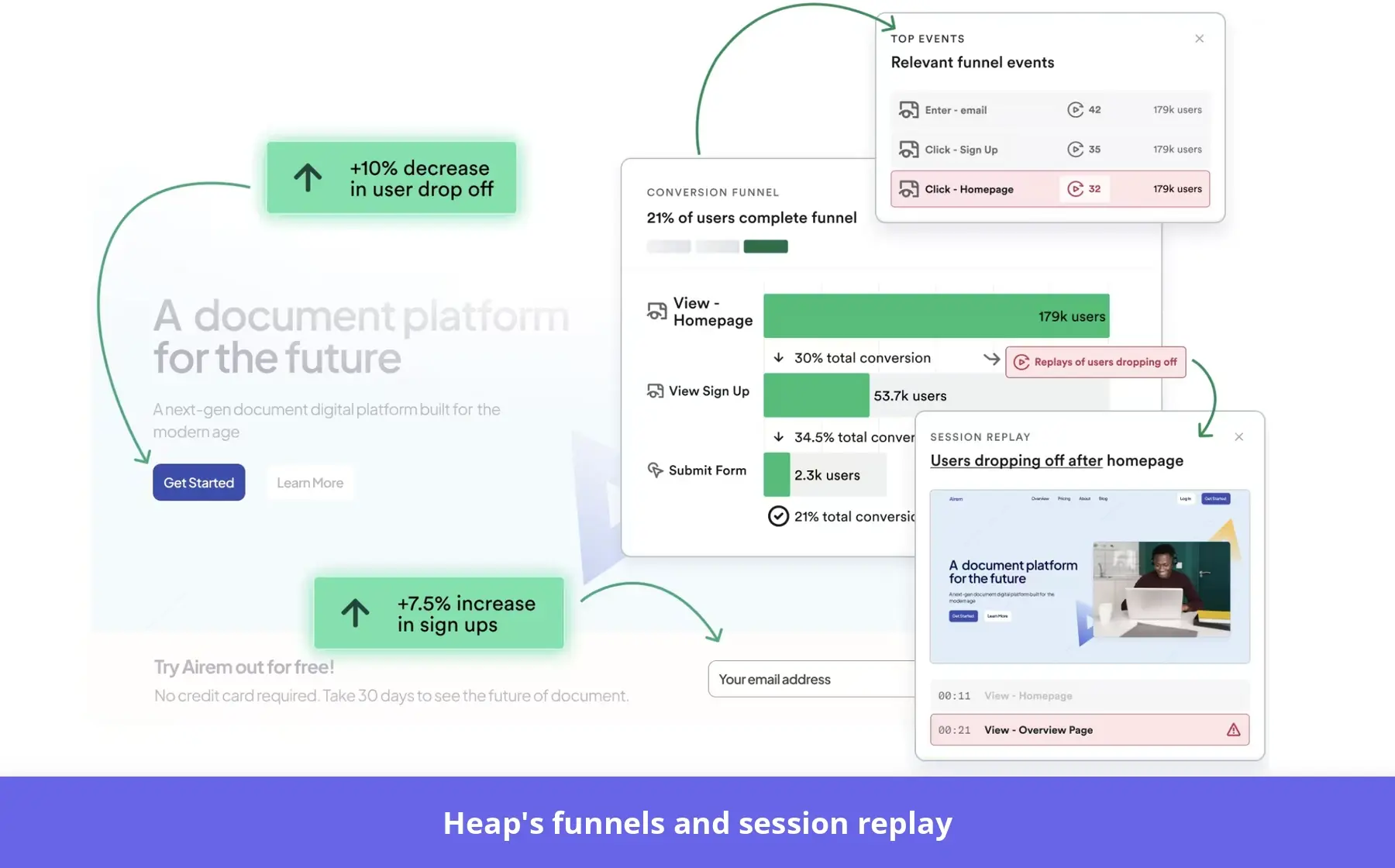
What still needs engineering: Pop-ups and single-page-app views that don’t change the URL need custom events through Heap’s developer API. In React or Angular apps, Heap also recommends adding stable classes, IDs, or data attributes so labeled events keep working.
G2 reviewers like that non-technical teammates can create events without code, but warn about the overhead of sifting through everything autocapture collects.
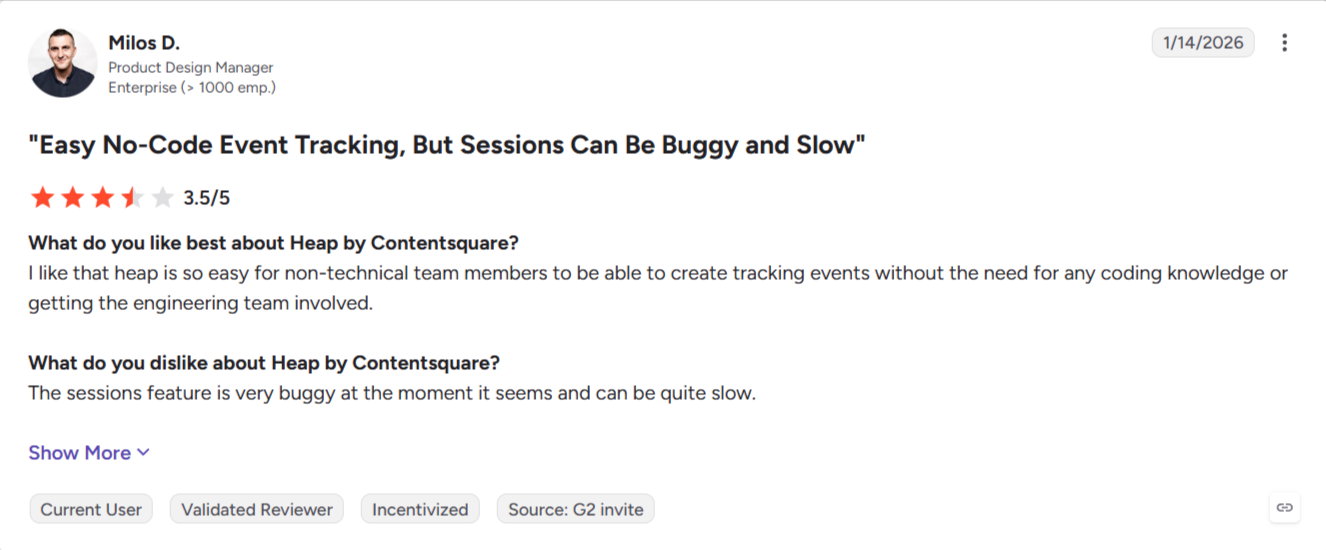
Pricing: Heap prices by sessions rather than events. The Free plan covers up to 10,000 sessions a month with six months of history, while paid plans aren’t publicly priced (Vendr’s median contract is about $41,220 a year). Session replay, heatmaps, and error analysis are add-ons on the Pro and Premier plans.
5. Fullstory: Session-level UX investigation
Fullstory fits product and CX teams that need to see how users interact with an interface through session replays, heatmaps, and frustration signals:
- Fullcapture records interactions automatically, so you can define events later in Inspect Mode or the event builder and search recorded sessions with them.
- Data layer capture lets you pull events and variables from Adobe Analytics, Google Analytics, and Tealium IQ without code on paid plans.
- The StoryAI agent (an add-on) analyzes your funnels and session replays to find out why users drop off.
As an example, picture a PM whose boss asks about a feature launched three weeks earlier. The PM defines the feature’s clicks in the event builder, then searches what happens after that event, discovering that many users head to the resource center right after the click. Then, a session replay reveals a visual bug, so the PM sends engineering the session with its console logs. And finally, the PM uses conversion maps to see which elements drive feature activation.
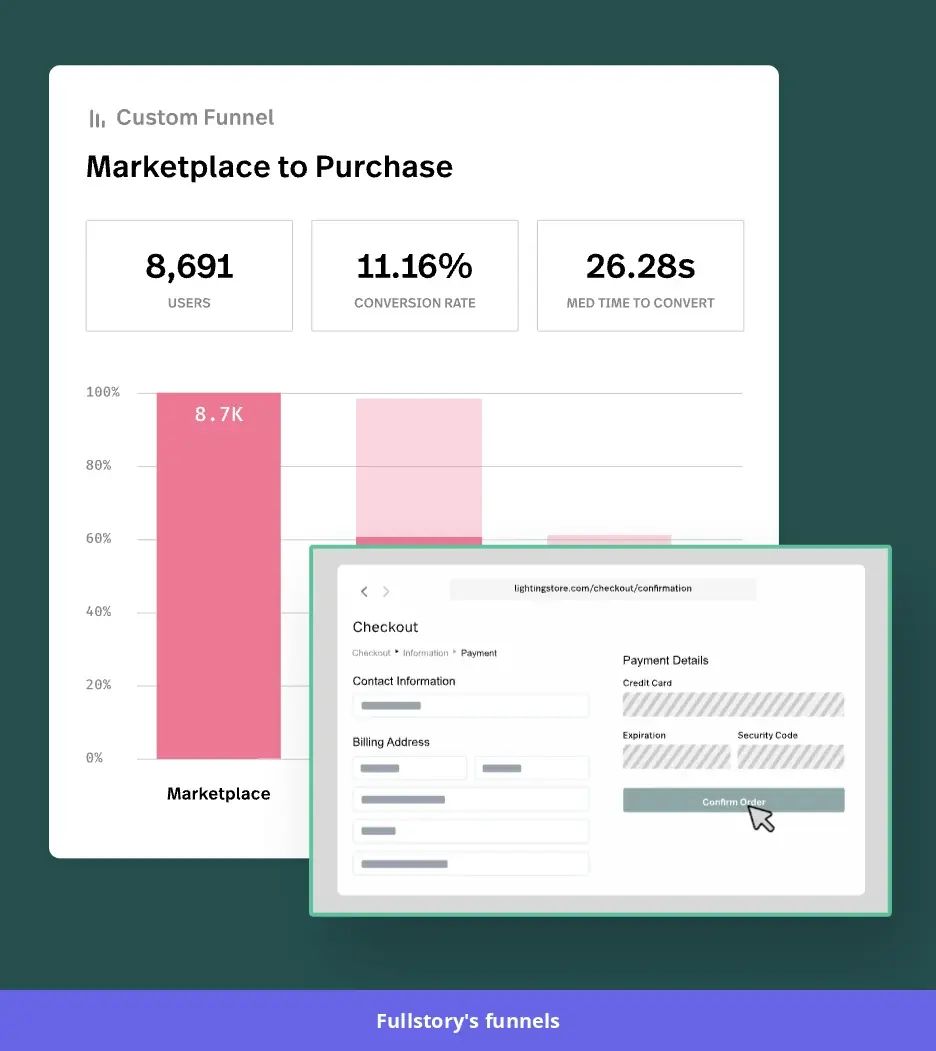
What still needs engineering: Webhook-based integrations need custom events through Fullstory’s JavaScript API, and errors in data layer capture usually need technical help. Some teams also add session metadata in the codebase to make sessions searchable.
G2 reviewers find Fullstory easy to navigate even without a technical background, but mention limits in its analytics layer and too many events and sessions to sift through.
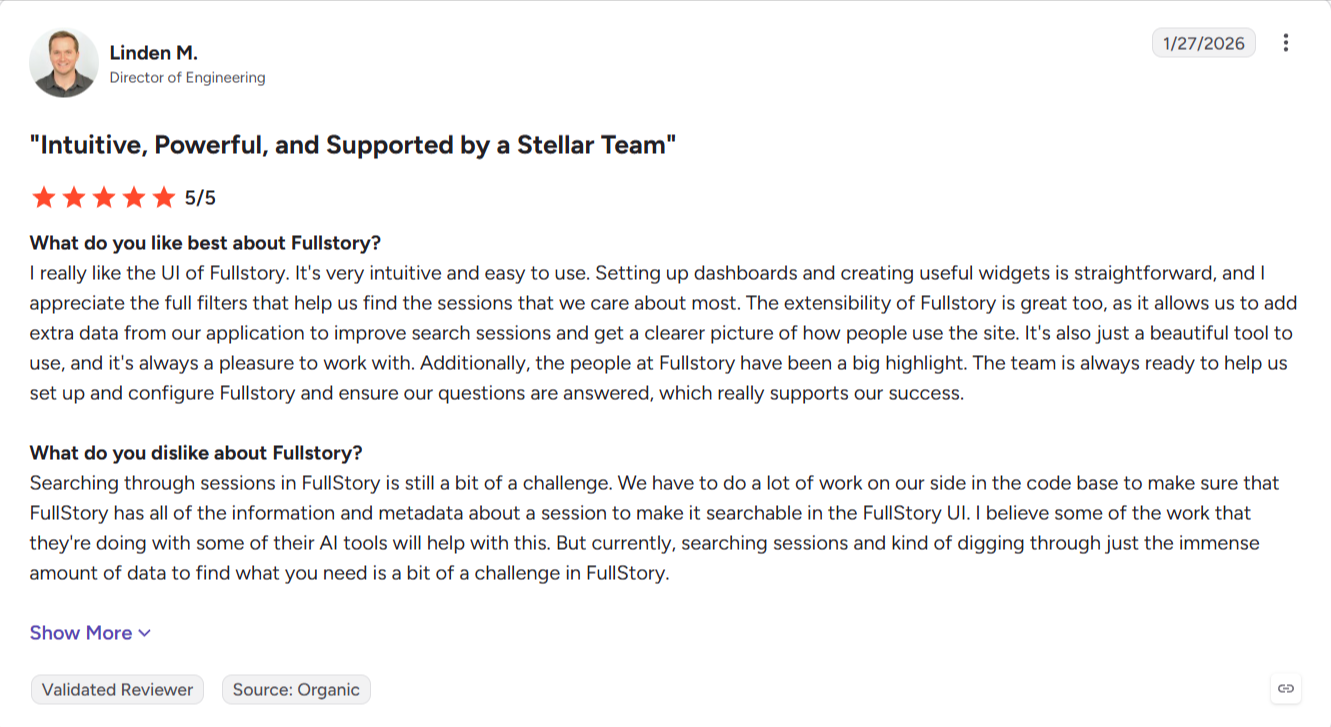
Pricing: The Free plan includes 30,000 sessions a month, 10 users, and 12 months of data retention. Business, Advanced, and Enterprise are priced on request, with Mobile, StoryAI, Guides, and Surveys sold as add-ons. Vendr’s median contract is $28,240 a year.
6. Gainsight PX: Account-level adoption tracking
Gainsight PX suits CS teams that want to see product adoption per account without asking product or data teams, especially if they already run Gainsight CS and want usage data inside its health scores:
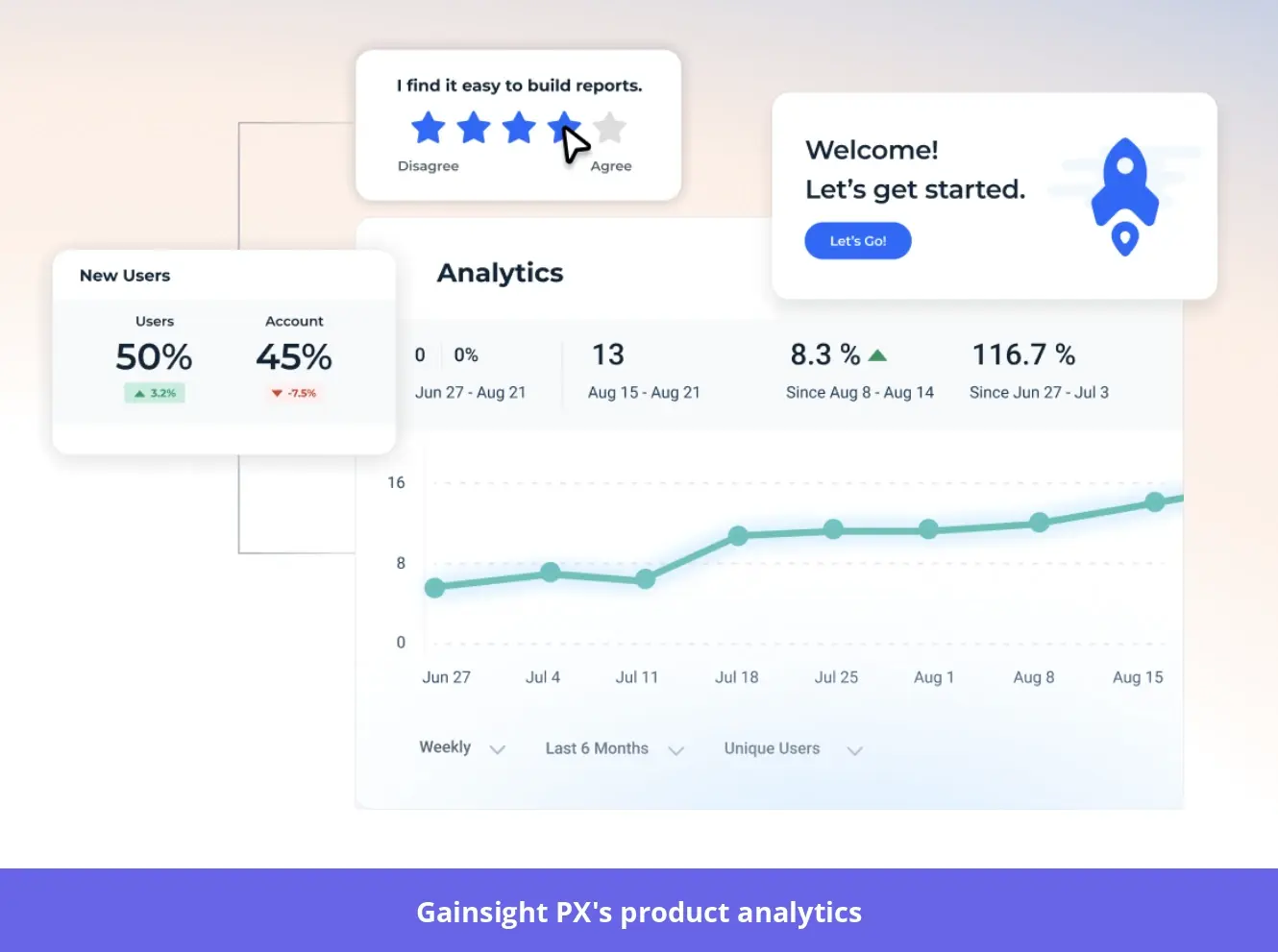
- Product Mapper records visits, page loads, and clicks against your features and modules once your product is mapped, and it can backfill up to a year of history for mapped features.
- Accounts Explorer shows adoption KPIs for each account.
- In-app surveys and guides let CS teams act on the segments they find.
For example, a CSM preparing for a renewal can filter Accounts Explorer to at-risk accounts and see that active user coverage has fallen while core feature usage is flat. The CSM then sends an in-app survey to that segment, learns users don’t know how to apply the core features to their use case, and builds a personalized walkthrough to help them.
What still needs engineering: According to G2 reviewers, implementation takes about three months on average. Someone also has to keep the product map current as new features ship, and actions outside the UI need custom events sent through the API.
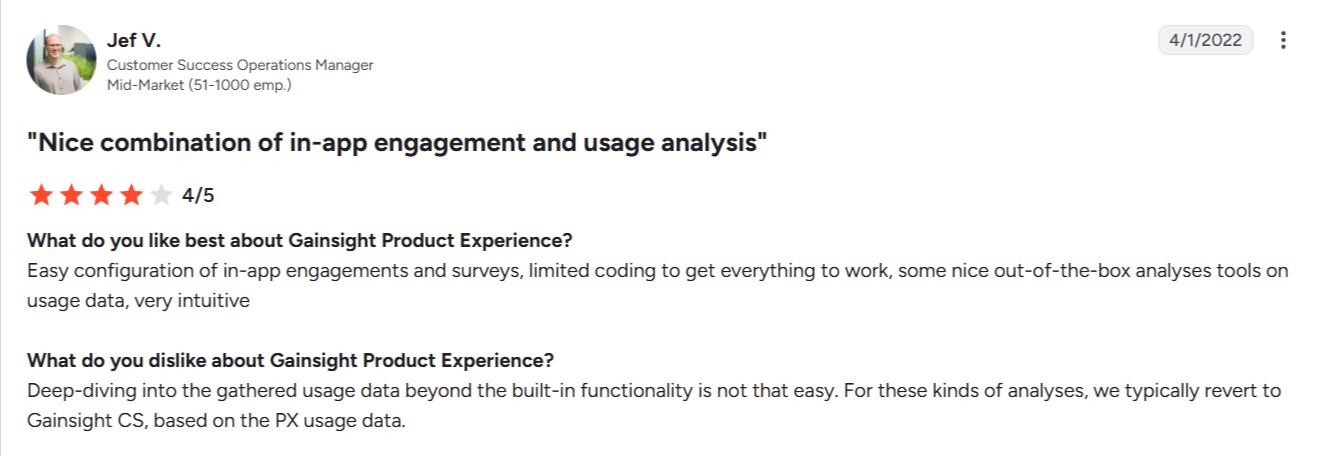
G2 reviewers like how easily they can build user engagement reports, but some find it hard to dig into usage data beyond the built-in reports.
Pricing: Gainsight doesn’t publish pricing. According to Vendr, PX is usually quoted separately and priced on MAUs, at $30,000 to $70,000 a year for 10,000 to 50,000 MAUs.
7. Microsoft Clarity: Free heatmaps and session replay
Microsoft Clarity is a free user tracking tool for marketing teams that want behavior data with no budget (though it’s more limited than the other tools here for slicing and dicing data):
- No-developer installation works through integrations with WordPress, Shopify, WooCommerce, Google Tag Manager, Wix, and others.
- Smart events group actions such as Sign Up, Submit Form, and Request Quote, so you can build funnels and watch heatmaps and recordings without code.
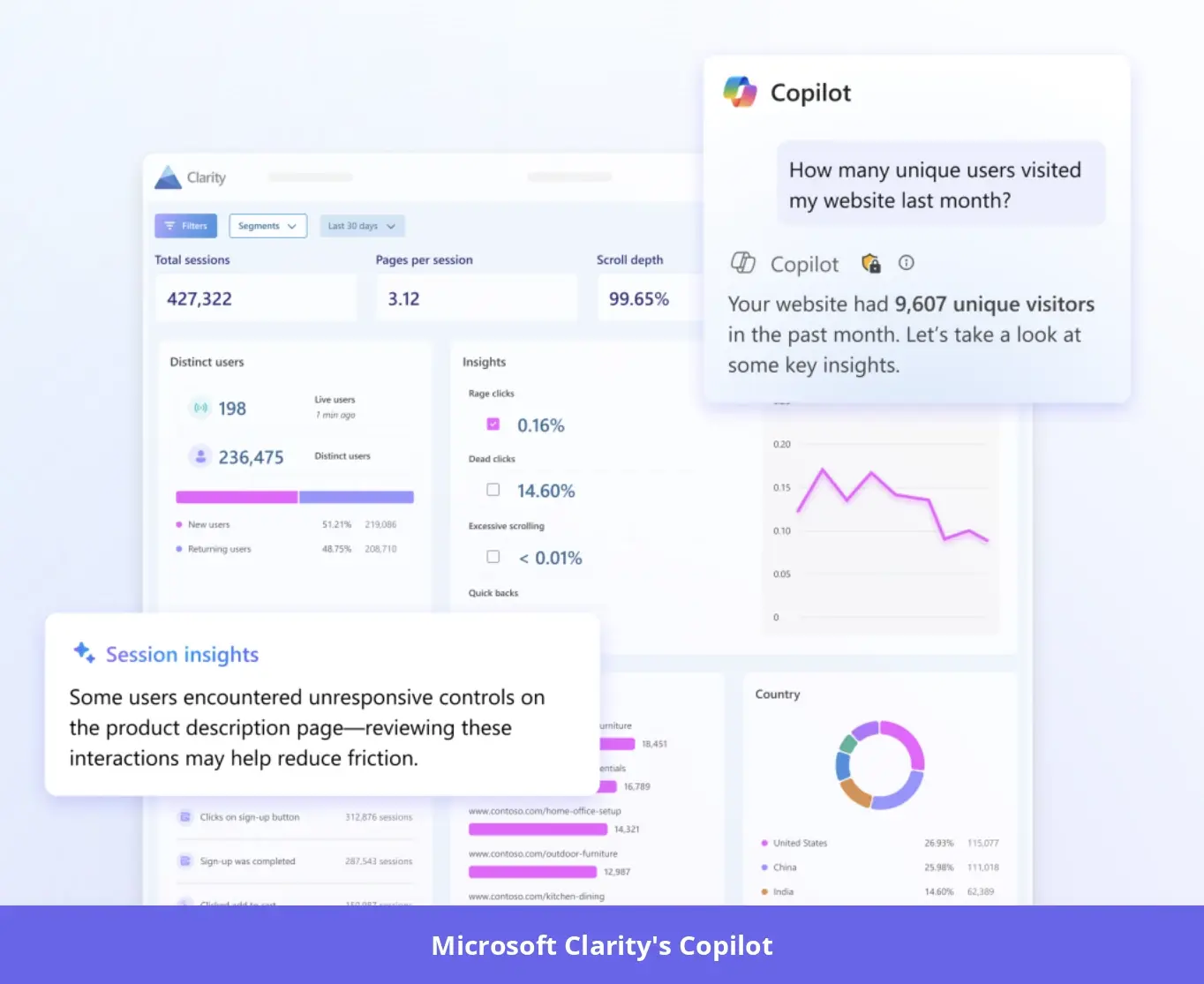
- Copilot answers questions about the data in plain language.
For instance, think of a product marketer whose demo-request page converts poorly. The scroll heatmap and Copilot’s summary show most visitors never reach the form, and a funnel to the “Request Quote” smart event confirms there are drop-offs. Then, session recordings show visitors leaving before they scroll, so the team moves the form to the top of the page.
What still needs engineering: Custom identifiers, custom tags, and richer client-side events go through Clarity’s JavaScript API. Sites in the EEA, UK, and Switzerland also need explicit consent set up first, and mobile apps need Clarity’s Android, iOS, Flutter, or React Native SDK.
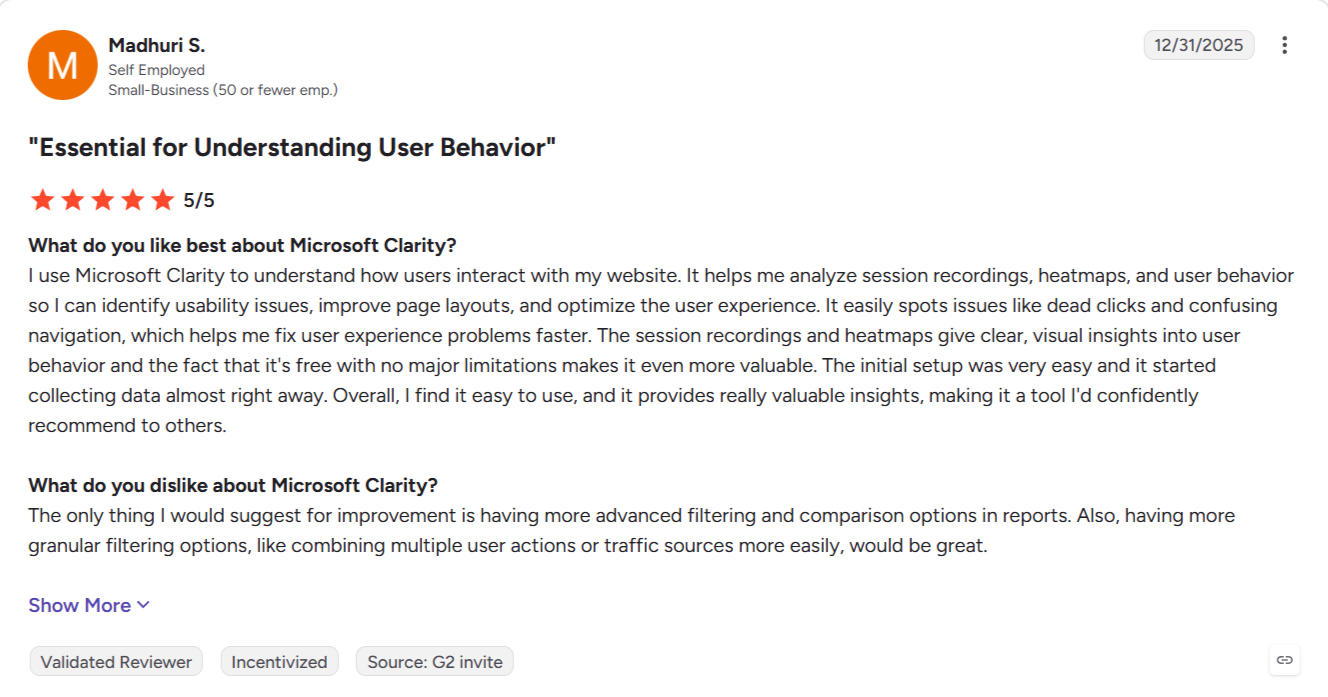
G2 reviewers find the setup quick and easy, but want more advanced filtering and comparison options in reports.
Pricing: Clarity is “a free service forever,” with no traffic limits and no sampling. It records up to 100,000 sessions per project per day.
8. Metabase: Querying your product database without SQL
Metabase is an open-source business intelligence tool for teams whose data lives in a database such as Postgres or MySQL, with one technical person to set things up:
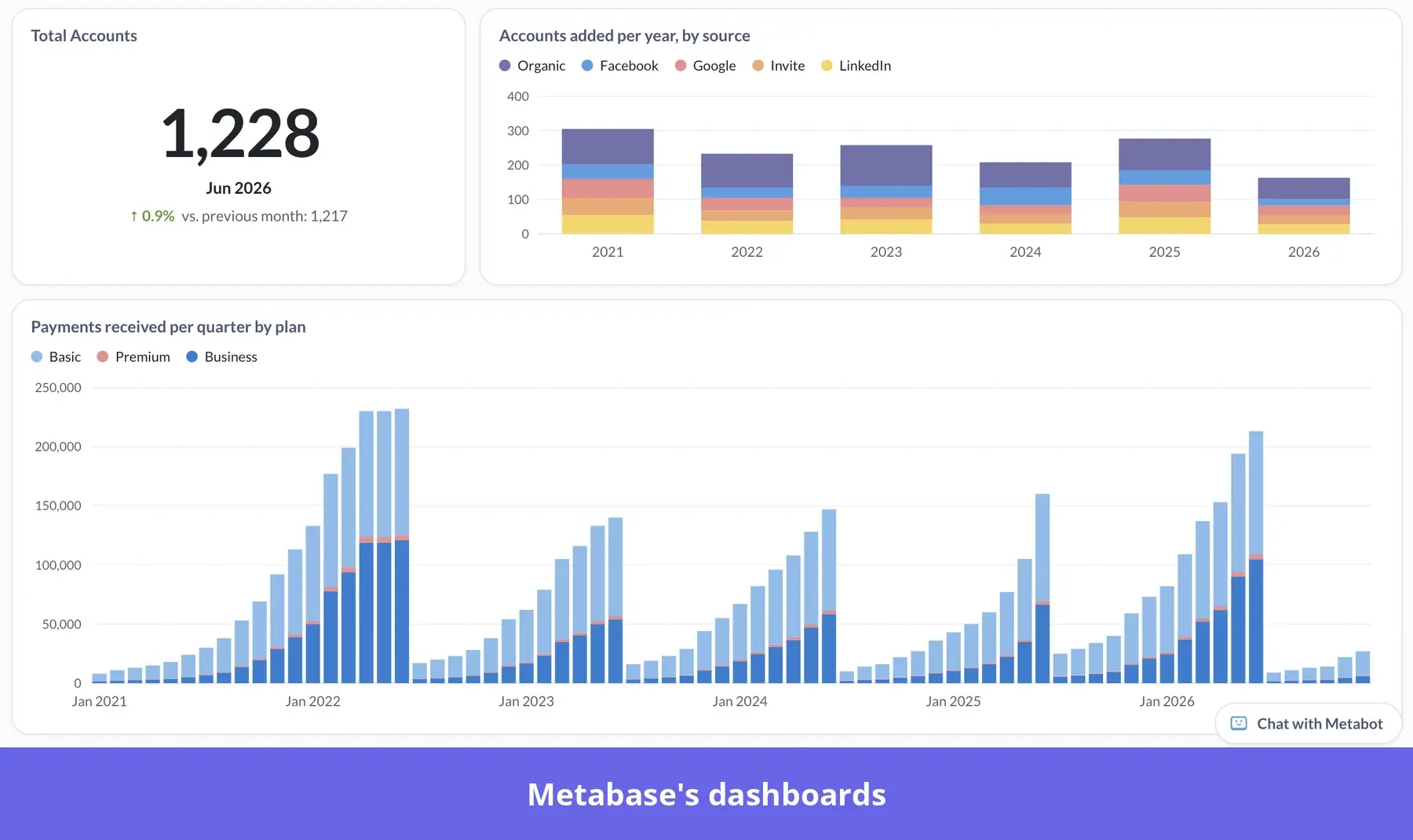
- The query builder lets non-technical users pick data, filter, summarize, group, join tables, add custom columns, and visualize the results without SQL.
- Metabot, its AI chatbot, answers questions in plain English using the models and definitions your data team sets up.
As an example, suppose a PM wants to know how many projects each Pro account created last month. In the query builder, they join Pro accounts with project creation, filter by date, and count projects per account. Then they save the chart to the adoption dashboard and ask Metabot to split it by signup cohort to see which cohorts create the most projects.
What still needs engineering: Someone technical has to own the table names, event schemas, models, metrics, permissions, and glossary terms. Schema changes and performance issues usually fall to engineers. Also, the open-source version requires self-hosting and more maintenance.
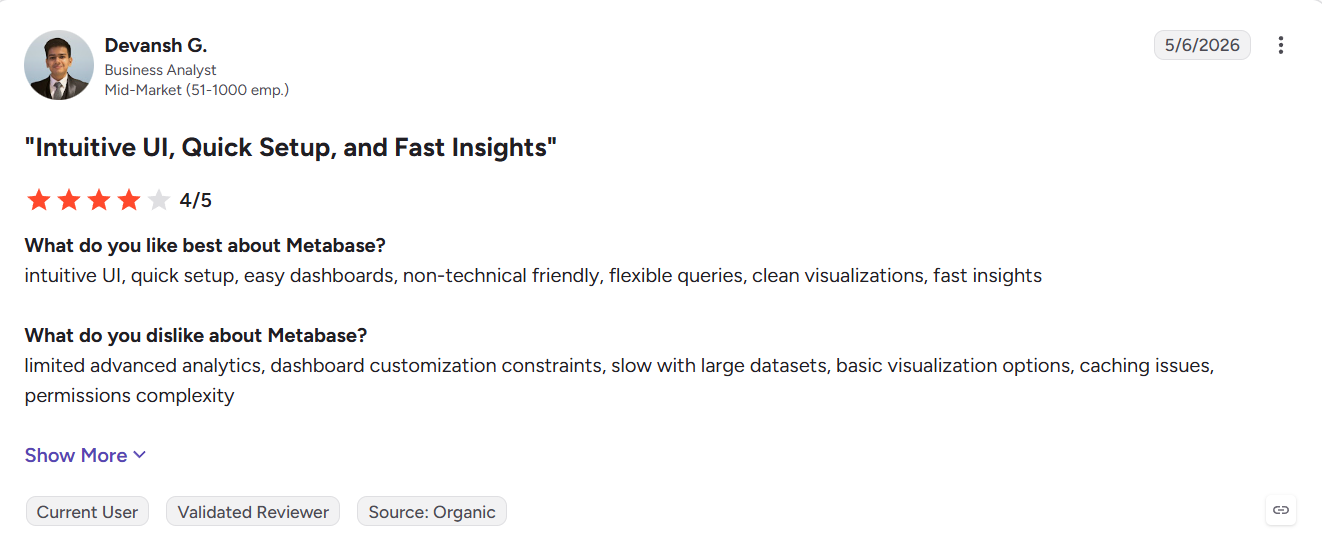
G2 reviewers like the simple UI, even for non-technical users, but mention performance issues and missing features.
Pricing: The open-source version is free, but you absorb the costs of hosting, maintaining, and securing it. Cloud Starter is $100/month plus per-user fees, Pro is $575/month ($517.50/month billed annually), and Metabase’s own AI service costs $3.75 per 1M tokens (if you don’t bring your own AI provider key). Enterprise starts at $20,000 a year, with Vendr’s median contract at $39,000.
9. ThoughtSpot: Natural-language questions on data warehouses
ThoughtSpot fits growth teams at enterprises whose data already lives in Snowflake, BigQuery, or Databricks and who want to query it without writing SQL:
- The search bar works like “Google for your data”: you type what you need, and it returns a chart.
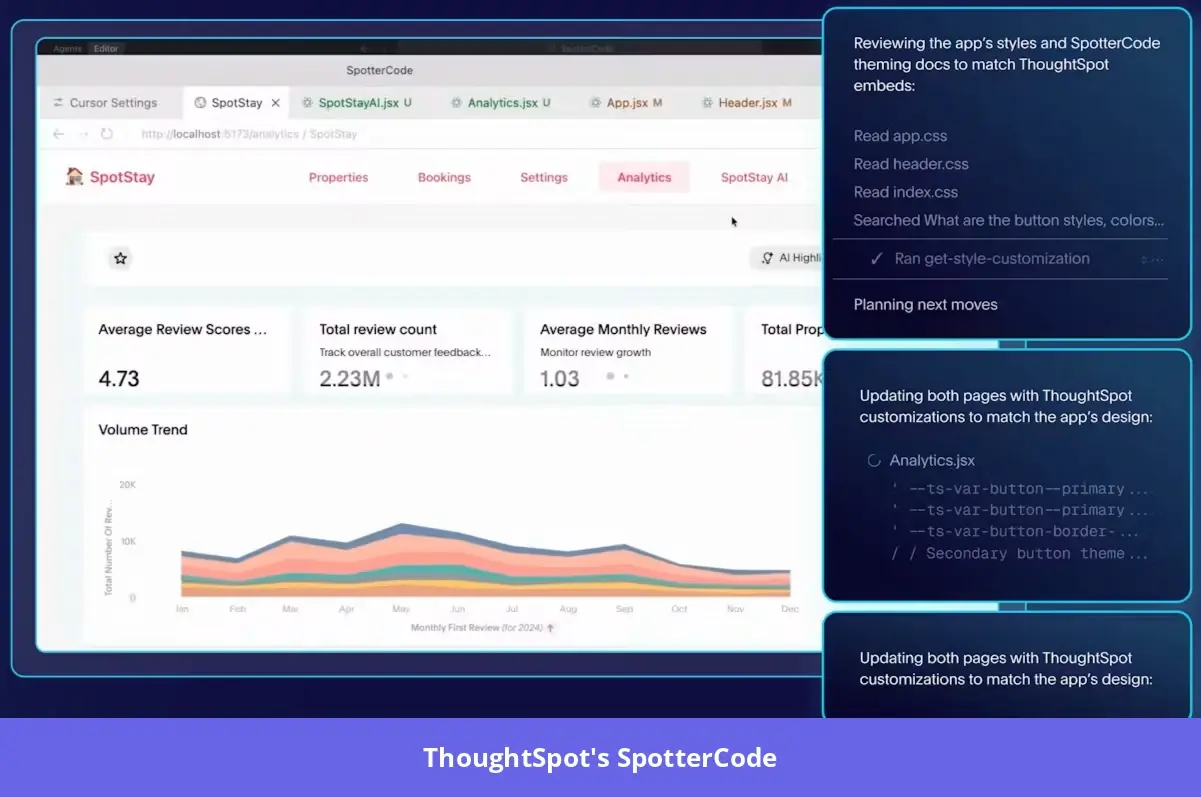
- Spotter, ThoughtSpot’s AI agent, works as an analyst, so besides retrieving the data, it also runs multi-step analysis and forecasting.
For example, a growth lead can ask Spotter which acquisition channels produced trial accounts that reached activation within seven days, and Spotter answers with a chart built through the semantic layer. A follow-up question filtering for accounts with 10+ seats then shows which channels bring in the highest-value accounts.
What still needs engineering: A data team has to own the pipelines and maintain the data model. An admin also has to enable Spotter, give permissions to user groups, and switch Spotter on for each model.
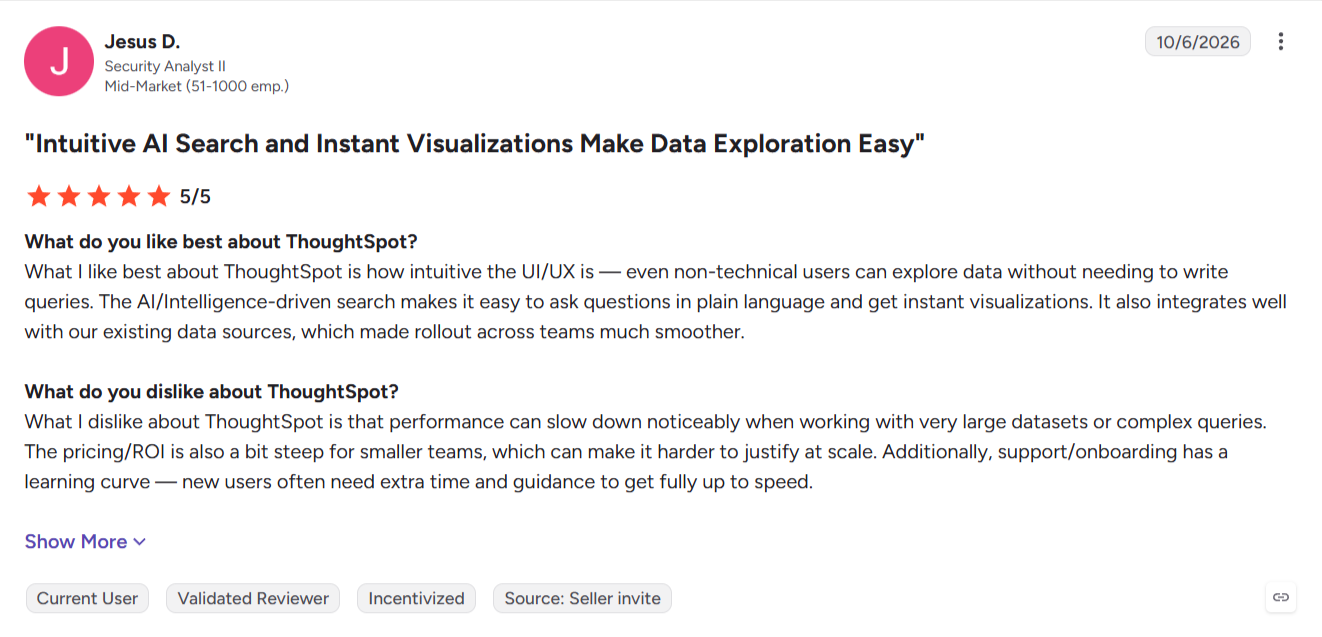
G2 reviewers say non-technical users can query data and build visuals easily, but performance slows with very large datasets or complex queries, and new users need time to get up to speed.
Pricing: Essentials starts at $25 per user per month (billed annually) for 5 to 50 users. Natural-language search and Spotter start on Pro at $50 per user per month (billed annually) with 25 Spotter queries per user a month (or $0.10 per credit on the usage-based option). Enterprise is custom priced, with Vendr’s median contract around $100,000 a year.
Which self-service analytics tool should you choose?
The right self-serve analytics tool depends less on features than on who on your team will own each stage. Here’s how I’d decide.
- Marketing with no budget: Start with Microsoft Clarity, and move on once you need user-level funnels or retention.
- CS on Gainsight: Gainsight PX puts adoption per account next to the health scores your CSMs already use.
- Data in a warehouse: ThoughtSpot suits a growth team with a data team behind it, while a smaller team querying its own product database will get further with Metabase.
- Cross-platform product: Amplitude, as long as someone on the team owns the taxonomy.
- Support and CX: Fullstory, for chasing bugs and form errors through sessions.
- Find and fix friction: Userpilot, if you want to find friction, understand it, and fix it without engineering.
Get product answers without waiting on engineering with Userpilot
A self-service platform works when your team can ingest data, define it, and answer its own questions without coding.
In Userpilot, there’s autocapture for retroactive events, advanced reports, session replays, and an AI agent that can analyze all your product data on demand.
So if you’re working in a PLG company and need more ways to work without dev help, book a Userpilot demo. You’ll see how your team can go from insight to action much quicker than before.
FAQ
What is self-service analytics?
Self-service analytics is when people outside the data team, such as PMs, marketers, and CSMs, explore data and build their own reports without waiting on data scientists or engineers.
Do self-service analytics tools still need engineering?
Yes, at least at setup. Every tool on this list needs a developer or technical admin for something: an install snippet or SDK, identify calls, mobile setup, server-side events, or a database and warehouse connection.
What's the difference between self-service analytics and traditional BI tools?
Traditional BI tools are built for analysts to model data and publish reports for everyone else. In a self-service environment, the question-asking falls into non-technical users’ hands.
Do self-service analytics tools replace data analysts?
No, they take routine requests off analysts’ plates, but someone still has to own definitions, data models, and the harder questions.
About the author