12 Userpilot Competitors Worth Comparing, and What Each One Actually Costs



Userpilot competitors come up in most sales calls, and we’re the first to acknowledge that some products do certain things particularly well while others fall short in key areas. The difference is that Userpilot was built as a full product adoption platform, with onboarding, guidance, engagement, analytics, feedback, resource centers, and even session replays all in one platform. Most of the tools below do one of those well while either not supporting the rest or offering surface-level support that feels bolted on rather than a core part of the product.

Userpilot competitors for product adoption
These six product adoption tools come up most often in Userpilot competitor searches because they solve the same core problem: getting new users to actually use your product.
1. Pendo
Pendo started out as a pure analytics tool, then later added user engagement capabilities, with the two halves of the product still feeling bolted together in certain areas. It’s the most comparable alternative to Userpilot when it comes to features like analytics, feedback, and engagement, but with a few seams still visible from the analytics infrastructure the product was originally built on. The catch is that Pendo doesn’t publish its pricing, so you’ll need a custom quote to find out whether you can afford it.
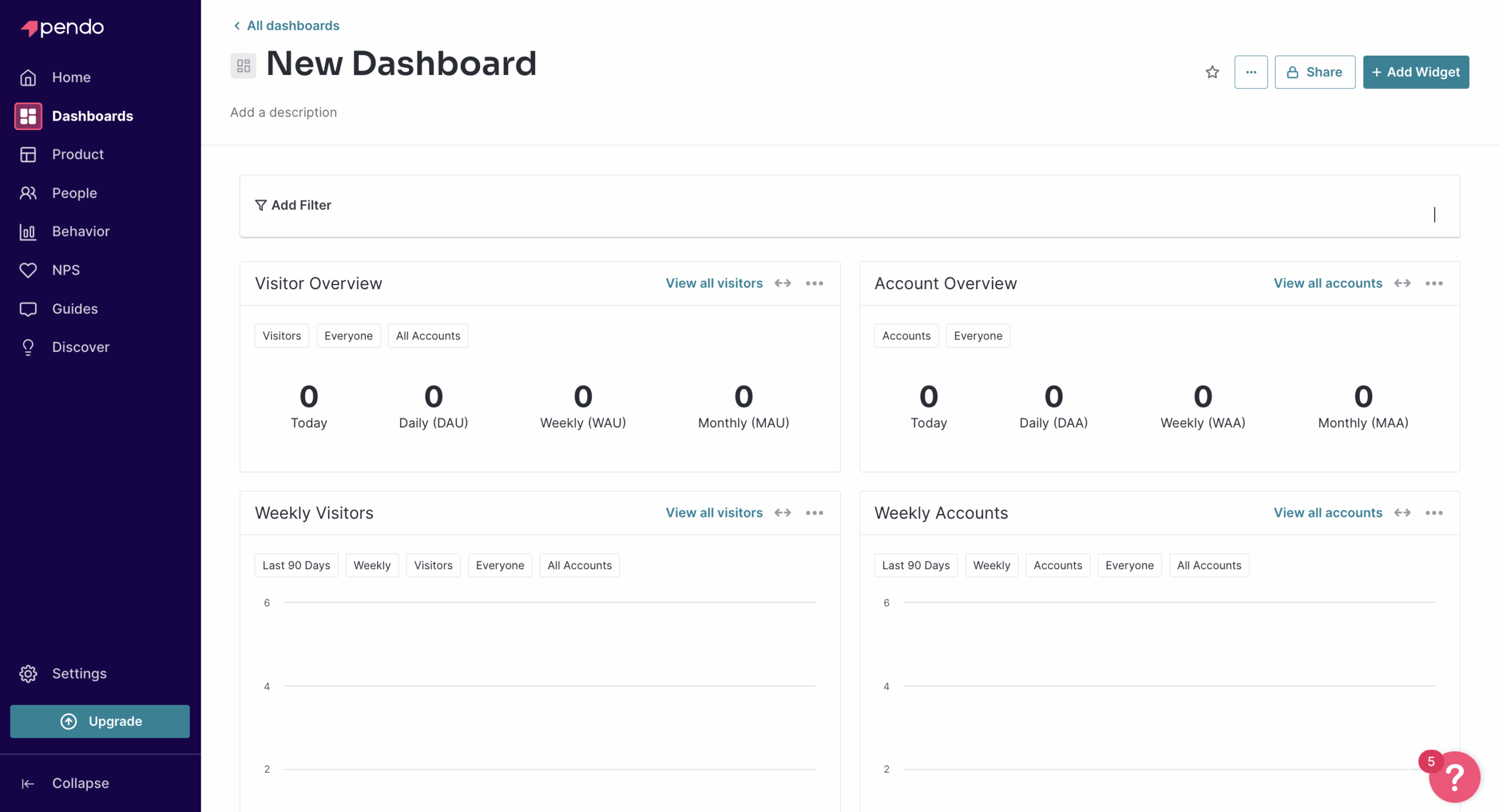
Pricing: The Pendo pricing model has a free plan for up to 500 monthly active users, but its paid plans use custom quotes with no published prices. Vendr’s tracked deals put the median contract at roughly $48,000/year.
Why consider Pendo:
- AI features built into multiple modules, not bolted on as separate add-ons.
- Built-in Product Engagement Score dashboard for tracking product adoption at a glance.
- Pendo Listen for building product roadmaps from user feedback and idea validation.
- Free plan available for as long as your monthly active user count stays under 500 MAUs.
Where Pendo falls short:
- Complex installation that usually needs developer support to get up and running.
- No standalone checklists, real-time triggered flows, or slideout UI patterns.
- Resource center that can’t host product announcements or in-app surveys.
- Hidden quote-based pricing and a restrictive user limit on the free plan.
2. Appcues
Appcues built its reputation on being the simplest user onboarding tool for small and mid-sized SaaS teams to get running with, plus lightweight analytics.
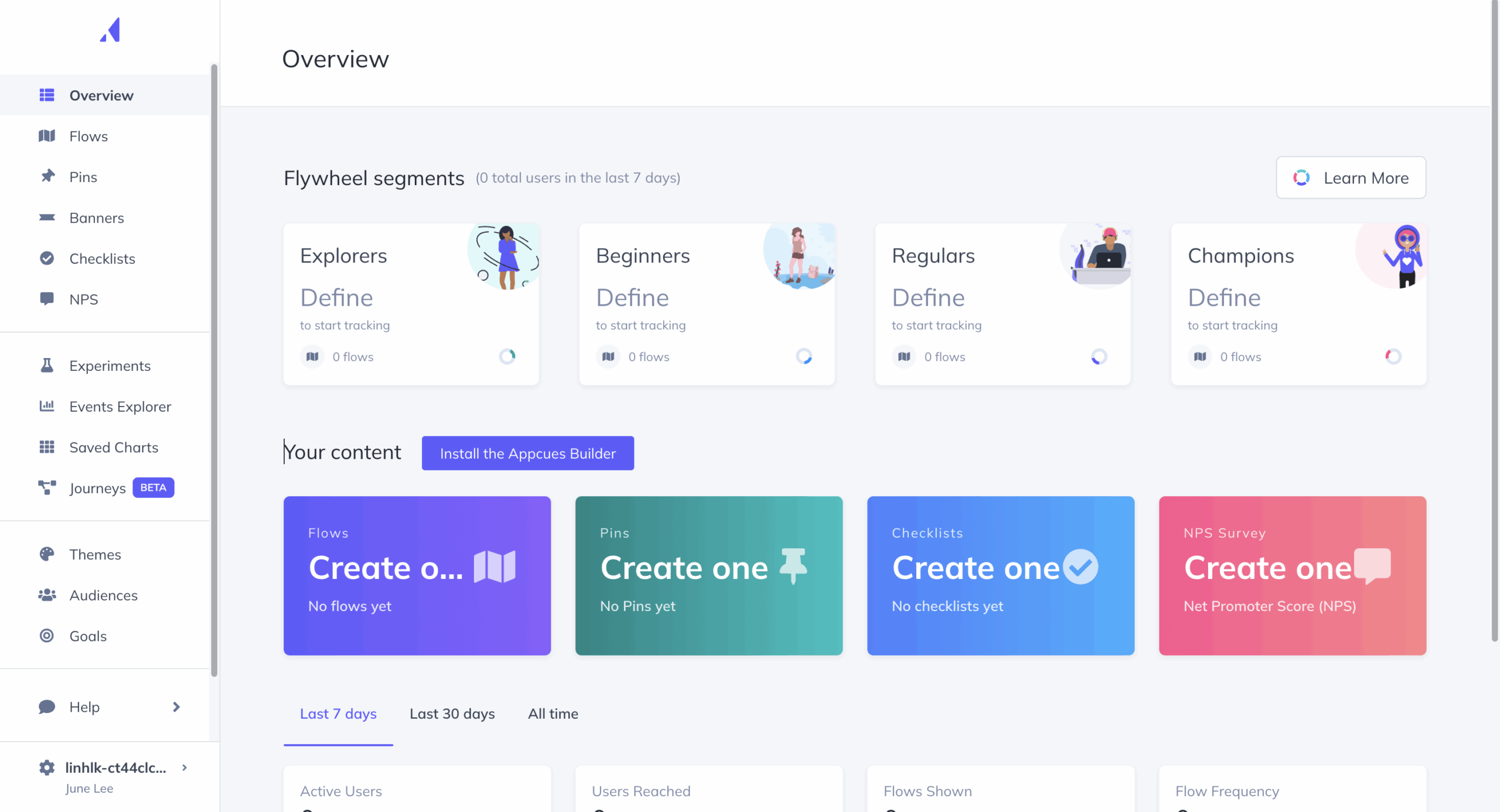
Pricing: Appcues pricing is split into a Start plan around $300/month and a Grow plan around $750/month (both scoped to modest MAU counts), with custom Enterprise pricing above that.
Why consider Appcues:
- Native support for iOS, Android, React Native, Flutter, and Ionic.
- A genuinely easy interface that non-technical teams pick up fast.
- Workflow automation for building user journeys with minimal setup.
Where Appcues falls short:
- No native analytics, relying instead on Mixpanel or Heap integrations.
- Feedback is limited to in-app NNPS surveys, with no broader in-app survey tools.
- Launchpads support links and flows but not videos.
- No real-time, server-side flow-triggering options.
3. Chameleon
Chameleon has leaned harder into interactive, on-brand engagement than anything else on this list, down to snoozeable messages and celebratory animations. Its newest addition is Copilot, an AI agent for building and tuning in-app experiences.
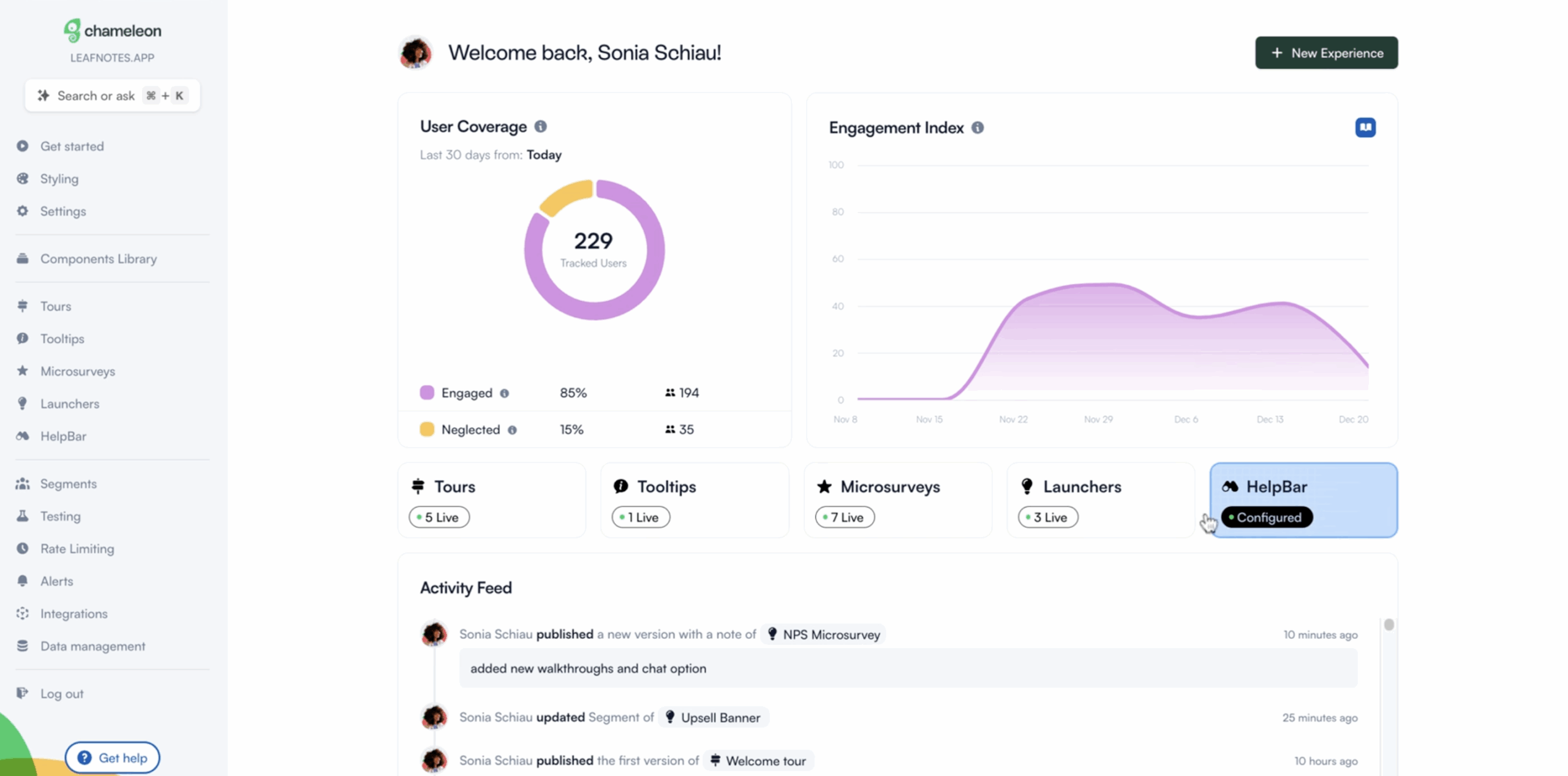
Pricing: Chameleon’s Startup plan runs about $279/month for up to 2,000 monthly tracked users, and Growth starts near $999/month for higher MTU volumes.
Why consider Chameleon:
- Copilot AI agent that helps build and adjust in-app experiences.
- HelpBar for surfacing tours, in-app surveys, and help articles.
- Real-time Slack alerts when survey responses come in.
Where Chameleon falls short:
- Confusing Launcher and survey setup.
- Web-only, with no mobile SDK available.
- No session replays or auto-capture available.
- No branching-logic follow-up survey questions.
4. UserGuiding
UserGuiding is built for startups that need something up and running fast, for cheap. It works fine at first but hits a ceiling once teams need real user segmentation or analytics.
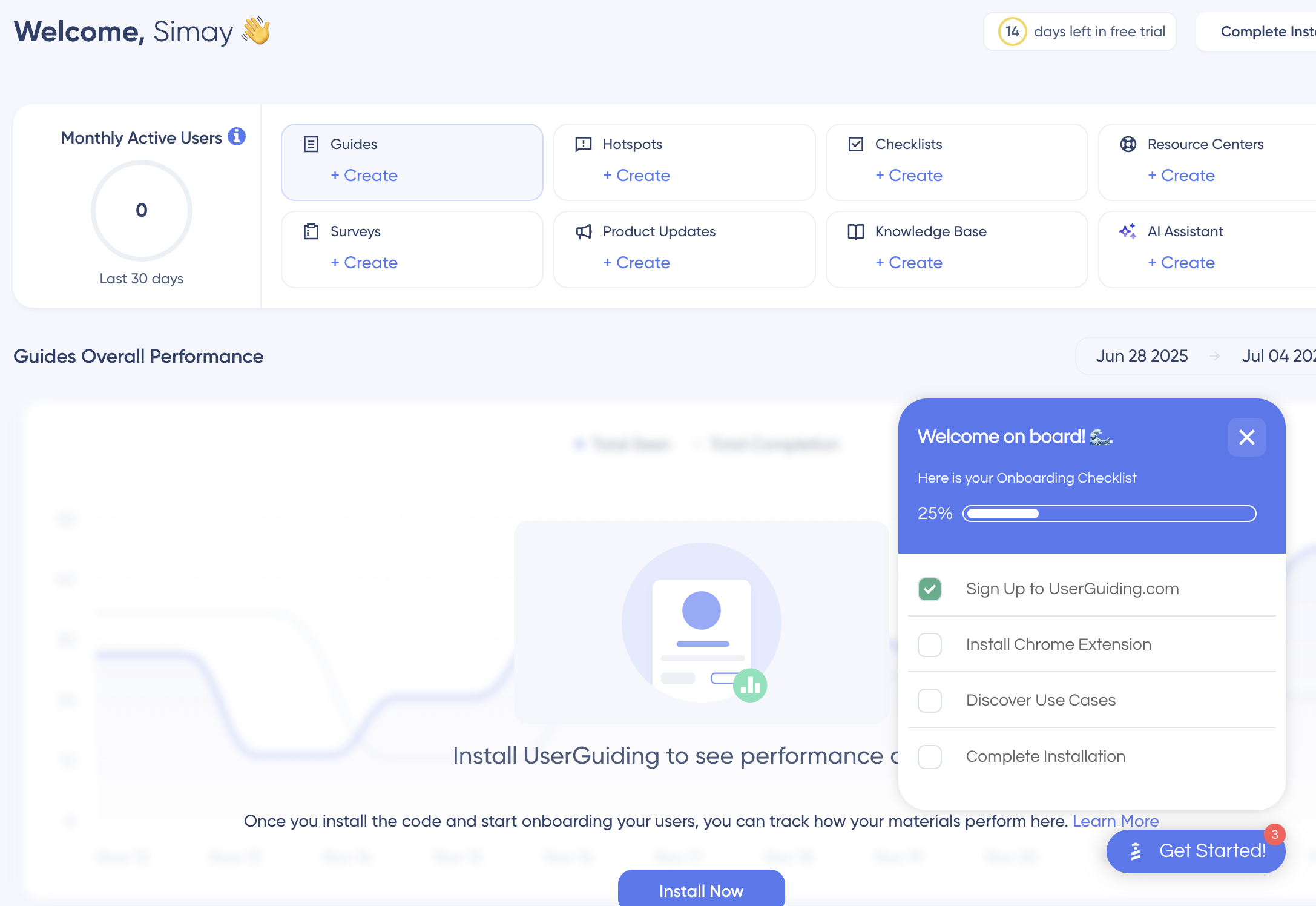
Pricing: UserGuiding added a free Support Essentials tier (knowledge base only), with paid plans at $174/month for Starter and $349/month for Growth (both billed annually).
Why consider UserGuiding:
- One of the most affordable entry points on this list.
- Slack integration to keep onboarding progress visible to the team.
Where UserGuiding falls short:
- No behavior tracking or usage analytics.
- Feature tagging needs developer help.
- Flows fire in creation order, with no way to prioritize which one a user sees first.
- Limited integrations with tools like Salesforce or Zendesk.
5. Userflow
Userflow splits its pricing into two separate products: Adoption Studio for building in-app flows, and a chat-based Adoption Agent that answers user questions and points them to a flow.
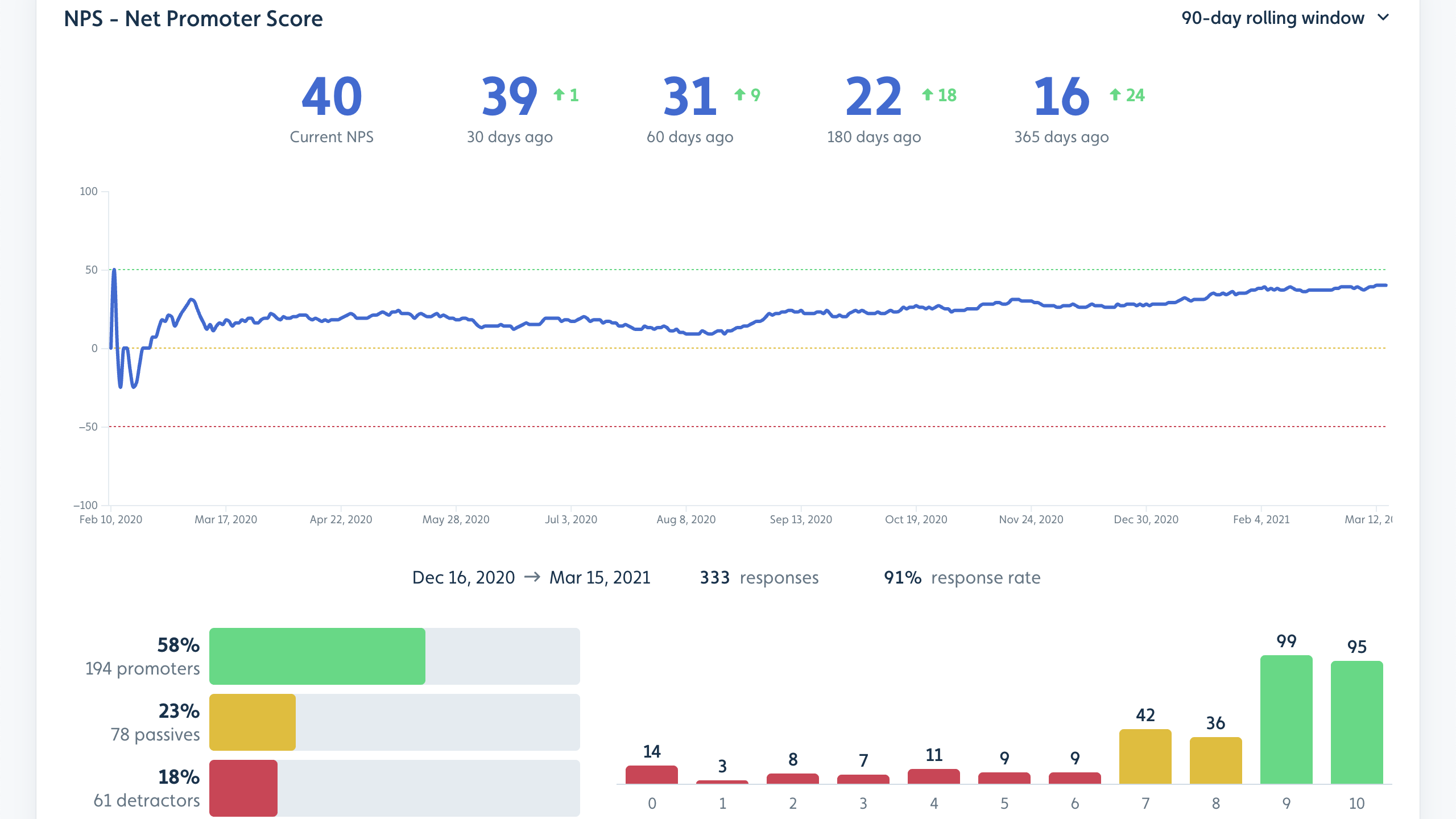
Pricing: Adoption Studio starts at $400/month (billed annually) for up to 1,000 MAUs. Adoption Agent starts at $80/month (billed annually) for 500 AI credits, with 100 extra credits for $20.
Why consider Userflow:
- Adoption Agent answers user questions in-app by training on your own docs and help content.
- Both products share the same flow library, so building once covers both use cases.
- Lightweight product that’s genuinely fast to build with.
Where Userflow falls short:
- Flows get built in a Kanban view instead of inside your live app.
- No built-in analytics beyond what a flow itself is able to report.
- Surveys can only live inside flows, with no branching logic.
6. Intercom’s Proactive Support add-on
Intercom is a customer support platform first, with its product tour feature existing as an add-on for teams already paying for its main support suite.
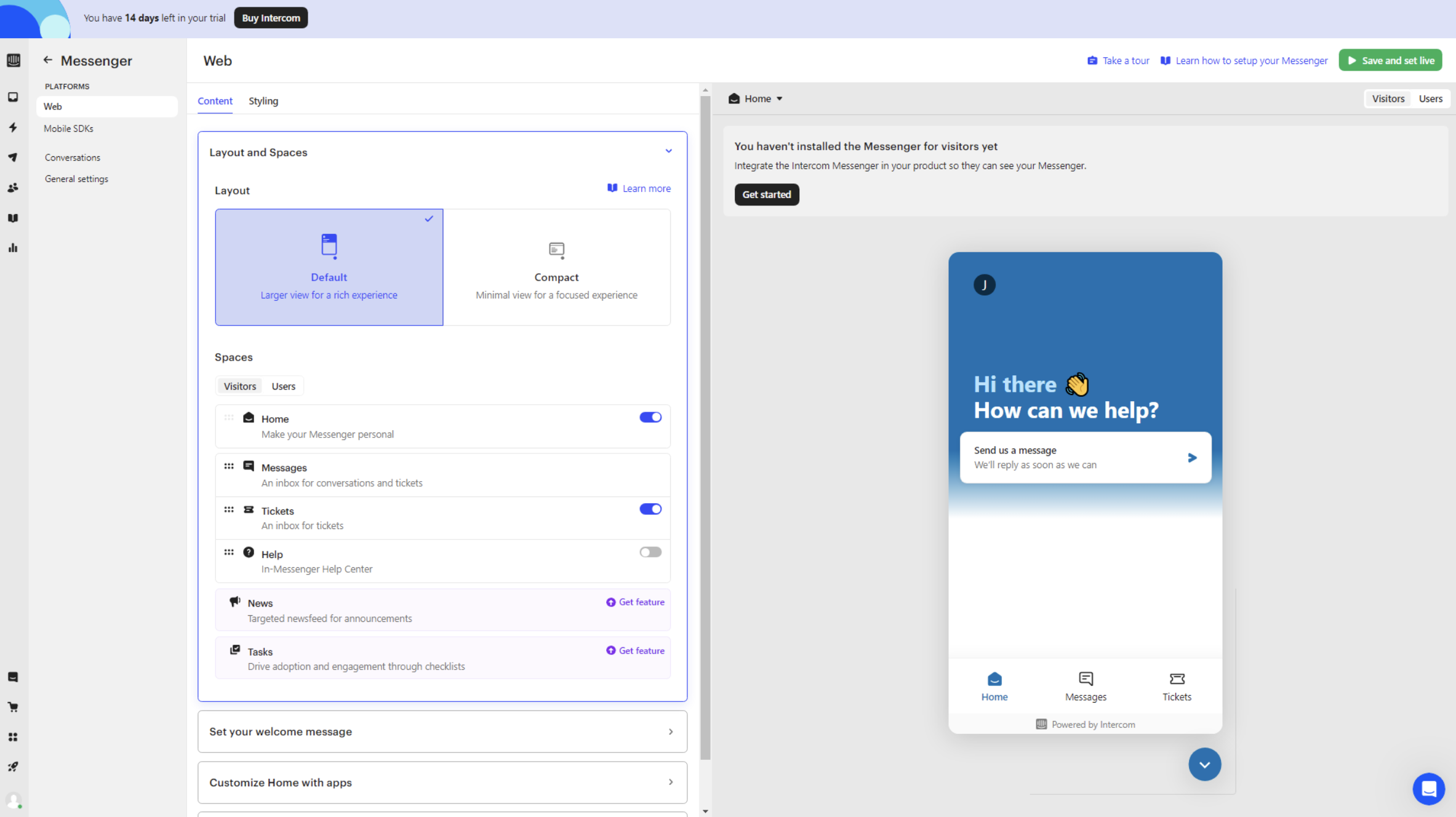
Pricing: The Proactive Support Plus add-on starts at $99/month for 500 message sends, with usage-based overage past that (on top of Intercom’s base plan pricing).
Why consider Intercom:
- Tours that integrate directly into live chat and messaging sequences.
- Support agents can send users straight into a relevant tour mid-conversation.
Where Intercom falls short:
- Thin onboarding feature set compared to dedicated tools.
- No segmentation for targeting tours at specific user groups.
- No real product analytics with usage tracking or event data.
- Compounding costs across seats, resolutions, and message sends.
Userpilot competitors for employee onboarding
The two tools below solve a different problem than the rest of this list: getting employees productive inside internal software, not onboarding paying customers into your own product.
7. WalkMe
WalkMe was already the biggest name in employee-side digital adoption, and it’s now owned outright by SAP, which completed its $1.5 billion acquisition of the company in September 2024.
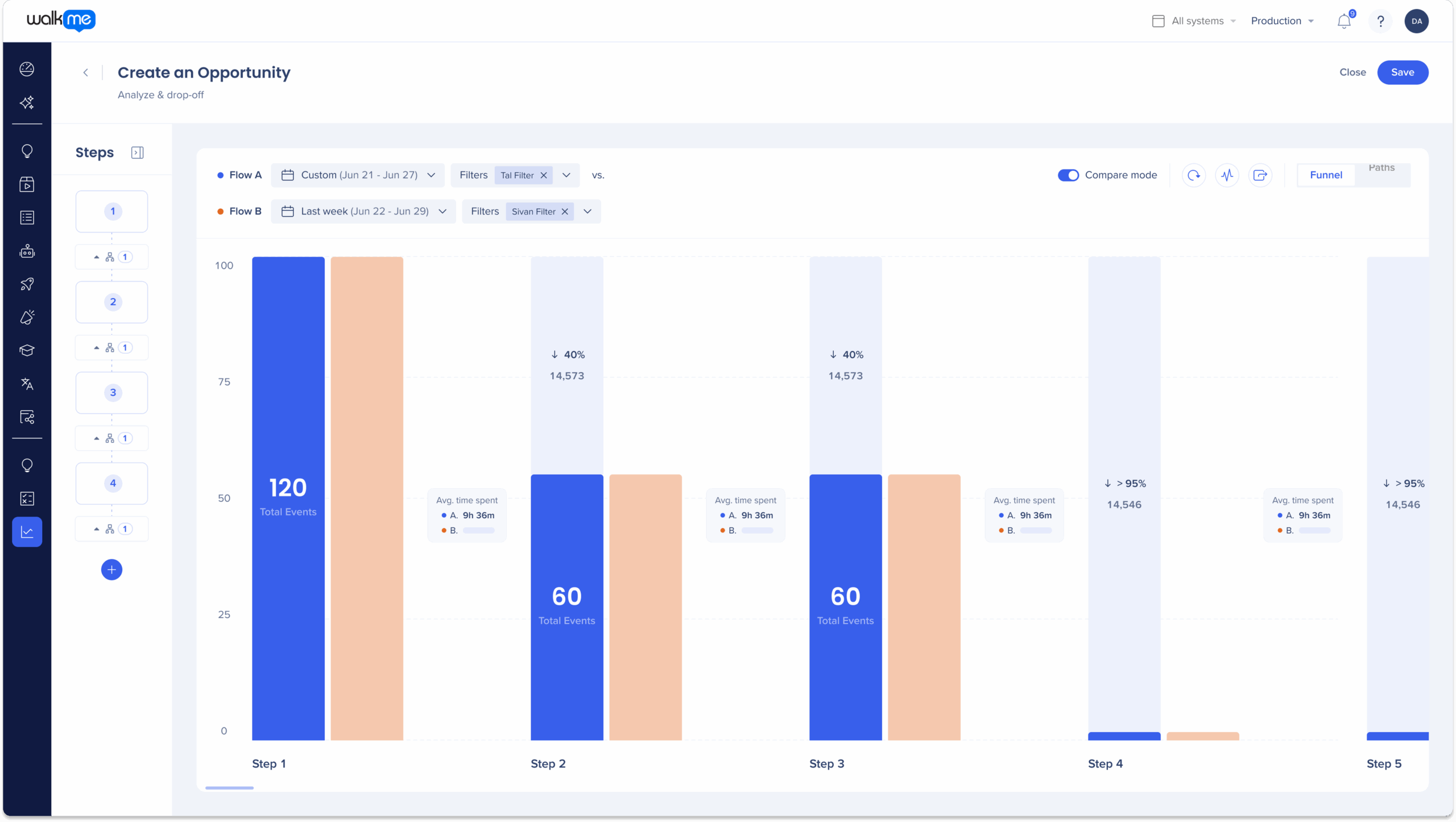
Pricing: WalkMe pricing has never been published publicly, but Vendr’s tracked deals put the median contract at roughly $39,000/year.
Why consider WalkMe:
- ActionBot automates routine tasks with step-by-step guidance.
- Deep workflow and app-usage analytics built for enterprise teams.
- The strongest brand recognition in employee-side digital adoption.
Where WalkMe falls short:
- No retention or user-adoption analysis.
- Complex to implement, with no templates.
- Basic survey logic with little customization.
- Tied to SAP’s roadmap and pricing models.
8. Whatfix
Whatfix competes directly with WalkMe for enterprise digital adoption budget, split across a web product and a separate mobile product.
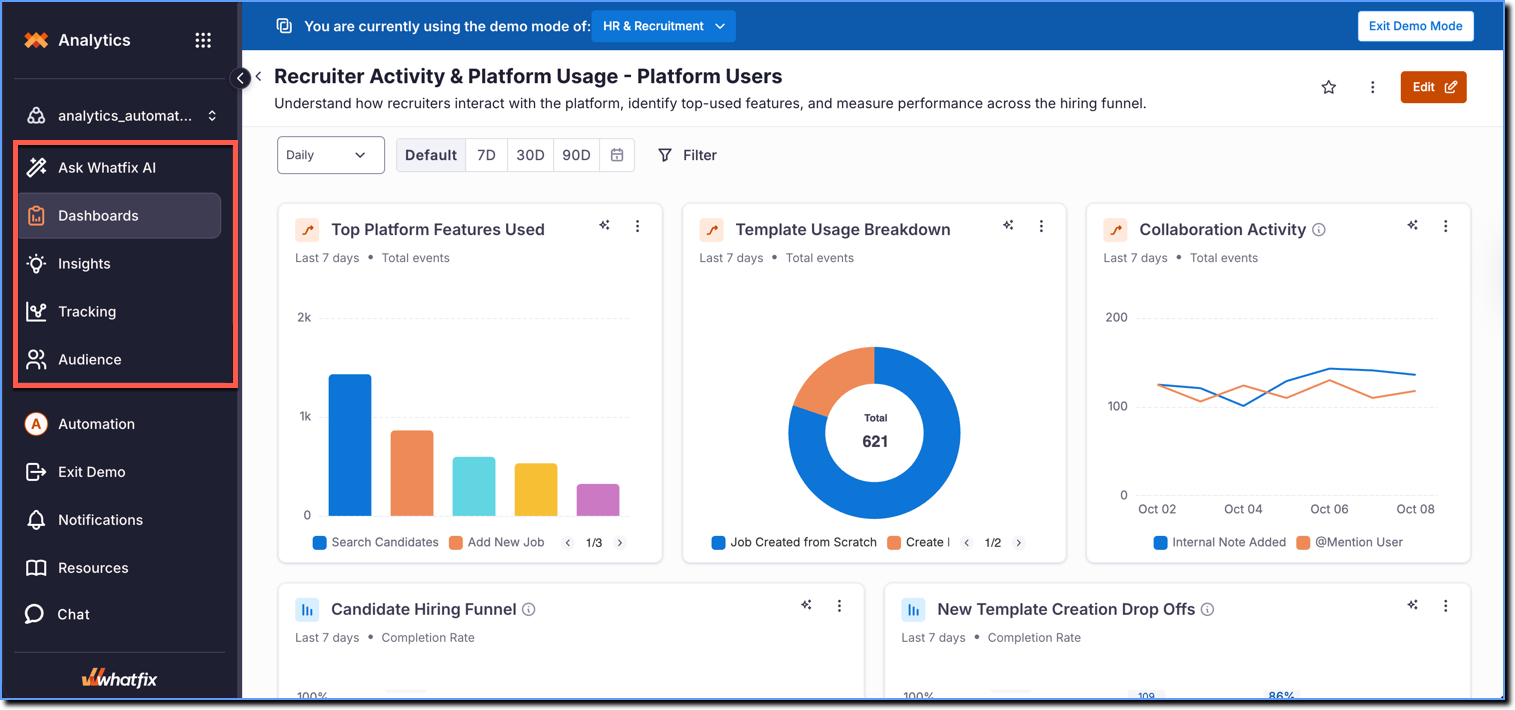
Pricing: Whatfix pricing isn’t published either, but Vendr’s data puts the average contract at roughly $31,950/year, with enterprise deals running well past the $100,000 mark.
Why consider Whatfix:
- Auto-testing flags flows broken by product updates before users hit them.
- Multi-format content export turns a flow into a video, PDF, or slide deck.
- Interactive Launchers guide users through specific tasks or workflows.
Where Whatfix falls short:
- Basic survey templates with no branching logic.
- Resource center without checklists or targeting.
- Steep learning curve to implement and maintain.
Userpilot competitors for product analytics
Mixpanel and Amplitude both live in the analytics lane, with no onboarding or engagement capabilities. This is why they work best as third-party integrations rather than as your only tool.
9. Mixpanel
Mixpanel remains one of the most widely adopted product analytics tools, with deep reporting and extensive integrations.
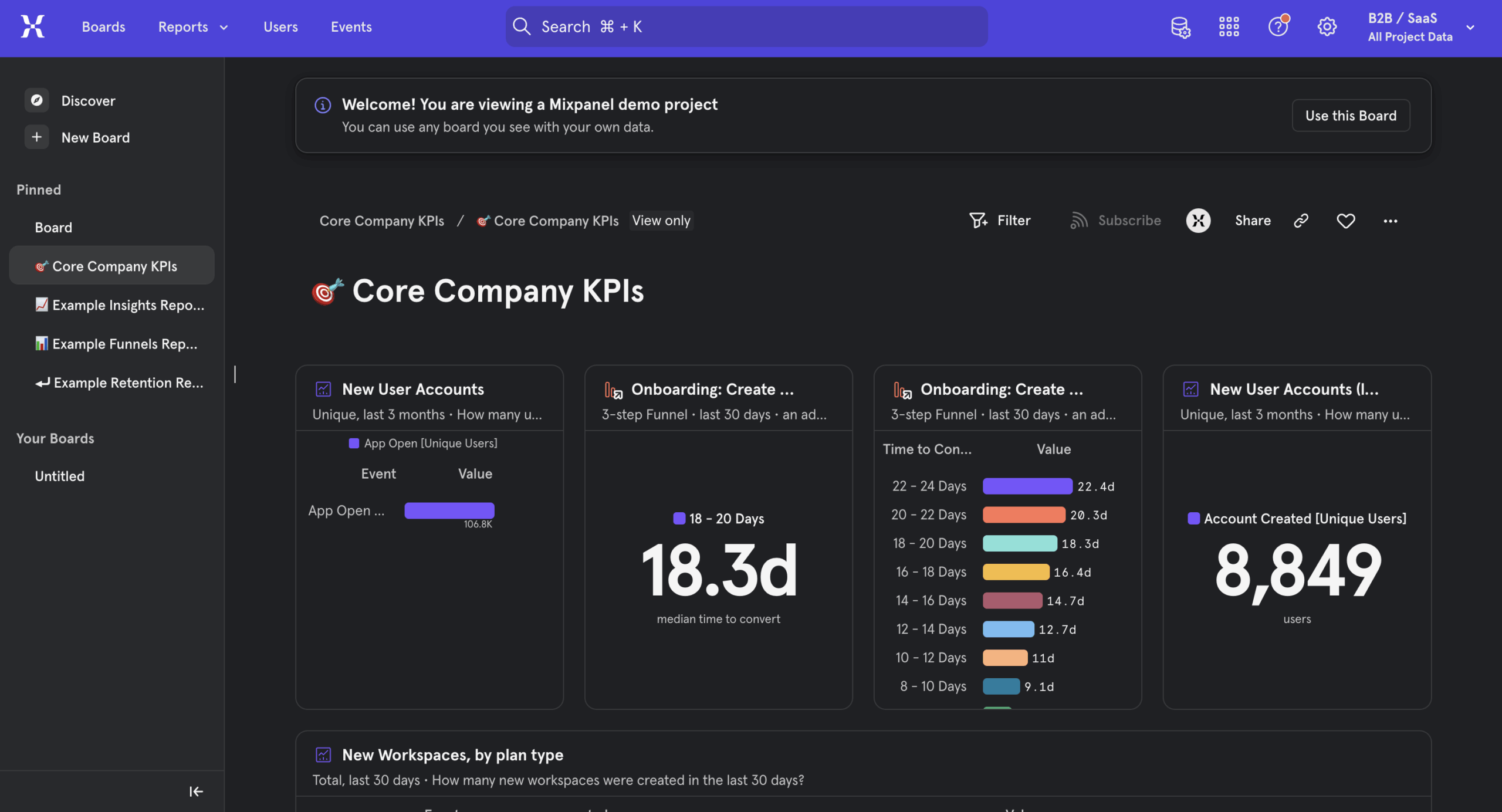
Pricing: Mixpanel pricing includes a free plan covering up to 1 million events a month. Its Growth plan keeps that first million free, then charges $0.28 per 1,000 events beyond that.
Why consider Mixpanel:
- Over 100 pre-built dashboards for instant reporting.
- Signals and Impact reports for correlation analysis.
- Wider integration library than most tools covered here.
Where Mixpanel falls short:
- No autocapture or feature tagging, so event tracking requires manual setup.
- Event-based pricing means monthly costs fluctuate rather than staying predictable.
- Group-level segmentation is a paid add-on.
- No way to act on insights directly — you’ll still need a separate tool to build in-app flows.
10. Amplitude
Amplitude remains the analytics platform of choice for data-science-heavy teams, especially at the enterprise level.
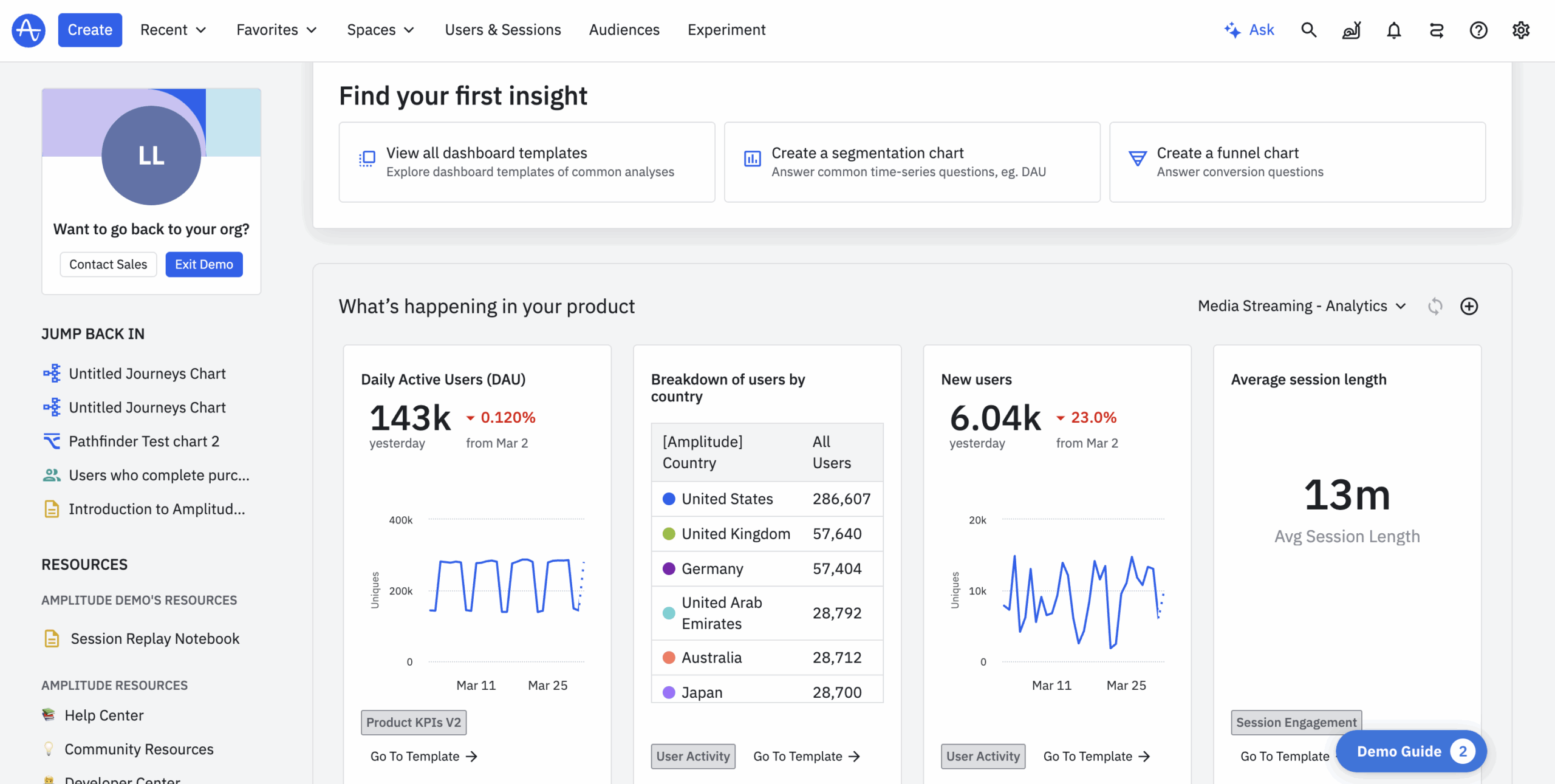
Pricing: Amplitude pricing includes a free plan covering 2 million events a month with no credit card required. Plus starts at $0 but scales with volume, landing well into the hundreds of dollars per month at higher event counts.
Why consider Amplitude:
- Feature flags for managing and testing rollouts.
- Real-time hourly reporting in Amplitude’s analytics feature, where Userpilot only offers daily, weekly, and monthly views.
- Ask Amplitude, an AI assistant that answers plain-language questions straight from your data.
Where Amplitude falls short:
- Built for data scientists first, which makes it less approachable for non-technical teams.
- Autocapture still needs developer configuration to label events properly.
- Group-level segmentation is a separate paid add-on.
- Growth-tier customers don’t get a dedicated customer success manager.
Userpilot competitors for session replays
PostHog and Fullstory both center the product experience on watching real user sessions rather than building in-app flows, with neither touching the onboarding side of adoption.
11. PostHog
PostHog is open-source and self-hostable with a generous free tier, which makes it the natural pick for engineering-heavy teams that want full control over their data.
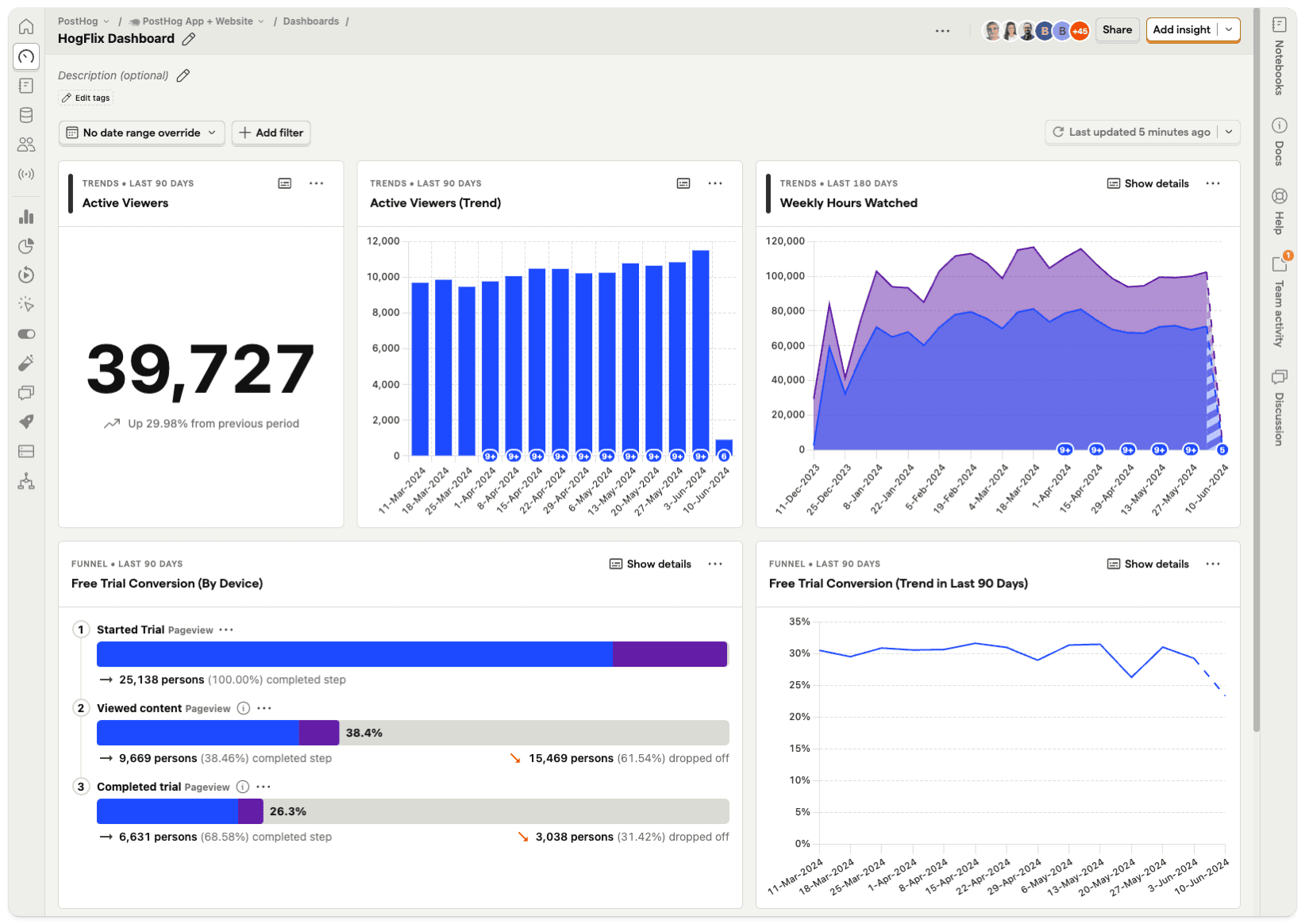
Pricing: PostHog pricing is usage-based, with a free tier covering 1 million analytics events, 5,000 session recordings, and 1 million feature flag requests a month, with unlimited team seats. Paid usage is billed per product beyond those limits.
Why consider PostHog:
- Feature flags for managing rollouts alongside analytics.
- Heatmaps for visualizing where users engage or get stuck.
- Fully open-source and self-hostable, so your team controls its own data.
Where PostHog falls short:
- Built for engineers, with a setup process that assumes technical fluency.
- No engagement or feedback tools built in beyond analytics and replays.
- Self-hosting also means your team owns ongoing maintenance.
12. Fullstory
Fullstory built its name on session replay paired with heatmaps and automatic error tracking, including AI that flags rage clicks and other frustration signals.
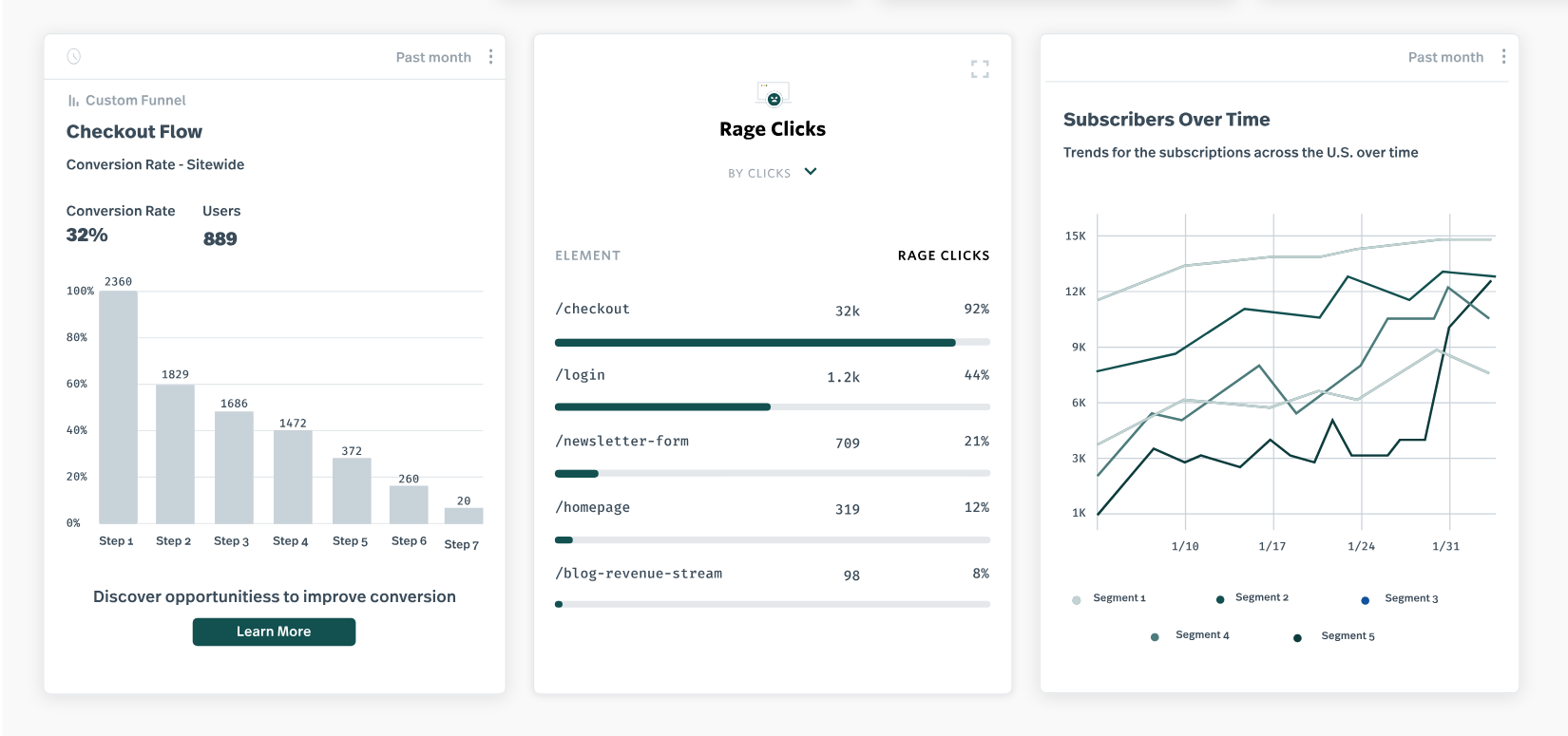
Pricing: Fullstory pricing starts around $199/month for the self-serve Advanced plan, but most customers still land on custom annual contracts. Vendr’s data shows a median cost of $27,504/year.
Why consider Fullstory:
- Wide range of heatmaps for understanding interaction patterns.
- Automatic error tracking that surfaces usability issues proactively.
- Broad integrations with popular tools such as Salesforce and Adobe.
Where Fullstory falls short:
- No company-level segmentation.
- Unpredictable session-based pricing.
- No engagement or feedback modules.
- Fairly technical platform to fully master.
So which Userpilot competitor is actually worth it?
None of these Userpilot alternatives are bad tools. They’re just built to solve narrower problems than Userpilot, which is exactly why they’re worth considering if that narrow problem is the only one you have. If you need onboarding, analytics, feedback, and session replay working off the same data set, stitching together three or four of these tools will cost more than getting a single Userpilot plan to handle everything on a unified platform.
If you want to see how Userpilot covers everything you need on a single subscription, book a demo so we can explore your use case and product needs!
Disclaimer: Userpilot strives to provide accurate information to help businesses determine the best solution for their particular needs. Due to the dynamic nature of the industry, the features offered by Userpilot and others often change over time. The statements made in this article are accurate to the best of Userpilot’s knowledge as of its publication/most recent update on July 26, 2026.
About the author